
Huddlekit is the closest free Atarim alternative for agencies that want client review and nothing bundled around it. Website projects open from a URL with nothing to install, the free plan covers 3 team members with unlimited client guests, and breakpoint switching and CSS inspection come on every plan, with side-by-side breakpoints on Pro and Team. Pro is $19/month for 3 members, against $67/month for Atarim Pro. Atarim is the better fit if you want workflow automation and its AI teammates in the same tool — this page is for teams who found that layer got in the way.
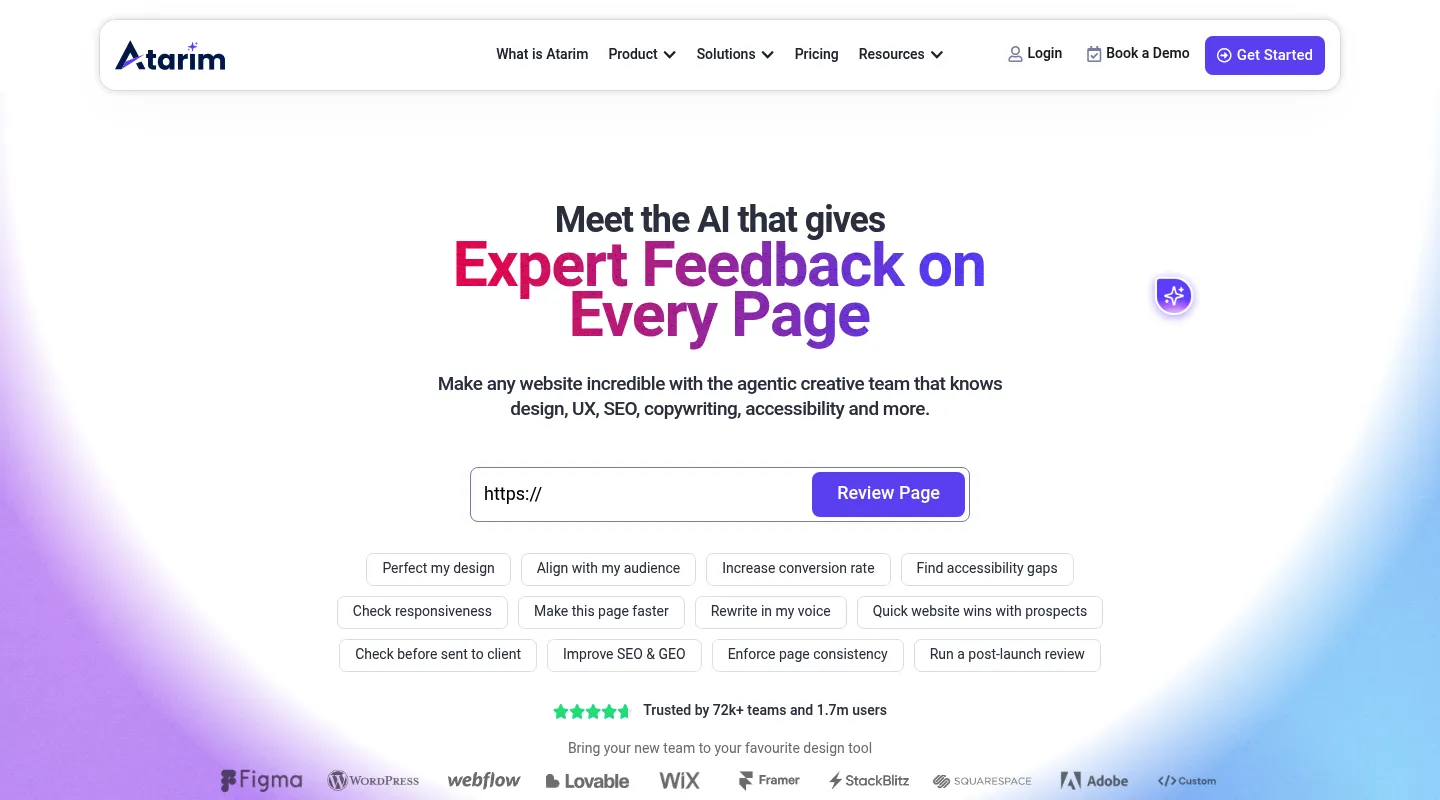
Atarim is a powerful agency and WordPress feedback-and-workflow platform. It bundles visual client feedback with task and workflow management, then layers on an "InnerCircle" of AI teammates — characters like Pixel, Claro, and Lexi — that offer design, UX, SEO, copywriting, and accessibility suggestions. That's a lot of platform. Atarim has a limited free plan, and the full product sits on its one paid self-serve plan, Pro, at $67/month. If you only want to collect client feedback on a website and get on with the work, the breadth is more than you need.
Most people shopping for an Atarim alternative land in one of two groups. Either they want the agency workflow — feedback plus a task board — without the AI layer and the $67/month price, or they only ever wanted straightforward website review and never needed a full creative platform. This guide sorts the best 2026 alternatives by which group you're in.
Why teams look for Atarim alternatives
Atarim is capable, but a few things consistently send teams looking elsewhere:
- The AI layer is more than most need: The InnerCircle of AI teammates adds automated audits many teams never asked for when all they wanted was to pin a comment on a page.
- The free plan is limited, and the paid plan is $67/month: Atarim has one paid self-serve plan, so getting past the free plan's limits means paying for the whole platform, AI included.
- Built for larger agencies: Pricing and workflow depth target bigger teams, which can feel like overkill for a freelancer or a small studio.
- WordPress roots: Atarim grew out of WP FeedBack. It now works on any site through Quick URL or its Chrome extension, but its WordPress plugin is still where the integration runs deepest.
- A learning curve: Getting value from the AI characters means learning what each one does and how to configure it — time some teams would rather not spend.
What to look for in an Atarim alternative
Match the replacement to the job Atarim was actually doing for you:
- AI audits or plain feedback? This is the fork in the road. If you don't want automated SEO, accessibility, and copy suggestions, most of what you pay Atarim for goes unused.
- Setup: Opening a URL with nothing to install, versus a plugin, script, or browser extension. Atarim offers both routes (Quick URL, a Chrome extension, and the WordPress plugin), so this matters less than it used to.
- Workflow depth: Do you need a task board to turn comments into tracked work, or just somewhere to leave notes?
- Pricing model: Flat team pricing versus tier-gated features and per-seat costs changes your total quickly.
- Platform fit: WordPress-native tooling versus a tool that treats every site the same.
Best Atarim alternatives compared
1. Huddlekit — Best for straightforward client review with a task board
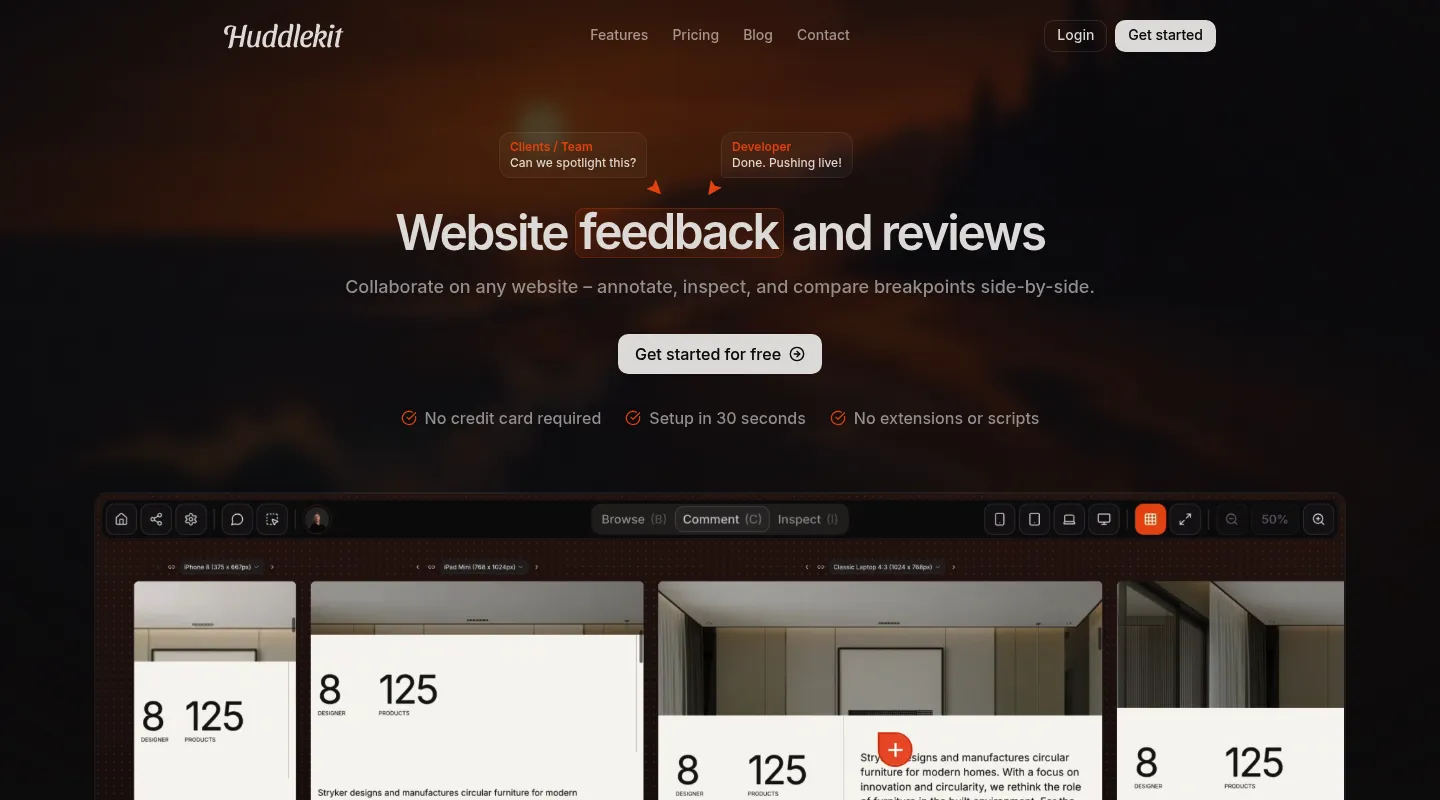
If your real job is collecting client feedback on websites and keeping it organized, Huddlekit gives you the review-and-track workflow at the center of Atarim without the AI platform wrapped around it.
Key differences from Atarim:
- No AI teammates to learn: Visual commenting and CSS inspection instead of configuring Pixel, Claro, and Lexi.
- Bring your own AI instead: On Pro and Team, an MCP connection lets Claude, Claude Code, or Cursor read each comment with its page, element, and screenshot, fix the code, then reply and resolve it.
- Nothing to install for website projects: Paste a URL and clients comment through Huddlekit's proxy. Atarim's Quick URL covers similar ground, so the difference is what sits around it: CSS inspection and breakpoints instead of AI teammates.
- Lower, flat price: Core review features on every plan; integrations on Team. Pro is $19/month for 3 members, against $67/month for Atarim Pro.
- Built-in Kanban board: Comments become tracked tasks, so the agency-workflow side of Atarim is covered without the AI wrapper.
- Tracker sync on Team: Comments can also go to Linear, ClickUp, Notion, or Trello with status synced both ways, or to Asana with completion synced both ways, alongside Slack notifications, Zapier, webhooks, and the API.
- Review more than live sites: Gather feedback on documents, images, and videos too.
- Breakpoints and CSS inspection: Switch between breakpoints on every plan (side by side on Pro and Team) and check typography, spacing, and colors without opening DevTools.
- Clients need no account: Reviewers comment straight from a shared link.
Pricing: Free plan available. Pro is $16/month billed yearly ($19 monthly) and includes 3 members, unlimited projects, and 5 GB storage; Team is $33/month billed yearly ($39 monthly), adding 15 seats and 50 GB. Every paid plan carries a 30-day money-back guarantee.
Pros:
- Live in minutes with no configuration
- Clean interface clients pick up without training
- Responsive testing and CSS inspection built in
- Flat pricing with members included
- 30-day money-back guarantee
Cons:
- No AI-powered audits (SEO, accessibility, copywriting) like Atarim's
- No WordPress plugin
- Free plan is 1 project; side-by-side breakpoints need Pro and integrations need Team
Verdict: When the AI creative platform was never the reason you signed up, Huddlekit delivers the feedback-and-task workflow you actually use, at a flat and predictable price.
Best for: Agencies, studios, and freelancers who want client review plus task tracking without an AI layer.
"Clients love dropping comments that instantly become actionable. Nothing falls through the cracks." — Douglas, Digital Designer @ Snöboll
Client review and a task board, minus the AI platform.
Try Huddlekit2. BugHerd — Best for agency task management without AI teammates
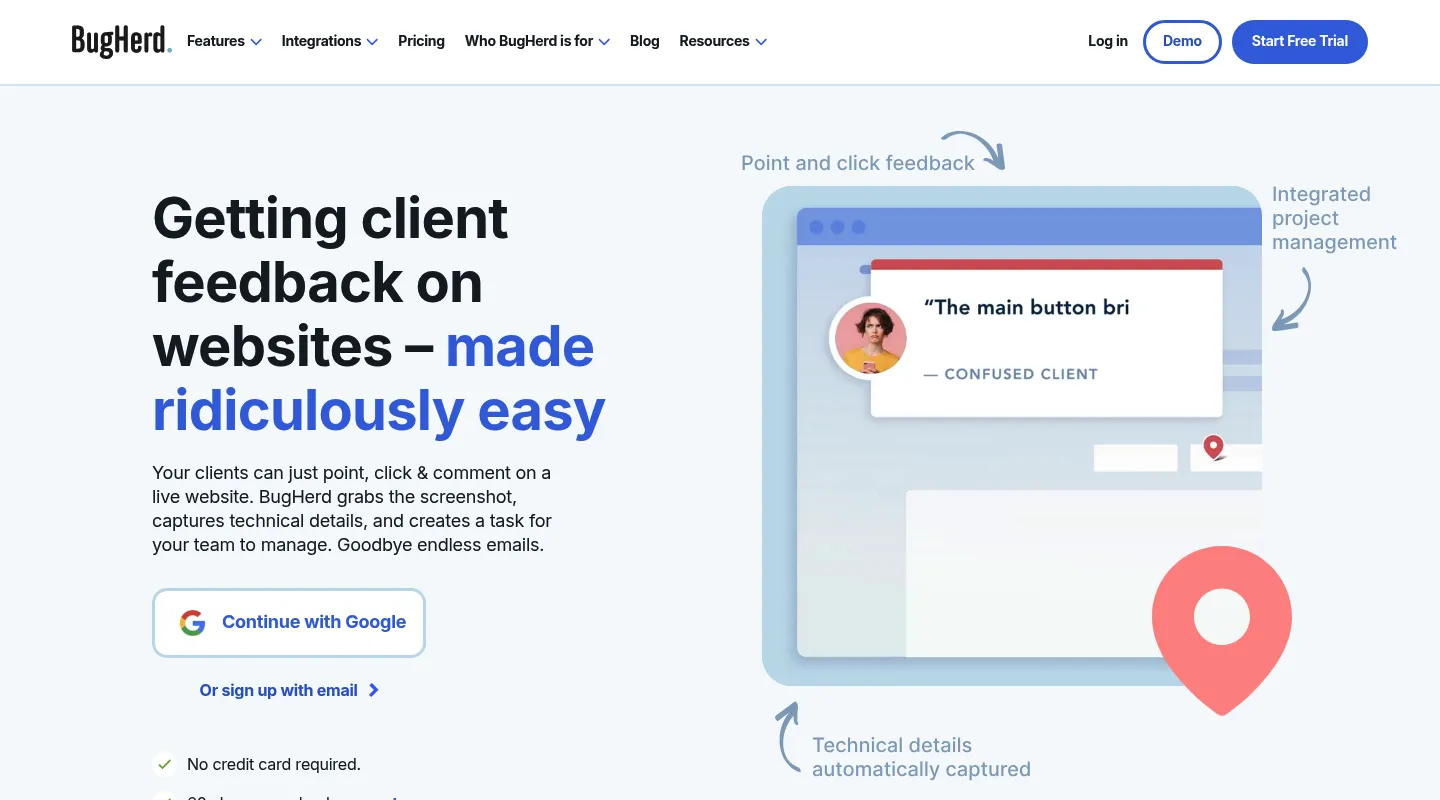
BugHerd pairs point-and-click website feedback with a built-in Kanban board, so it covers the agency task-management side of Atarim while skipping the AI teammates.
Key differences from Atarim:
- Feedback becomes a task board: Comments turn into cards on an integrated Kanban you manage in-app.
- Proven since 2011: An established tool. It has added BugHerd AI and an MCP (both in beta), but there's no AI-teammates layer to configure.
- Automatic technical metadata: Captures browser, OS, and screen details with each report.
- Script or extension: BugHerd runs on a JavaScript snippet, or each reviewer installs its browser extension if you can't add code.
- Integrations by tier: Standard includes Trello, Slack, GitHub, and Zapier; Jira, Asana, Linear, ClickUp, and Monday need Premium ($150/month) and up.
Pricing: $50/month for 5 members ($42/month billed annually). No free plan, though there's a free trial.
Pros:
- Built-in task management
- Established and dependable
- No AI teammates to configure
Cons:
- Needs a script on the site or an extension for each reviewer
- Interface feels dated
- No responsive testing
- Higher entry price than Huddlekit, and no free plan
Best for: Agencies that want feedback and task tracking in one place without AI teammates.
3. Pastel — Best for the simplest client review
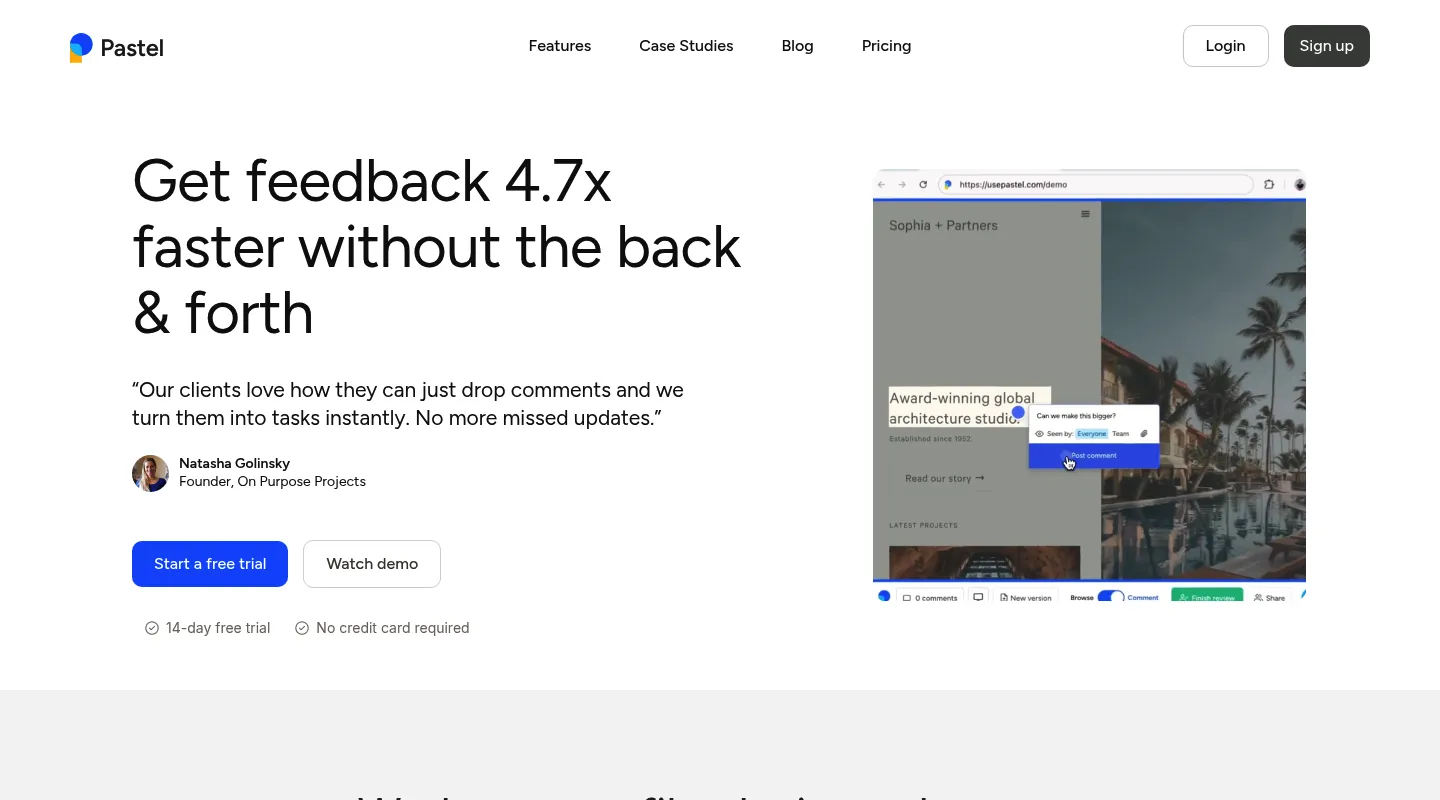
Pastel strips things back to the essential: comments on a live site, shared by link, with nothing else in the way. If Atarim feels like a platform when you wanted a single feature, Pastel is the opposite extreme.
Key differences from Atarim:
- Bare-bones by design: Just website commenting — no AI, no workflow platform to manage.
- URL-based setup: Share a link and reviewers can comment; there's no script or plugin to install.
- Genuinely useful free plan: Solo work fits within 1 user and one active canvas, with no time limit.
- Simple per-user pricing: Easy to understand, though it climbs as you add people.
Pricing: Free plan (1 user, 1 active canvas). Pro is $35/month for 2 users and 3 active canvases; Team is $119/month for 5 users, then $24 per additional user.
Pros:
- Fast, no-install setup
- Free plan for solo reviewers
- Almost nothing to learn
Cons:
- One active canvas at a time on the free plan
- Per-user pricing gets steep ($119/month for five)
- A responsive tester for switching views, but no CSS inspection or side-by-side breakpoints
Best for: Freelancers who want the simplest possible way to collect client comments.
4. Ruttl — Best for live design tweaks
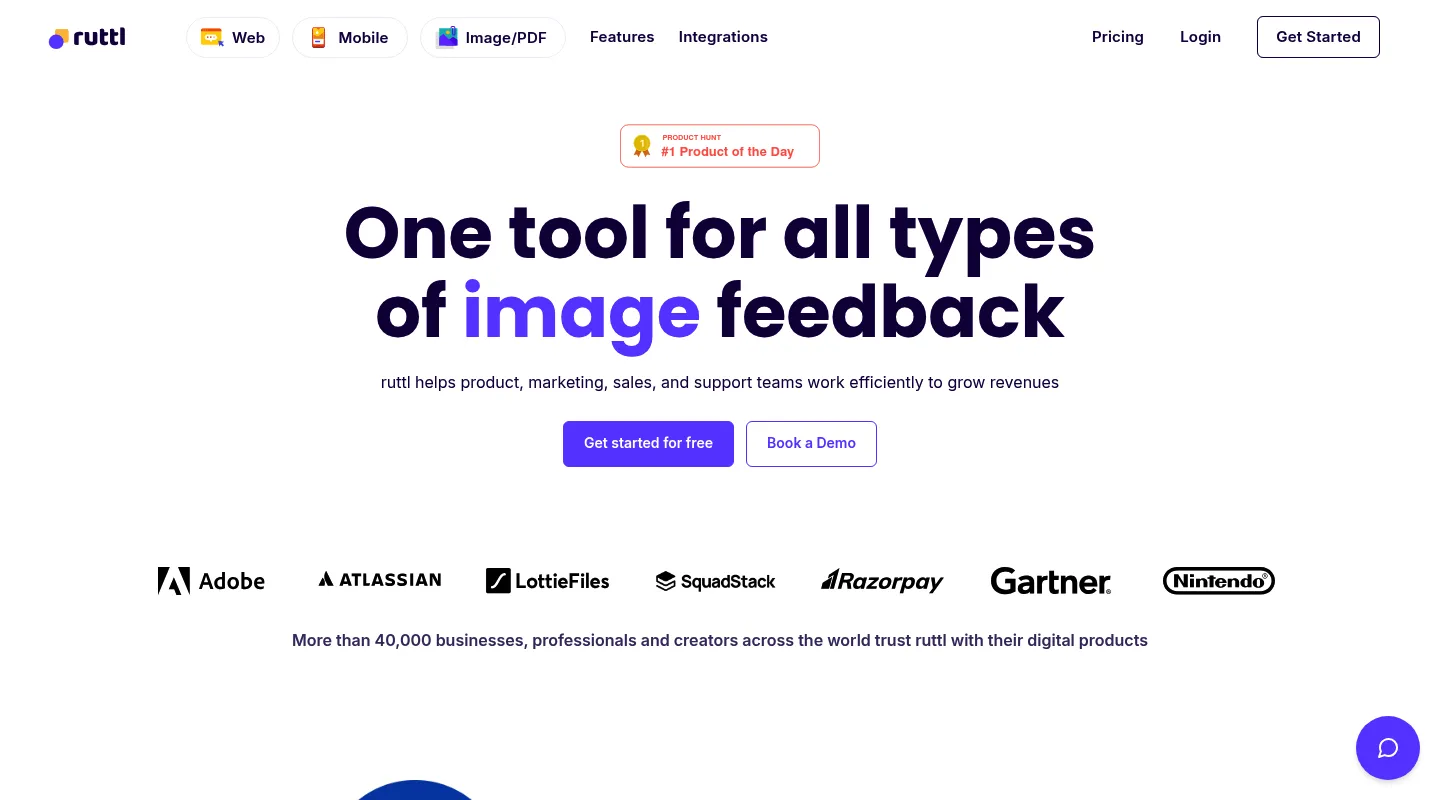
Ruttl leans into design feedback with something Atarim doesn't emphasize: editing the page live. Reviewers can change styles on the spot and export the CSS for developers.
Key differences from Atarim:
- Live CSS editing: Make real style changes during review and hand over the code.
- Video comments: Record walkthrough explanations for the trickier notes.
- Design-focused scope: Visual feedback without AI audits or a broad workflow suite.
- No script for websites: Paste a URL or use its Chrome extension; the NPM package is only for web-app and mobile bug tracking.
- Per-user pricing: A free plan to start, then the cost grows with each seat.
Pricing: Free Basic plan (up to 5 users, 1 project, 5 pages, 10 comments). Pro is $18 per user per month, so three people pay $54/month.
Pros:
- Live CSS editing is genuinely distinctive
- Video comments included
- Native Trello, Slack, Asana, and Jira integrations on every plan
Cons:
- Per-user pricing model
- Free plan caps you at 5 pages and 10 comments
Best for: Teams set on live CSS editing, where exporting the change as code matters more than the review workflow around it.
5. Marker.io — Best for developer debugging
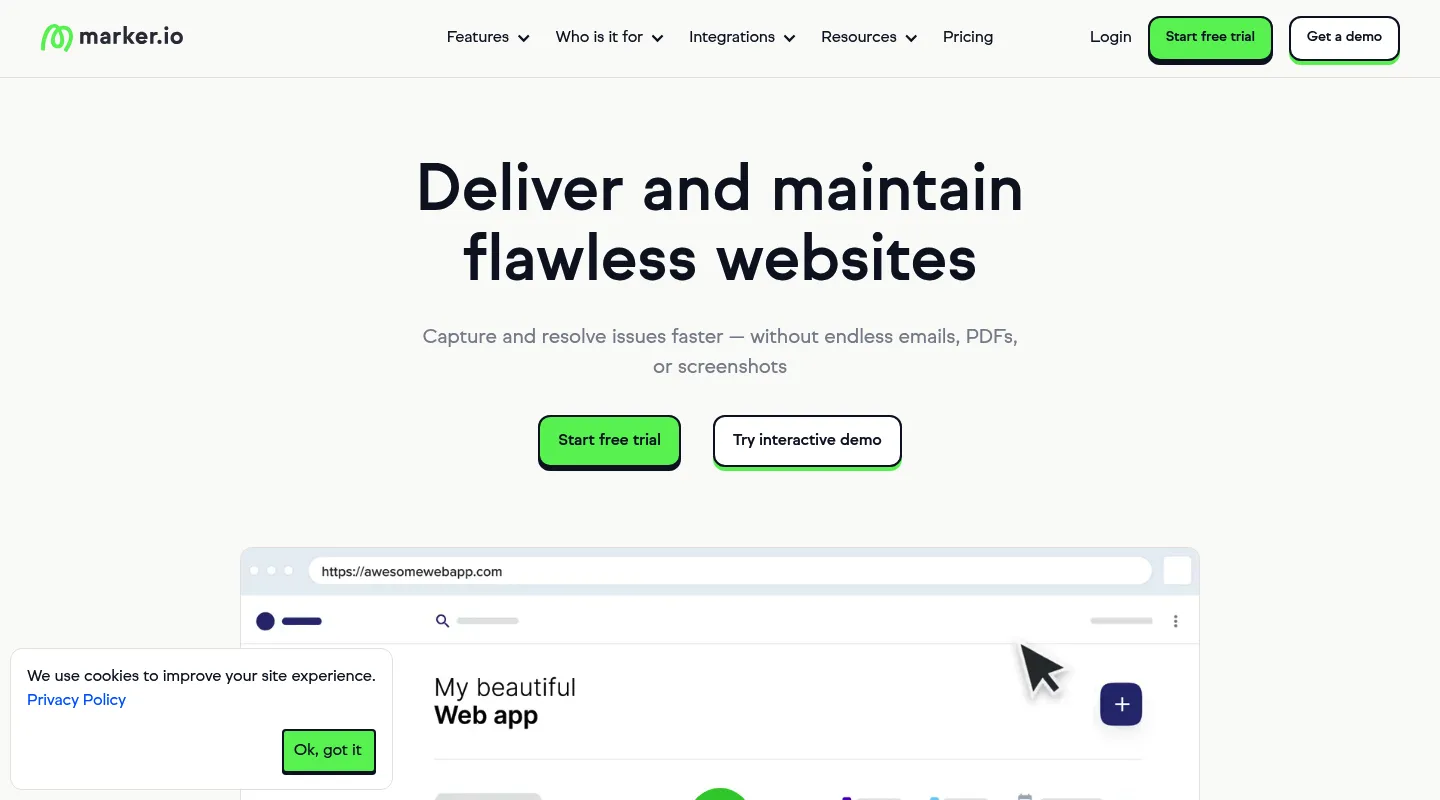
Where Atarim's smarts point at design and content, Marker.io points at engineering. It captures the technical context developers need and routes issues straight into your tracker.
Key differences from Atarim:
- Deep technical capture: On the Team plan, session replay, console logs, and network requests attach to every report.
- Two-way issue-tracker sync: Jira and two-way issue sync also start on Team; Starter has basic integrations.
- No AI audit layer: Straightforward bug and feedback reporting.
- Three ways to install: A JavaScript snippet, a no-code WordPress plugin, or a browser extension.
Pricing: Starter is $39/month billed yearly ($59 monthly) for 3 users, with screenshots, environment details, and basic integrations. Team, which adds session replay, console and network logs, and two-way sync, is $149/month billed yearly ($199 monthly).
Pros:
- Strong technical debugging and session context
- Deep dev-tool integrations
- No AI features to wade through
Cons:
- The debugging features need Team at $149/month billed yearly
- Developer-oriented, so it's overkill for design and client review
Best for: Development teams that need technical metadata landing directly in Jira or GitHub.
When to stick with Atarim
Atarim earns its place if:
- You genuinely want AI-driven design, UX, SEO, copywriting, and accessibility feedback
- You run a larger agency whose complex workflows Atarim's task and workflow tools support
- Your work is WordPress-heavy and native WP integration matters
- You want automated audits and have time to learn the AI teammates
- Pro's $67/month fits comfortably in your budget
When to switch — and to what
- You just want straightforward client review, no AI → Huddlekit or Pastel
- You want feedback plus an agency task board → Huddlekit or BugHerd
- You want live CSS editing and design tweaks → Ruttl
- You need CSS inspection or side-by-side breakpoints → Huddlekit (side by side on Pro and Team)
- You need developer debugging or Jira/GitHub sync → Marker.io
- Atarim's $67/month is the dealbreaker → Huddlekit or Pastel
Making the switch
Moving off Atarim is straightforward:
- Wrap up any active projects in Atarim if you need the record
- Remove Atarim's plugin or script from any sites that have one
- Set up your new workspace and configure it
- Invite your team — no AI characters to onboard this time
- Share fresh review links with clients
With a Huddlekit website project there's no install step — paste a URL and clients can comment right away. Compare the plans to see the difference, or contact us with questions about migrating.
Ready for feedback without the platform overhead?
Get startedFrequently asked questions
Is Atarim free to use?
Atarim has a free plan, but it's limited; the full platform is on its one paid self-serve plan, Pro, at $67/month. If you want to try a feedback tool before paying, Huddlekit's free plan includes 1 project and 3 team members, and Pro is $16/month billed yearly ($19 monthly) with a 30-day money-back guarantee.
Do I need WordPress to use Atarim?
No. Atarim started as WP FeedBack, but you can now comment on any live site by URL with Quick URL, or through its Chrome extension, as well as with the WordPress plugin. Its WordPress integration is still the deepest. Huddlekit also opens website projects from a URL with nothing to install, and handles every stack the same way.
Are Atarim's AI teammates worth it?
It depends on your workflow. The AI characters can auto-surface SEO, accessibility, and design suggestions, which suits large agencies that want continuous audits. Smaller teams often find the analysis adds noise over signal and would rather gather human feedback in a focused tool.
What's the best Atarim alternative for agencies?
It comes down to what you're replacing. For no-install client review with a built-in task board, Huddlekit fits most agencies. If you want a long-established task board, BugHerd works well; for the simplest free option, Pastel; for live CSS edits, Ruttl; and for developer debugging with Jira sync, Marker.io.
Can Huddlekit replace Atarim?
For most client-review work, yes. Huddlekit handles visual feedback, responsive testing, CSS inspection, and Kanban task tracking without Atarim's built-in AI layer. If you want AI in the loop, Pro and Team connect your own agent (Claude, Claude Code, or Cursor) over MCP. The trade-off is that you give up Atarim's automated AI audits and its native WordPress tooling.
Conclusion
Atarim has grown into an ambitious platform — feedback, workflow, and an AI InnerCircle rolled into one. For large WordPress agencies that use all of it, that's a fair trade. For everyone else, $67/month for Pro pays for a lot of platform you may never touch.
Sort your choice by the job you actually have: BugHerd for an established agency task board, Pastel for the simplest free review, Ruttl for live CSS editing, Marker.io for developer debugging — and Huddlekit if you want straightforward client review and task tracking without an AI platform built around it.
See Huddlekit's plans or reach out to talk through your workflow.
Want the wider field? Our guide to the best website annotation tools puts Atarim next to the alternatives.