
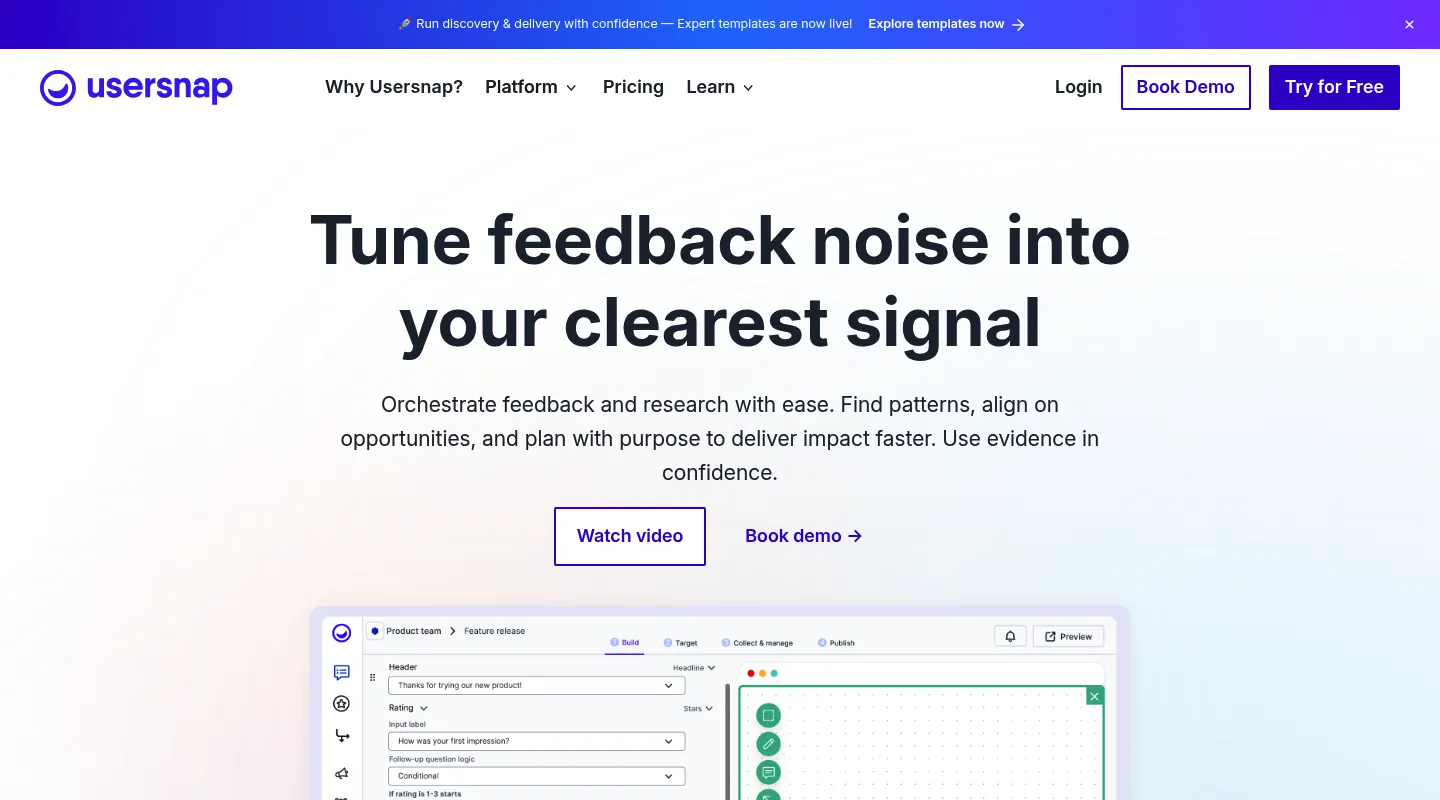
Huddlekit is the closest free Usersnap alternative for teams that came for visual feedback and not the survey platform. Website projects need no widget or extension, there is a free plan for 3 team members with unlimited client guests, and responsive preview with CSS inspection built in. Usersnap is still the stronger fit for in-product micro-surveys and NPS at enterprise scale.
Usersnap is an enterprise feedback platform built around in-product surveys, micro-surveys, NPS, and detailed bug capture. That breadth is the point — and also the problem. If you came for visual website feedback and bug reports, you end up paying from €39/month billed yearly (€49 monthly) for a survey-and-roadmap suite you may never touch, plus a widget on the site or a browser extension for every reviewer.
Most teams searching for a Usersnap alternative fall into one of two camps: they want the same technical bug capture without the survey bloat, or they're doing project-based client reviews and never needed a product-feedback platform at all. This guide sorts the best 2026 alternatives by which camp you're in.
Why teams look for Usersnap alternatives
Usersnap is an enterprise feedback platform built around in-product surveys, micro-surveys, NPS, and detailed bug capture — aimed at product teams, not agencies doing project-based client reviews. It's capable, but a few things consistently push teams to look elsewhere:
- You're paying for a survey suite you don't use: Surveys, micro-surveys, NPS, and feature-request boards are core to Usersnap's price — irrelevant if you just need visual feedback and bug reports.
- Enterprise pricing curve: Starter is €39/month billed yearly (€49 monthly), climbing to Growth at €89 (€109), Professional at €159 (€199), and Premium from €319 (€389).
- Something to install first: Usersnap collects through a widget on the site or a browser extension each reviewer adds, so setup comes before feedback — awkward on client-managed sites.
- No permanent free plan: New accounts get Premium access only until they've collected their first 20 feedback items, which is a short run for evaluating it on a real project.
What to look for in a Usersnap alternative
Match the replacement to the job Usersnap was actually doing for you:
- Do you need surveys and NPS, or just bug/feedback capture? This is the fork in the road — it decides which tools below are even relevant.
- Setup: Widget or reviewer extension (Usersnap-style) vs. URL-based access with nothing to install.
- Technical depth: Console logs, network requests, and environment data for developers.
- Pricing model: Per-user vs. flat team-based pricing changes your total quickly.
- Free plan: A permanent free tier, or trial-style access that ends after a set number of feedback items.
Best Usersnap alternatives compared
1. Huddlekit — Best if you never needed the survey suite
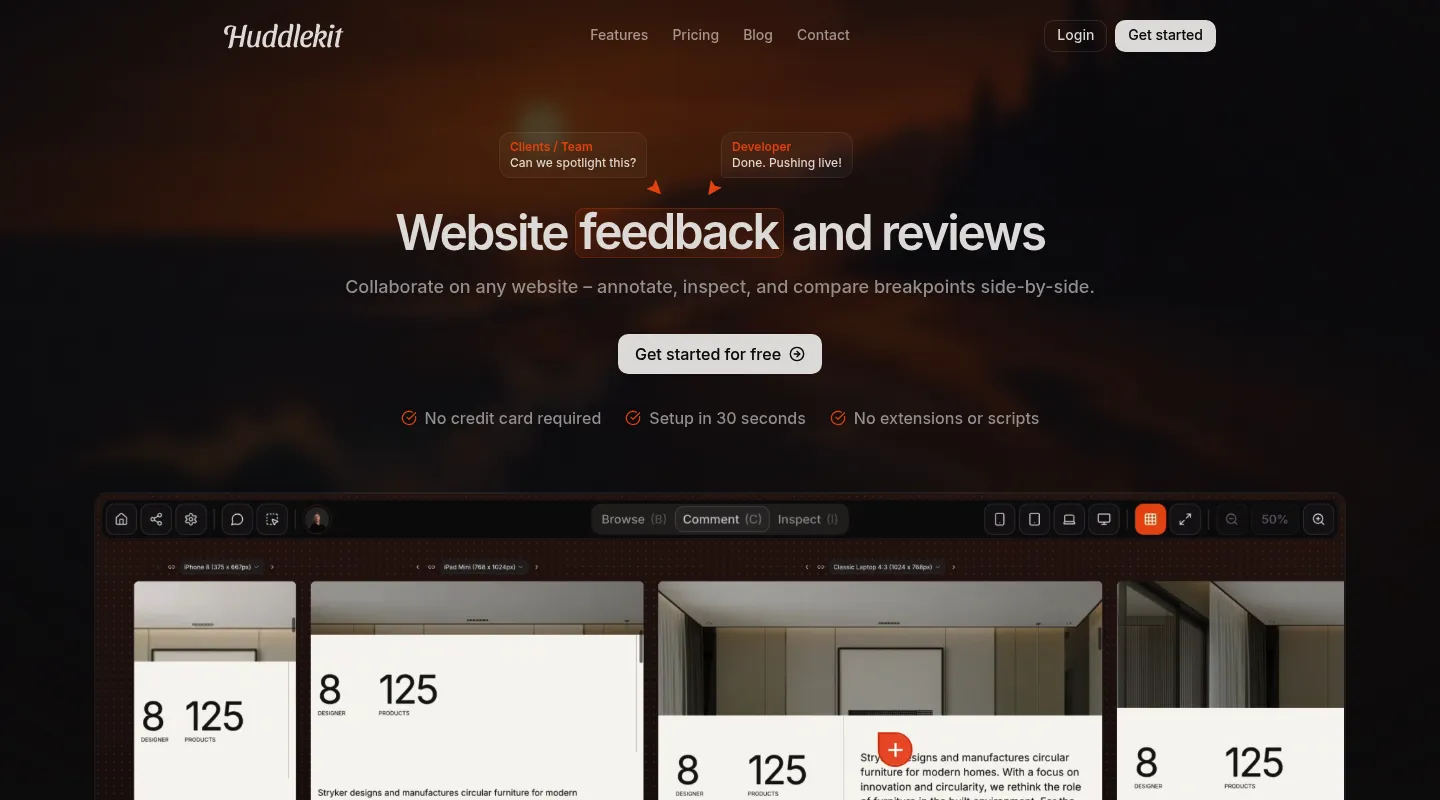
If your real job is project-based website review — agencies, freelancers, and design teams collecting client feedback — Huddlekit gives you the visual capture Usersnap is known for without the product-feedback platform wrapped around it.
Key differences from Usersnap:
- Nothing to install for website projects: Pages work from a URL — paste a link and share it. No widget on the client's site and no extension for reviewers.
- Automatic debugging context: Browser, viewport, device, and element metadata attach to every comment, the way Usersnap's capture works.
- No survey bloat: Focused on visual commenting, CSS inspection, and breakpoint switching, with a side-by-side canvas on Pro and Team — you're not paying for NPS and roadmaps.
- Flat team pricing: $16/month billed yearly ($19 monthly) for 3 members vs. Usersnap's Starter at €39/month billed yearly (€49 monthly) and up.
- Plugs into your tracker on Team: Comments become Linear issues, ClickUp tasks, Notion pages, or Trello cards with status synced both ways, or Asana tasks with completion synced both ways. Slack, Zapier, webhooks, and the API cover the rest.
- Ready for AI agents: On Pro and Team, an MCP connection lets Claude, Claude Code, or Cursor read each comment with its screenshot and element, then reply and resolve it.
- Client-friendly: Reviewers comment without accounts or onboarding.
Pricing: Free plan (1 project, 3 members, no item cap). Pro is $16/month billed yearly ($19 monthly) with 3 members, unlimited projects, and 5 GB storage; Team is $33/month yearly ($39 monthly) for 15 seats and 50 GB. Every paid plan includes a 30-day money-back guarantee.
Pros:
- Nothing to install for website projects
- Far cheaper for feedback-only workflows
- A permanent free plan with no item cap
- 30-day money-back guarantee
Cons:
- No surveys, NPS, or feature-request boards
- Fewer enterprise compliance controls
- No native Jira integration (Zapier on Team covers it)
- One site per project, so several client sites means several projects
Verdict: The best fit when surveys and roadmaps were never why you signed up — you get Usersnap-style visual capture for project work at a fraction of the cost.
Best for: Agencies, freelancers, and design teams doing client website reviews.
"I love this tool! The UI is super intuitive and clean, and the best part is being able to see all the breakpoints side by side." — Mikael, Product Designer @ Team Blue
Usersnap-style capture, without the survey suite.
Try Huddlekit2. Userback — Best if you actually do want surveys and NPS
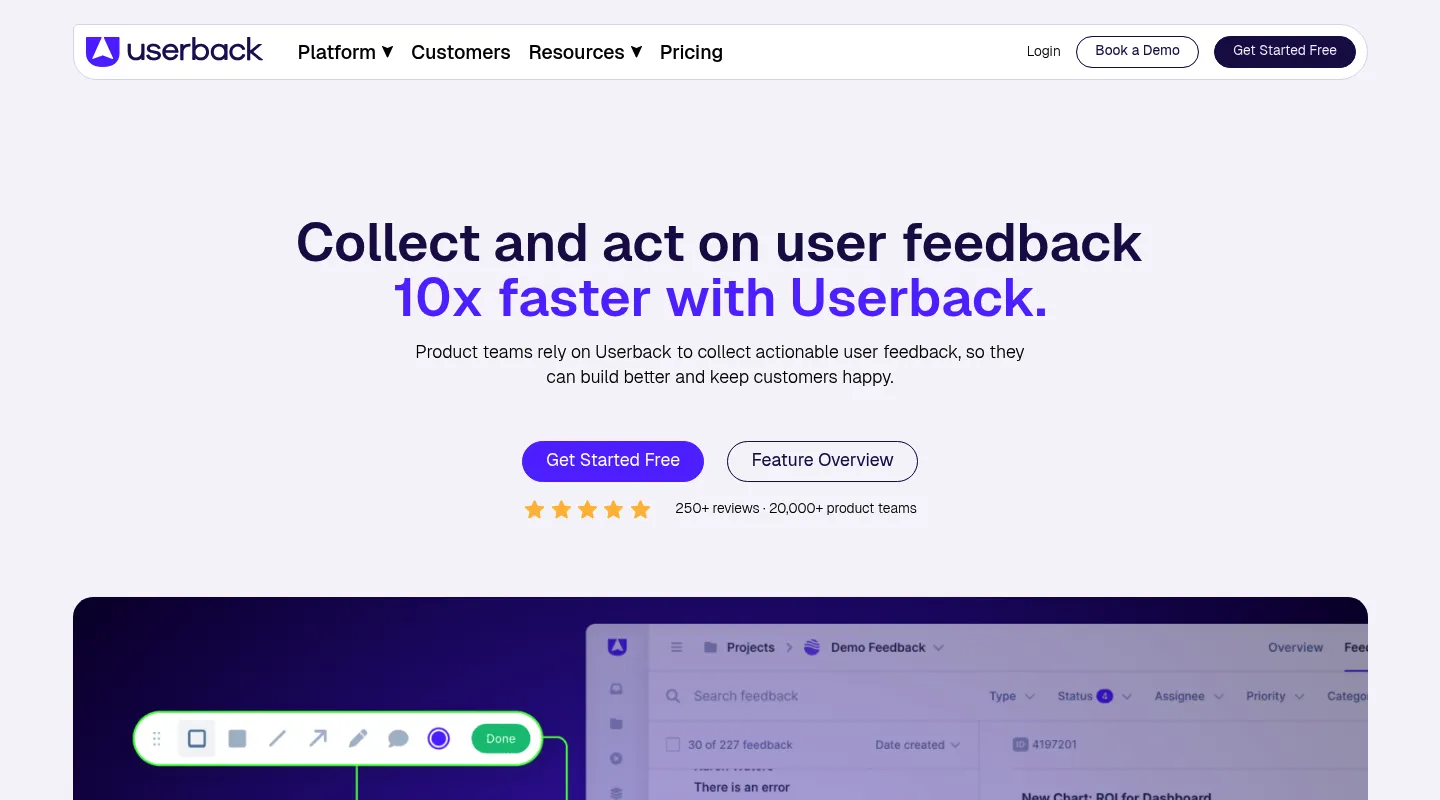
Userback is the closest like-for-like Usersnap alternative: it keeps the product-feedback side — surveys, NPS, feature voting, session replay — but with a simpler interface and a lower entry price. Choose it if you genuinely use those features and just want Usersnap done more simply.
Key differences from Usersnap:
- Same category, simpler setup: Product feedback plus visual annotation, with less configuration overhead.
- Surveys and NPS (Business and up): The Usersnap features you'd miss elsewhere on this list.
- Session replay (Business and up): Watch sessions to understand context behind a report.
- Same install options: Like Usersnap, it collects through a JavaScript widget on the site or a browser extension.
- A permanent free plan: 2 seats and 2 projects, with feedback kept for 7 days.
Pricing: Free plan (2 seats, 2 projects, feedback kept 7 days). Team is $29/month billed yearly ($39 monthly) for 5 seats; Business, where surveys, session replay, and console logs start, is $79/month billed yearly ($99 monthly).
Pros:
- Closest match to Usersnap's feature set
- More intuitive to configure
- Lower starting price than Usersnap
Cons:
- A widget or extension to set up
- Surveys and session replay need the Business plan
- Still more platform than feedback-only teams need
Best for: Product teams that use surveys and NPS but find Usersnap too complex or costly.
3. Marker.io — Best for deep developer debugging
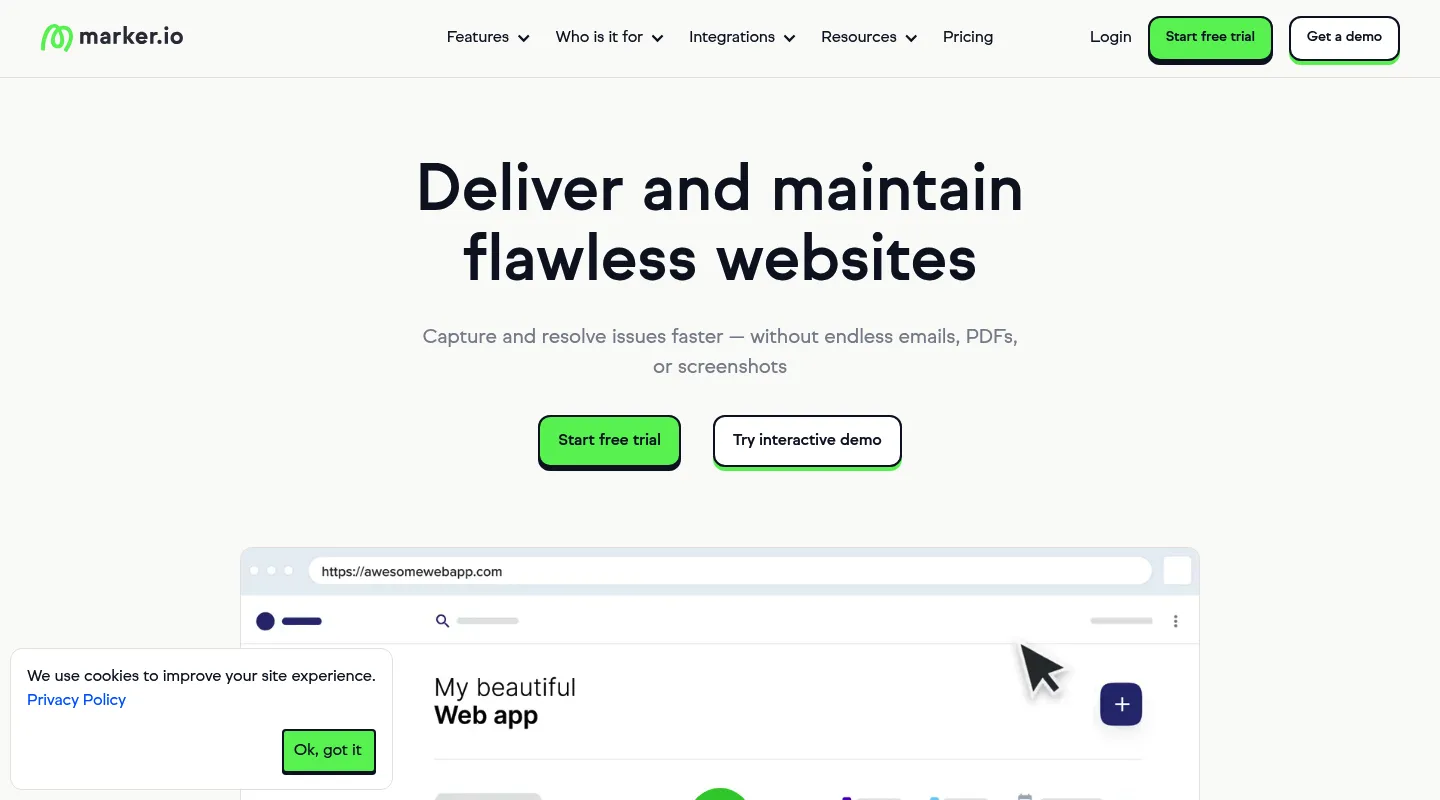
Marker.io strips the surveys away and doubles down on the technical side Usersnap developers rely on — then routes everything straight into your issue tracker.
Key differences from Usersnap:
- Deeper technical capture (Team plan): Console logs, network requests, and environment data with each report.
- Two-way issue-tracker sync (Team plan): Real bidirectional integration with Jira, GitHub, and Asana.
- No survey layer: Purely feedback and bug reporting.
- Similar install options: A JavaScript snippet, a no-code WordPress plugin, or a browser extension.
Pricing: No free plan. Starter is $39/month billed yearly ($59 monthly) for 3 users, with screenshots, environment details, and basic integrations. Session replay, console and network logs, and two-way sync start at Team, $149/month billed yearly ($199 monthly).
Pros:
- Strong technical debugging and session context (Team)
- Best-in-class dev-tool integrations
- Focused, no survey bloat
Cons:
- A snippet, plugin, or extension to set up
- The debugging depth sits on the $149+/month Team plan
- Overkill if you don't live in Jira/GitHub
Best for: Development teams whose reports need to land directly in Jira or GitHub with full technical context.
4. BugHerd — Best for turning feedback into managed tasks
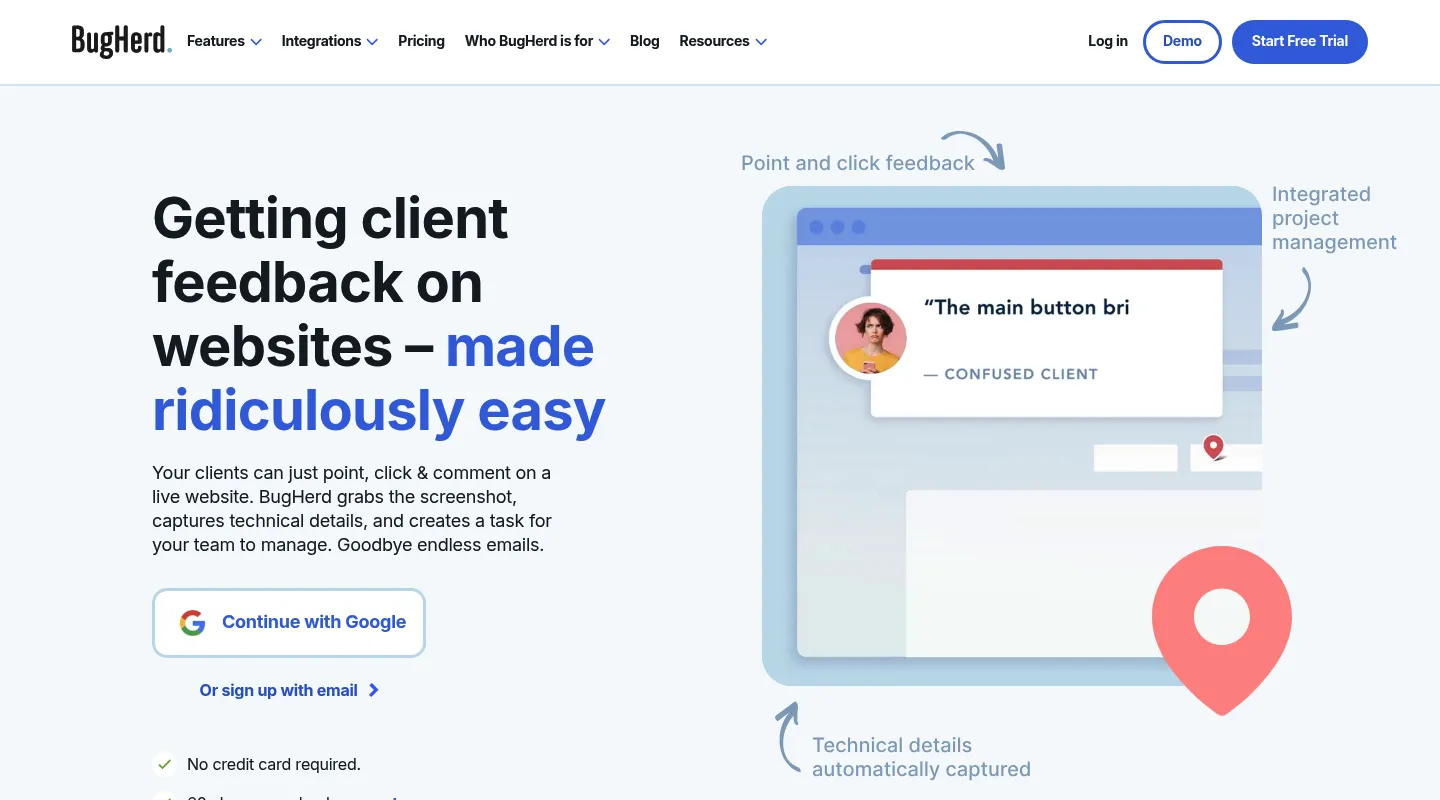
BugHerd pairs point-and-click website feedback with a built-in Kanban board, so client comments become tracked tasks — the project-management angle Usersnap doesn't emphasize.
Key differences from Usersnap:
- Feedback becomes a task board: Manage everything on an integrated Kanban without exporting.
- Client collaboration mode: A simplified surface for non-technical reviewers.
- Technical metadata: Captures browser, OS, and screen details automatically.
- Flat team pricing: $50/month for 5 members vs. Usersnap's escalating per-tier costs.
Pricing: No free plan; free trial. Starts at $50/month for 5 team members ($42/month billed annually).
Pros:
- Built-in task management
- Predictable flat team pricing
- Established integrations (Trello, Slack, and GitHub on Standard; Jira and Asana from Premium at $150)
Cons:
- Needs a snippet on the site or an extension for each reviewer
- No responsive testing or CSS inspection
- No surveys or NPS
Best for: Agencies that want feedback capture and task tracking in one place.
5. Ybug — Best lightweight, low-cost bug tracker
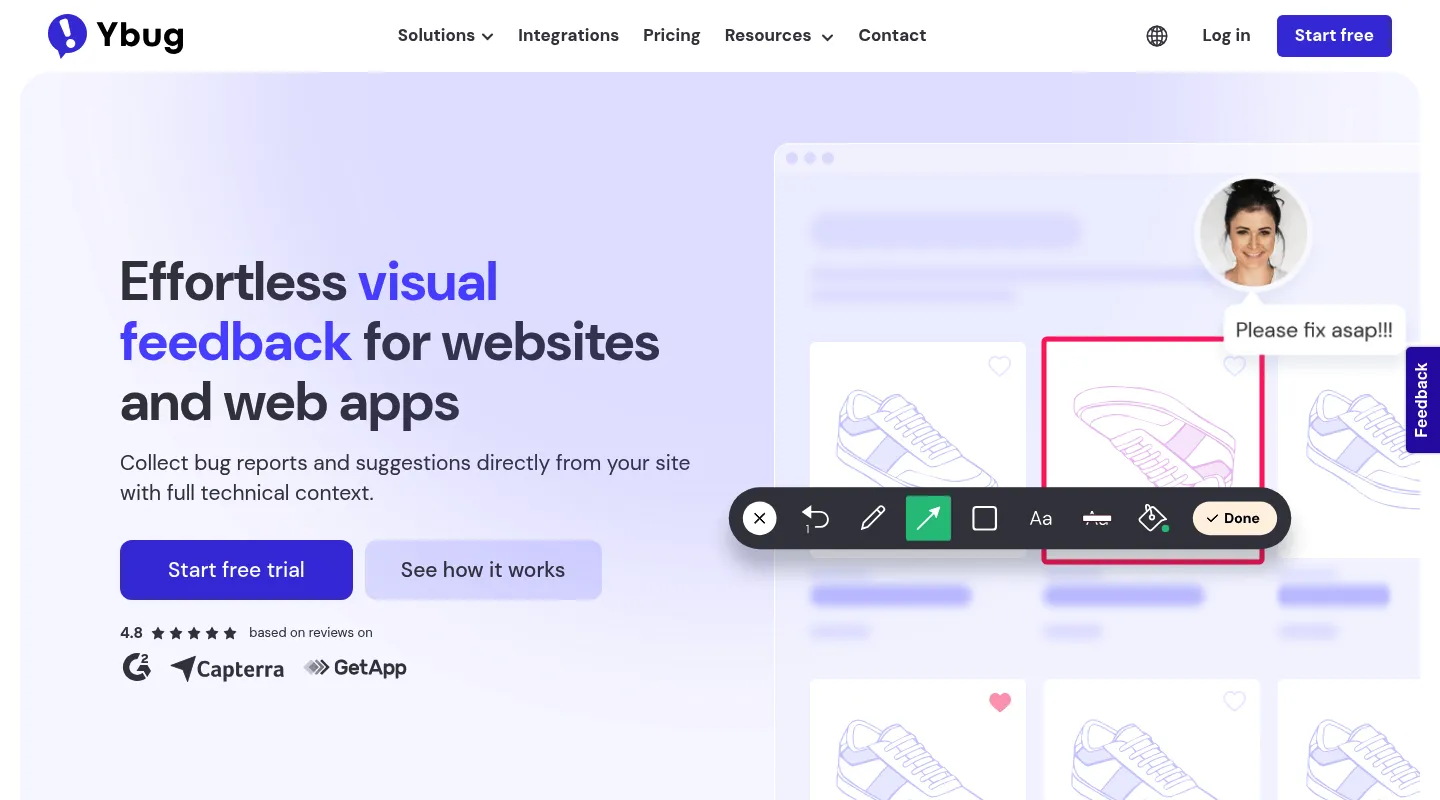
If you want Usersnap's screenshot-and-metadata capture stripped to the essentials — and priced accordingly — Ybug is the lean option. It does annotated bug capture well and skips the survey suite entirely.
Key differences from Usersnap:
- Plug-and-play capture: Annotated screenshots with browser, OS, console logs, URL, and screen size.
- Bug-focused scope: Built for reporting and reproducing issues, not product surveys.
- Much lower cost: Paid plans start at €10/month (billed annually) — a fraction of Usersnap.
- Still requires install: A JavaScript snippet or browser extension collects the feedback.
Pricing: Free plan available. Paid plans from €10/month (billed annually), scaling to €47/month for 15 members.
Pros:
- Very affordable
- Solid technical capture for developers
- Quick to set up
Cons:
- Requires widget/extension installation
- No responsive preview or CSS inspection
- Bug-reporting focus, light on design workflows
Best for: Small teams that want technical bug capture without paying for a full feedback platform.
When to stick with Usersnap
Usersnap earns its price if:
- You genuinely run in-product surveys, micro-surveys, and NPS
- You're an enterprise product team collecting continuous user feedback
- GDPR/CCPA compliance controls are non-negotiable
- Your organisation can absorb the enterprise pricing tiers
When to switch — and to what
- You never used the surveys → Huddlekit (project website reviews) or Ybug (lean bug capture)
- You do want surveys, just simpler → Userback
- You need Jira/GitHub-native debugging → Marker.io
- You want feedback plus a task board → BugHerd
- You don't want a widget on client sites or an extension for reviewers → Huddlekit
- Enterprise pricing is the dealbreaker → Huddlekit, Ybug, or BugHerd
Making the switch
Moving off Usersnap is straightforward:
- Export any essential data from Usersnap if you need a record
- Remove the Usersnap widget or extension from your sites and browsers
- Set up your new tool and configure your workspace
- Invite your team and rebuild your review workflow
- Share new review links with clients
With Huddlekit, website projects have no widget step — share a URL and clients can comment immediately. Check our pricing to see the difference, or contact us with questions.
Ready for feedback without the platform overhead?
Try HuddlekitFrequently asked questions
Is Usersnap free?
Not permanently. New Usersnap accounts get Premium access until they've collected their first 20 feedback items, then need a paid plan. Starter is €39/month billed yearly (€49 monthly, or $49/$59 in USD), rising through Growth (€89/€109) and Professional (€159/€199) to Premium from €319 (€389). If you want a free tier with no item cap, Huddlekit's free plan includes 1 project and 3 team members, and paid plans start at $16/month billed yearly ($19 monthly).
What's the closest alternative to Usersnap?
Userback is the nearest like-for-like — it keeps surveys, NPS, and session replay but is simpler and cheaper. If you don't actually use those product-feedback features, Huddlekit (for website reviews) or Ybug (for lean bug capture) will cost far less for the same visual capture.
Is Usersnap overkill for small teams?
Usually, yes. Usersnap is built for enterprise product teams, and much of its price covers surveys, NPS, and compliance features small teams rarely touch. For visual website feedback, a focused tool like Huddlekit delivers what most agencies use at a fraction of the cost.
Does Usersnap work across multiple domains?
Yes. Usersnap projects aren't bound to a single domain. Huddlekit is the one that's organised per site: each website project covers one site, so several client sites means several projects. That's unlimited on Pro and Team, but the free plan has room for just one.
How do I migrate off Usersnap?
Export anything essential, remove the Usersnap widget or extension, then set up your new tool and invite your team. With Huddlekit, website projects need nothing installed — share a URL and clients can start commenting right away.
Conclusion
Usersnap is a strong platform, but most of its price is the survey-and-roadmap suite around the feedback capture. If that suite isn't part of your workflow, you're paying for it anyway.
Sort your choice by what you actually need: Userback if you want the surveys done more simply, Marker.io for Jira/GitHub-native debugging, BugHerd for feedback-as-tasks, Ybug for lean low-cost capture — and Huddlekit if you're doing project-based website reviews and never needed a product-feedback platform in the first place.
See Huddlekit's plans or reach out to talk through your workflow.
Want the wider field? Our guide to the best website annotation tools compares Usersnap against the alternatives.