
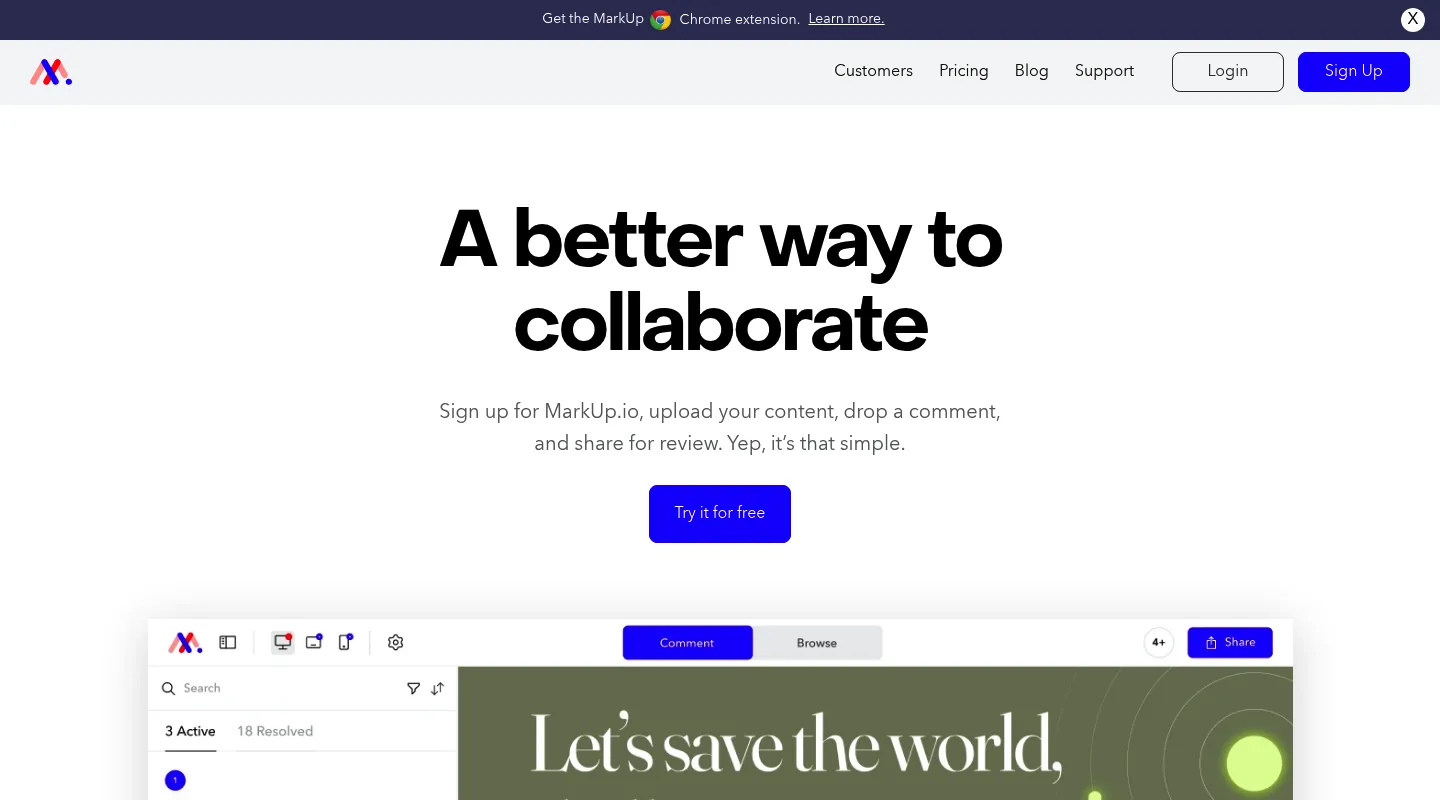
Huddlekit is the closest free Markup.io alternative since the 2025 price change. Markup.io moved from $29 to $79 a month and withdrew its free plan; Huddlekit keeps a free plan for 3 team members with unlimited client guests and adds breakpoint switching and CSS inspection, with side-by-side breakpoints on Pro and Team. Both work the same share-a-link way, so switching costs your clients nothing to learn.
Markup.io built its reputation on dead-simple visual feedback: drop a comment on a live site, share a link, done. Then early 2025 changed the math. The entry price jumped from $29 to $79 a month, a 172% increase, and the free plan disappeared in the same round of changes. For the freelancers and small agencies who made up much of its base, a tool that used to be an easy yes became a line item worth questioning.
The upside is that the visual-feedback category has more options, and cheaper ones, than when you first signed up. Most people shopping for a Markup.io alternative want one of two things: the same lightweight review workflow at a price that makes sense again, or a capability Markup never offered, like live CSS editing or a built-in task board. This guide is organized around that split.
Why teams look for Markup.io alternatives
Markup.io still does the core job, but a few things consistently send people looking:
- The 172% price jump: Entry pricing went from $29 to $79/month in early 2025, pricing out solo designers and lean agencies almost overnight.
- The free plan is gone: Markup dropped its free tier in the same change, so there's no no-cost way to run the occasional review.
- No responsive preview: You can't compare a layout across mobile, tablet, and desktop breakpoints inside Markup.
- No CSS inspection: Checking type, spacing, and color still means opening DevTools.
- Monthly usage caps: Pro covers unlimited users, but each tier caps you at 50–100 MarkUps (review files) a month, so a busy month can push you up to the $129 plan.
What to look for in a Markup.io alternative
Line up any replacement against the reasons Markup stopped fitting:
- Pricing model: Flat team pricing, per-seat billing, or a monthly usage cap like Markup's each change your total differently as you grow.
- A genuine free tier: If you run only a few reviews a month, a free plan may cover you.
- Setup: URL-based access, the way Markup works, versus a JavaScript snippet on every site.
- Responsive testing and CSS inspection: Breakpoint preview and style checks without DevTools, neither of which Markup offers.
- Extras you may want: Live CSS editing, real-time cursors, or a built-in task board.
Best Markup.io alternatives compared
1. Huddlekit — Best overall value replacement
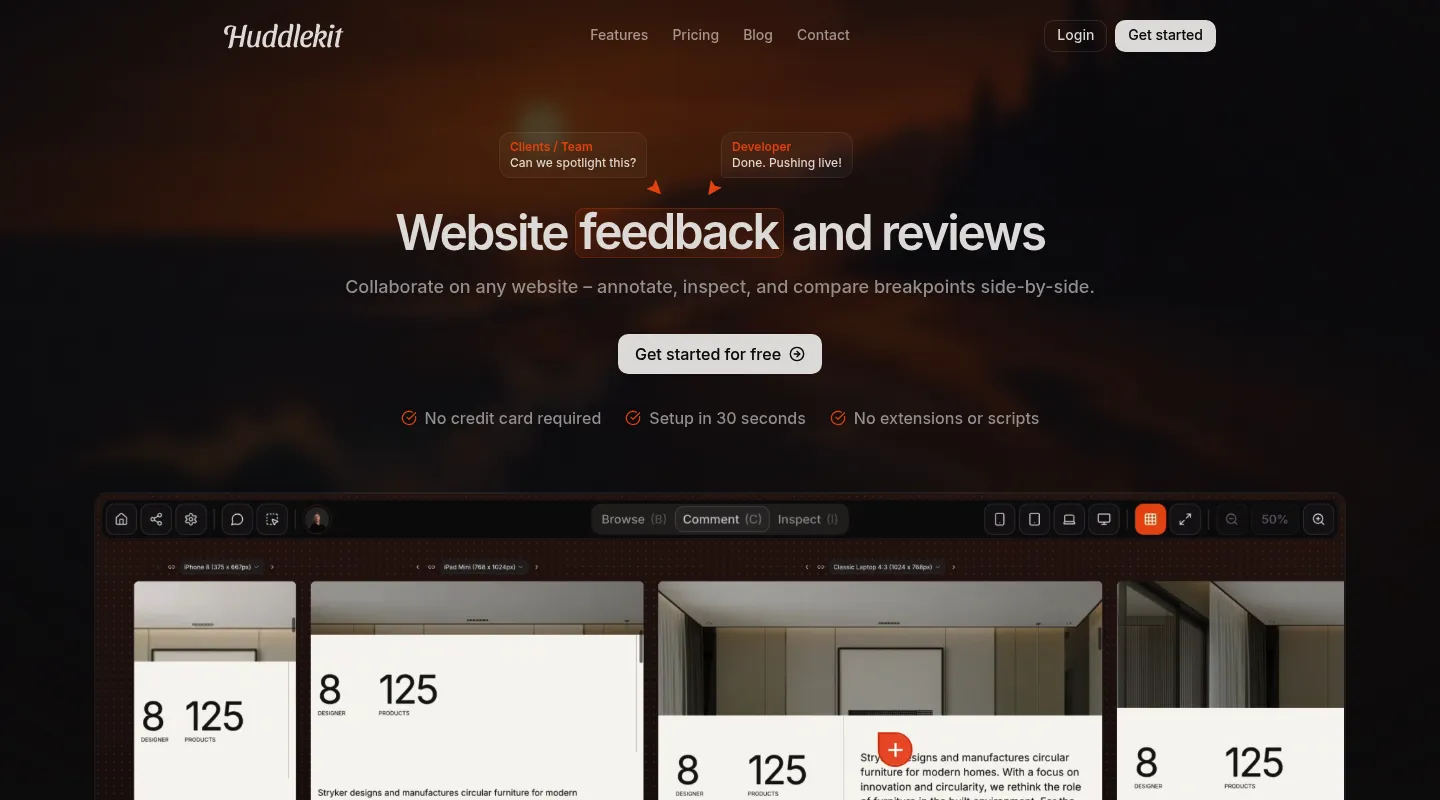
If your problem with Markup is that a simple review tool now costs $79 a month, Huddlekit is the most direct answer: the same paste-a-link, no-install workflow, plus the responsive testing and CSS inspection Markup never had, at a fraction of the price.
Key differences from Markup.io:
- Lower flat pricing: Pro is $19/month ($16 billed yearly) for 3 members and unlimited projects, about a quarter of Markup's $79 entry point. Markup's price covers unlimited users, so the gap narrows for large teams.
- A free plan Markup no longer has: Run real reviews at no cost on 1 project with 3 members and no time limit.
- Responsive preview built in: Switch between mobile, tablet, and desktop breakpoints on every plan, or compare them side by side on Pro and Team.
- CSS inspection without DevTools: Check typography, spacing, and colors inline.
- More than websites: Collect feedback on documents, images, and video, not only live pages.
- Built-in Kanban board: Turn comments into tracked tasks across every project.
- Integrations and MCP: Team sends comments to Linear, ClickUp, Notion, or Trello with status synced both ways, or to Asana with completion synced both ways, and adds Slack, Zapier, webhooks, and the API. Pro and Team both connect Claude, Claude Code, or Cursor over MCP.
Pricing: Free plan available. Pro is $16/month billed yearly ($19 monthly) for 3 members, unlimited projects, and 5 GB storage; Team is $33/month billed yearly ($39 monthly) with 15 seats and 50 GB. Every paid plan comes with a 30-day money-back guarantee.
Pros:
- About a quarter of Markup's post-hike price
- Free plan replaces the one Markup removed
- Responsive testing and CSS inspection included
- 30-day money-back guarantee
Cons:
- Newer than Markup, with a smaller community
- Integrations are on Team, with no native Jira (Zapier covers it)
- Side-by-side breakpoints need a paid plan
Verdict: For the freelancers and agencies priced out by the 2025 hike, Huddlekit delivers more than Markup did at a small fraction of the new cost.
Best for: Designers, agencies, and freelancers who want Markup's simplicity back without the $79 bill.
"I love this tool! The UI is super intuitive and clean, and the best part is being able to see all the breakpoints side by side." — Mikael, Product Designer @ Team Blue
Get Markup.io's simplicity back without the $79 bill.
Try Huddlekit2. Pastel — Best if you want a free plan back
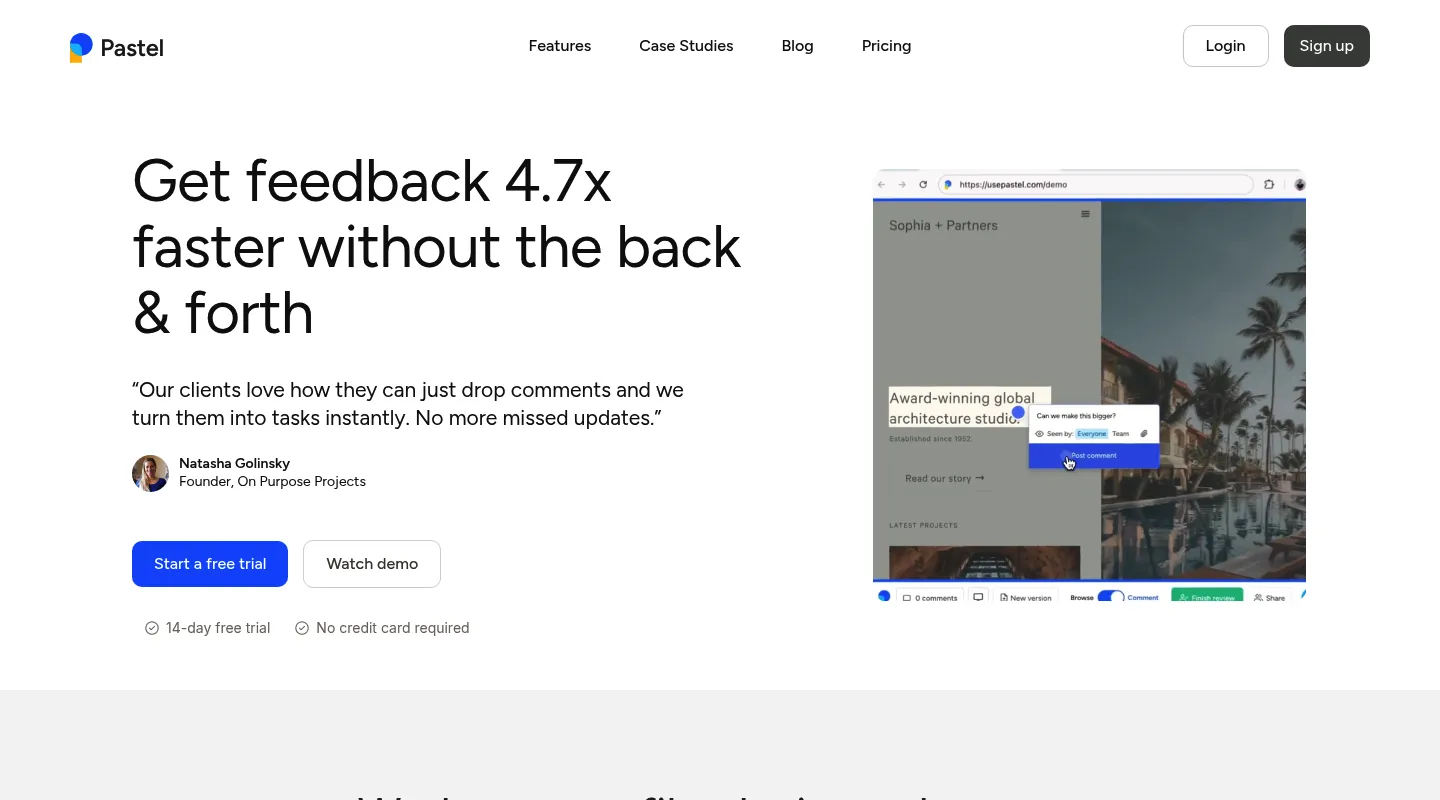
The change that stung most Markup users was losing the free tier. Pastel is the closest fix: a free plan with no time limit that you can run client reviews on, as long as you work inside its one-active-canvas limit.
Key differences from Markup.io:
- Free plan for solo work: One user and one active canvas at no cost, with no time limit and unlimited archived canvases.
- One active canvas: The free plan runs a single live review at a time; starting another means archiving the last.
- URL-based, no scripts: Same install-free setup as Markup.
- Built-in client walkthrough: Reviewers get an automatic tutorial when they open a link.
Pricing: Free plan (1 user, 1 active canvas). Pro is $35/month for 2 users and 3 active canvases; Team is $119/month for 5 users, then $24 per additional user.
Pros:
- A genuine free tier for occasional reviews
- No installation required
- Straightforward for non-technical clients
Cons:
- One active canvas at a time on the free plan
- Per-user pricing climbs fast ($119/month for 5 users)
- A responsive tester, but no CSS inspection or side-by-side breakpoints
Best for: Solo freelancers who mainly need the free plan Markup took away and can live with one review at a time.
3. Ruttl — Best for live CSS editing
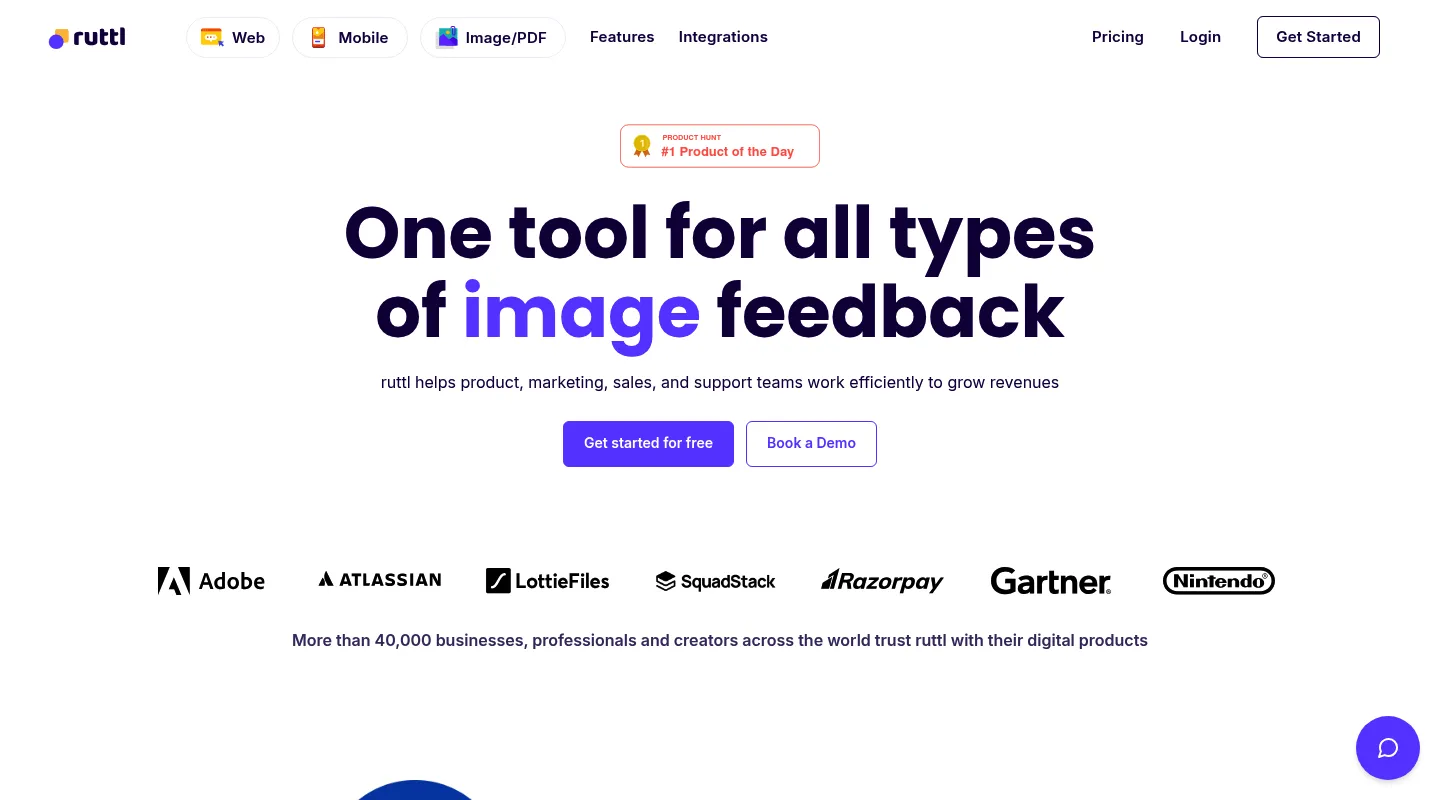
If you're leaving Markup for more capability rather than a lower bill, Ruttl adds something Markup never had: editing CSS live during a review and exporting the changes.
Key differences from Markup.io:
- Live CSS editing: Adjust styles on the page mid-review and export the code.
- Video comments: Record a walkthrough instead of typing every note.
- Per-user pricing: $18 per user per month on Pro, cheaper than Markup for a small team, but unlike Markup's unlimited users the total scales with headcount.
- No script for websites: Like Markup, you paste a URL, or use Ruttl's Chrome extension; its NPM package is only for web-app and mobile bug tracking.
Pricing: Free Basic plan (up to 5 users, 1 project, 5 pages, 10 comments). Pro is $18 per user per month, so three people pay $54/month.
Pros:
- Live CSS editing is genuinely uncommon
- Video comments included
- Free plan, plus native Trello, Slack, Asana, and Jira integrations
Cons:
- Free plan caps you at 5 pages and 10 comments
- Per-user pricing adds up with team size
Best for: Teams that specifically want live CSS editing and are fine with per-seat pricing.
4. Superflow — Best for real-time collaboration
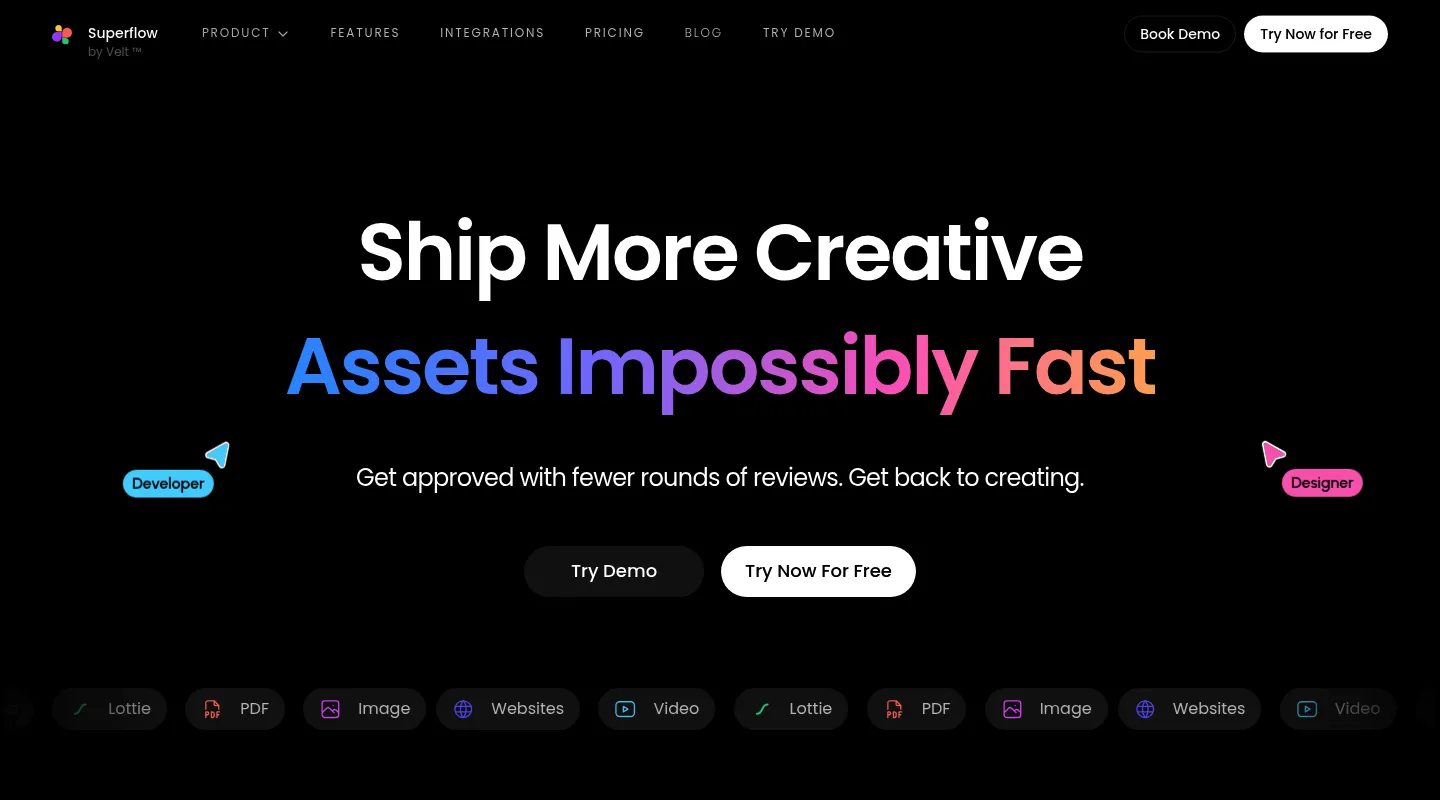
Superflow trades Markup's static commenting for a live, Figma-style surface where you watch collaborators' cursors move in real time. It has since repositioned as an AI QA-agent product (now at usesuperflow.ai), with AI credits on top of its plans.
Key differences from Markup.io:
- Real-time cursors: See teammates move around the page as they would in Figma.
- Screenshots with feedback: Automated screenshots on the Scale plan save what the reviewer saw with each comment.
- Two-way integrations: Syncs both ways with Asana, ClickUp, Monday, Slack, and more — 12 integrations in all.
- Board and white-label: A Kanban board for tracking feedback, plus white-label for agencies.
Pricing: Free Starter plan (1 project, 1 seat, unlimited guests). Growth is $24 per seat per month billed yearly ($29 monthly); Scale is $28/$34, plus AI credits.
Pros:
- Real-time, Figma-like collaboration
- Two-way sync with a wide set of tools
- White-label and a Kanban board for agencies
Cons:
- Per-seat pricing, where Markup covers unlimited users
- Automated screenshots need the Scale plan
- The AI QA focus is more platform than simple client review needs
Best for: Agencies that want live, cursor-level collaboration and AI-assisted QA in the same tool.
5. BugHerd — Best for turning feedback into tasks
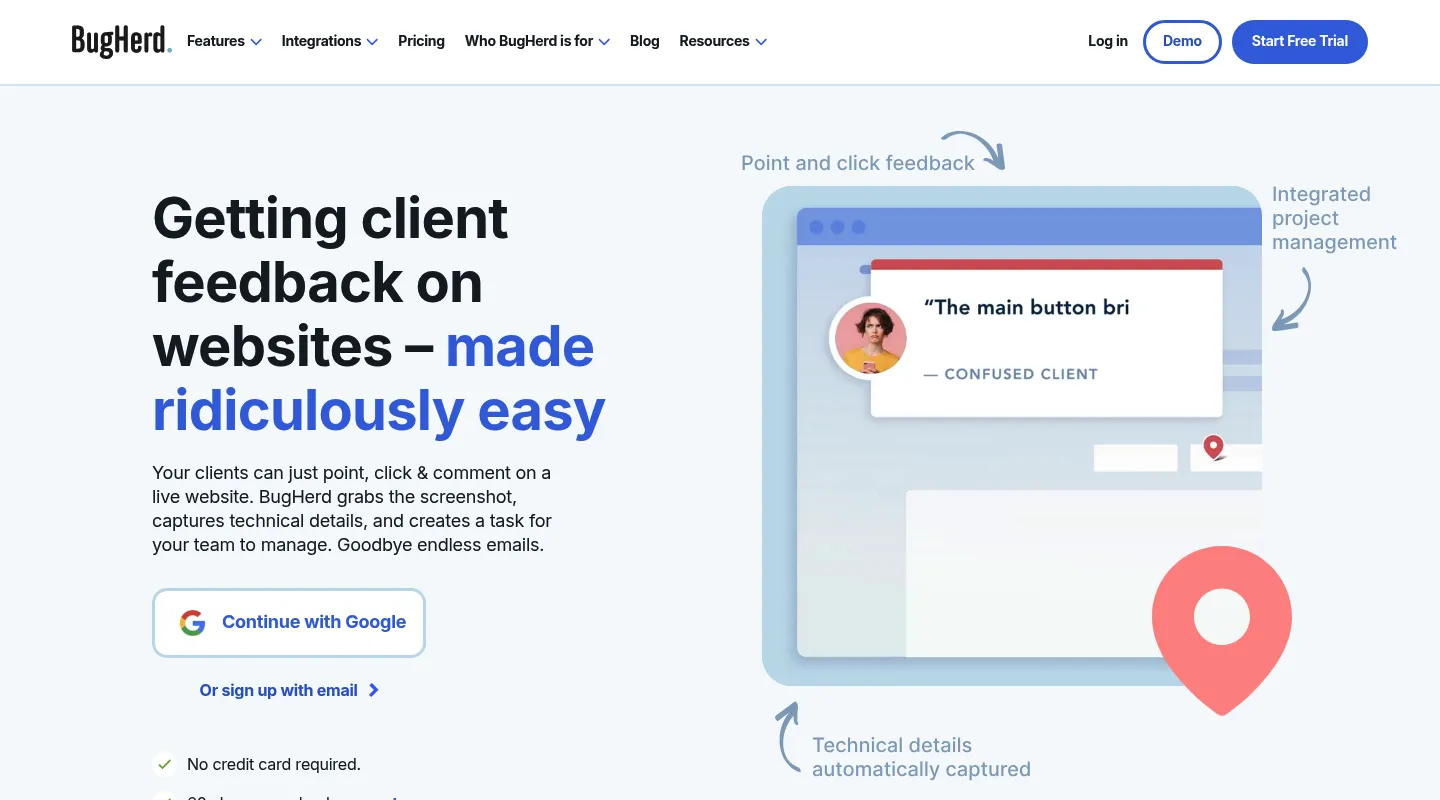
Where Markup stops at collecting comments, BugHerd wraps feedback in project management: every pinned note lands on a built-in Kanban board as a task.
Key differences from Markup.io:
- Feedback becomes a task board: Pinned comments turn into cards on an integrated Kanban.
- Technical metadata: Captures browser, OS, and device details with each report.
- Integrations by tier: Trello, Slack, GitHub, and Zapier on Standard; Jira, Asana, Linear, ClickUp, and Monday on Premium ($150/month) and up.
- Established since 2011: A long track record, though a dated interface.
Pricing: $50/month for 5 members ($42/month billed annually). No free plan, but a free trial and a 60-day money-back guarantee.
Pros:
- Built-in task management
- Wide integration list, with Jira and Asana on Premium
- Long, proven track record
Cons:
- Needs a script on the site or an extension for each reviewer
- No responsive testing
- Higher entry price than Markup's old rate
Best for: Agencies and dev teams that need comments and task tracking under one roof.
When to stick with Markup.io
Markup.io can still be the right call if:
- You've already locked in annual billing at the new rate
- Your team and clients are settled into Markup's workflow
- Simple visual commenting is all you need, with no responsive testing, CSS inspection, or task board
- The $79/month price isn't a concern for your budget
When to switch — and to what
- The $79/month price is the problem → Huddlekit (flat team pricing) or Pastel (free tier)
- You mainly miss the free plan → Pastel or Huddlekit
- You need responsive testing and CSS inspection → Huddlekit
- You want live CSS editing → Ruttl
- You want real-time, Figma-style collaboration → Superflow
- You need feedback plus a task board → BugHerd
Making the switch
Moving off Markup.io is quick, especially since several of these tools — Huddlekit included — work the same URL-based way:
- Wrap up any active reviews in Markup if you need the record
- Set up your new workspace in the tool you've chosen
- Invite your team by email
- Share fresh review links with clients for upcoming work
With a Huddlekit website project there's nothing to install — paste a link and clients can comment right away. Compare the plans to see what you'll save, or contact us for help mapping your workflow across.
Trade the $79/month bill for a tool that fits your budget.
Get startedFrequently asked questions
Why did Markup.io raise its price to $79/month?
In early 2025 Markup.io lifted its entry price from $29 to $79 a month, a 172% jump, and removed the free plan at the same time. Markup didn't publicly explain the reasoning, but the increase sent many freelancers and small agencies looking for better value. Huddlekit's Pro plan, by comparison, is $16/month billed yearly ($19 monthly) for 3 members — at the monthly price, about a quarter of Markup's new rate.
Does Markup.io still have a free plan?
No. Markup.io removed its free tier during the 2025 pricing changes, so there's no longer a free way to run a review. If replacing that plan is your priority, Huddlekit's free plan covers 1 project and 3 members plus unlimited guest reviewers, and Pastel offers a free plan with no time limit, limited to one user and one active canvas.
What's the closest Markup.io alternative for the price?
Huddlekit is the closest like-for-like at a far lower cost: the same no-install, share-a-link workflow, plus the responsive testing and CSS inspection Markup lacks, from $16/month billed yearly ($19 monthly) for 3 members. If you'd rather pay nothing for light use, Pastel's free plan is the nearest stand-in for Markup's removed free tier.
Can clients leave feedback without an account, like on Markup.io?
Yes. Markup.io lets guests comment without signing up, and Huddlekit works the same way — share a link and reviewers can leave feedback immediately, with no account and nothing to install.
Does any alternative do things Markup.io couldn't?
Several do. Huddlekit adds responsive breakpoint preview and CSS inspection, Ruttl lets you edit CSS live during a review, Superflow brings real-time cursors, and BugHerd turns feedback into Kanban tasks. Match the tool to whichever gap pushed you to switch.
Conclusion
Markup.io's 2025 price hike and the loss of its free plan forced a lot of designers to reassess, and the category has moved on enough that switching usually means an upgrade rather than a compromise.
For most freelancers and agencies, Huddlekit strikes the best balance: Markup's easy URL-based reviewing, plus responsive testing, CSS inspection, and a built-in task board, at team pricing that starts around a quarter of Markup's $79/month. If your only real need is a free tier, Pastel covers occasional reviews; Ruttl suits teams set on live CSS editing; Superflow fits real-time collaboration; and BugHerd works when feedback needs to become tracked tasks.
Whatever you choose, you'll almost certainly pay less than $79 a month for a tool that does more. See Huddlekit's plans or reach out to talk through your workflow.
Want the wider field? Our guide to the best website annotation tools compares Markup.io against the full lineup.