
Huddlekit is the closest free BugHerd alternative for teams that don't want anyone installing anything. Website projects start from a URL, with no JavaScript snippet on the site and no browser extension for reviewers; there is a free plan for 3 team members with unlimited client guests where BugHerd offers only a free trial; and breakpoint switching and CSS inspection are built in rather than a trip to DevTools, with side-by-side breakpoints on Pro and Team. BugHerd is still the stronger pick if its Kanban board is the centre of how your team works.
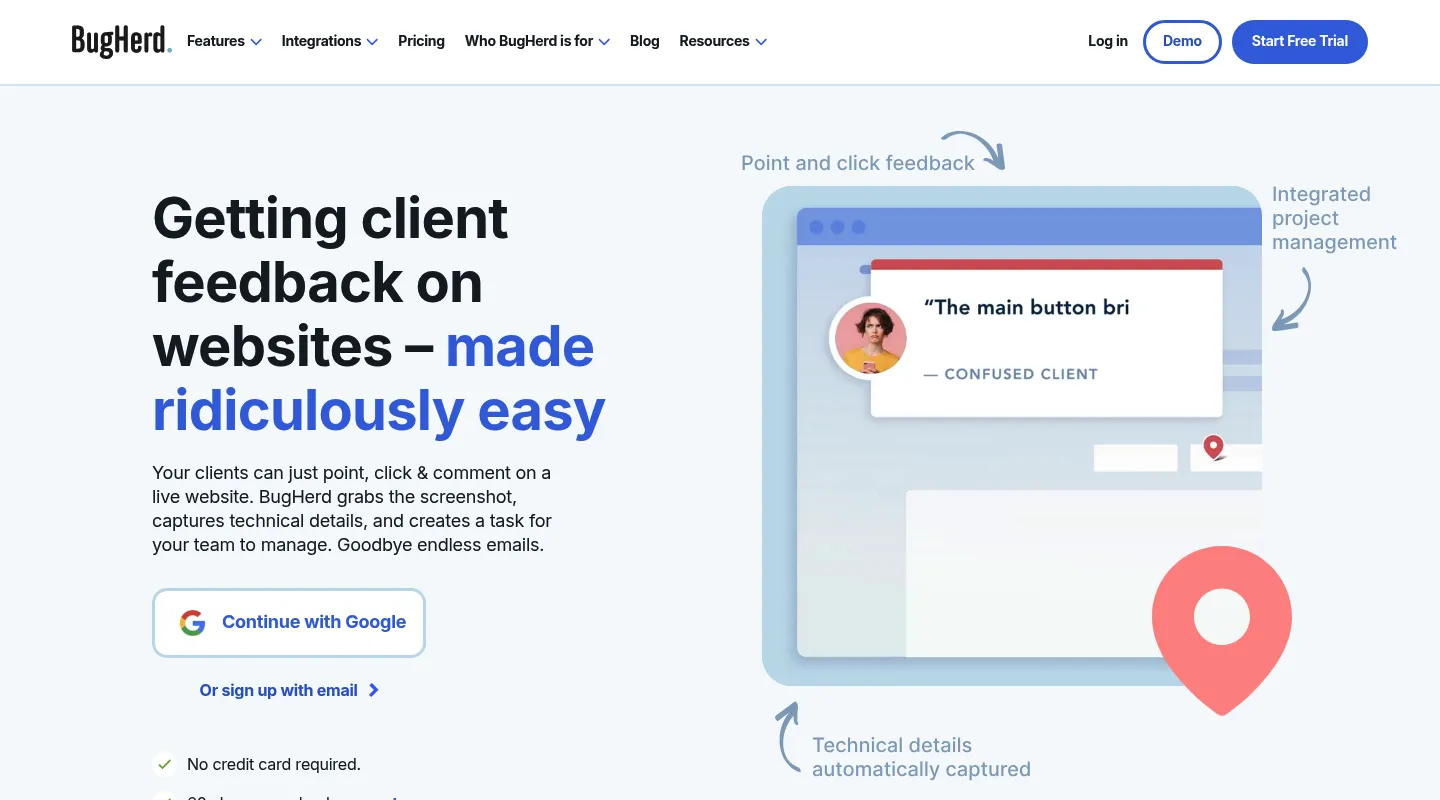
BugHerd has been an agency staple since 2011, and it earned that spot: point-and-click comments that drop straight onto a built-in task board is a workflow plenty of teams still swear by. But the tool around that workflow is showing its age. You either install its JavaScript snippet on every site you review or have each reviewer install its browser extension, work in an interface that hasn't kept pace with newer tools, and pay from $50/month with no free plan to fall back on — all for something that still can't preview a responsive layout or inspect CSS.
Teams shopping for a BugHerd alternative tend to want one of three things: the same feedback-to-task workflow without the snippet-or-extension install and dated dashboard, deeper developer debugging than BugHerd's basic metadata offers, or a leaner, cheaper way to capture bugs because the $50/month floor is more than the job needs. This guide sorts the best 2026 alternatives by which of those you're after.
Why teams look for BugHerd alternatives
Huddlekit is a no-install website feedback tool with a built-in task board, built for agencies and freelancers who review client sites they don't have code access to.
BugHerd is a capable tool with a loyal following, but a handful of things consistently send teams looking:
- A snippet or an extension: BugHerd needs its JavaScript snippet on the site or, when you can't add code, its browser extension installed by each reviewer, clients included. Either way someone installs something before the first comment.
- An interface showing its age: The dashboard has drifted behind newer tools, and both your team and your clients notice the clutter.
- No free plan: There's a free trial, but no permanent free tier, so once the trial ends every project is on a paid subscription.
- A $50/month entry point: Pricing opens at $50/month for 5 members ($42/month billed annually) and climbs to Studio at $80 and Premium at $150 — steep for a freelancer or two-person studio.
- No responsive preview or CSS inspection: You can't check how a page renders across breakpoints, or inspect typography, spacing, and colors, without leaving BugHerd for DevTools.
If any of these rub against how you work, the alternatives below are worth a look.
What to look for in a BugHerd alternative
Match the replacement to the job BugHerd was doing for you:
- Install or no install: Can you begin from a URL, or do you need code access to every site, or an extension in every reviewer's browser, first?
- Do you still need the task board? BugHerd's Kanban is its centerpiece — decide whether your next tool has to replace it or whether feedback capture alone is enough.
- Designer tools or developer tools: Responsive preview and CSS inspection point one way; session replay, console logs, and issue-tracker sync point another.
- Pricing shape: Flat team pricing, per-user pricing, and free tiers add up very differently as you grow.
Best BugHerd alternatives compared
1. Huddlekit — Best for agencies who want nothing to install
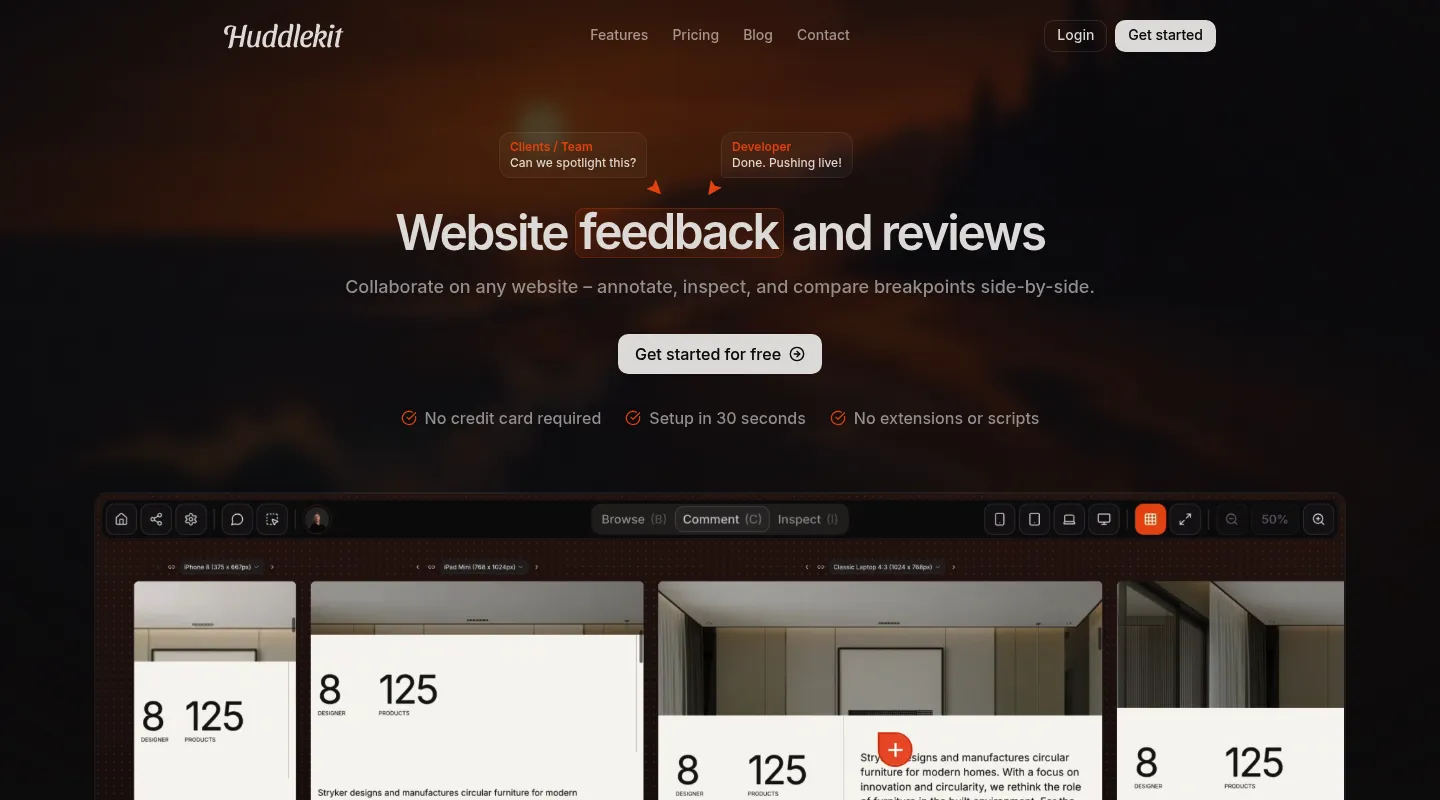
Huddlekit is built for agencies and freelancers reviewing client sites they can't add code to — and it keeps the one thing people like about BugHerd, a built-in task board, while fixing the rest.
Key differences from BugHerd:
- Nothing to install: Website projects run from a URL — no snippet on the client's site and no extension for reviewers.
- Built-in Kanban, kept: Feedback still becomes tracked tasks on a board, so you don't lose BugHerd's core workflow.
- Linear and ClickUp without Premium: Comments go to Linear, ClickUp, Notion, or Trello with status synced both ways, or to Asana with completion synced both ways, on Team at $39/month ($33 billed yearly). BugHerd keeps Linear, ClickUp, and Asana for Premium at $150. Slack, Zapier, webhooks, and the API come with Team too.
- MCP on Pro and Team: Claude, Claude Code, or Cursor can read each comment with its screenshot and element, then reply and resolve it.
- Modern, clean interface: A layout clients understand on sight, not a dated dashboard.
- Responsive preview built in: Switch between mobile, tablet, and desktop breakpoints on every plan, or see them side by side on Pro and Team.
- CSS inspection built in: Check typography, spacing, and colors without DevTools.
- A real free plan: Start free, with no trial countdown.
Pricing: Free plan available (1 project, 3 team members). Pro is $16/month billed yearly ($19 monthly) for 3 members, unlimited projects, and 5 GB storage; Team adds 15 seats and 50 GB at $33/month billed yearly ($39 monthly). Every paid plan carries a 30-day money-back guarantee.
Pros:
- No script or extension to install for website projects
- Responsive testing and CSS inspection included
- Free plan plus flat, lower pricing than BugHerd
- 30-day money-back guarantee
Cons:
- Newer tool with a smaller user base
- Fewer native integrations than BugHerd: no Jira or GitHub (Zapier on Team covers them)
Verdict: If you like BugHerd's feedback-to-task idea but don't want a script on the site or an extension on every reviewer's browser — or you're just tired of the interface and the $50 floor — Huddlekit delivers the same workflow with better UX and a lower bill.
Best for: Agencies and freelancers on client sites where adding code isn't an option, and teams who want a modern interface without a learning curve.
"I love this tool! The UI is super intuitive and clean, and the best part is being able to see all the breakpoints side by side." — Mikael, Product Designer @ Team Blue
No script to install, no dated dashboard — just share a link.
Try Huddlekit free2. Marker.io — Best for developer-heavy teams
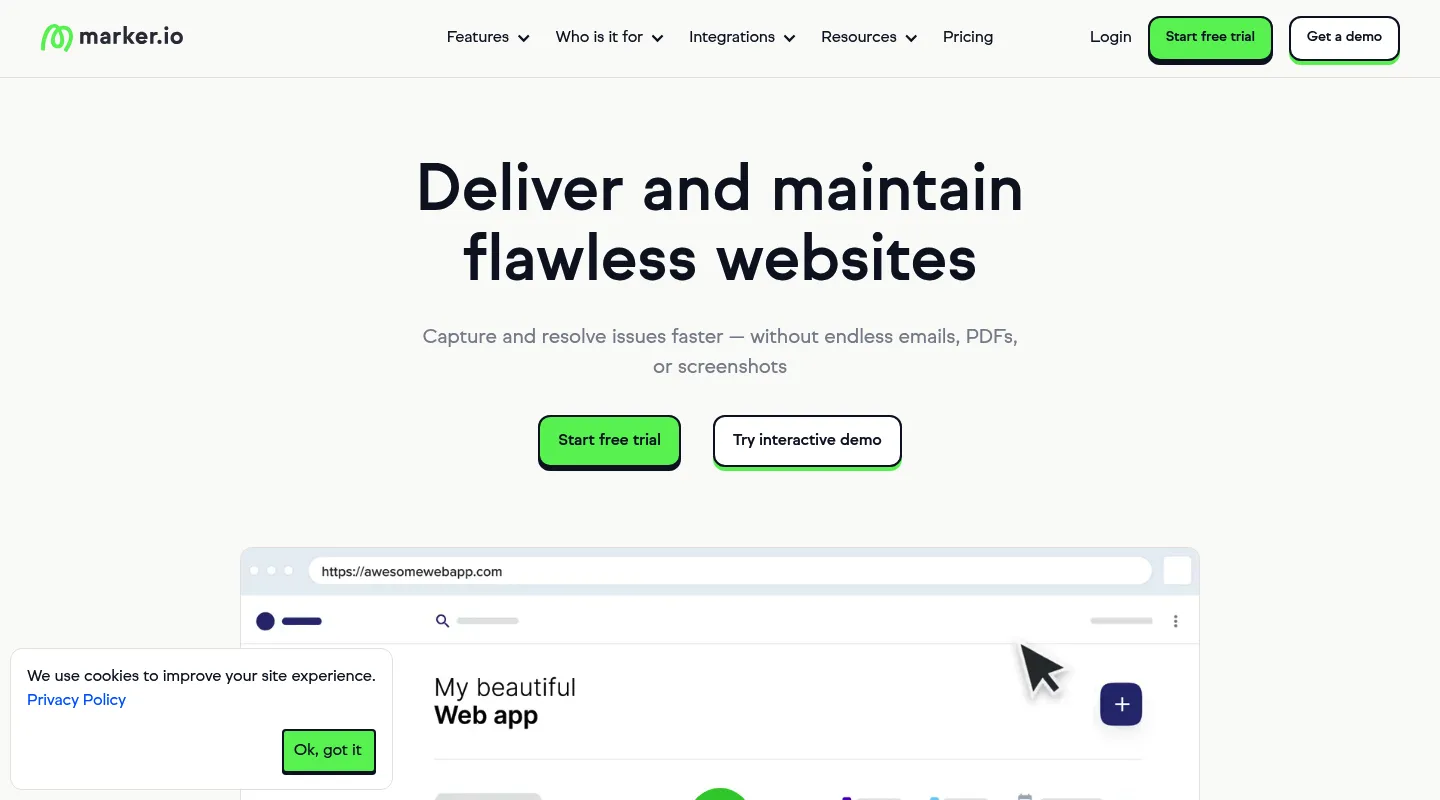
Where BugHerd captures basic browser and OS details, Marker.io goes deep on technical context and routes it into your issue tracker.
Key differences from BugHerd:
- Deep technical capture: On the Team plan, session replay, console logs, and network requests — well beyond BugHerd's metadata.
- Two-way issue-tracker sync: Jira and two-way issue sync, also on Team.
- Similar install options: A JavaScript snippet, a no-code WordPress plugin, or a browser extension.
- No responsive preview: Shares BugHerd's breakpoint-testing blind spot.
Pricing: Starter is $39/month billed yearly ($59 monthly) for 3 users, with screenshots, environment details, and basic integrations. Session replay, console and network logs, and two-way sync start on Team at $149/month billed yearly ($199 monthly).
Pros:
- Comprehensive technical debugging
- Session replay on Team
- Best-in-class dev-tool integrations
Cons:
- The debugging features and two-way sync need Team ($149/month billed yearly)
- Overkill for design-only feedback
Best for: Development teams whose bug reports need full technical context landing directly in Jira or GitHub.
3. Pastel — Best free, no-install option
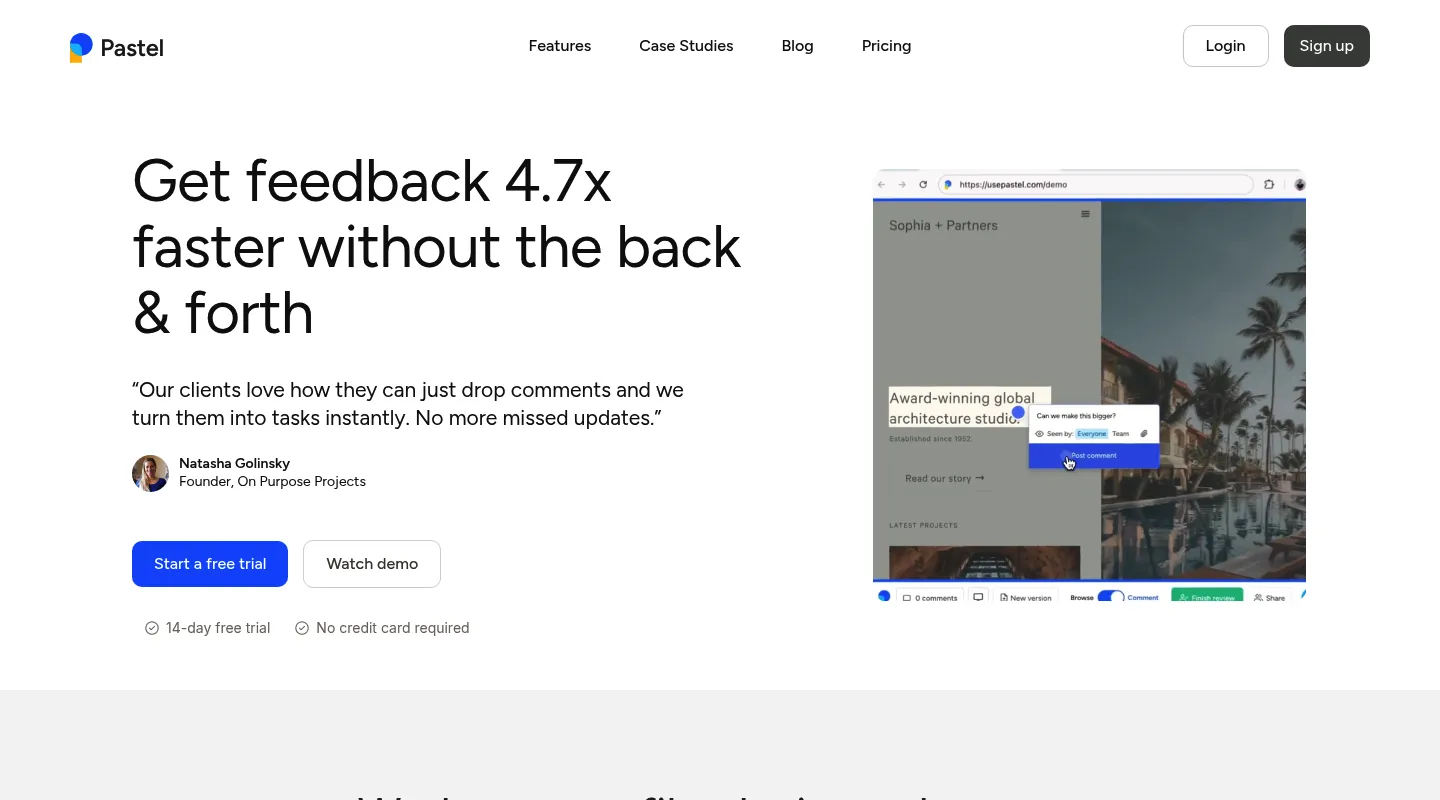
Pastel answers two BugHerd gripes at once: it needs no installation, and it has a genuine free plan.
Key differences from BugHerd:
- No JavaScript required: Works from a URL — nothing to add to a client's site.
- Free to start: A free plan with no time limit, though it covers one user and one active canvas at a time.
- No task board: Core commenting only, without BugHerd's Kanban or technical debugging.
- Per-user pricing: Costs scale by seat, not a flat team rate.
Pricing: Free plan (1 user, 1 active canvas). Pro is $35/month for 2 users and 3 active canvases; Team is $119/month for 5 users, then $24 per additional user.
Pros:
- No install, quick to start
- Free plan for light use
- Simple enough for any client
Cons:
- One active canvas at a time on the free plan
- Per-user pricing climbs fast
- No task board, CSS inspection, or side-by-side breakpoints (it does have a responsive tester)
Best for: Solo freelancers and small teams who want free, no-install capture and don't need BugHerd's task board.
4. Userback — Best for SaaS product teams
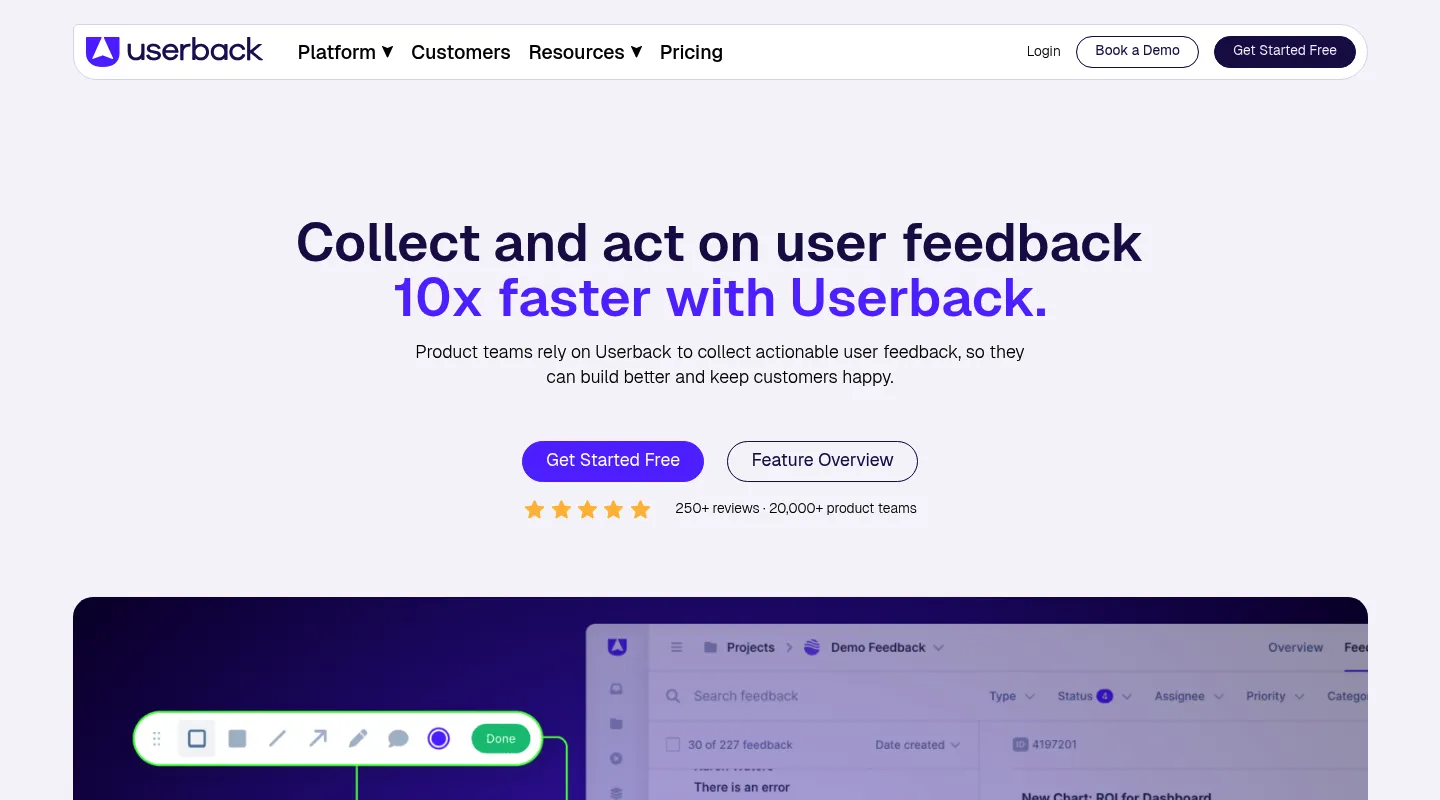
BugHerd is built around project-based agency work; Userback is built for product teams gathering feedback continuously.
Key differences from BugHerd:
- Broader feedback suite: NPS surveys, feature voting, and public roadmaps beyond visual feedback.
- Session replay on Business: Watch what a user did before filing a report.
- Free plan available: Unlike BugHerd, a no-cost tier to start on (2 seats, 2 projects, feedback kept 7 days).
- Script or extension: Like BugHerd, it embeds JavaScript on your site or runs from a browser extension.
Pricing: Free plan (2 seats, 2 projects, feedback kept 7 days). Team is $29/month billed yearly ($39 monthly) for 5 seats; session replay, surveys, and console logs start on Business at $79/month billed yearly ($99 monthly).
Pros:
- Full feedback suite (surveys, NPS, roadmaps)
- Session replay on Business and up
- Good for ongoing product feedback
Cons:
- Needs a script on the site or its browser extension
- More platform than project reviews need
- Surveys and session replay need Business ($79/month billed yearly) or higher
Best for: SaaS product teams collecting ongoing user feedback rather than running project-based client reviews.
5. Ybug — Best lean, low-cost bug capture
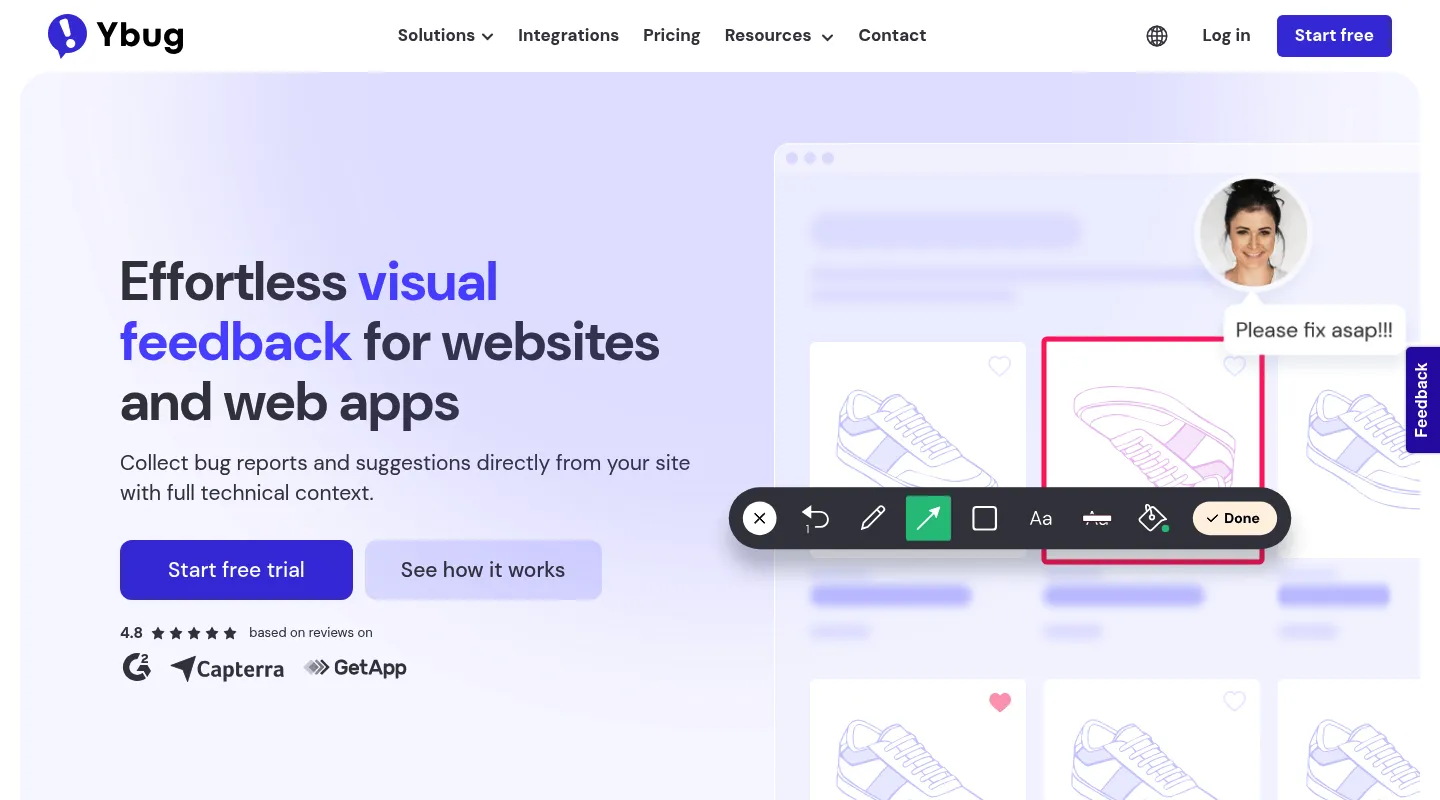
If BugHerd's $50/month floor is the sticking point and you mostly need to capture and reproduce bugs, Ybug strips the job to essentials and prices it accordingly.
Key differences from BugHerd:
- Much lower cost: Paid plans start at €10/month billed annually (€13 monthly), up to around €47/month.
- Rich technical metadata: Annotated screenshots with browser, OS, screen size, URL, and console logs.
- Still requires install: A JavaScript snippet or browser extension collects feedback.
- Bug-focused, no task board: Built for reporting issues, not managing them on a Kanban.
Pricing: Free plan (1 project, 1 user). Paid from €10/month billed annually (€13 monthly), scaling to around €47/month.
Pros:
- Very affordable
- Strong technical capture for developers
- Quick, plug-and-play setup
Cons:
- Requires a widget or extension
- No responsive preview or CSS inspection
- Light on design and task-management workflows
Best for: Small teams and developers who want cheap, technical bug capture without BugHerd's price floor.
When to stick with BugHerd
BugHerd still earns its place if:
- Its built-in Kanban board is central to how your team runs projects
- You have code access to every site, or your reviewers don't mind installing the extension
- You lean on its integrations: Trello, Slack, and GitHub on Standard; Jira, Asana, Linear, ClickUp, and Monday on Premium and up
- The interface doesn't bother you or your clients, and the pricing fits
When to switch — and to what
- You want no snippet on client sites and no extension for reviewers → Huddlekit or Pastel
- You want a modern interface with responsive preview and CSS inspection → Huddlekit
- You need deep developer debugging (session replay, console, network) → Marker.io
- You collect ongoing product feedback with surveys and NPS → Userback
- You want lean, low-cost bug capture → Ybug
- The $50/month floor is the dealbreaker → Huddlekit, Pastel, or Ybug
Making the switch
Moving off BugHerd is quick for most teams:
- Export any open tasks from BugHerd's board if you want a record
- Remove the BugHerd snippet from your sites (optional — it won't clash with a new tool)
- Set up your new workspace and invite your team
- Rebuild your review workflow and share fresh links with clients
With a Huddlekit website project there's no snippet or extension step — paste a URL and clients can comment right away. Compare the plans, or get in touch if you'd like help with the switch.
Ready to drop the JavaScript snippet for good?
Get startedFrequently asked questions
Is BugHerd free, and how does its pricing compare?
No — BugHerd has no free plan, just a free trial. Paid pricing starts at $50/month for 5 members ($42/month billed annually), rising to Studio at $80 and Premium at $150. Among the alternatives, Ybug starts at €10/month and Pastel has a free plan (Pro is $35/month for 2 users). Marker.io's Starter is $39/month billed yearly ($59 monthly) and Userback's Team plan is $29/month billed yearly ($39 monthly), though both keep session replay and console logs on higher tiers. Huddlekit has a permanent free plan (1 project, 3 team members) and Pro at $16/month billed yearly ($19 monthly), with a 30-day money-back guarantee.
Does BugHerd require installing code?
Either code or an extension. BugHerd's usual setup is its JavaScript snippet on every site you review, which needs code access you don't always have on client-managed sites. Without it, each reviewer installs BugHerd's browser extension instead, clients included. Huddlekit's website projects run from a URL with nothing to install on the site or in the browser — paste a link and start collecting feedback.
Can another tool replace BugHerd's Kanban board?
Yes. Huddlekit has its own built-in Kanban board, so feedback still becomes tracked tasks after you switch. The trade-off is integrations: BugHerd connects to Trello, Slack, and GitHub on Standard, and to Jira, Asana, Linear, ClickUp, and Monday on Premium ($150/month) and up. Huddlekit's Team plan keeps status in sync both ways with Linear, ClickUp, Notion, and Trello, syncs completion both ways with Asana, posts comments to Slack, and reaches other tools through Zapier, but has no native Jira or GitHub integration yet.
Does BugHerd offer responsive testing or CSS inspection?
No — BugHerd includes neither. You can't preview a page across breakpoints or check typography, spacing, and colors without leaving the tool for DevTools. Huddlekit builds both breakpoint switching and CSS inspection in (with side-by-side breakpoints on Pro and Team), which is a common reason design teams move over.
Conclusion
BugHerd built a loyal following over more than a decade, and its feedback-to-task workflow still holds up. What's aged is everything around it — the snippet-or-extension install, the dated interface, the missing responsive and CSS tools, and a $50/month floor with no free plan behind it.
Pick your replacement by the job you need done: Marker.io for deep developer debugging, Userback for ongoing product feedback with surveys and NPS, Pastel for a free no-install start, Ybug for lean low-cost bug capture — and Huddlekit if you want BugHerd's task board without the install step, on a modern interface with responsive preview and CSS inspection built in.
See Huddlekit's plans or reach out to talk through your migration.
Want the wider field? Our guide to the best website annotation tools puts BugHerd up against the full lineup.