
Huddlekit is the closest free PageProofer alternative for sites the client controls. Website projects need no script on a site you do not own and no browser extension for your client, and there is a free plan for 3 team members with unlimited client guests where PageProofer offers a trial only. PageProofer's sticky-note layer and video walkthroughs are mature and well built — the difference here is install model and price shape, not capability.
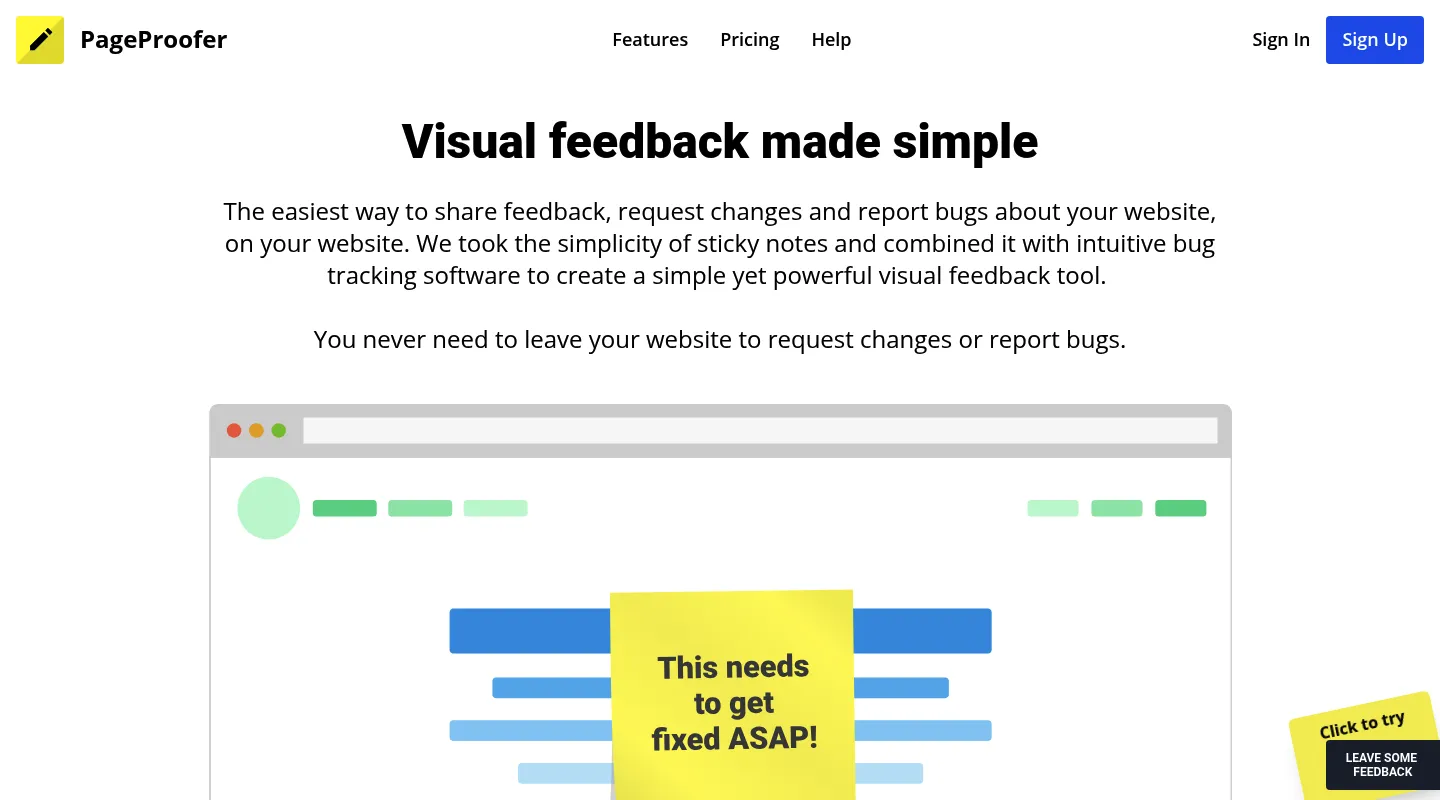
PageProofer has spent years doing one job well: a sticky-note layer over any website where teammates and clients drop on-page comments, grab screenshots, and record video walkthroughs. It covers both website feedback and bug tracking, and for teams with code access it's a tidy way to keep notes in one place.
The friction is in how you get in and what it costs to stay. PageProofer runs on a script you install on each site, or a browser extension each reviewer installs, and there's no free plan behind it — only a trial. Those two facts push two different groups to look elsewhere: teams reviewing client-managed sites where neither a snippet on the site nor an extension in the client's browser is an easy ask, and budget-conscious teams who'd rather not commit to a subscription to run the occasional review. This guide sorts the best 2026 alternatives by which of those sounds like you.
Why teams look for PageProofer alternatives
PageProofer keeps feedback simple, but a few things consistently send teams shopping:
- A script or an extension: PageProofer needs its JavaScript embed on the site or, without code access, its browser extension installed by each reviewer — clients included.
- No free plan, only a trial: Once the trial ends you're on a paid subscription, with no no-cost way to keep a light workflow running.
- No responsive preview: You can't check how a layout holds up across mobile, tablet, and desktop breakpoints inside the tool.
- No CSS inspection: Verifying typography, spacing, and colors still means opening browser DevTools yourself.
- A dated interface: The sticky-note UI works, but it hasn't kept pace with newer tools that clients find easier on first use.
What to look for in a PageProofer alternative
Line up any replacement against the reasons PageProofer stopped fitting:
- Install or no install: Can you start from a URL, or do you need code access to every site, or an extension in every reviewer's browser, first?
- A free plan or low entry price: If you only run a handful of reviews a month, a genuine free tier may cover you outright.
- Responsive testing and CSS inspection: Breakpoint preview (ideally side by side) and style checks without leaving for DevTools.
- Feedback depth: Plain commenting, or feedback that becomes tracked tasks for the bug-tracking side of your work.
Best PageProofer alternatives compared
1. Huddlekit — Best no-install replacement with a real free plan
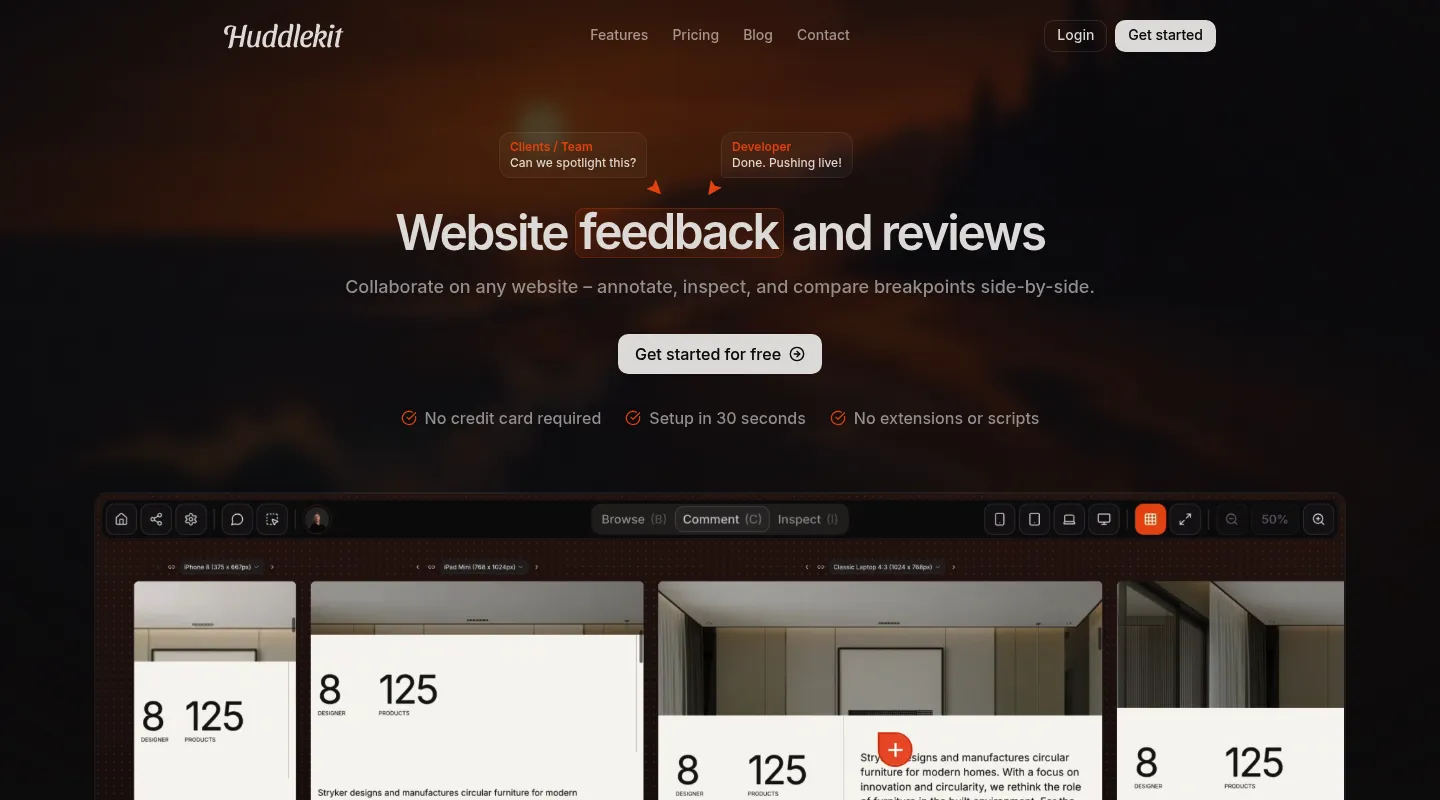
Huddlekit answers PageProofer's two biggest gripes at once: website projects need nothing installed, and the free plan is a permanent tier rather than a countdown. It's built for agencies and freelancers reviewing client sites they can't add code to.
Key differences from PageProofer:
- Nothing to install: Website projects open from a URL — paste a link and share it, with no snippet on the client's site and no extension for reviewers.
- A genuine free plan: Start free on 1 project with 3 members, and feedback never expires — not a trial that lapses.
- Automatic debugging context: Browser, viewport, device, and element metadata attach to every comment.
- Responsive preview built in: Switch between mobile, tablet, and desktop breakpoints on every plan, or compare them side by side on Pro and Team — something PageProofer can't do.
- CSS inspection built in: Check typography, spacing, and colors inline, no DevTools required.
- Bug tracking on a Kanban board: Comments become tracked tasks — PageProofer's bug-tracking side without the clutter — and you can review documents, images, and video too.
- Integrations on Team, MCP on Pro and Team: Comments go to Linear, ClickUp, Notion, or Trello with status synced both ways, or to Asana with completion synced both ways. Slack gets notifications, and Zapier, webhooks, and the API reach everything else. Claude, Claude Code, or Cursor can work through comments over MCP.
Pricing: Free plan available (1 project, 3 members). Pro is $16/month billed yearly ($19 monthly) for 3 members, unlimited projects, and 5 GB storage; Team adds 15 seats and 50 GB at $33/month billed yearly ($39 monthly). Every paid plan carries a 30-day money-back guarantee.
Pros:
- No script or extension for website projects
- Free plan with unlimited guest reviewers
- Responsive testing and CSS inspection included
- 30-day money-back guarantee
Cons:
- Newer tool with a smaller community
- No native Jira integration (Zapier on Team covers it)
Verdict: If PageProofer's script-or-extension setup or its trial-only pricing is what's holding you back, Huddlekit removes both and adds the responsive preview and CSS inspection PageProofer never had.
Best for: Agencies and designers on client-managed sites who want modern feedback features without installation or a subscription just to try it.
"Clients love dropping comments that instantly become actionable. Nothing falls through the cracks." — Douglas, Digital Designer @ Snöboll
No script to install, and a free plan that isn't a countdown.
Try Huddlekit free2. BugHerd — Best for turning feedback into a managed task board
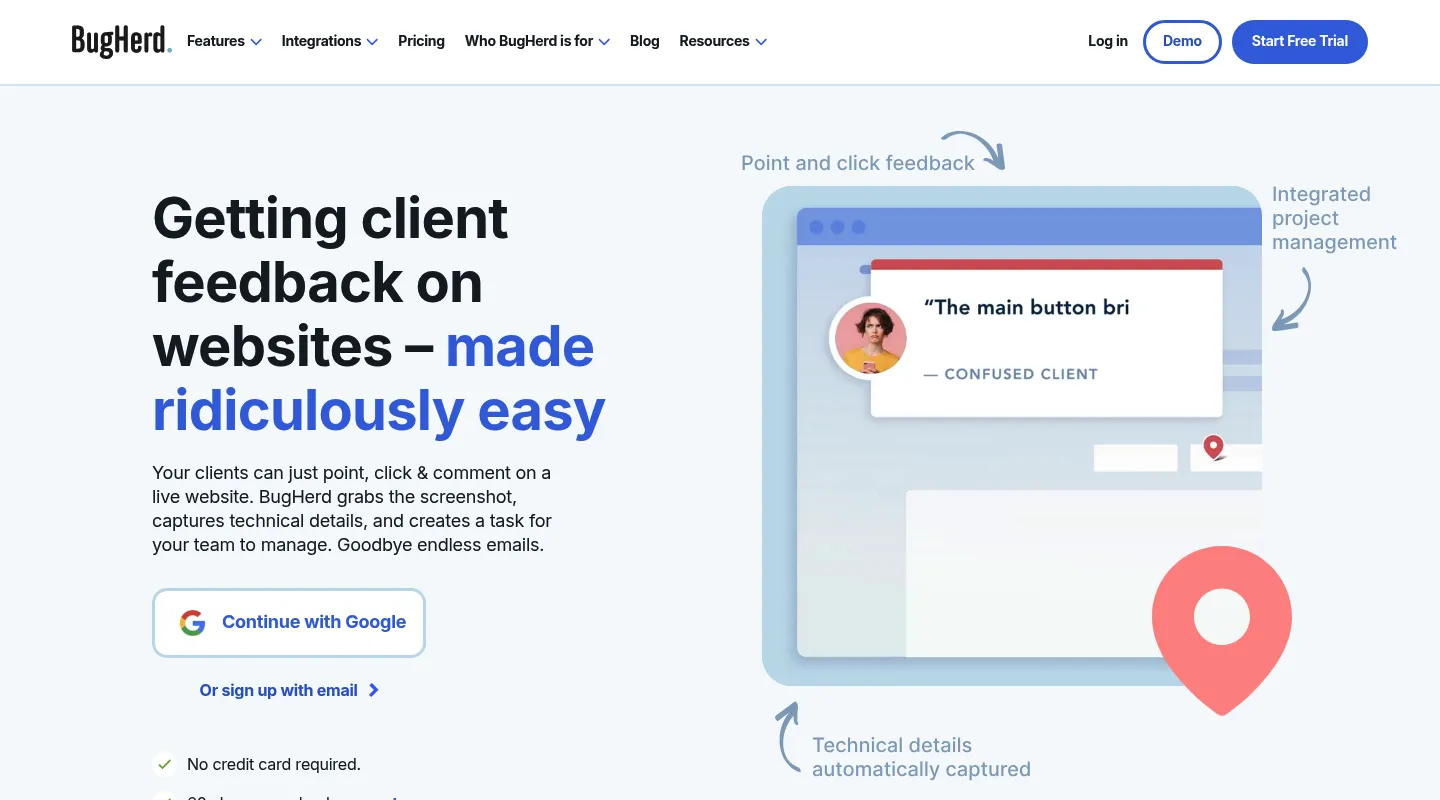
Where PageProofer collects comments and bug reports, BugHerd wraps them in project management: every pinned note lands on a built-in Kanban board as a task. It's the natural pick if PageProofer's bug-tracking side is what you lean on most.
Key differences from PageProofer:
- Feedback becomes a task board: Pinned comments turn into cards on an integrated Kanban, no exporting required.
- Tiered integrations: Trello, Slack, GitHub, and Zapier on Standard; Jira, Asana, Linear, ClickUp, and Monday on Premium ($150/month) and up — plus a track record since 2011.
- Same install model: Like PageProofer, BugHerd runs on a snippet or a per-reviewer browser extension, so it doesn't make client-managed pages any easier.
- Also no free plan: There's a free trial only, so it shares PageProofer's pay-to-stay model.
Pricing: $50/month for 5 members ($42/month billed annually), rising to $80 and $150 on higher tiers. No free plan.
Pros:
- Built-in task management
- Established integrations, with Jira and Asana on Premium
- Long, proven track record
Cons:
- Needs a script on the site or an extension for each reviewer
- No free plan and a higher entry price
- No responsive testing or CSS inspection
Best for: Teams who want feedback and task tracking under one roof and have code access to the sites they review, or reviewers happy to install an extension.
3. Pastel — Best free, no-install starting point
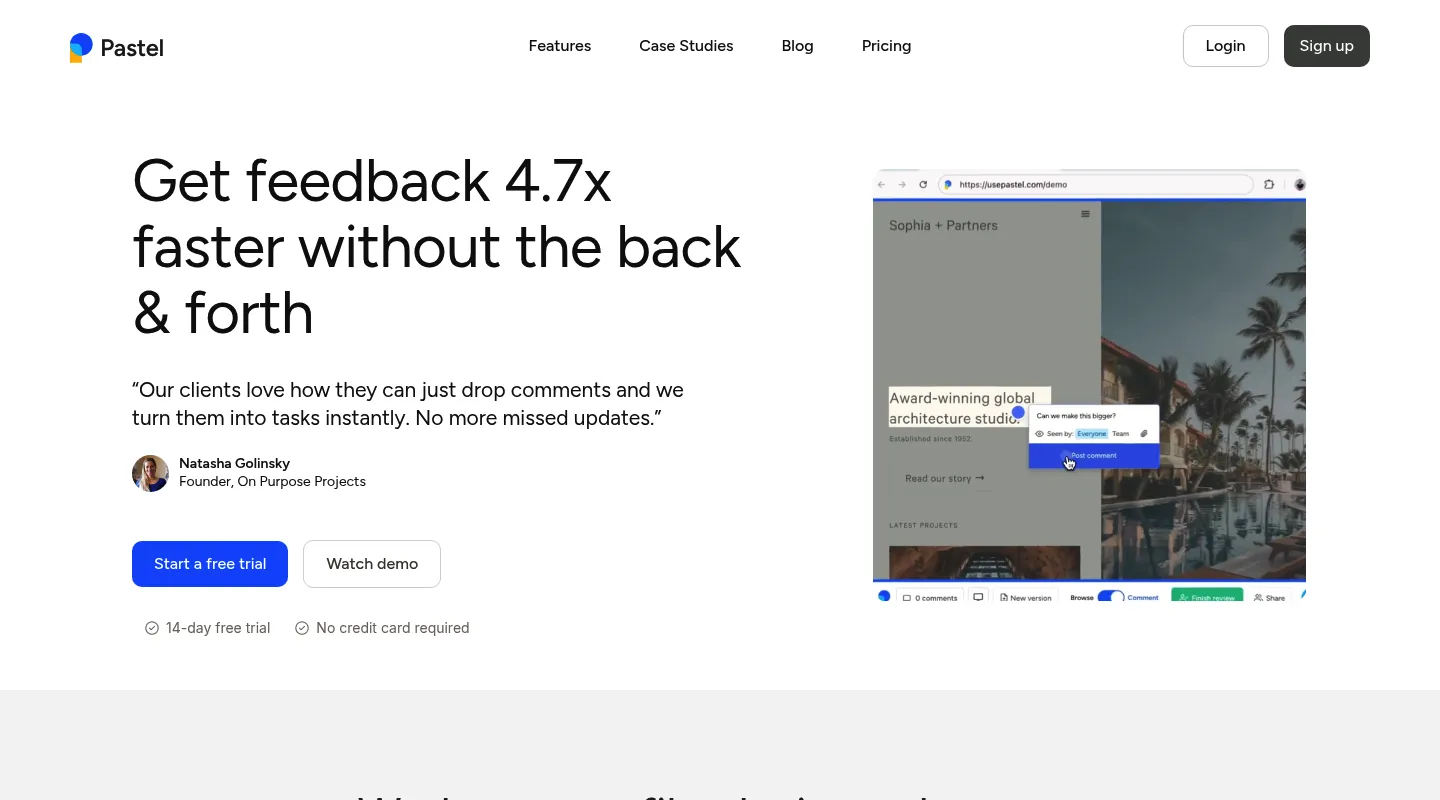
Pastel fixes both of PageProofer's frictions in one tool: no installation, and a real free plan. The catch is that the free tier runs one active canvas at a time.
Key differences from PageProofer:
- No JavaScript required: Works from a URL, so there's nothing to add to a client's site.
- Free to start: A genuine free plan with no time limit — though it covers one user and one active canvas at a time.
- Simpler scope: Core visual commenting, without PageProofer's bug-tracking depth or a task board.
- Per-user pricing on paid plans: Costs scale by seat rather than a flat team rate.
Pricing: Free plan (1 user, 1 active canvas). Pro is $35/month for 2 users and 3 active canvases; Team is $119/month for 5 users, then $24 per additional user.
Pros:
- No install and a free plan in one tool
- Quick for any non-technical client
- Simple, focused commenting
Cons:
- One active canvas at a time on the free plan
- Per-user pricing climbs fast as the team grows
- A responsive tester, but no CSS inspection, side-by-side breakpoints, or task board
Best for: Solo freelancers and small teams who want a free, install-free start and don't need PageProofer's bug-tracking side.
4. Ruttl — Best for live CSS editing
PageProofer can't inspect CSS at all; Ruttl goes the other way and lets you edit it live during a review — the choice when you're leaving for more capability rather than a lower bill.
Key differences from PageProofer:
- Live CSS editing: Adjust styles on the page mid-review and export the code — well past PageProofer's inspection-free setup.
- Video comments: Record a walkthrough instead of typing every note, much like PageProofer's own video recording.
- No script for websites: Unlike PageProofer's embed, Ruttl works from a pasted URL or its Chrome extension; its NPM package is only for web-app and mobile bug tracking.
- A small free plan: Basic covers up to 5 users, 1 project, 5 pages, and 10 comments.
Pricing: Free Basic plan (up to 5 users, 1 project, 5 pages, 10 comments). Pro is $18 per user per month, so three people pay $54/month.
Pros:
- Live CSS editing is genuinely uncommon
- Video comments included
- Native Trello, Slack, Asana, and Jira integrations on every plan
Cons:
- Free plan caps you at 5 pages and 10 comments
- Per-user pricing adds up with headcount
Best for: Teams set on live CSS editing who are fine with per-seat pricing.
5. Markup.io — Best for dead-simple, install-free commenting
Markup.io is the closest match to PageProofer in spirit — paste a link, drop a comment, done. It's URL-based, so there's no script; the caveat is that a 2025 pricing change made it one of the more expensive options here.
Key differences from PageProofer:
- URL-based, no snippet: Reviews start from a link, so it works on sites you can't add code to.
- Stripped-down simplicity: Lightweight visual commenting, the nearest feel to PageProofer's sticky notes.
- A steep entry price and no free plan: Markup lifted entry pricing to $79/month in early 2025 (up from $29, a 172% jump) and removed its free tier in the same change, so it doesn't ease PageProofer's budget problem.
- No responsive preview or CSS inspection: Shares PageProofer's design-tool gaps.
Pricing: From $79/month with unlimited users (up to $129, with 50–100 MarkUps a month depending on tier). No free plan; 14-day trial.
Pros:
- Install-free, like a lighter PageProofer
- Extremely simple for clients
- Closest to PageProofer's commenting feel
Cons:
- $79/month entry price with no free plan
- No responsive testing or CSS inspection
- A monthly cap on MarkUps (review files)
Best for: Teams who want PageProofer-style simplicity without the script and aren't sensitive to the higher price.
When to stick with PageProofer
PageProofer still earns its place if:
- Video recording is central to how your team collects feedback
- You have code access to every site, or your reviewers don't mind its extension
- The sticky-note simplicity suits your reviewers and clients
- You don't need responsive testing or CSS inspection
When to switch — and to what
- You want no script on client sites and no extension for reviewers → Huddlekit, Pastel, Markup.io, or Ruttl
- You want a free plan instead of a trial → Huddlekit or Pastel
- You need responsive testing and CSS inspection → Huddlekit
- You want feedback plus a task board for bug tracking → BugHerd or Huddlekit
- You want to edit CSS live during a review → Ruttl
- Budget is the dealbreaker → Huddlekit or Pastel
Making the switch
Moving off PageProofer is quick, especially with the URL-based tools here:
- Wrap up any active reviews in PageProofer if you need the record
- Remove the PageProofer script from your sites, or have reviewers uninstall the extension
- Set up your new workspace and invite your team
- Share fresh review links with clients for upcoming work
With a Huddlekit website project there's no script or extension step — paste a URL and clients can comment right away. Compare the plans to see the difference, or contact us if you'd like help mapping your PageProofer setup across.
Ready to lose the script and the trial clock?
Get startedFrequently asked questions
Is PageProofer free?
No. PageProofer has no free plan — only a trial, after which you need a paid subscription. Huddlekit has a permanent free plan (1 project, 3 members) so you can run real reviews before paying, and Pro is $16/month billed yearly ($19 monthly) with a 30-day money-back guarantee.
Does PageProofer require installing a script?
Not necessarily a script, but something gets installed. PageProofer runs on a JavaScript embed on each site you review, which means code access you don't always have on client-managed sites; without it, each reviewer installs PageProofer's browser extension instead. Huddlekit, Pastel, and Markup.io all work from a URL, with nothing to install on the site or in the browser before you collect feedback.
Can PageProofer test responsive layouts or inspect CSS?
No — PageProofer includes neither, so checking different screen sizes or verifying typography, spacing, and color means resizing your browser or opening DevTools. Huddlekit builds both in (breakpoint switching on every plan, side by side on Pro and Team), which is a common reason design teams move over.
What's the best free alternative to PageProofer?
For a permanent free plan with unlimited guest reviewers, Huddlekit's covers 1 project and 3 members, with Pro at $16/month billed yearly ($19 monthly). Pastel also has a free plan, but it runs one active canvas at a time — fine for quick turnarounds, tight for longer projects.
How do I migrate from PageProofer?
Wrap up any active reviews, remove the PageProofer script from your sites, then set up a new workspace and invite your team. With Huddlekit, website projects need nothing installed — share a URL and your team can start collecting feedback immediately.
Conclusion
PageProofer brought a simple sticky-note approach to website feedback and bug tracking, and for teams with code access and a video-first workflow it still holds up. What sends people looking is the setup and the price model: a script on every site or an extension for every reviewer, and a trial with no free plan behind it.
Pick your replacement by the reason you're leaving. BugHerd if you want feedback wrapped in a task board and don't mind the install, Pastel for a free no-install start, Ruttl for live CSS editing, Markup.io for install-free simplicity when budget isn't the concern — and Huddlekit if you want to drop the install step and the trial clock while gaining the responsive preview and CSS inspection PageProofer never had.
See Huddlekit's plans or reach out to talk through your workflow.
Want the wider field? Our guide to the best website annotation tools compares PageProofer against the full lineup.