
Huddlekit is the closest free Ybug alternative for design-led review. For website projects, reviewers need no widget and no browser extension, there is a free plan for 3 team members with unlimited client guests, and responsive preview plus CSS inspection let you check layout across breakpoints without leaving the page. Ybug is still the better tool when you need console logs and environment metadata attached to every bug report.
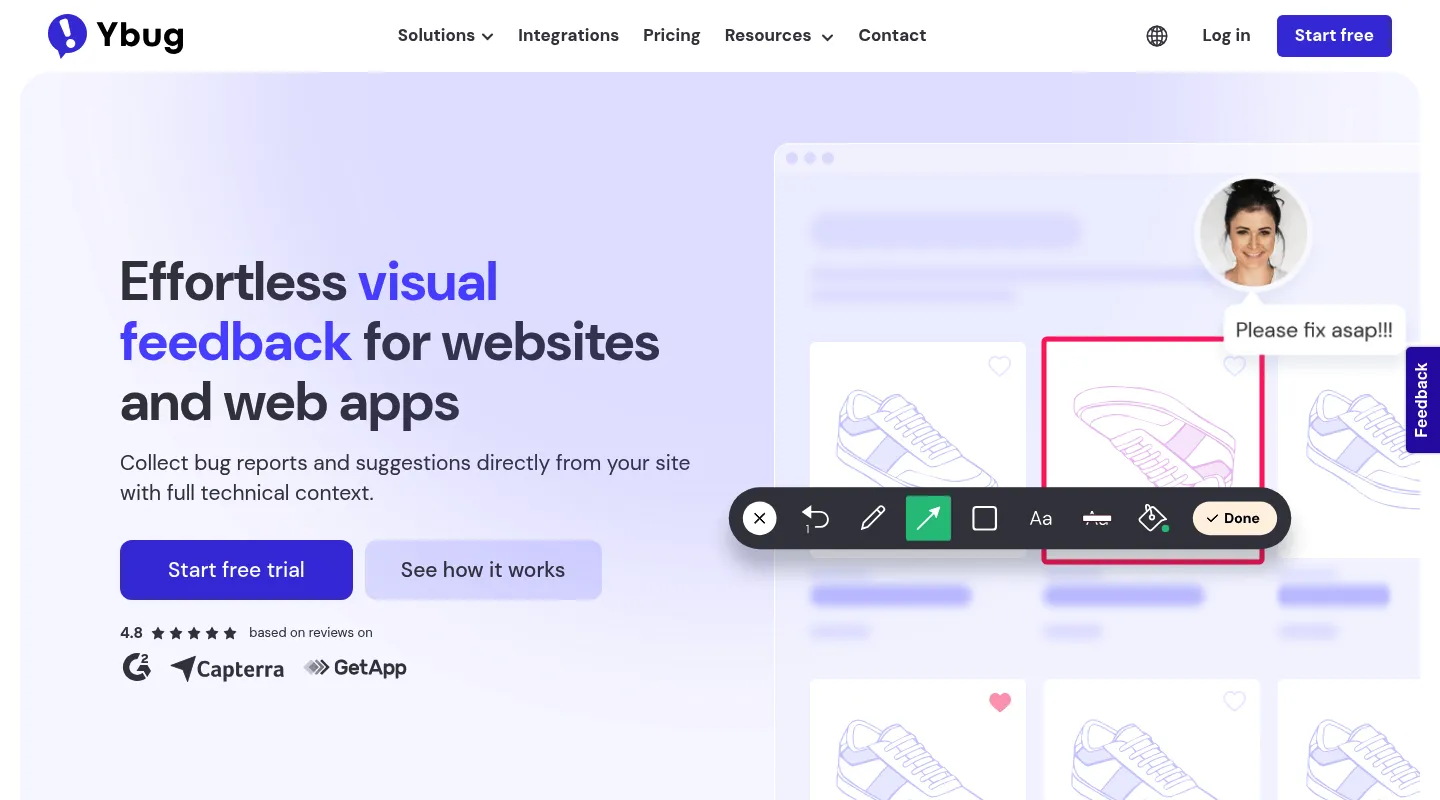
Ybug keeps visual feedback deliberately lean: drop in the widget or browser extension, and anyone can fire off an annotated screenshot stamped with the browser, OS, screen size, URL, and console logs a developer needs to reproduce a bug. For pure issue reporting, that plug-and-play simplicity is the whole appeal. The catch is what "lean" leaves out — you still have to install something on the page, and there's no responsive preview or CSS inspection for the kind of design-led review where a reviewer points at a heading and asks for two more pixels of spacing.
Teams shopping for a Ybug alternative usually want one of two things: the same quick capture with something Ybug omits — a board to manage what comes in, deeper debugging, or product-feedback surveys — or they've realised their work is design review, not bug reproduction, and they need responsive preview and CSS inspection Ybug was never built to offer. This guide sorts the best 2026 options by which of those describes you.
Why teams look for Ybug alternatives
Ybug does lean bug capture well, but a handful of things send teams looking elsewhere:
- Something to install on every page: Ybug collects nothing until its JavaScript snippet or browser extension is in place — a blocker when you can't edit a client's site or don't want reviewers adding an extension.
- No responsive preview: You can't check how a page holds up across mobile, tablet, and desktop breakpoints inside Ybug.
- No CSS inspection: Verifying typography, spacing, or color still means opening DevTools yourself.
- Built for bugs, not design: The workflow centres on reproducing issues, so design-led review and client sign-off feel bolted on.
- No task board: Reports come in, but there's no built-in Kanban to triage them and track each one to done.
If any of these rub against how you work, the alternatives below are worth a look.
What to look for in a Ybug alternative
Match the replacement to the job Ybug was actually doing for you:
- Install model: A widget or extension (Ybug-style), or URL-based access with nothing to embed.
- Bug capture or design review: Console logs and reproduction data, or responsive preview and pinned visual comments.
- Where feedback lives: A raw report list, or a built-in board that turns comments into tracked tasks.
- How technical you need to get: Basic environment data, or session replay and network requests for real debugging.
- Pricing shape: Flat team pricing versus per-seat, and how far a free tier actually gets you.
Best Ybug alternatives compared
1. Huddlekit — Best for design-led review without an install
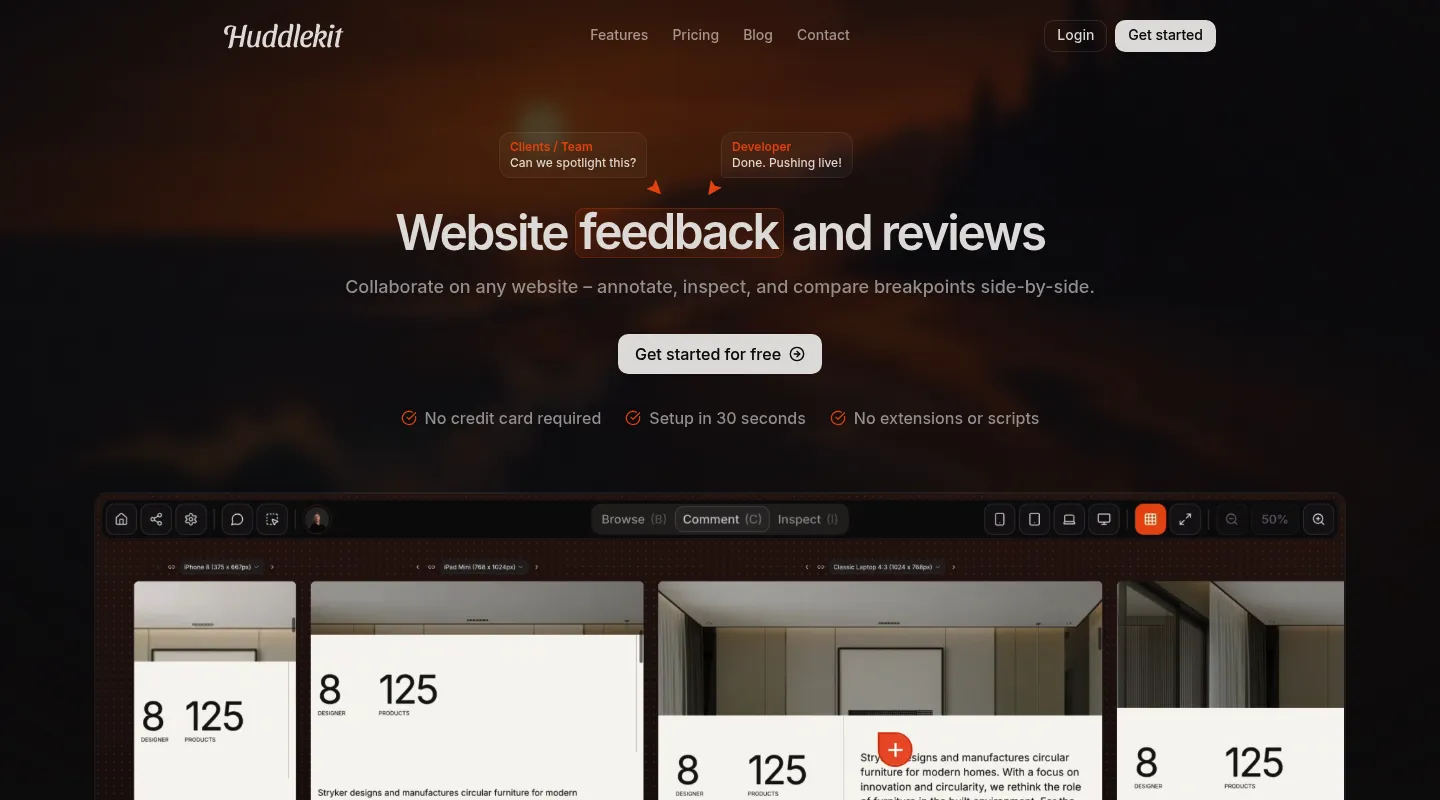
If your real work is reviewing how a site looks and behaves — not chasing stack traces — Huddlekit gives you the visual half Ybug skips, and it does it without putting any code on the page.
Key differences from Ybug:
- Nothing to install for website projects: Pages open from a URL — paste a link, share it, done. No snippet on the site, no extension for reviewers.
- Responsive preview built in: Switch between mobile, tablet, and desktop to check every breakpoint on any plan, or line them up side by side on the canvas (Pro and Team) — something Ybug doesn't do.
- CSS inspection included: Read typography, spacing, and color without leaving for DevTools.
- Context still attaches automatically: Browser, viewport, device, and element details land on every comment — the practical metadata, minus the install.
- More than live sites: Collect feedback on documents, images, and videos too, not just websites.
- A built-in Kanban board: Feedback becomes tracked tasks you can move to done, rather than a flat list of reports.
- Sync and automation on Team: Comments go to Linear, ClickUp, Notion, or Trello with status synced both ways, or to Asana with completion synced both ways. Slack, Zapier, webhooks, and the API cover everything else.
- MCP on Pro and Team: Claude, Claude Code, or Cursor reads each comment with its element and screenshot, then replies and resolves it.
- Clients just comment: Reviewers leave feedback with no account, login, or extension.
Pricing: Free plan (1 project, 3 team members). Paid plans from $16/month billed yearly ($19 monthly) for Pro — 3 members, unlimited projects, and 5 GB storage — while Team adds 15 seats and 50 GB at $33/month yearly ($39 monthly). Every paid plan carries a 30-day money-back guarantee.
Pros:
- Nothing to install for website projects
- Responsive preview and CSS inspection built in
- Feedback on sites, docs, images, and video
- Free plan plus a 30-day money-back guarantee
Cons:
- Lighter technical capture than Ybug — no console logs
- No native Jira integration (Zapier on Team covers it)
- Newer tool with a smaller community
Verdict: When your feedback sounds like "tighten this spacing" rather than "here's the console error," Huddlekit delivers the design-led review Ybug can't, with nothing to install.
Best for: Agencies and freelancers reviewing client sites they can't add code to, and design teams who need breakpoints and CSS over stack traces.
"I love this tool! The UI is super intuitive and clean, and the best part is being able to see all the breakpoints side by side." — Mikael, Product Designer @ Team Blue
Design-led review without a widget or extension to install.
Try Huddlekit2. BugHerd — Best for turning feedback into a managed board
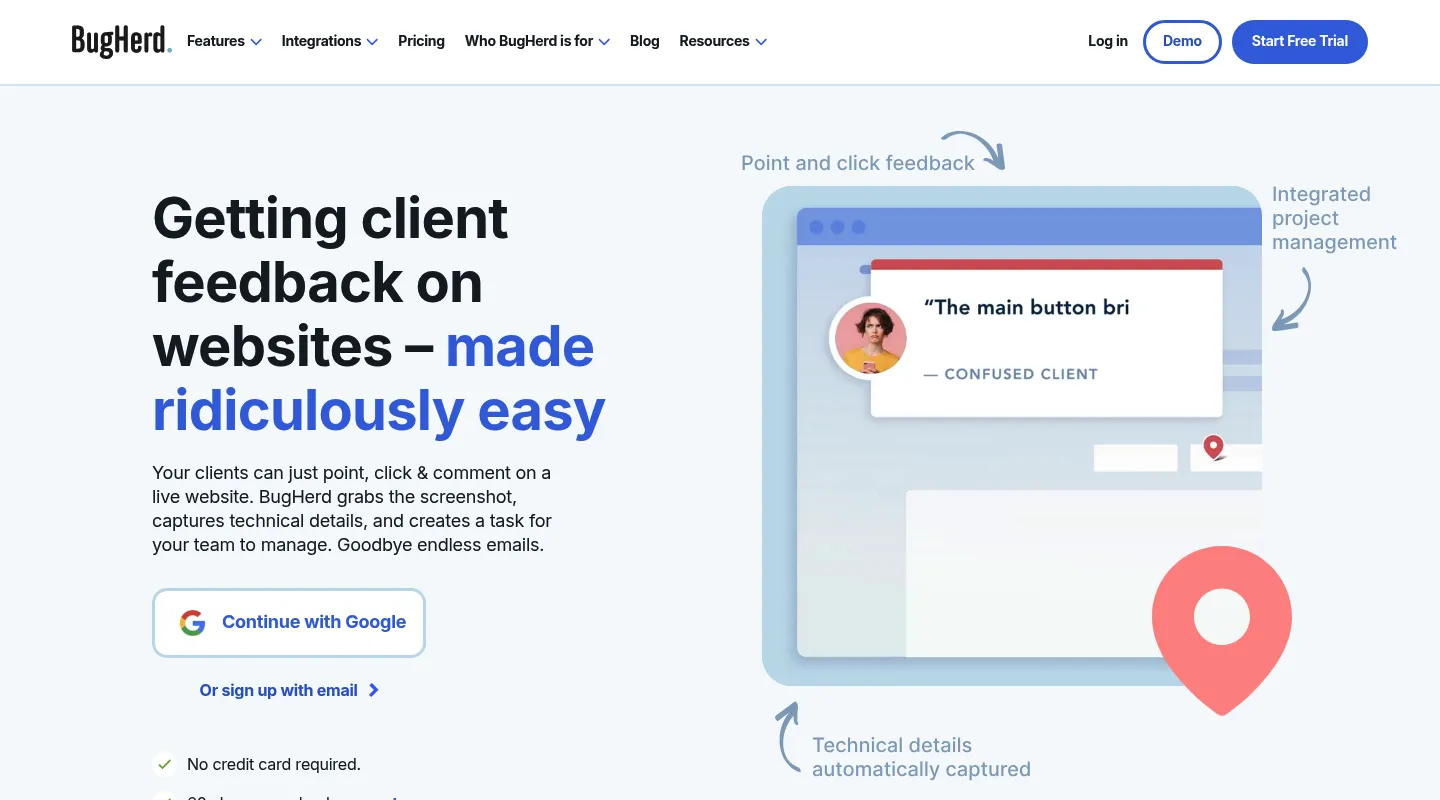
Ybug hands you a stream of bug reports; BugHerd drops point-and-click comments straight onto a built-in Kanban, so feedback becomes cards you triage without exporting anywhere.
Key differences from Ybug:
- Native task board: Comments land on a built-in Kanban, giving you the triage-to-done workflow Ybug lacks.
- Client collaboration mode: A simplified surface lets non-technical reviewers take part.
- Established integrations: Standard includes Trello, Slack, GitHub, and Zapier; Jira, Asana, Linear, ClickUp, and Monday start at Premium. All backed by a track record since 2011.
- Still something to install: Like Ybug, it needs a JavaScript snippet on the site or a browser extension for each reviewer, and it offers no responsive preview or CSS inspection.
Pricing: No free plan; free trial. From $50/month for 5 members ($42/month billed annually), rising to Studio at $80 and Premium at $150.
Pros:
- Built-in task management
- Mature integrations, with Jira and Asana from Premium
- Established, agency-proven platform
Cons:
- Snippet or extension required, and no free plan
- No responsive testing or CSS inspection
- Pricier entry point than Ybug
Best for: Agencies that want feedback capture and task tracking living in one place.
3. Marker.io — Best for deep technical debugging
If you like Ybug's technical bent but want more than console logs, Marker.io goes deeper — then fires each report into your issue tracker.
Key differences from Ybug:
- Deeper capture (Team plan): Session replay and network requests on top of the console logs and environment data Ybug already grabs.
- Two-way issue-tracker sync (Team plan): Real bidirectional integration with Jira, GitHub, GitLab, and Asana.
- Similar install model: Like Ybug, it offers a JavaScript snippet or a browser extension (plus a no-code WordPress plugin), and it skips responsive preview and CSS inspection.
- Higher entry price: Built for engineering teams that live in a tracker.
Pricing: No free plan. Starter is $39/month billed yearly ($59 monthly) for 3 users, with screenshots, environment details, and basic integrations. Session replay, console and network logs, and two-way sync start at Team, $149/month billed yearly ($199 monthly).
Pros:
- Session replay and network capture beyond Ybug (Team)
- Best-in-class dev-tool integrations
- Detailed reproduction context
Cons:
- A snippet, plugin, or extension to set up
- Notably more expensive than Ybug, especially for the Team-plan debugging
- Overkill if you don't route issues into Jira or GitHub
Best for: Development teams whose reports need to land in Jira or GitHub with full technical context.
4. Pastel — Best free, no-install option
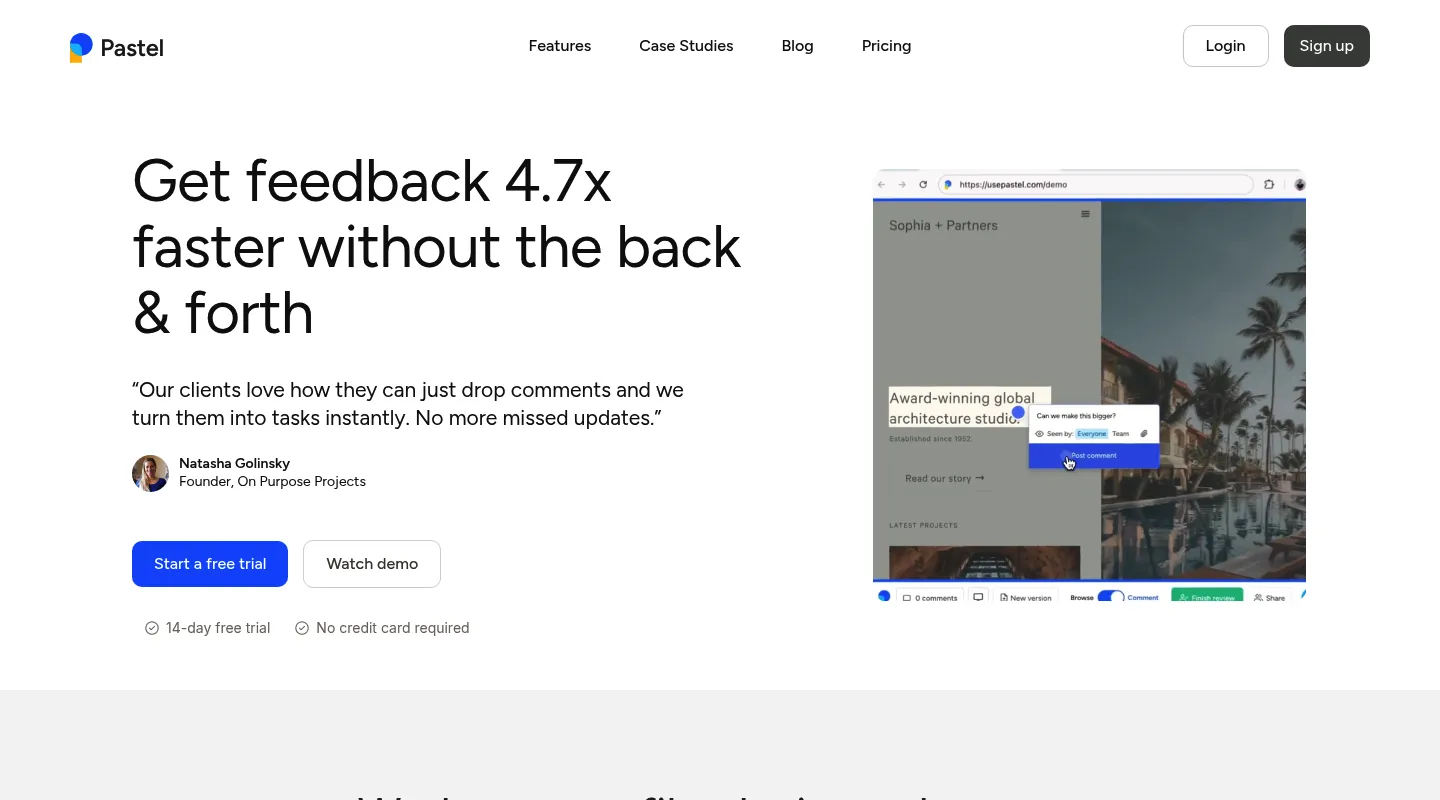
Pastel answers Ybug's biggest friction directly: it needs no widget or extension, working from a URL the way Huddlekit does — though its free tier comes with a catch.
Key differences from Ybug:
- No install: Works from a shared URL, so there's nothing to add to a site and no extension for reviewers.
- Simpler, design-leaning: Lighter and more visual than Ybug's bug-first metadata.
- A single-canvas free tier: The free plan exists, but it runs one active review at a time.
- Per-user pricing: Costs scale by seat rather than a flat team rate.
Pricing: Free plan (1 user, 1 active canvas). Pro is $35/month for 2 users; Team is $119/month for 5 users, then $24 per additional user.
Pros:
- No install, quick to start
- Free plan for light, one-off reviews
- Simple enough for any client
Cons:
- One active canvas at a time on the free plan
- Per-user pricing climbs fast
- No task board, side-by-side canvas, or CSS inspection
Best for: Solo freelancers who want free, no-install capture for the occasional review.
5. Userback — Best for ongoing product feedback
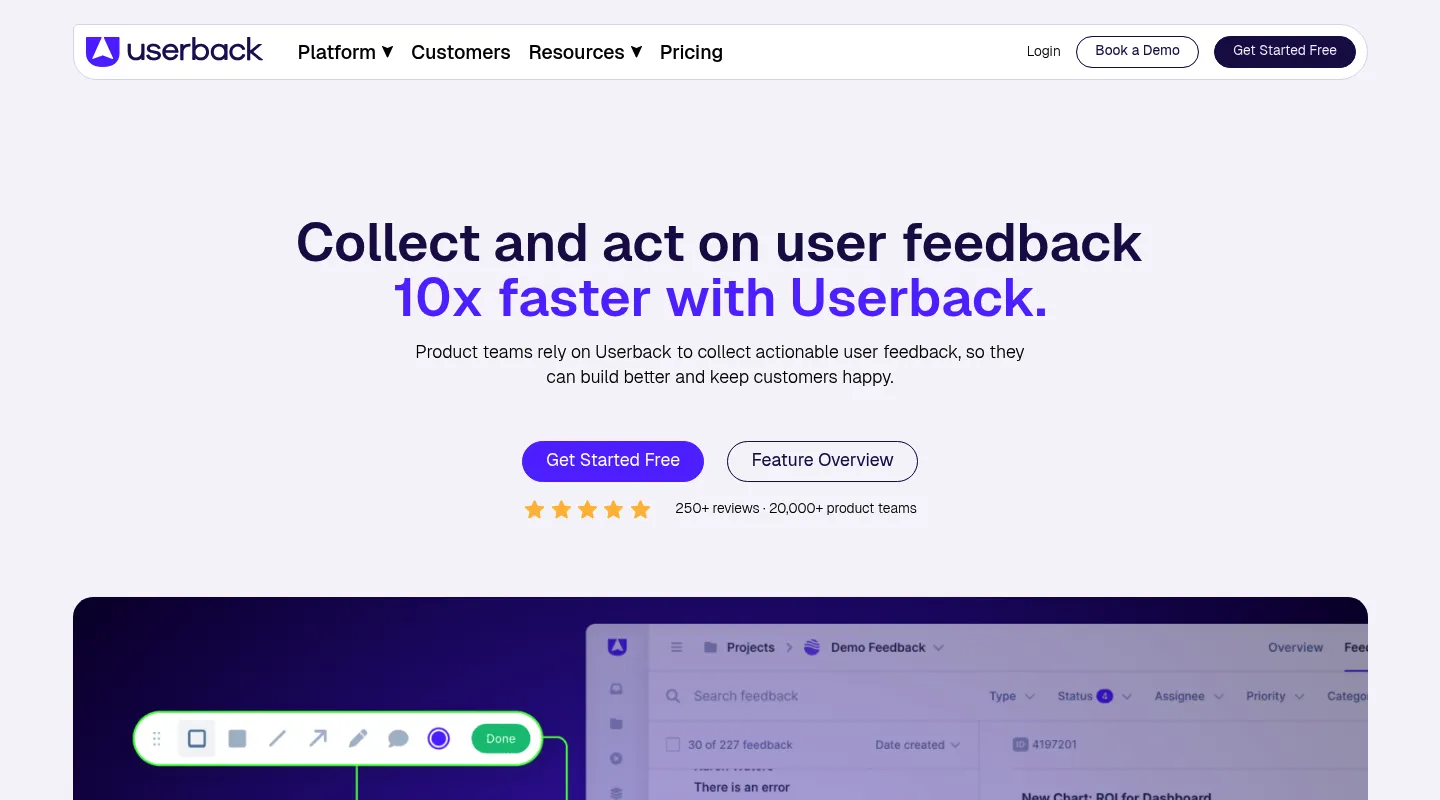
Ybug stops at bug reports; Userback keeps going into surveys, NPS, and feature voting. If you're leaving because you want continuous product feedback rather than one-off issue capture, this is the natural landing spot.
Key differences from Ybug:
- Product feedback, not just bugs: Surveys, NPS, and feature voting sit alongside visual capture — a whole layer Ybug doesn't have.
- Session replay (Business and up): Watch what a user did before they filed a report.
- Public roadmaps: Close the loop with the people who reported issues.
- Same install model: Like Ybug, a JavaScript widget on the site or a browser extension collects the feedback.
Pricing: Free plan (2 seats, 2 projects, feedback kept 7 days). Team is $29/month billed yearly ($39 monthly) for 5 seats; surveys, session replay, and console logs start at Business, $79/month billed yearly ($99 monthly).
Pros:
- Surveys, NPS, and roadmaps on the higher tiers
- Session replay for context
- Free plan to start on
Cons:
- A widget or extension to set up
- More platform than a lean bug workflow needs
- Higher entry price than Ybug
Best for: SaaS and product teams collecting ongoing user feedback, not just reproducing bugs.
When to stick with Ybug
Ybug still earns its place if:
- Lightweight technical capture — console logs, browser and OS info — is your priority
- You mainly reproduce bugs rather than review designs
- Adding a widget or browser extension is no obstacle
- Its low price point fits the budget
- You've already rolled it out across your projects
When to switch — and to what
- You can't install a widget or extension on client sites → Huddlekit or Pastel
- You need responsive preview or CSS inspection → Huddlekit
- You want design-led review, not bug reproduction → Huddlekit
- You want a built-in board to manage feedback → Huddlekit or BugHerd
- You need deeper debugging (session replay, network requests) → Marker.io
- You want surveys, NPS, and product feedback → Userback
Making the switch
Moving off Ybug is quick for most teams:
- Wrap up any active reports in Ybug you want to keep
- Remove the Ybug snippet or extension from your sites and browsers
- Set up your new workspace and invite your team
- Rebuild your review workflow and share fresh links with clients
With Huddlekit, website projects have no install step — paste a URL and clients can comment right away. Compare the plans to see the difference, or get in touch if you'd like help mapping your Ybug setup across.
Ready to trade the browser extension for a shared link?
Get startedFrequently asked questions
Is Ybug free?
Ybug has a free plan (1 project, 1 user), with paid plans from €10/month billed annually (€13 monthly) up to €47/month for 15 members. If you'd rather review designs than reproduce bugs, Huddlekit also has a free plan (1 project, 3 team members) so you can try before paying, with Pro at $16/month billed yearly — covering responsive preview, CSS inspection, and Kanban management — and a 30-day money-back guarantee.
Does Ybug need a widget or browser extension?
Yes. Ybug collects feedback through a JavaScript snippet on the site or a browser extension for reviewers — that's how it grabs console logs and environment data. Huddlekit's website projects take the opposite approach: share a URL and anyone can leave visual feedback with no snippet, extension, or account.
Does Ybug include responsive preview or CSS inspection?
No. Ybug is built around bug reporting with technical metadata, so it has neither breakpoint preview nor style inspection. Huddlekit builds both in — switch across mobile, tablet, and desktop on any plan (or compare them side by side on Pro and Team), and read typography, spacing, and color without opening DevTools.
Is Ybug better for developers or designers?
Developers, mainly. Its strengths — console logs, browser and OS data, quick reproduction — are debugging aids most designers rarely touch. For design-led review and client sign-off, Huddlekit's responsive preview and CSS inspection fit the work better.
How do I switch from Ybug to Huddlekit?
Wrap up any active reports in Ybug, remove its snippet and any browser extensions, then set up a Huddlekit workspace and invite your team. Because Huddlekit's website projects need no install, your clients can start leaving feedback immediately through a shared link.
Conclusion
Ybug is good at one thing: capturing a bug with enough technical context to reproduce it, fast. If that's the job, its lean, low-cost approach holds up.
But "lean" comes with real gaps — a widget or extension to install, and no responsive preview or CSS inspection for design work. Match the replacement to what you actually do: BugHerd for feedback on a managed task board, Marker.io for deep session-replay debugging, Pastel for a free no-install start, Userback for ongoing product feedback with surveys — and Huddlekit if you came for design-led website review and never needed the bug-reproduction machinery in the first place.
See Huddlekit's plans or reach out to talk through your workflow.
Want the wider field? Our guide to the best website annotation tools puts Ybug side by side with the alternatives.