
2026-01-05•18 min read
15 best visual and design feedback tools in 2026 (complete guide by use case)
Compare the top 15 visual and design feedback tools for websites, apps, and designs — reviews by use case, with pricing and a decision framework.
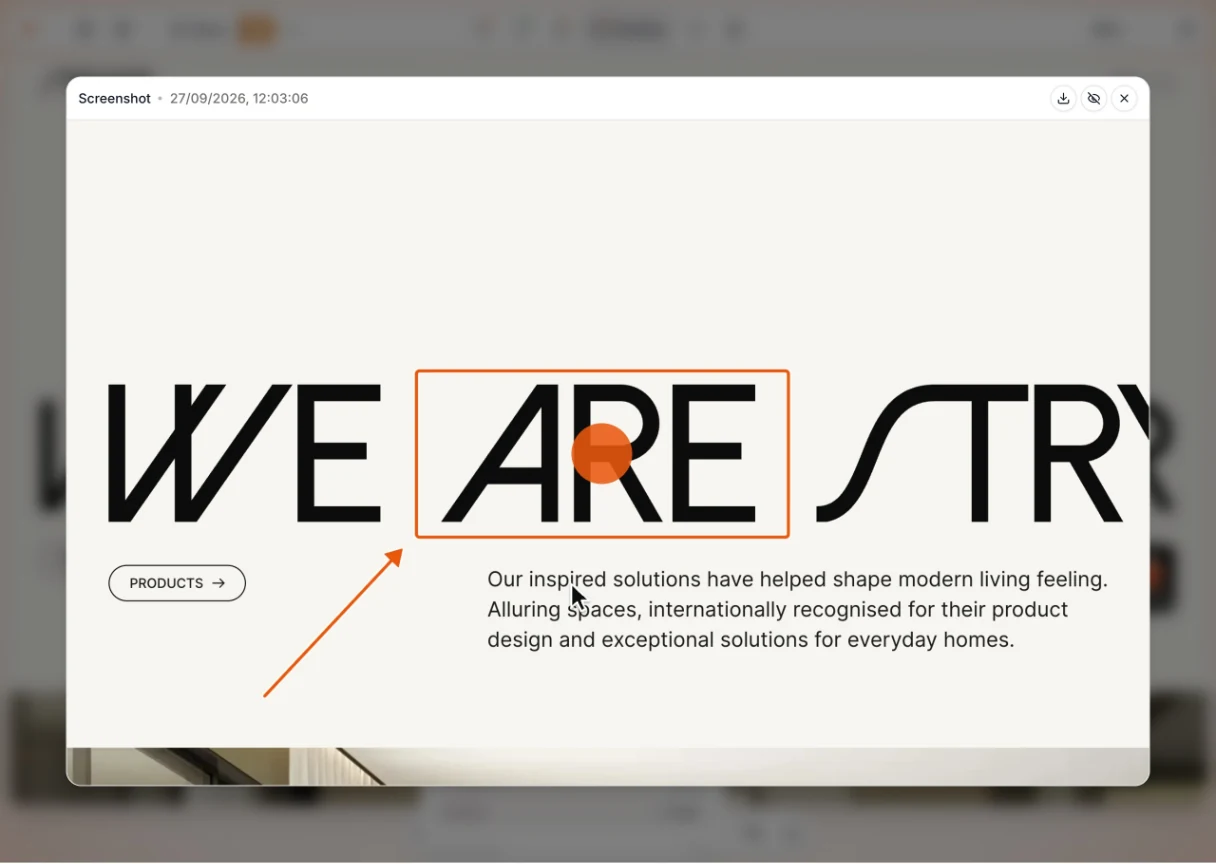
Clients pin comments on your live or staging site. Each one lands as a task with a screenshot and technical details.
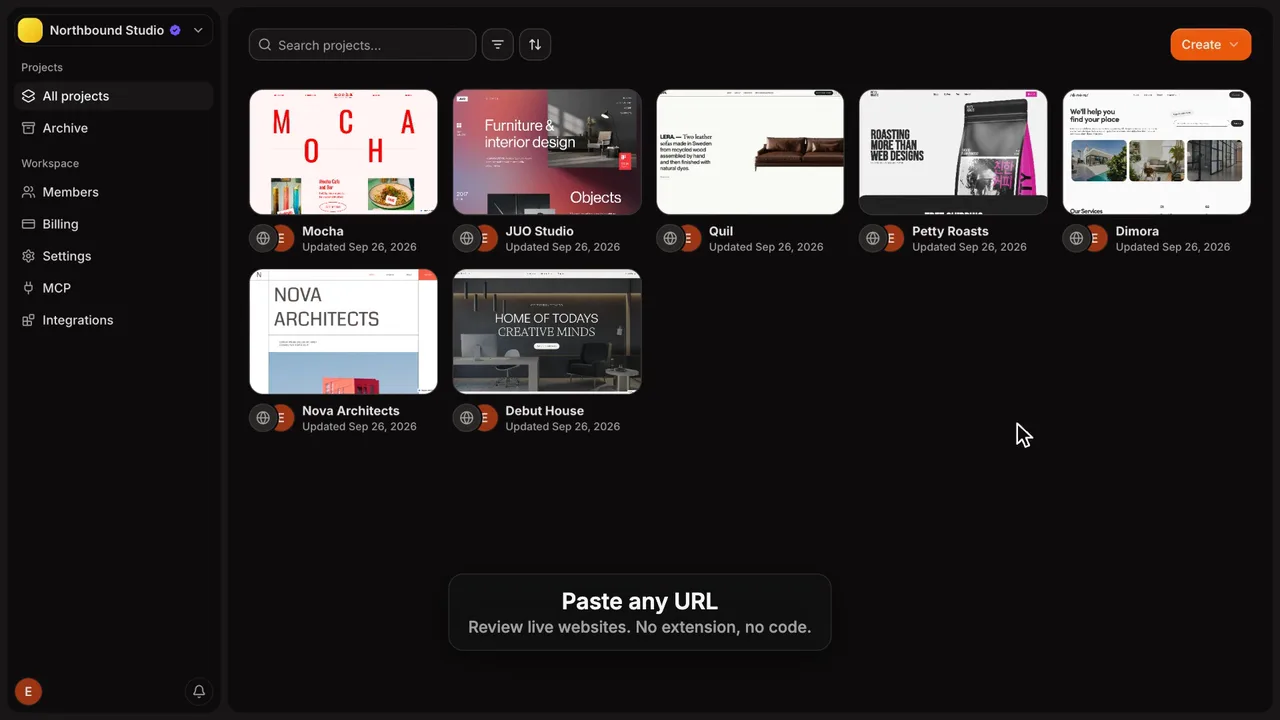
Good luck asking a client to create an account or install a browser extension.
Feedback gets lost in email and Slack. You burn hours finding and chasing it.
Clients point at the exact spot on your live or staging site instead of describing it in an email.

0installs for clients
Clients just open your share link and start commenting.
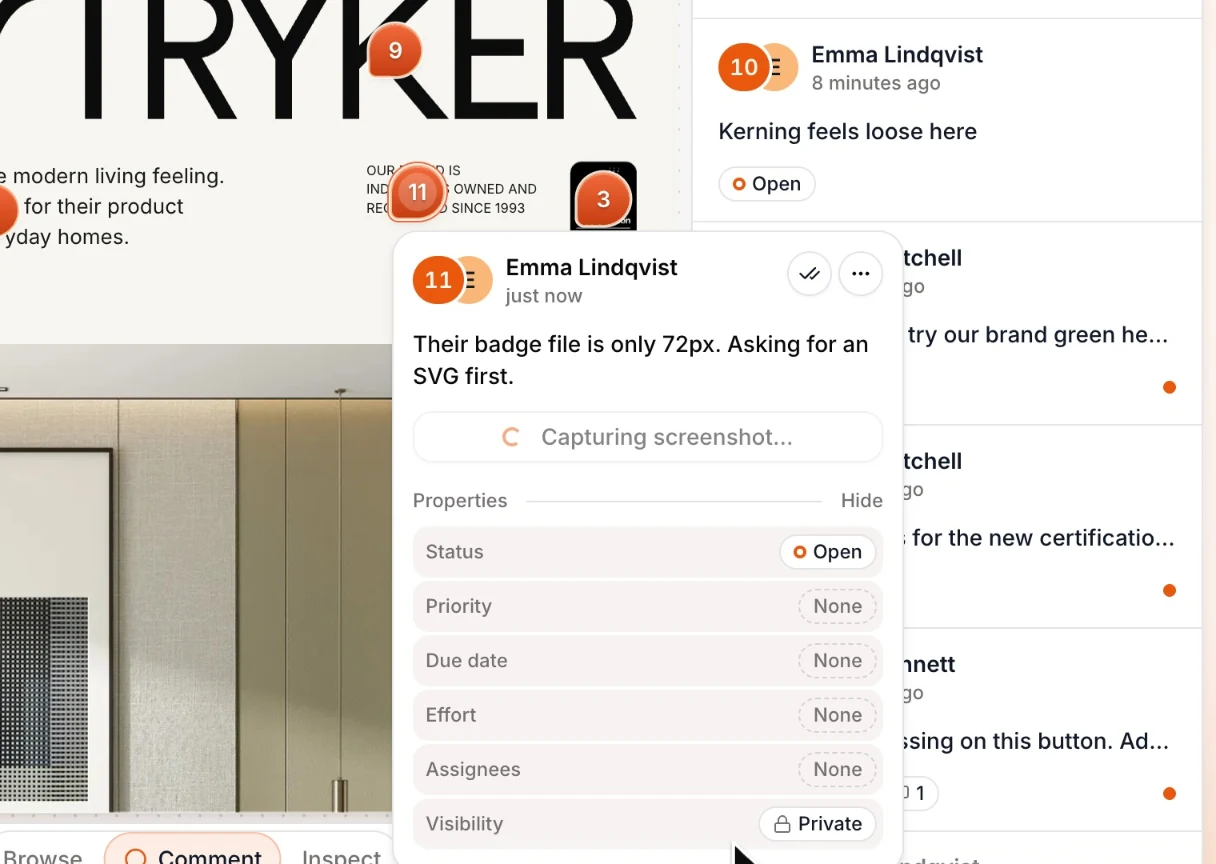
Screenshot, browser and device info are captured automatically, so nobody has to follow up.
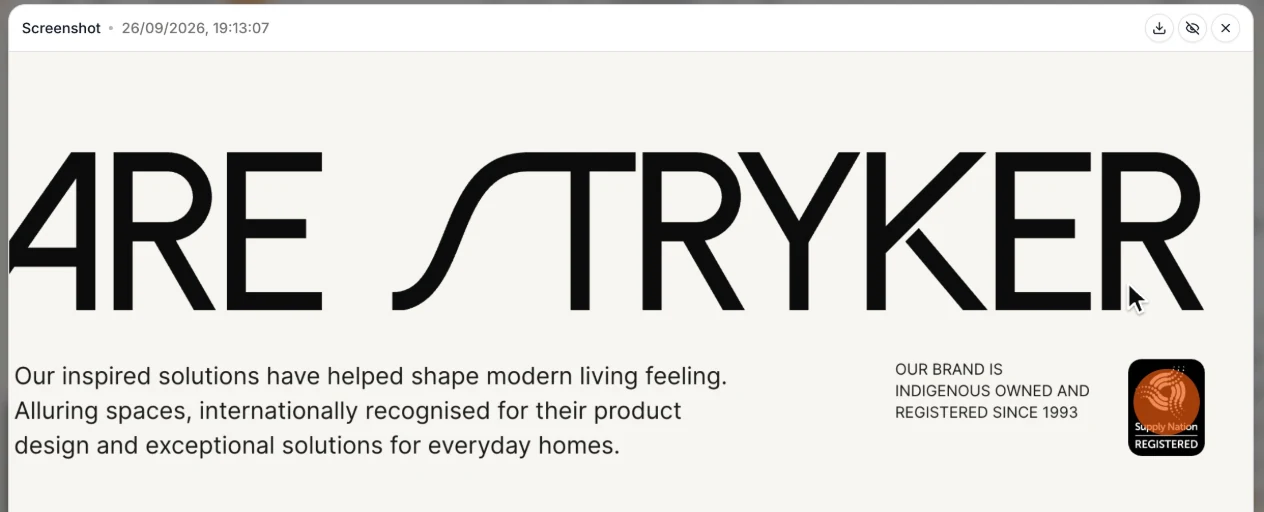
Over MCP, your agent sees each comment's page, element and screenshot, then acts on it.
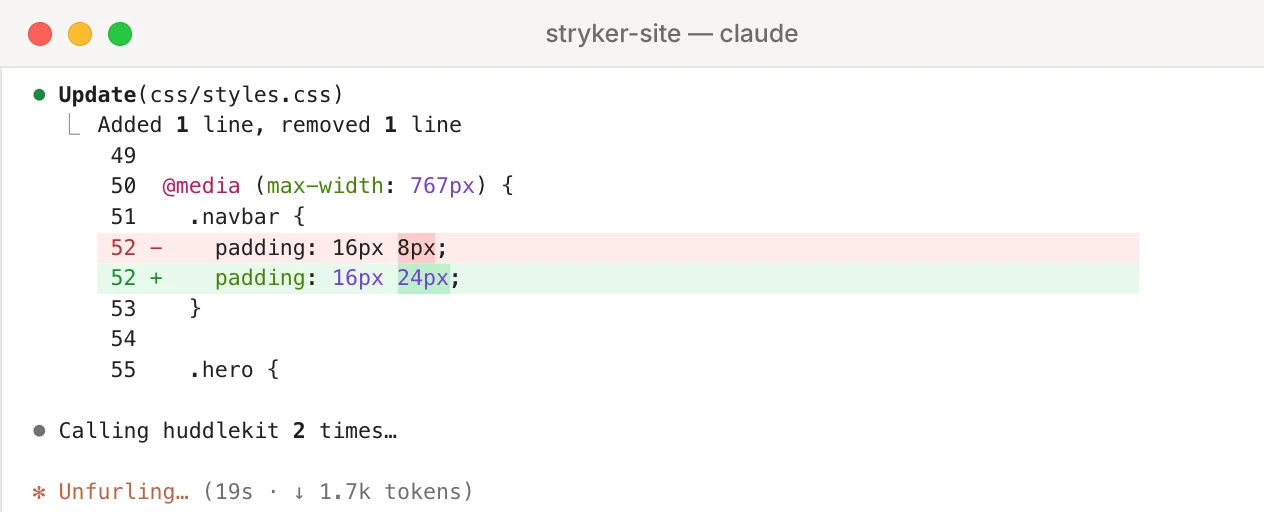
Unlimitedguests on every plan
Invite every client and stakeholder. Guests are always free.
Plus side-by-side breakpoints, layout grids, and file reviews. See all features
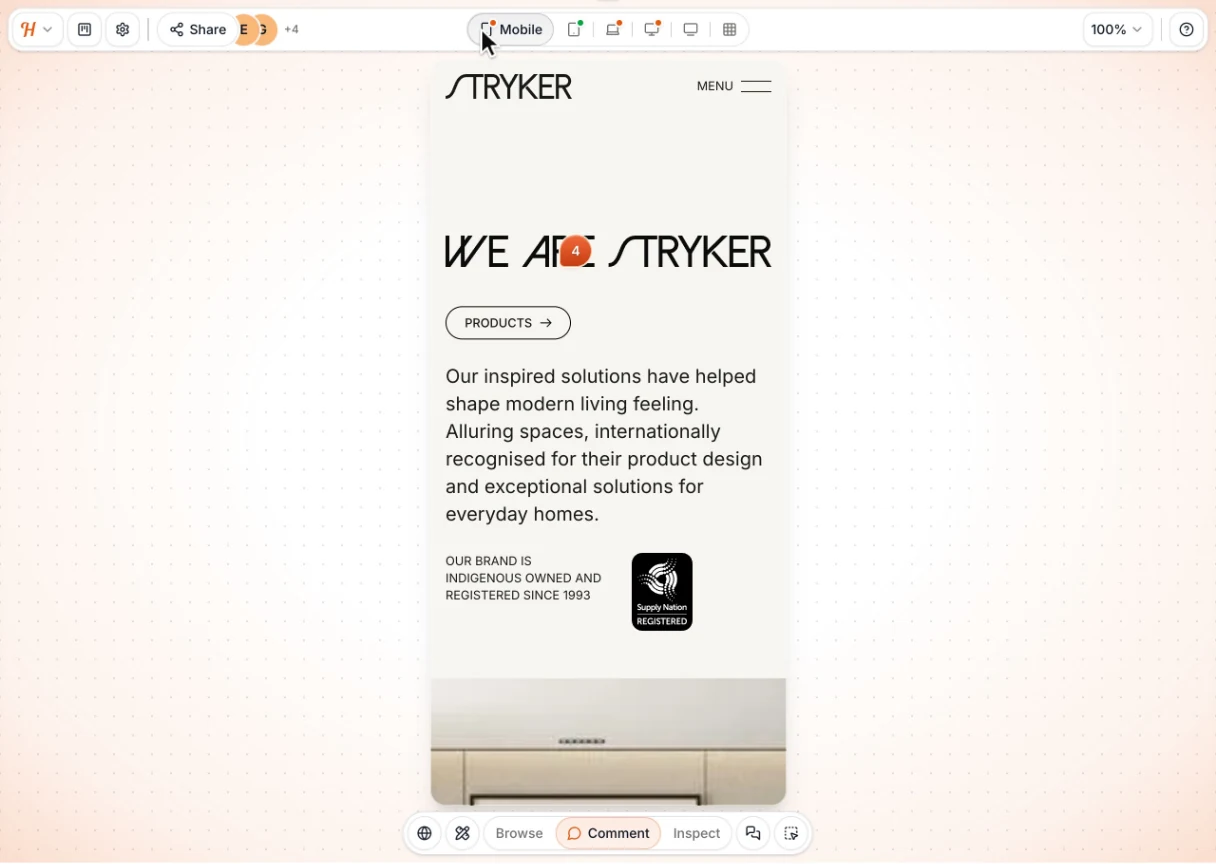
Turn comments into Linear issues and keep status in sync.
Turn comments into ClickUp tasks and keep status in sync.
Turn comments into Notion pages and keep status in sync.
Turn comments into Asana tasks and keep completion in sync.
Turn comments into Trello cards and keep their list in sync.
Post comments to a channel and resolve them right in Slack.
Integrations need Team, MCP needs Pro. See all integrations
“Huddlekit has become a real part of my process. … The whole UI is friendly and refreshingly uncomplicated. A straightforward, much-needed tool, especially for Webflow freelancers who want to add a touch of professionalism to their process.”

Magnaem Ambata
Webflow Developer
“I was previously using Pastel, but it only offers two breakpoints. Huddlekit has been a really solid upgrade for my workflow.”

Gul Ahmed
Webflow Developer
“Clients love dropping comments that instantly become actionable. Nothing falls through the cracks.”

Douglas Tamm
Digital Designer
“I love this tool! The UI is super intuitive and clean, and the best part is being able to see all the breakpoints side by side.”

Mikael Brunnberg
Product Designer
“After 20 years of designing websites, I can confidently say that Huddlekit is an exceptional product for the modern designer.”

David Lozano
Web Designer & Youtuber
“We tried Markup, Ruttl, and a handful of other tools. Huddlekit was the first one that actually organized our feedback and felt easy enough for clients to use without a walkthrough.”

George Duckett
Growth Lead
“Before, we spent a lot of time just figuring out what the client actually meant. Now they point at it and tell us. Much easier.”

Christian Jigling
Web Developer
“I'm not one to fill out testimonials, but Huddlekit has been the best experience for a markup tool that I have used. The tool itself has the best features compared to other markup tools, but what got me to leave a review was their tech support. …”

Matthew Haire
Web Project Manager
“Excellent tool, worked with a lot of other markup software and this is best in class.”

Felix Hellström
Web Developer

“We tried Markup, Ruttl, and a handful of other tools. Huddlekit was the first one that actually organized our feedback…”
George Duckett
Growth Lead at Stormfors

“We stopped wasting time interpreting vague emails and just started fixing things.”
Christian Jigling
Web Developer at Leadfront
Loved by bespoke agencies. View case studies
Huddlekit is a visual annotation and QA tool for designers, developers, and their clients. Pin comments directly on live or staging websites, inspect element styles without opening DevTools, and compare responsive breakpoints side by side in one tab. You can also review images, PDFs, and video in the same workspace. Every comment automatically captures a screenshot and debugging details, and clients can reply from a shared link with no account or extension to install.
Paste any URL to start a review. Switch between Comment Mode, Inspect Mode, and Canvas View to annotate, check styles, and compare responsive breakpoints. Share a single link with teammates or clients so everyone comments in the same place, with every comment threaded by project.
Yes. On Pro and Team you can connect Claude, Claude Code, or Cursor to a workspace over MCP (the Model Context Protocol). The agent reads a comment with its full context — the element that was clicked, the page, the reply thread, and the screenshot — then replies, retags, reassigns, or marks it resolved while it fixes the code. There is no API key to paste, and read access and write access are granted separately for each person who connects.
No extensions required. Share a review link and guests can leave comments without creating an account. Invited teammates get full workspace access, so clients can chime in quickly while your team manages projects in the background.
Yes. Huddlekit works with static sites like Webflow, WordPress, Squarespace, and more. Site passwords and basic auth work in a normal website project. For pages behind a user login, use the Web App project type, which runs on your own site so you can annotate and review while signed in.
Huddlekit offers three plans: Free ($0), Pro ($16/mo), and Team ($33/mo) when billed yearly. Monthly billing is available at $19 and $39 for Pro and Team. Monthly plans can be upgraded or downgraded whenever you need, and yearly plans can be upgraded mid-term. Your work stays intact.
For standard projects, no. Paste a public URL (or a staging URL your reviewers can access) and start annotating immediately, with no scripts or embeds to add. For pages behind a user login, the Web App project type uses a small SDK snippet so Huddlekit can run behind your login.
Projects are the websites, documents, and web apps you collect feedback on, and all three count toward the same limit. Team members are collaborators inside your workspace with edit access, while guests are people you share review links with to comment. Guests are unlimited on every plan, and projects are unlimited on Pro and Team. Team members scale from 3 on Free and Pro to 15 on Team.
Have more questions? Visit our support center.
Compare the top 15 visual and design feedback tools for websites, apps, and designs — reviews by use case, with pricing and a decision framework.

Compare the top 12 website annotation tools for designers, developers, and agencies — reviews, verified pricing, and a comparison of what each does best.

Compare 14 design review and feedback tools for websites, creative assets, and digital products — pricing, comparison tables, and a proven review process.
Guides, comparisons and how-tos for running better reviews. View all posts