
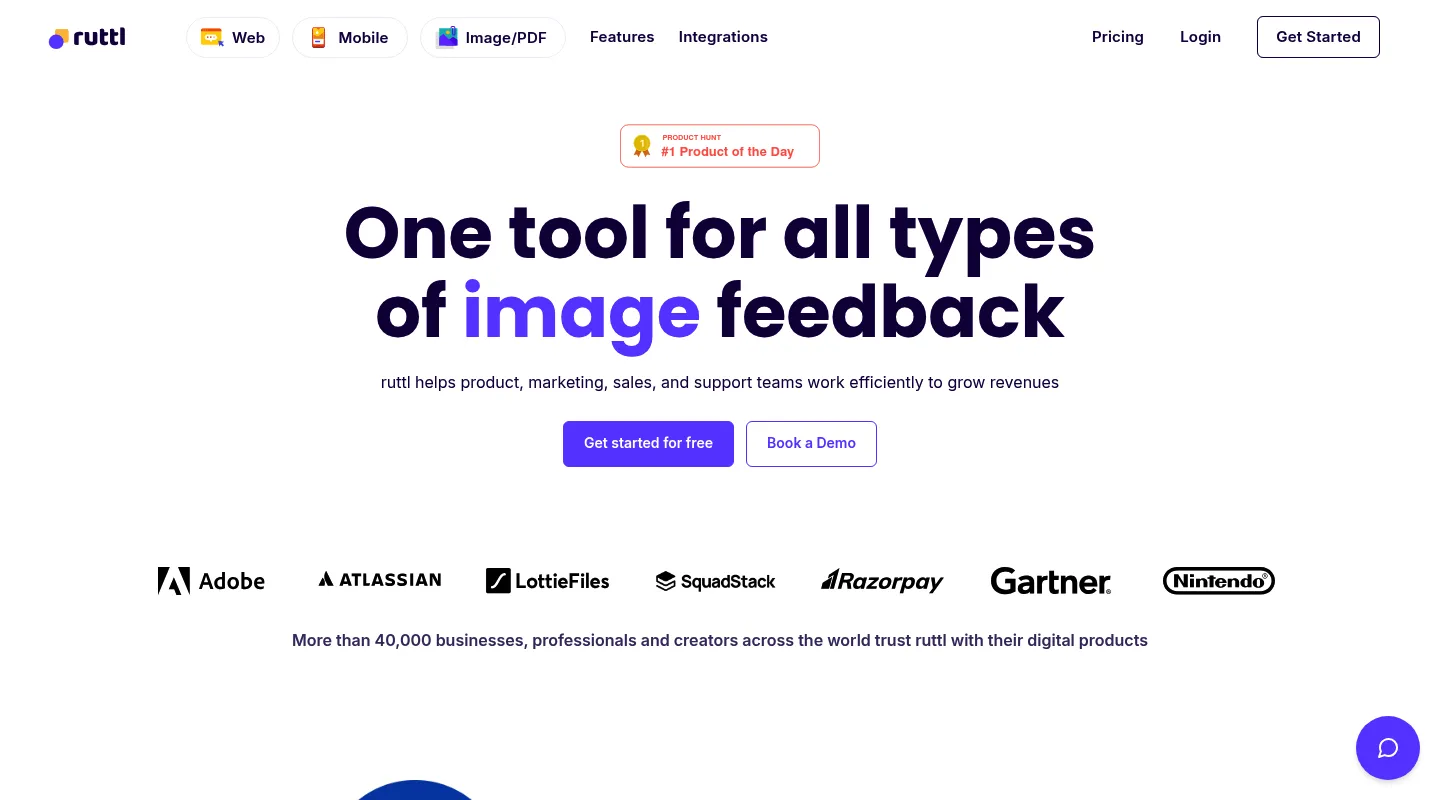
Huddlekit is the closest Ruttl alternative for teams that want flat pricing instead of a per-user bill. Pro is $16/month billed yearly ($19 monthly) for 3 members, where Ruttl Pro is $18 per user per month, or $54 for the same three. There is a free plan for 3 team members with unlimited client guests, and nothing to install for website projects. Ruttl's live CSS editing and its native Jira integration are real strengths. If those are what you're buying, it is still the better fit.
Ruttl carved out a niche with two features most feedback tools skip: live CSS editing, where reviewers change text and styles on the page and developers copy the resulting CSS, and video comments for walking through complex changes. It covers the basics well too. You paste a URL or use the Chrome extension, with no script on the site, and you can review websites, images, PDFs, and mobile apps, with Slack, Trello, Asana, and Jira connected on every plan.
The friction is mostly the bill. Pro is priced per user, so the cost climbs with every person you add. Most teams shopping for a Ruttl alternative land in one of two camps: they rarely use live editing and want the same on-page review at a flatter price, or they want something Ruttl doesn't centre on, like side-by-side breakpoints, read-only CSS inspection, or two-way sync with Linear or Notion. This guide sorts the best 2026 options by which camp you're in.
Why teams look for Ruttl alternatives
Ruttl does a few things no one else here does, but a handful of issues push teams to look elsewhere:
- Per-user pricing: Pro is $18 per user per month, so three people cost $54/month and ten cost $180. The bill grows with every hire.
- A free plan built for trying, not working: Basic covers up to 5 users but only 1 project, 5 pages, and 10 comments. Real client work outgrows it fast.
- Device sizes are a Pro feature: Ruttl's 15 device sizes and mobile-responsiveness view aren't on the free plan.
- No side-by-side breakpoints: Ruttl switches between device sizes; it doesn't lay several breakpoints next to each other so you can compare a layout at once.
- No Linear or Notion connection: Ruttl's native list is Slack, Trello, Asana, Jira, and (on Pro) ClickUp, plus Zapier. Teams that plan in Linear or Notion have nothing native.
What to look for in a Ruttl alternative
Line up any replacement against the specific reasons Ruttl stopped fitting:
- Pricing shape: Per-user billing like Ruttl's, or a flat team rate that stays predictable as you add people?
- Which features you actually use: Is live CSS editing essential, or is on-page commenting with read-only CSS inspection enough?
- Where tasks end up: Ruttl connects natively to Jira, Trello, and Asana. If your team runs on Jira, check the alternative does too. If you're on Linear, Notion, Asana, or Trello, look for sync that goes both ways.
- Install model: Ruttl needs no script for websites, so don't accept a step backwards. An alternative that needs a snippet on every client site is more setup, not less.
Best Ruttl alternatives compared
1. Huddlekit — Best overall, flat-priced replacement
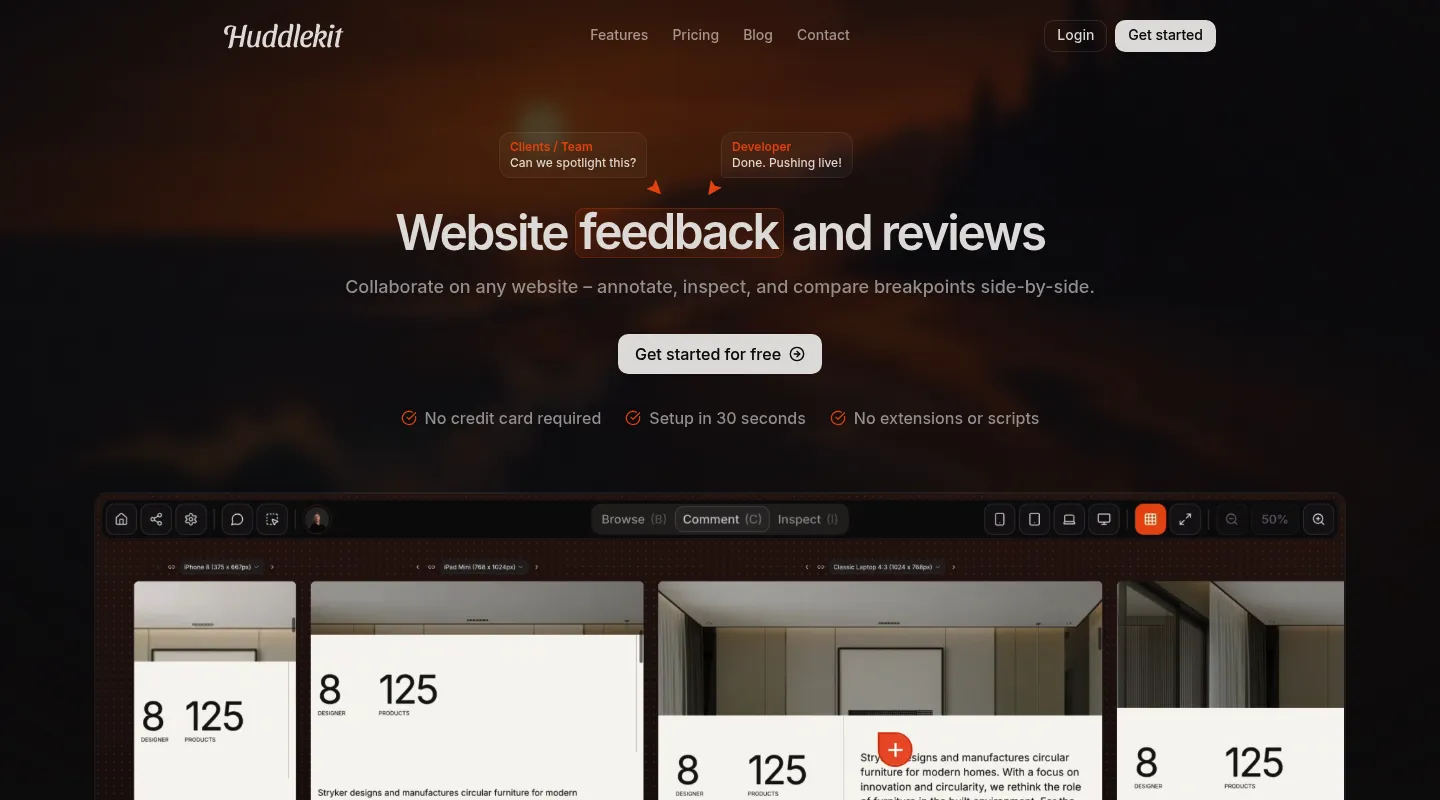
Huddlekit keeps what makes Ruttl easy to start with (paste a URL, nothing on the client's site) and swaps the per-user bill for a flat team rate.
Key differences from Ruttl:
- Flat team pricing: Pro is $16/month billed yearly ($19 monthly) for 3 members, where Ruttl Pro is $18 per user, or $54/month for those same three. Team is $33/month billed yearly ($39 monthly) for 15 members; 15 Ruttl Pro seats would be $270.
- Side-by-side canvas (Pro and Team): Line up mobile, tablet, laptop, and desktop next to each other and check a layout across breakpoints at once. Every plan, free included, can switch between breakpoints one at a time.
- CSS inspection, not editing: Inspect mode reads out spacing, typography, and colors on any element. It's read-only, so it won't replace Ruttl's live edits, but it answers "what's the padding here?" without DevTools.
- Two-way sync with Linear, ClickUp, Notion, Trello, and Asana (Team): Status changes flow both ways with Linear, ClickUp, Notion, and Trello, and completion flows both ways with Asana. Team also adds Slack notifications, Zapier (for Jira and more), webhooks, and API keys.
- Automatic debugging context: A screenshot plus URL, element selector, browser, OS, viewport, and pixel ratio ride along with every comment.
- Nothing to install for website projects: Paste a link and share it, as with Ruttl. Pages behind a user login use a Web App project with a one-line script.
- Built-in Kanban board: Turn comments into tracked tasks across every project.
Both tools also offer an MCP connection for AI coding tools like Claude Code and Cursor; Huddlekit's is on Pro and Team.
Pricing: Free plan available (1 project, 3 members, unlimited guests). Pro is $16/month billed yearly ($19 monthly) for 3 members, unlimited projects, and 5 GB storage; Team is $33/month billed yearly ($39 monthly) with 15 members and 50 GB. Every paid plan carries a 30-day money-back guarantee.
Pros:
- Flat pricing beats per-user as you grow
- CSS inspection on every plan, side-by-side canvas on Pro and Team
- Two-way Linear, ClickUp, Notion, Trello, and Asana sync on Team
- Free plan plus a 30-day money-back guarantee
Cons:
- No live CSS editing or video comments like Ruttl
- No native Jira integration (Zapier on Team covers it)
- Newer tool with a smaller community
Verdict: Unless live CSS editing or a native Jira connection is the reason you're on Ruttl, Huddlekit gives you the same no-install review at a flatter price, plus side-by-side breakpoints on paid plans.
Best for: Teams of three or more who want on-page visual feedback without a bill that grows with every seat.
"I love this tool! The UI is super intuitive and clean, and the best part is being able to see all the breakpoints side by side." — Mikael, Product Designer @ Team Blue
Keep the no-install review, drop the per-user bill.
Try Huddlekit2. Pastel — Best for simple solo reviews
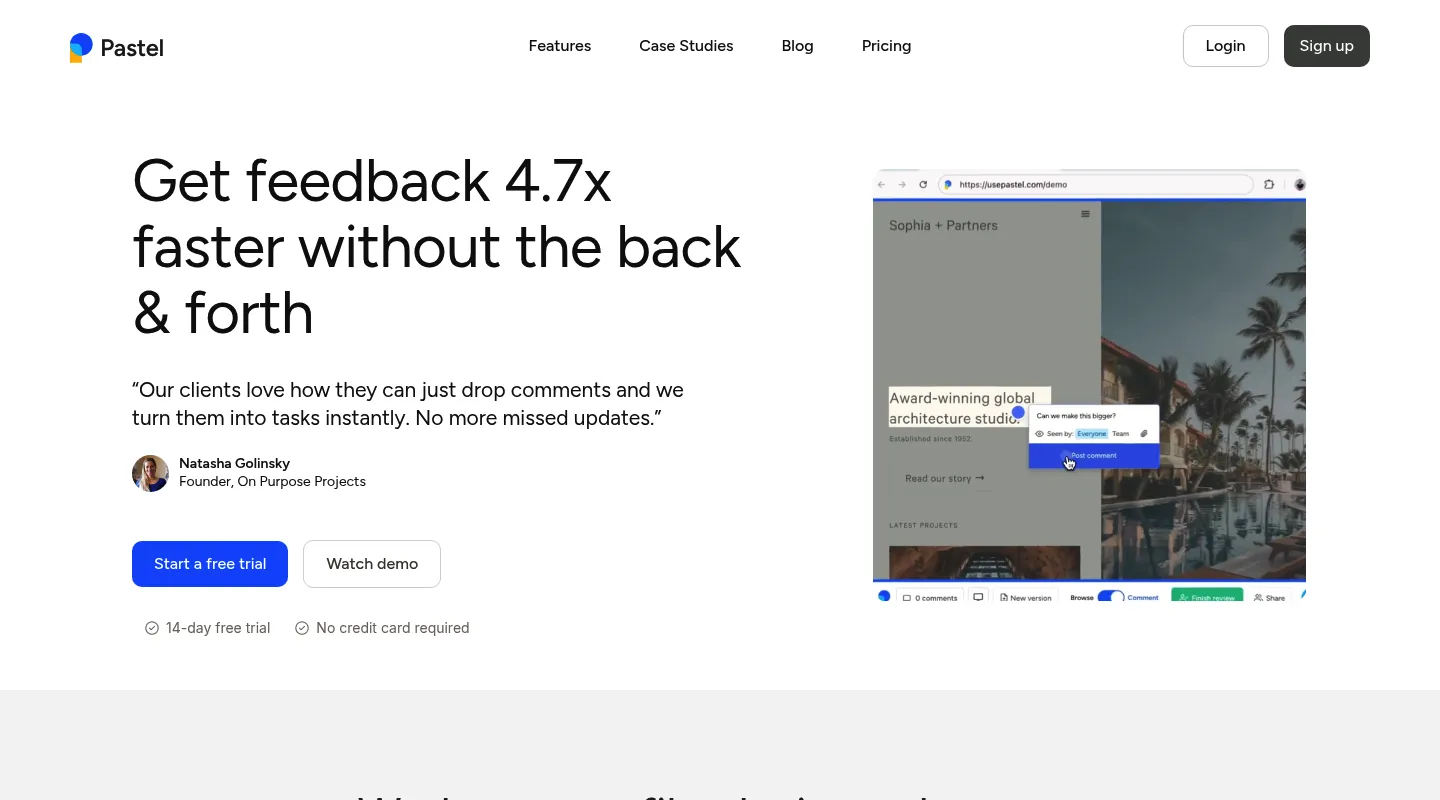
Pastel is the stripped-back option: URL-based, with a free plan that suits one person running the occasional review.
Key differences from Ruttl:
- Same no-install start: Reviews run from a URL, so there's nothing to add to a client's site, as with Ruttl.
- A different free plan: Pastel's free tier is 1 user and 1 active canvas with no time limit; Ruttl's Basic allows up to 5 users but caps you at 5 pages and 10 comments.
- No live editing or video: Solid on-page commenting with a responsive tester, but none of Ruttl's live CSS or video-comment tricks.
- Per-user pricing that climbs higher: Paid tiers bill by seat, and at $24 per extra user the Team plan runs above Ruttl's $18.
Pricing: Free plan (1 user, 1 active canvas). Pro is $35/month for 2 users and 3 active canvases; Team is $119/month for 5 users, then $24 per additional user.
Pros:
- No install, quick to start
- Free plan with no time limit for light reviews
- Simple enough for any non-technical client
Cons:
- One active canvas at a time on the free plan
- Per-user pricing climbs faster than Ruttl's
- No side-by-side canvas or CSS inspection
Best for: Solo freelancers who want a free, no-install option and can work within one active canvas.
3. Markup.io — Best for stripped-down, no-install reviews
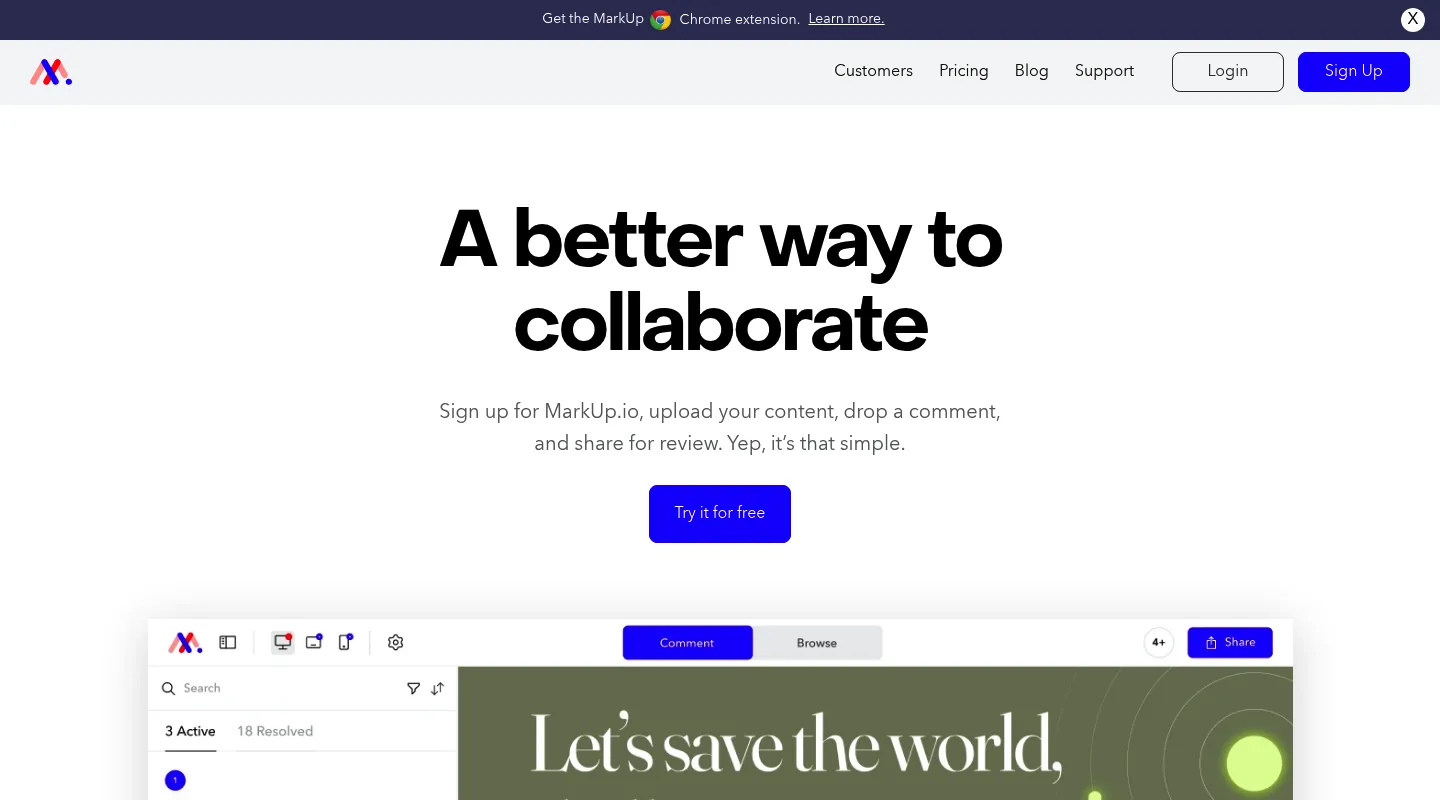
Markup.io does one thing — comment on a live page, share a link — and does it without a script. The trade-off since its 2025 pricing change is cost, though that cost isn't per user.
Key differences from Ruttl:
- URL-based, no install: Like Ruttl, Markup works from a link with nothing to embed.
- Unlimited users, capped reviews: Pro runs $79–$129/month with unlimited users; the limit is 50–100 MarkUps (review files) a month rather than seats.
- No free plan, and a higher floor: Markup removed its free tier and lifted entry pricing from $29 to $79/month in 2025. That's more than three Ruttl Pro seats ($54), though Markup comes out cheaper once you reach five people.
- Pure commenting: No live CSS editing, no video comments, and no responsive or CSS-inspection tools.
Pricing: No free plan; 14-day trial. Pro from $79/month (up from $29 before the 2025 hike) to $129/month, with unlimited users and 50–100 MarkUps a month.
Pros:
- No installation to manage
- Unlimited users, so headcount doesn't raise the bill
- Dead-simple for clients to use
Cons:
- No free plan, only a 14-day trial
- A monthly cap on MarkUps
- No responsive testing, CSS inspection, or live editing
Best for: Larger teams who want the simplest no-install review and would rather cap reviews than seats.
4. Superflow — Best for AI-assisted QA checks
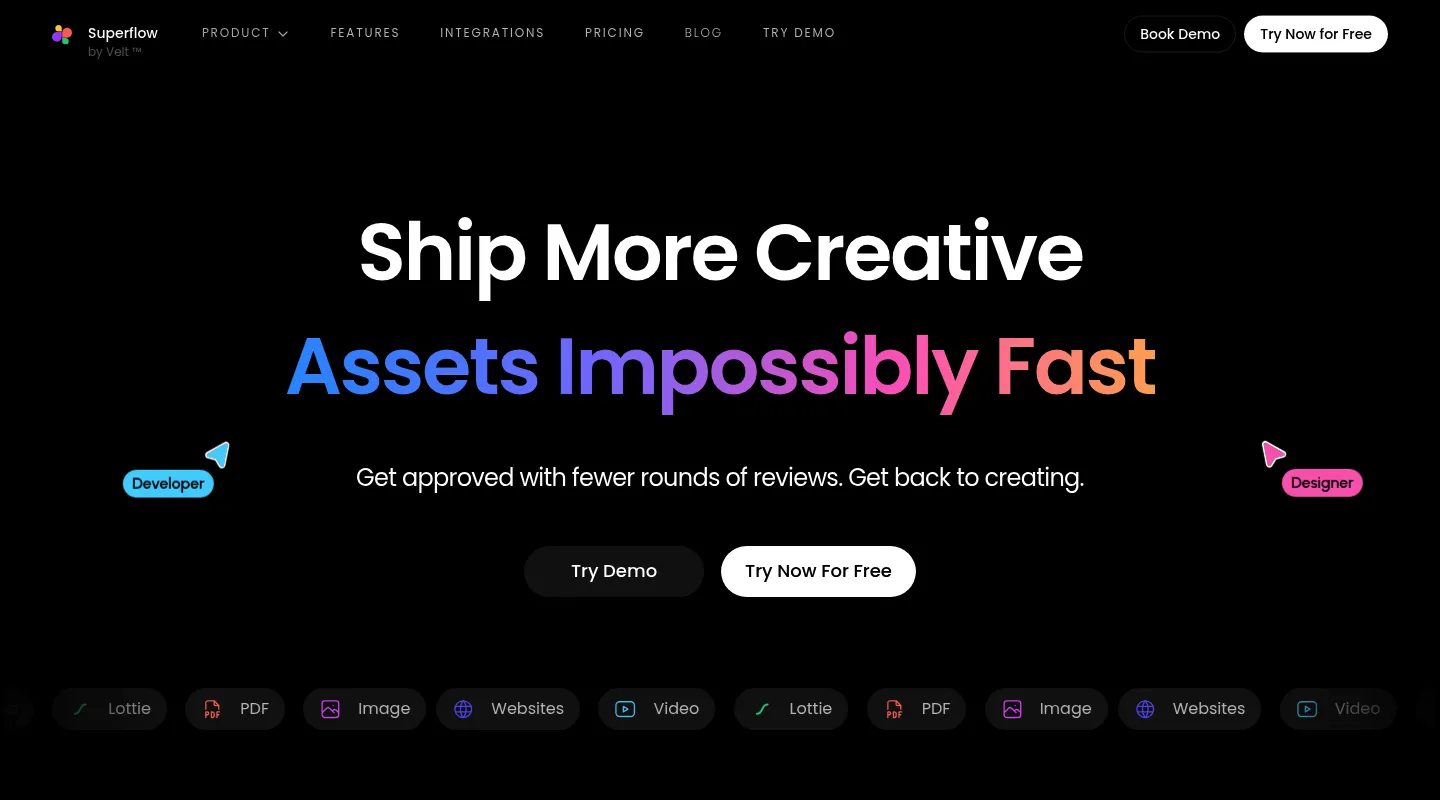
Where Ruttl is built around human comments, Superflow has repositioned as an AI QA-agent platform: paste in a QA checklist and its agents scan pages for issues before a human approves them.
Key differences from Ruttl:
- AI QA agents: Agents check for broken links, brand colors and fonts, spelling, and your own checklist rules. Runs are billed in AI credits on top of seats.
- Needs a snippet: Unlike Ruttl, Superflow's website review runs through a snippet on the site, with one-click plugins for WordPress, Webflow, Framer, and Shopify.
- Two-way integrations: Syncs both ways with Asana, ClickUp, Monday, Slack, and more (12 integrations in all).
- Kanban and white-label: A task board and white-label options are built in.
- Per-seat pricing too: Growth is $24/seat/month billed yearly ($29 monthly), above Ruttl's $18.
Pricing: Free Starter plan (1 project, 1 seat, unlimited guests). Growth is $24/seat/month billed yearly ($29 monthly); Scale is $28/seat/month ($34 monthly). AI agent runs cost credits on top.
Pros:
- Automated first-pass QA before clients see a page
- Two-way sync with Asana, ClickUp, and Monday
- Reviews websites, PDFs, images, video, and Lottie files
Cons:
- A snippet on each website, unlike Ruttl
- AI credits are a second meter on top of seats
- No live CSS editing
Best for: Agencies that want automated QA checks on every page, not just human comments.
5. BugHerd — Best for turning feedback into tasks
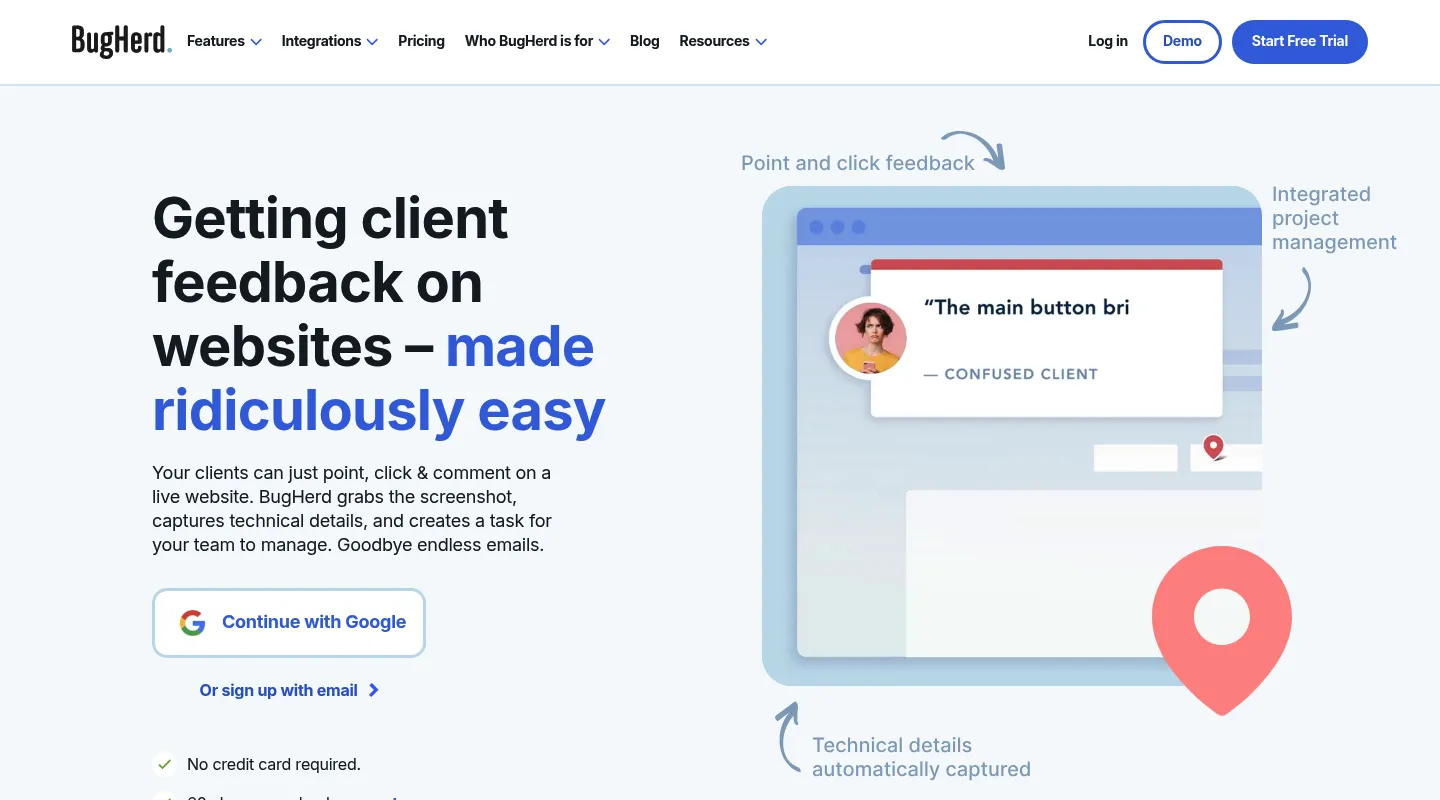
Ruttl collects comments; BugHerd wraps them in project management, dropping every pinned note onto a built-in Kanban board as a task.
Key differences from Ruttl:
- Feedback becomes a task board: Pinned comments turn into cards on an integrated Kanban.
- Flat team pricing: $50/month for 5 members, versus $90 for five Ruttl Pro seats.
- More setup than Ruttl: A JavaScript snippet on the site, or a browser extension for each reviewer if you can't add code.
- Integrations by tier: Standard includes Trello, Slack, GitHub, and Zapier; Jira, Asana, Linear, ClickUp, and Monday start at Premium ($150/month).
- A long track record: Around since 2011, though the interface shows its age.
Pricing: $50/month for 5 members ($42/month billed annually). No free plan, but there's a free trial.
Pros:
- Built-in task management
- Predictable flat team pricing
- Established since 2011
Cons:
- Needs a snippet or a reviewer extension, unlike Ruttl
- Jira and Asana need the $150 Premium plan
- No responsive testing, CSS inspection, or live editing
- No free plan
Best for: Agencies that want feedback capture and task tracking living in one place.
When to stick with Ruttl
Ruttl does things nothing else here does. It's the right call if:
- Live CSS editing is central to your process: you change styles on the page and hand developers the CSS
- You regularly record video comments to walk clients through complex feedback
- Your team lives in Jira or Trello and wants it connected natively on every plan
- You need to review mobile apps alongside websites, images, and PDFs
- Your team is small enough that $18 per user stays affordable, or the free plan's 5 pages and 10 comments cover you
When to switch — and to what
- You want a flat team rate instead of per-user billing → Huddlekit, BugHerd, or Markup.io (unlimited users)
- You want to compare breakpoints side by side → Huddlekit (Pro and Team)
- You want CSS values without DevTools but don't need live editing → Huddlekit
- You plan in Linear or Notion and want two-way sync → Huddlekit (Team)
- You want feedback that becomes tracked tasks → BugHerd or Huddlekit
- You want AI agents running QA checks → Superflow
- You review alone and want free and simple → Pastel
Making the switch
Moving off Ruttl is quick, since the main alternatives here start from a URL too:
- Wrap up any active reviews in Ruttl if you need the record
- Disconnect Ruttl's integrations so tasks don't double up in Jira, Trello, or Asana
- Set up your new workspace and invite your team
- Rebuild your review workflow and share fresh links with clients
With Huddlekit, website projects start from a URL just like Ruttl: paste a link and clients can comment right away. Check our pricing to see the difference, or contact us with questions.
Ready for the same no-install review at a flat price?
Get startedFrequently asked questions
Is Ruttl free?
Yes, with limits. Ruttl's free Basic plan covers up to 5 users, 1 project, 5 pages, and 10 comments; Pro is $18 per user per month. Huddlekit's free plan covers 1 project and 3 members with unlimited guests, and paid plans start at $16/month billed yearly ($19 monthly) for 3 members, with a 30-day money-back guarantee.
Does Ruttl work on live websites or only mockups?
Live websites. You paste a URL or use Ruttl's Chrome extension, with no script on the site (its NPM package is only for web-app and mobile bug tracking), and reviewers can comment and make live CSS edits on the page. Huddlekit's website projects also start from a URL with nothing to install; pages behind a user login use a Web App project with a one-line script.
Can I use Huddlekit instead of Ruttl?
Yes, unless live CSS editing or a native Jira integration is essential. Huddlekit covers visual commenting, read-only CSS inspection, breakpoint switching on every plan with a side-by-side canvas on Pro and Team, and Kanban task management. The trade-offs: it can't edit CSS live or record video comments, and it reaches Jira through Zapier on Team rather than natively.
How does Ruttl's pricing compare to Huddlekit?
Ruttl Pro is $18 per user per month, so three people cost $54 and five cost $90. Huddlekit Pro is $16/month billed yearly ($19 monthly) for 3 members, and Team is $33/month billed yearly ($39 monthly) for 15, so the gap widens with every person you add.
What's the best free alternative to Ruttl?
It depends what the free plan has to cover. Huddlekit's free plan gives 3 members 1 project with unlimited guest reviewers and nothing to install for website projects. Pastel's free plan is 1 user and one active canvas with no time limit, which suits occasional solo reviews. Ruttl's own free plan (5 users, 5 pages, 10 comments) works for a trial run.
Conclusion
Ruttl's live CSS editing and video comments are genuinely distinctive, and its native Jira, Trello, and Asana integrations are broader than most tools here. What pushes teams off it is usually the per-user bill: at $18 a seat, a growing team pays more every month, including for people who rarely open the editing tools.
For most teams, Huddlekit hits the balance: the same no-install start, CSS inspection and a built-in task board, side-by-side breakpoints on paid plans, and flat pricing that stays put as you add people. Pastel covers light solo reviews; Markup.io suits larger teams who'd rather cap reviews than seats; Superflow adds AI-run QA checks; and BugHerd turns feedback into tracked tasks.
See Huddlekit's plans or reach out to talk through your workflow.
Want the wider field? Our guide to the best website annotation tools compares Ruttl against the full lineup.