
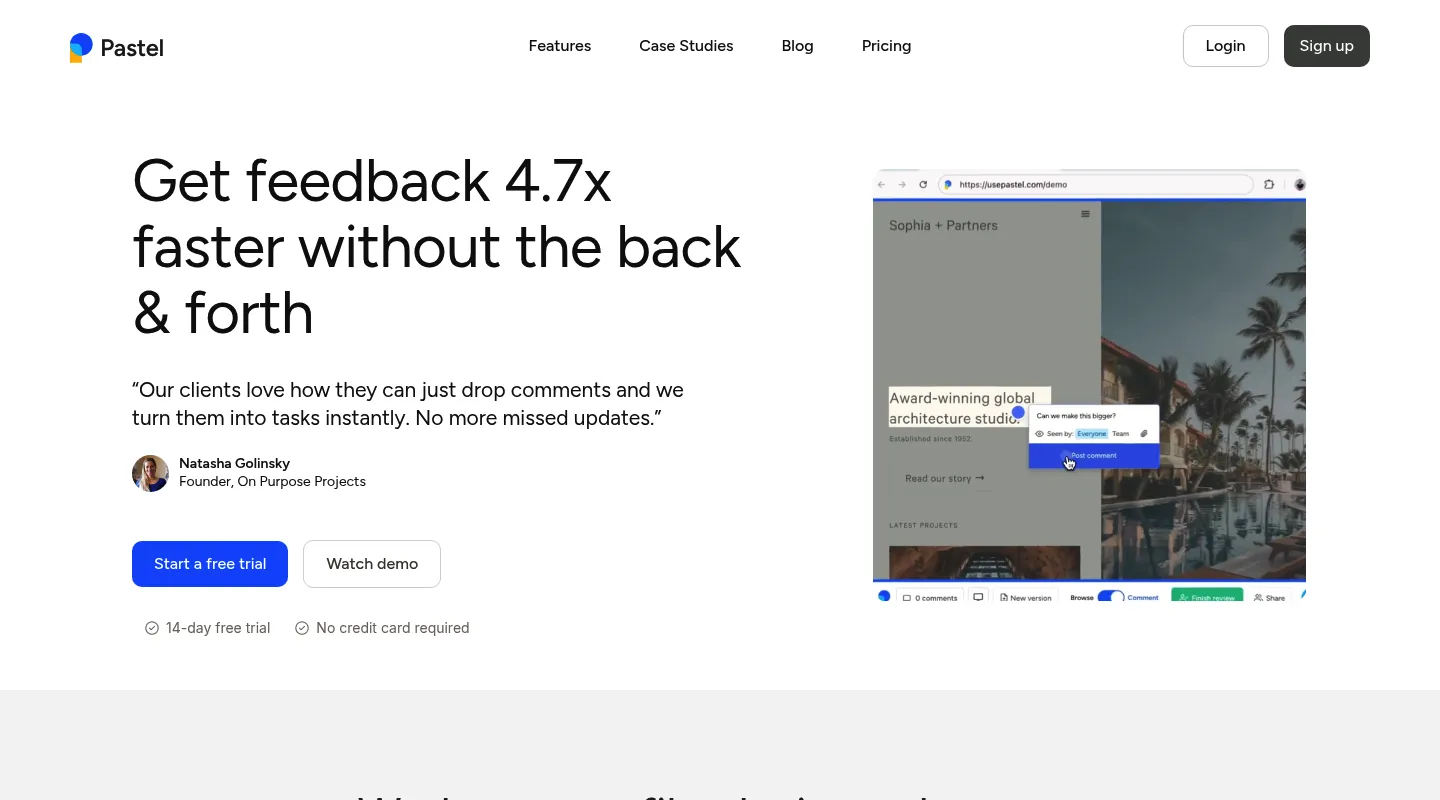
Huddlekit is the closest free Pastel alternative once a project outlives Pastel's limits. The free plan covers 3 team members and unlimited client guests where Pastel's covers one user; Pro holds 3 seats and unlimited projects at $16/month billed yearly ($19 monthly), against 2 users and 3 active canvases on Pastel Pro at $35; and CSS inspection is built in. Pastel is still excellent for one-off solo reviews, which is the job it was designed around.
Pastel (usepastel.com) earned its following the honest way: a genuinely free plan, no code to install, and a share-a-link workflow that non-technical clients pick up in seconds. For solo work it's hard to fault. The friction shows up as you grow. The free plan gives you one user and one active canvas — start a second review and the first has to be archived. Pro stretches to only 2 users and 3 active canvases at $35/month, and the moment you need a third seat you're on the Team plan at $119/month. And whichever tier you land on, there's still no CSS inspection, and Pastel's responsive tester switches between views rather than showing breakpoints side by side.
Teams leaving Pastel tend to split into two groups. One wants the same effortless, install-free client review — just without Pastel's canvas caps and per-seat math — plus the CSS inspection and side-by-side breakpoints Pastel skips. The other wants something Pastel never tried to do: edit styles live, collaborate with real-time cursors, or capture developer-grade debugging data. The tools below are grouped by which of those you're after.
Why teams look for Pastel alternatives
Pastel does the basics well, but a handful of limits send teams looking:
- Canvas caps: The free plan runs one active canvas at a time, and even Pro caps you at three. Starting the next review means archiving one, which stops working once several clients overlap.
- Two users on Pro: At $35/month, Pastel Pro covers just two seats — a third person pushes you onto the Team plan.
- Team pricing jumps to $119/month: That's the rate for five users, and every user past five adds $24/month on top.
- No CSS inspection: Checking type, spacing, or color still means opening browser DevTools yourself.
- No side-by-side breakpoints: Pastel's responsive tester switches between mobile, tablet, and desktop views, but you can't see them side by side.
What to look for in a Pastel alternative
Line up any replacement against the reason Pastel stopped fitting:
- Pricing shape: Flat team pricing versus Pastel's per-seat model changes your bill fast once you pass two people.
- Concurrent reviews: Unlimited live projects on a paid plan, versus Pastel's one active canvas on Free and three on Pro.
- Design tooling: CSS inspection and side-by-side breakpoint preview, neither of which Pastel includes (it does have a responsive tester).
- Install model: URL-based access like Pastel's, or a JavaScript snippet on every site.
- A free tier: Whether there's a no-cost plan for light use, and what it actually restricts.
Collecting feedback: how it compares to Pastel
Pastel collects feedback the same way across the board: share a link, and reviewers comment without installing anything or creating an account. Huddlekit collects feedback the same way for website projects. On Pro it keeps unlimited projects live at once, where Pastel Pro caps you at three active canvases, and it attaches browser, OS, viewport, and element details to each comment automatically. Marker.io takes a different route: its JavaScript snippet or WordPress plugin on the site, or a browser extension each reviewer installs.
Best Pastel alternatives compared
1. Huddlekit — Best overall Pastel replacement
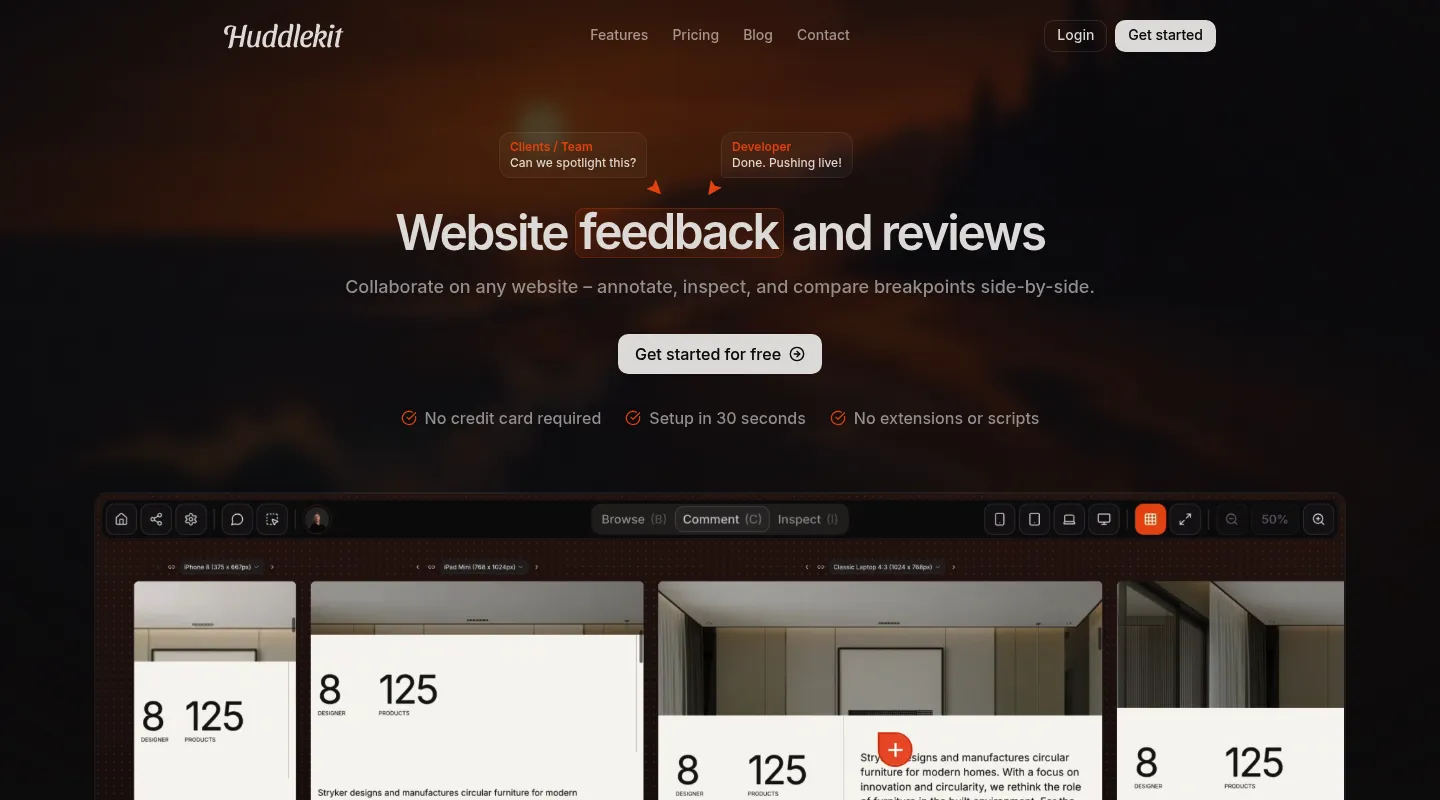
Huddlekit keeps the two things people love about Pastel — nothing to install, and a link clients can use without an account — then removes the two things they don't: the cap on active canvases (from Pro up) and the per-seat pricing. On top of that it adds the design tooling Pastel leaves out.
Key differences from Pastel:
- Unlimited projects on Pro: Keep every project live at once, where Pastel Pro caps you at 3 active canvases. Both free plans hold one live review.
- Flat team pricing: $16/month billed yearly ($19 monthly) covers 3 members, where a 3-person team on Pastel needs the $119/month Team plan because Pro tops out at 2 users.
- CSS inspection built in: Read typography, spacing, and colors inline, without opening DevTools.
- Side-by-side breakpoints on Pro and Team: See mobile, tablet, and desktop at once, where Pastel's responsive tester shows one view at a time. Every Huddlekit plan can switch between breakpoints.
- Automatic context on every comment: Browser, OS, viewport, and element details attach to each note.
- More than live sites: Collect feedback on documents, images, and video, not only web pages.
- Built-in Kanban board: Turn comments into tracked tasks across every project.
- Integrations on Team: Comments go to Linear, ClickUp, Notion, or Trello with status synced both ways, or to Asana with completion synced both ways, plus Slack notifications, Zapier, webhooks, and the API.
- MCP on Pro and Team: Let Claude, Claude Code, or Cursor work through comments, reading the page, element, and screenshot before replying and resolving.
Pricing: Free plan available (1 project, 3 members, unlimited guest reviewers). Pro is $16/month billed yearly ($19 monthly) for 3 members, unlimited projects, and 5 GB storage; Team is $33/month billed yearly ($39 monthly) with 15 seats and 50 GB. Every paid plan includes a 30-day money-back guarantee.
Pros:
- Unlimited guest reviewers on every plan
- Flat team pricing instead of per-seat
- CSS inspection on every plan, side-by-side breakpoints on Pro and Team
- Free plan plus a 30-day money-back guarantee
Cons:
- Newer than Pastel, with a smaller community
- No native Jira integration (Zapier on Team covers it)
- Free plan is 1 project, archived ones included, where Pastel's keeps unlimited archived canvases
Verdict: If Pastel's canvas caps or the jump to $119/month is what pushed you out, Huddlekit is the most direct upgrade — the same easy setup, more features, and a bill that doesn't spike at your third seat.
Best for: Teams who like Pastel's simplicity but have outgrown its seat limits and per-user pricing.
"I love this tool! The UI is super intuitive and clean, and the best part is being able to see all the breakpoints side by side." — Mikael, Product Designer @ Team Blue
Keep Pastel's simplicity, lose the seat limits.
Try Huddlekit2. Ruttl — Best for live CSS editing
Where Pastel stops at comments, Ruttl lets you change styles on the page during a review and export the code — the standout reason teams pick it over simpler tools.
Key differences from Pastel:
- Live CSS editing: Adjust styles directly on the page mid-review and export the changes, something Pastel doesn't do.
- Video comments: Record a spoken walkthrough instead of typing out every note.
- Per-user pricing: $18 per user per month on Pro, so a three-person team pays $54/month, where Pastel moves a third seat onto its $119 Team plan.
- No script for websites: Like Pastel, you paste a URL, or use Ruttl's Chrome extension; its NPM package is only for web-app and mobile bug tracking.
- A small free plan: Basic covers up to 5 users, 1 project, 5 pages, and 10 comments — more seats than Pastel's free plan, far fewer comments.
Pricing: Free Basic plan (up to 5 users, 1 project, 5 pages, 10 comments). Pro is $18 per user per month.
Pros:
- Live CSS editing is genuinely uncommon
- Video comments included
- Cheaper per seat than Pastel's Team overage rate
Cons:
- Free plan caps you at 5 pages and 10 comments
- Per-user pricing still climbs with headcount
Best for: Teams set on live CSS editing who are fine with per-seat pricing.
3. Markup.io — Best for the same install-free simplicity
Markup.io works the way Pastel does — paste a link, drop comments on a live site, no code to add — so it's the closest match in feel. The catch is the price: an early-2025 hike moved the entry plan from $29 to $79 a month, and the free tier disappeared in the same change.
Key differences from Pastel:
- Same URL-based setup: No script to install, just like Pastel.
- No free plan: Markup removed its free tier in 2025, so unlike Pastel there's no no-cost option.
- Higher entry price: Plans start at $79/month, well above Pastel's $35 Pro, though that covers unlimited users.
- Fewer design tools: No CSS inspection, like Pastel, and no responsive tester either.
Pricing: From $79/month with unlimited users. No free plan.
Pros:
- Dead-simple, install-free reviewing
- Proven, widely used workflow
- Guests comment without an account
Cons:
- No free plan since 2025
- Starts at $79/month, more than double Pastel's Pro
- No responsive testing or CSS inspection
Best for: Teams who want Pastel's install-free simplicity from an established tool and don't rely on a free tier.
4. Superflow — Best for real-time collaboration
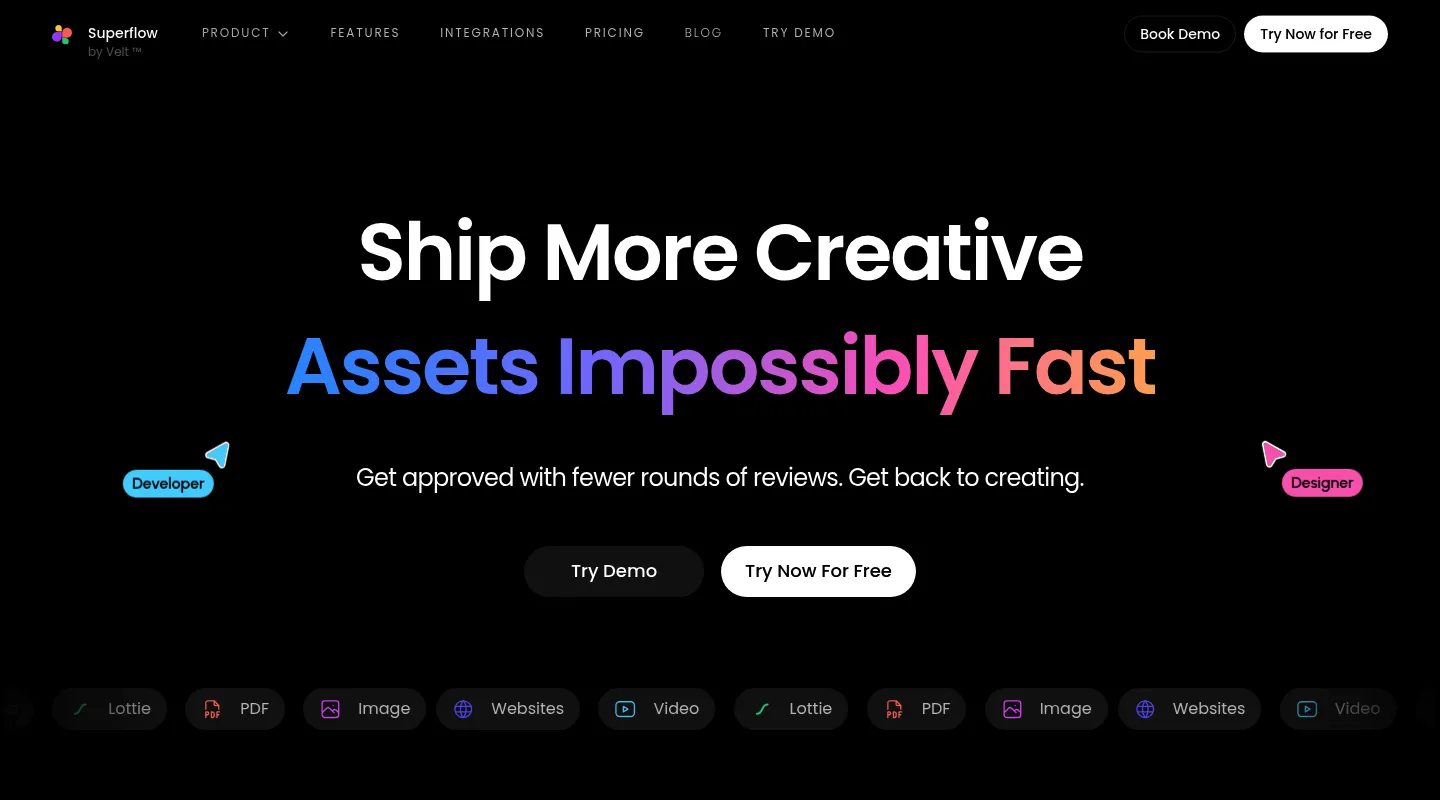
Superflow trades Pastel's asynchronous commenting for a live, Figma-style surface where you watch collaborators' cursors move around the page in real time. It has since repositioned as an AI QA-agent product (now at usesuperflow.ai), with AI credits on top of its plans.
Key differences from Pastel:
- Real-time cursors: See teammates move across the page as they would in Figma.
- Screenshots with feedback: Automated screenshots on the Scale plan save what the reviewer saw with each comment.
- Two-way integrations: Syncs both ways with Asana, ClickUp, Monday, Slack, and more — 12 integrations in all.
- Board and white-label: A Kanban board for tracking feedback, plus white-label for agencies.
Pricing: Free Starter plan (1 project, 1 seat, unlimited guests). Growth is $24 per seat per month billed yearly ($29 monthly); Scale is $28/$34, plus AI credits.
Pros:
- Real-time, Figma-like collaboration
- Two-way sync with a wide set of tools
- White-label and a Kanban board for agencies
Cons:
- Per-seat pricing adds up as the team grows
- Automated screenshots need the Scale plan
- The AI QA focus is more platform than simple client review needs
Best for: Agencies that want live, cursor-level collaboration and AI-assisted QA in the same tool.
5. Marker.io — Best for technical debugging
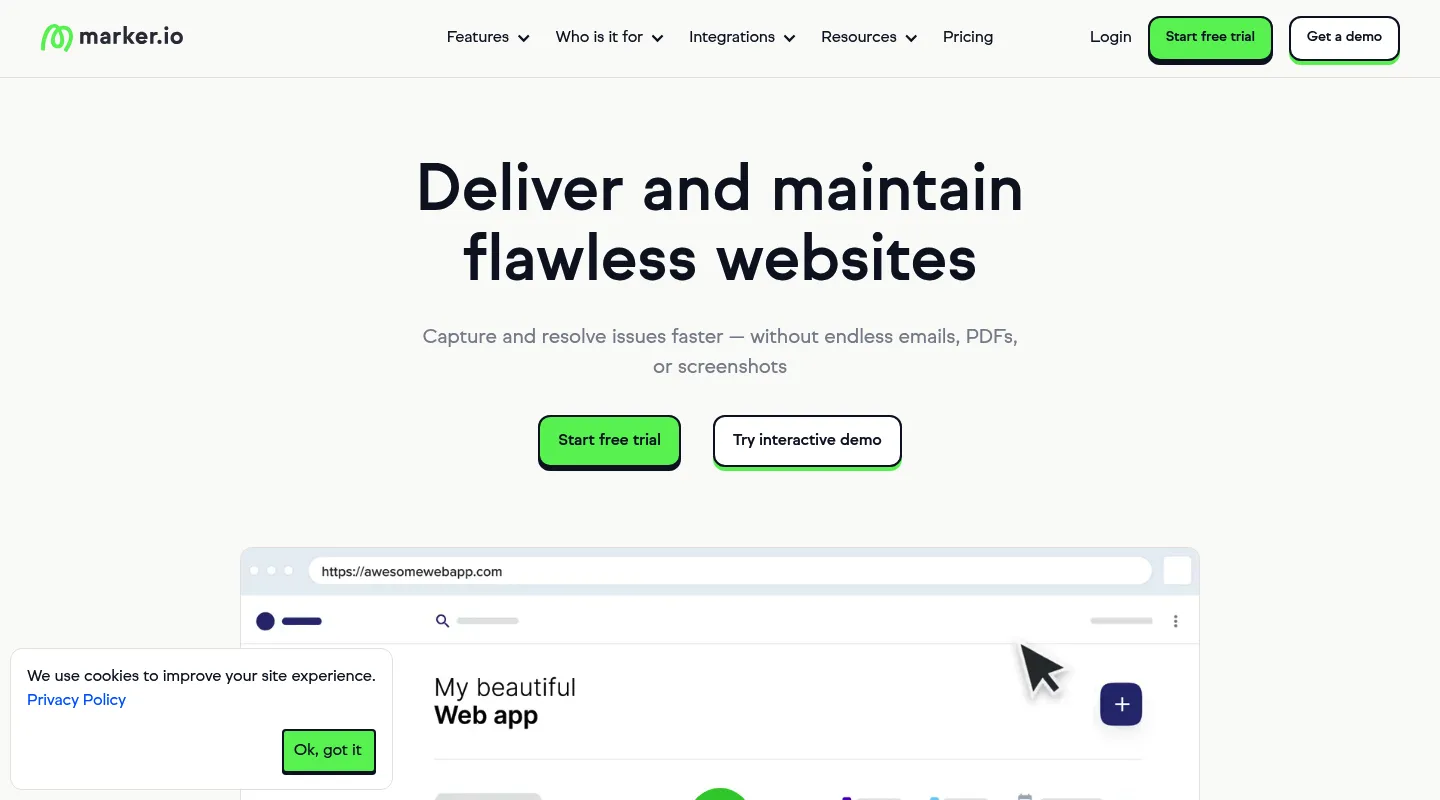
Marker.io aims at developers rather than design reviewers: it captures the technical context an engineer needs and routes it straight into an issue tracker.
Key differences from Pastel:
- Deep technical capture: On the Team plan, session replay, console logs, and network requests with each report — well past Pastel's visual comments.
- Two-way issue-tracker sync: Jira and two-way issue sync, also on Team.
- Something to install: Unlike Pastel, it needs its JavaScript snippet or WordPress plugin on the site, or a browser extension for each reviewer.
- No free plan: Starter is $39/month billed yearly ($59 monthly) for 3 users, against Pastel's free tier and $35 Pro.
Pricing: Starter is $39/month billed yearly ($59 monthly) for 3 users, with screenshots, environment details, and basic integrations. Session replay, console and network logs, and two-way sync start on Team at $149/month billed yearly ($199 monthly).
Pros:
- Comprehensive technical debugging
- Session replay and console logs on Team
- Strong two-way dev-tool integrations
Cons:
- Needs a snippet, plugin, or reviewer extension
- Higher entry price than Pastel, and the debugging features need Team ($149/month billed yearly)
- More tool than design feedback needs
Best for: Development teams who need technical debugging context and issue-tracker sync that Pastel doesn't attempt.
When to stick with Pastel
Pastel is still a sensible choice if:
- You're a solo freelancer who fits inside the free plan
- One active review at a time matches how you actually work
- You don't need CSS inspection or side-by-side breakpoints
- Simple, install-free commenting is the whole job
- You'd rather not move a workflow your clients already know
When to switch — and to what
- Pastel's canvas caps keep biting → Huddlekit (unlimited projects on Pro)
- Per-user pricing is the problem → Huddlekit (flat team pricing)
- You need CSS inspection or side-by-side breakpoints → Huddlekit (side by side on Pro and Team)
- You want live CSS editing → Ruttl
- You want real-time, Figma-style collaboration → Superflow
- You need developer-grade debugging and issue sync → Marker.io
Migrating from Pastel
Because Pastel and Huddlekit both work from a URL, moving across is quick:
- Export any open comments from Pastel before you archive the canvas
- Set up your new workspace in the tool you've picked
- Invite your team by email
- Share fresh review links with clients for upcoming work
There's nothing to uninstall — Pastel adds no script to your sites, and neither do Huddlekit's website projects. Compare the plans to see what you'll save, or contact us if you'd like help mapping your workflow across.
Ready to bring your whole team into reviews?
Get startedFrequently asked questions
How many people can use Pastel's free plan?
One. Pastel's free plan covers a single user with one active canvas at a time — you archive a canvas to start another. Pro is $35/month for two users, and a third seat moves you to the Team plan at $119/month. Huddlekit's free plan covers 3 members plus unlimited guest reviewers on 1 project, and its Pro plan holds 3 members and unlimited projects for $16/month billed yearly ($19 monthly).
How does Pastel's pricing actually work?
Pastel's free plan covers a single user with one active canvas and no time limit. Pro is a flat $35/month for two users and 3 active canvases; Team is $119/month for five users, with each additional user at $24/month; and Enterprise runs $450/month. Because Pro stops at two seats, most small teams land on the $119 Team plan sooner than they expect. Huddlekit's Pro plan includes 3 members and unlimited projects at $16/month billed yearly ($19 monthly), with no per-user surcharge until you scale into the Team plan.
Can clients leave feedback on Pastel without an account?
Yes — Pastel lets guests comment just by opening a shared link, and it's one of the tool's real strengths. Huddlekit works the same way, so reviewers still need no account, and every comment carries browser and device context.
Does any alternative keep Pastel's no-install setup?
Several do. Huddlekit's website projects, Markup.io, and Ruttl all work from a URL with no script to add, like Pastel (Ruttl also has a Chrome extension). Marker.io needs its snippet or WordPress plugin on the site, or a browser extension for each reviewer. If not touching a client's code matters to you, Huddlekit is the closest match that also adds CSS inspection and side-by-side breakpoints (on Pro and Team).
What's the best free alternative to Pastel?
It depends on what you're short of. Huddlekit's free plan gives 3 members and unlimited guests on 1 project (archived projects count toward it), versus Pastel's single user with one active canvas and unlimited archived canvases, so it suits a small team working one project at a time. Ruttl's free Basic plan allows up to 5 users but only 5 pages and 10 comments, Superflow's free Starter is 1 project and 1 seat, and Markup.io and Marker.io have no free plan. For a small team that wants Pastel's no-install feel plus CSS inspection, Huddlekit is the closest match.
Conclusion
Pastel's free plan is a genuinely good starting point, and for a solo freelancer it may be all you ever need. The friction is what happens next: the free plan holds one user and one review at a time, Pro stops at two users and three active canvases, and the Team plan jumps to $119/month while still leaving out CSS inspection and side-by-side breakpoints.
Huddlekit is the most direct step up — the same install-free, client-friendly setup, minus the seat limits and the per-seat math, plus the design tooling Pastel never had. If you're leaving for a specific capability instead, Ruttl covers live CSS editing, Superflow brings real-time cursors, and Marker.io handles developer-grade debugging.
See Huddlekit's plans or reach out to talk through your workflow.
Want the wider field? Our guide to the best website annotation tools puts Pastel side by side with the alternatives.