
Huddlekit is the closest free Feedbucket alternative for agencies reviewing sites they do not control. Website projects need nothing installed on the client's site, there is a free plan for 3 team members with unlimited client guests, and breakpoint switching and CSS inspection come built in, with side-by-side breakpoints on Pro and Team. Feedbucket is the better choice if screen recordings synced with Jira or Trello are the job you are buying for.
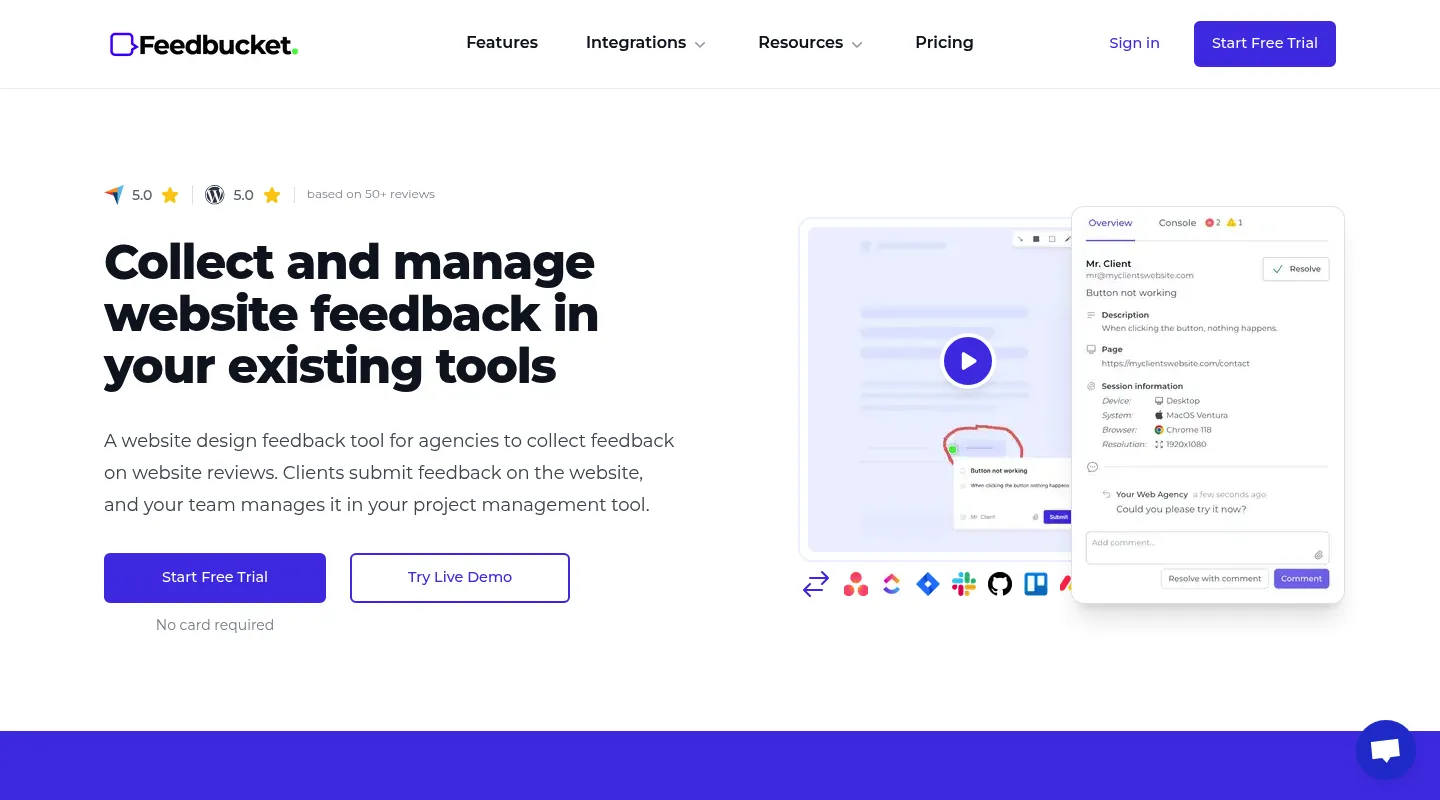
Feedbucket is a focused website-feedback tool built for agency work: capture a screenshot or a screen recording on a client's site, then send it into Jira, Trello, or whatever project manager the team already runs, with changes syncing back both ways. Feedbucket also has its own admin for viewing feedback. For a studio that lives in an external tracker, that's a tidy workflow. But it comes with two catches — a JavaScript snippet has to go on every site before you can collect anything, and there's no permanent free plan behind the 14-day trial. After two weeks, every project is on a paid subscription.
Most teams shopping for a Feedbucket alternative want one of three things: the same client-review workflow without a script on every site, a tool with responsive preview, CSS inspection, and a task board built in, or simply something they can try free — and keep free — instead of racing a trial clock. This guide sorts the best 2026 alternatives by which of those you're after.
Why teams look for Feedbucket alternatives
Feedbucket does its core job well, but a handful of things consistently send teams looking:
- A script on every site: Nothing gets captured until Feedbucket's JavaScript snippet is on the page — a dead end when the client owns the code or you can't edit the site.
- No permanent free plan: There's a 14-day trial and then a paid subscription; you can't sit on a free tier while work is quiet or a project pauses.
- No responsive preview: You can't check how a page renders across mobile, tablet, and desktop breakpoints inside Feedbucket.
- No CSS inspection: Checking typography, spacing, or colors still means opening DevTools yourself.
- Built around your PM tool: Feedbucket has its own admin for viewing feedback, but its real strength is two-way sync with Jira, Trello, and similar systems — handy if you run one, less of a draw if you'd rather track the work inside the review tool.
If any of these rub against how you work, the alternatives below are worth a look.
What to look for in a Feedbucket alternative
Match the replacement to the job Feedbucket was actually doing for you:
- Install or no install: Can you start from a URL, or do you need code access to every site first?
- Built-in board or PM sync: Do you want a Kanban board and design tooling inside the review tool, or two-way sync with the Jira or Trello board you already run?
- Designer tools vs. developer tools: Responsive preview and CSS inspection point one way; session replay, console logs, and issue-tracker sync point another.
- Free plan vs. trial: A permanent free tier lets you evaluate on a real project with no deadline; a short trial doesn't.
- Pricing shape: Flat team pricing and per-user pricing add up very differently as you grow.
Best Feedbucket alternatives compared
1. Huddlekit — Best for a complete feedback tool with nothing to install
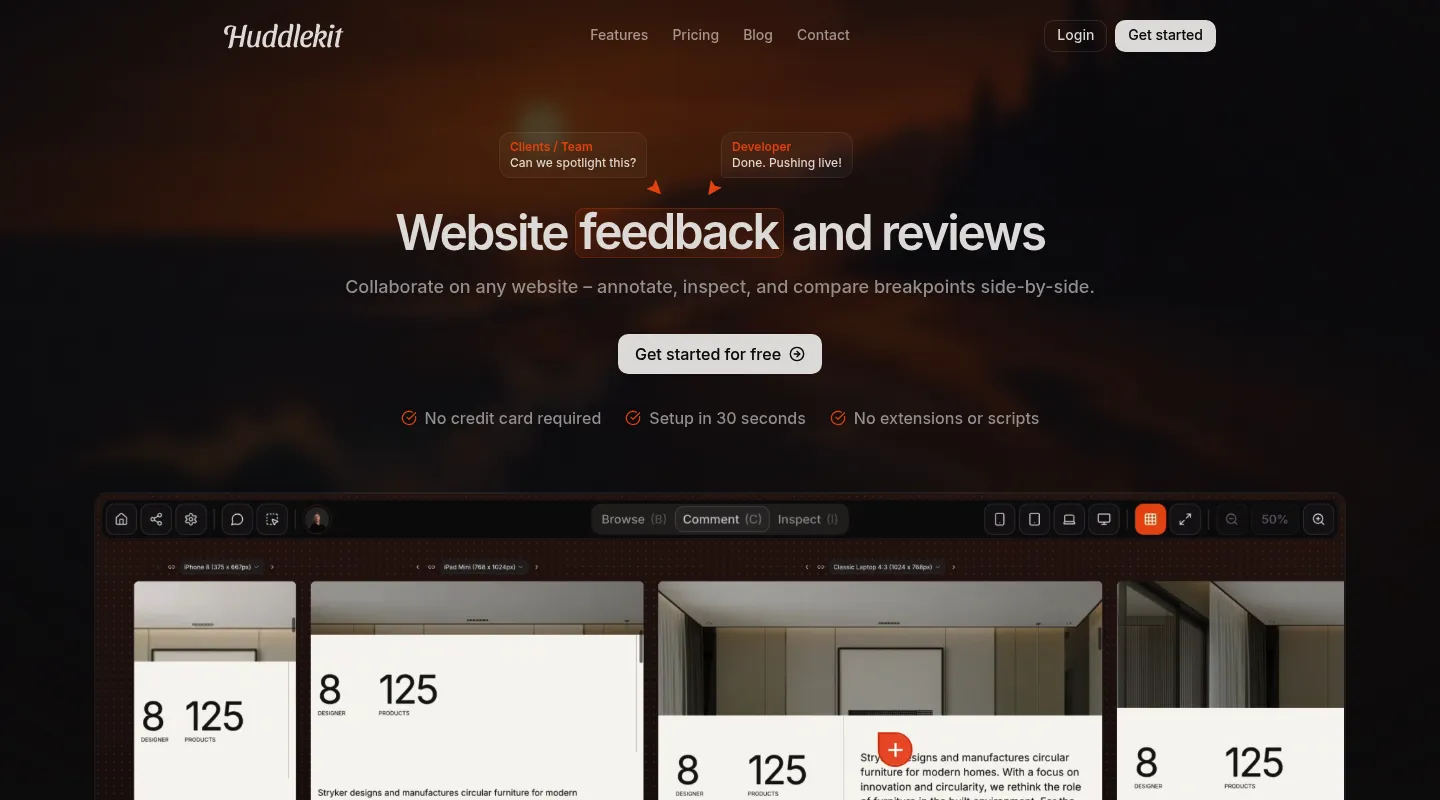
Huddlekit is built for agencies and freelancers reviewing client sites they can't add code to — and instead of feeding comments into an external tracker, it keeps the whole review in one place.
Key differences from Feedbucket:
- Nothing to install: Website projects run from a URL — paste a link and share it, with no snippet on the client's site.
- A permanent free plan: Start free and stay free, with no 14-day countdown before you have to pay.
- Responsive preview built in: Switch between mobile, tablet, and desktop breakpoints on every plan, or see them side by side on Pro and Team — something Feedbucket doesn't do.
- CSS inspection built in: Check typography, spacing, and colors without opening DevTools.
- A board of its own, sync if you want it: A built-in Kanban board turns feedback into tracked tasks without a separate tracker. On Team, comments can also go to Linear, ClickUp, Notion, or Trello with status synced both ways, or to Asana with completion synced both ways, alongside Slack, Zapier, webhooks, and the API.
- MCP on Pro and Team: Claude, Claude Code, or Cursor can pick up comments with their screenshot and element, fix the code, and resolve them.
- More than live sites: Collect feedback on documents, images, and videos too, not just websites.
- Clients just comment: Reviewers leave feedback with no account or onboarding.
Pricing: Free plan (1 project, 3 team members). Paid plans run from $16/month billed yearly ($19 monthly) for Pro — 3 members, unlimited projects, and 5 GB storage — while Team adds 15 seats and 50 GB at $33/month billed yearly ($39 monthly). Every paid plan carries a 30-day money-back guarantee.
Pros:
- No script to install for website projects
- Permanent free plan, not a trial
- Responsive preview and CSS inspection included
- Self-contained board — no external tracker required
- 30-day money-back guarantee
Cons:
- Newer tool with a smaller user base
- No native Jira sync, one of Feedbucket's strengths (Zapier on Team can send comments to Jira)
Verdict: If you want Feedbucket's client-review workflow but can't install a script — or you'd rather keep feedback, tasks, and design checks in one tool than sync them with Jira — Huddlekit covers more of the job with no trial deadline.
Best for: Agencies and freelancers on client sites where adding code isn't an option, and teams who want a complete feedback tool rather than a feed into their PM stack.
"Clients love dropping comments that instantly become actionable. Nothing falls through the cracks." — Douglas, Digital Designer @ Snöboll
A complete feedback tool — no script, no trial clock.
Try Huddlekit free2. BugHerd — Best for feedback managed as tasks on a board
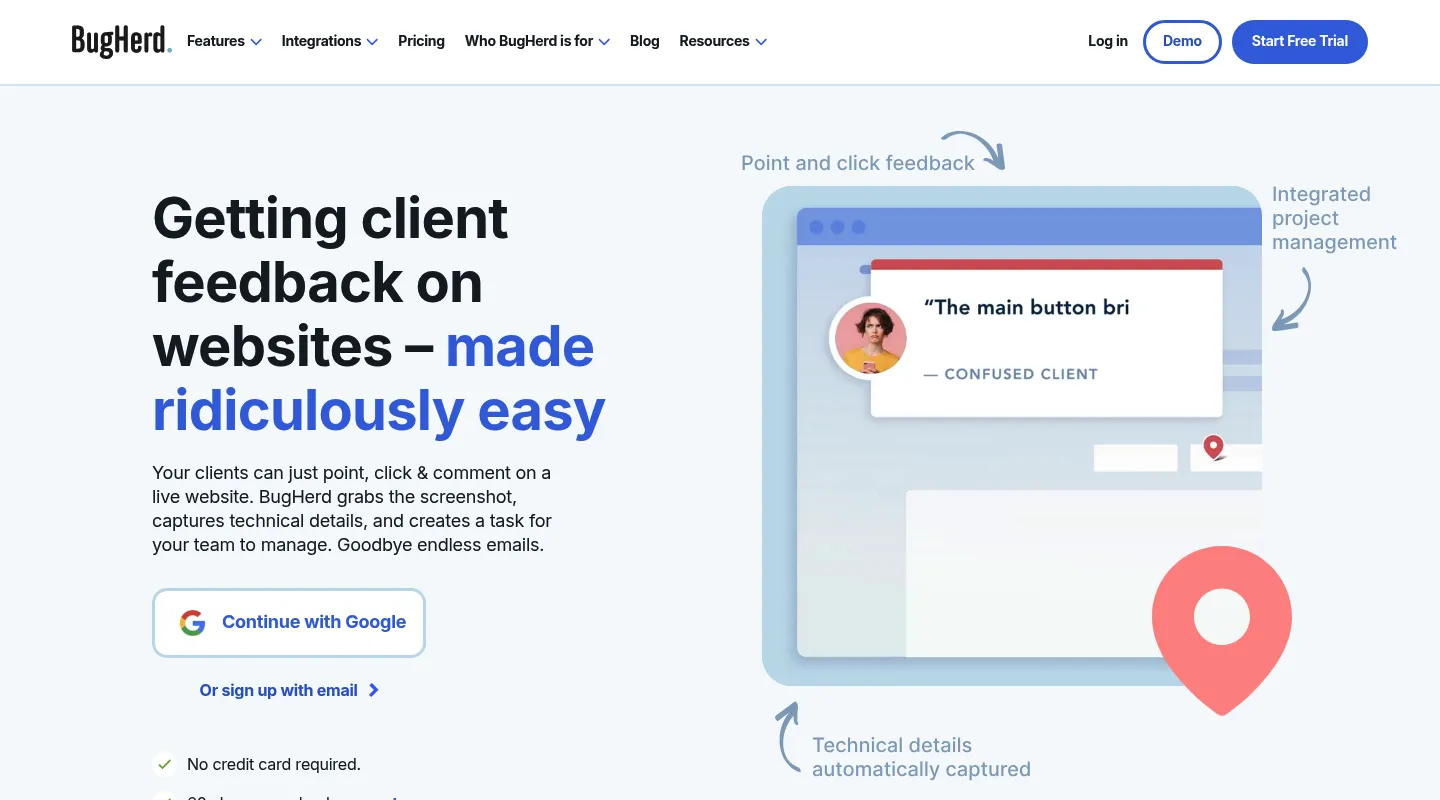
Where Feedbucket syncs comments with whatever tracker you already run, BugHerd's center of gravity is its own built-in Kanban board — point-and-click comments become cards you triage without leaving the tool.
Key differences from Feedbucket:
- Built-in task board: Feedback lands on a Kanban you manage in-app, where Feedbucket leans on your Jira or Trello board.
- Established since 2011: One of the oldest tools in the category, with Trello, Slack, and GitHub on Standard and Jira, Asana, Linear, ClickUp, and Monday on Premium ($150/month) and up.
- Script or extension: BugHerd uses a JavaScript snippet like Feedbucket, or a browser extension for each reviewer if you can't add code.
- Shares Feedbucket's gaps: No responsive preview and no CSS inspection.
- No free plan either: A free trial, like Feedbucket, then paid.
Pricing: No free plan; free trial. From $50/month for 5 members ($42/month billed annually).
Pros:
- Built-in board, no external tracker required
- Five seats in the entry plan
- Established, with mature integrations
Cons:
- Needs a script on the site or an extension for each reviewer
- No responsive preview or CSS inspection
- No free plan, and a $50/month floor
Best for: Teams who want feedback and task tracking together in one place rather than synced out to a separate PM tool.
3. Marker.io — Best for deep technical debugging
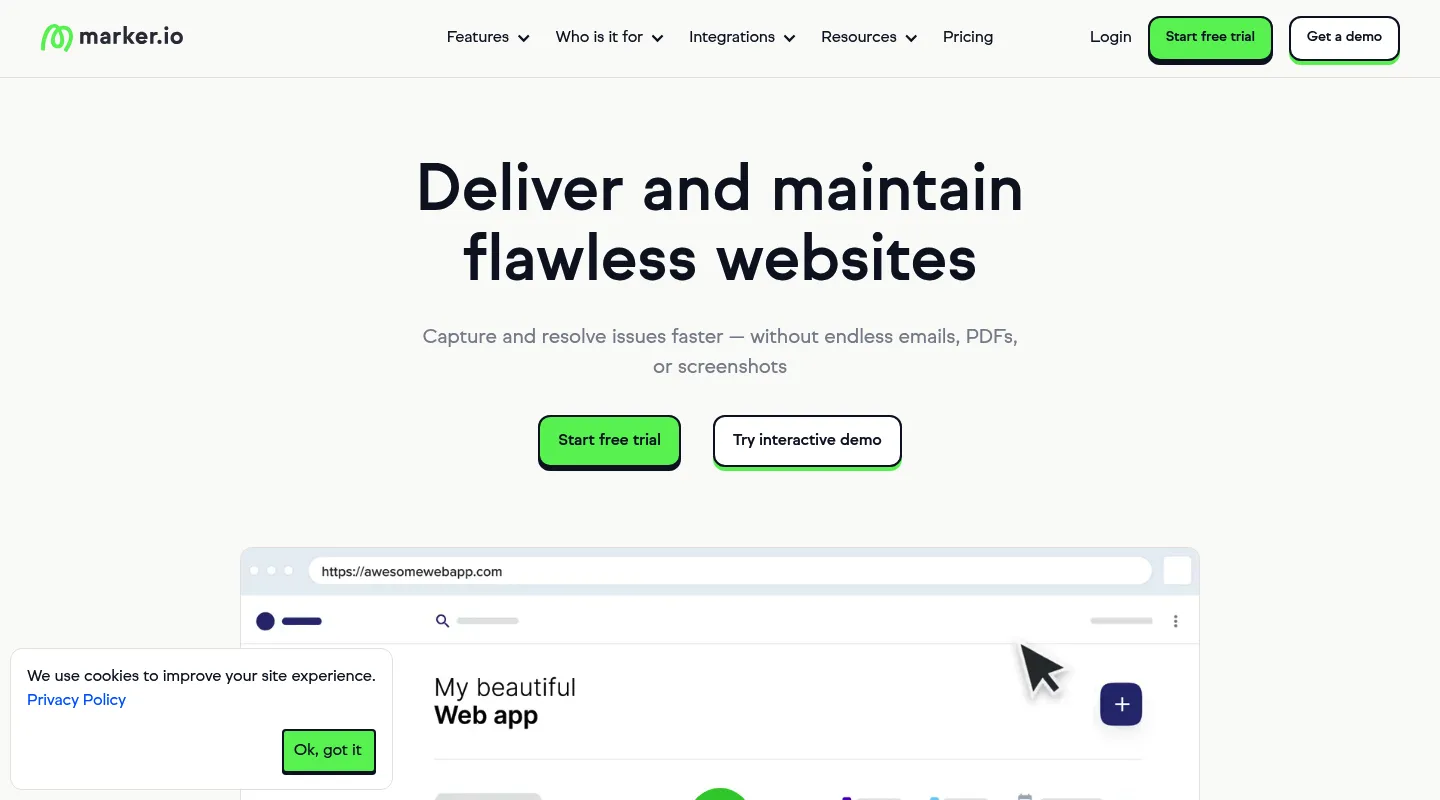
Feedbucket captures screenshots and screen recordings; Marker.io goes further on the technical side and wires it straight into your issue tracker.
Key differences from Feedbucket:
- Deep technical capture: On the Team plan, session replay, console logs, and network requests with each report — well beyond screenshots and recordings.
- Two-way issue-tracker sync: Jira and two-way issue sync on Team. Feedbucket syncs both ways too, so the difference is the debugging data that travels with each issue.
- More install options: A JavaScript snippet, a no-code WordPress plugin, or a browser extension.
- Shares the design blind spots: No responsive preview or CSS inspection.
Pricing: Starter is $39/month billed yearly ($59 monthly) for 3 users, with screenshots, environment details, and basic integrations. Session replay, console and network logs, and two-way sync start on Team at $149/month billed yearly ($199 monthly).
Pros:
- Comprehensive technical debugging
- Session replay and console logs on Team
- Best-in-class dev-tool integrations
Cons:
- The debugging features need Team ($149/month billed yearly)
- No free plan
- Overkill for design-only reviews
Best for: Development teams whose bug reports need full technical context landing directly in Jira or GitHub.
4. Pastel — Best free, no-install option
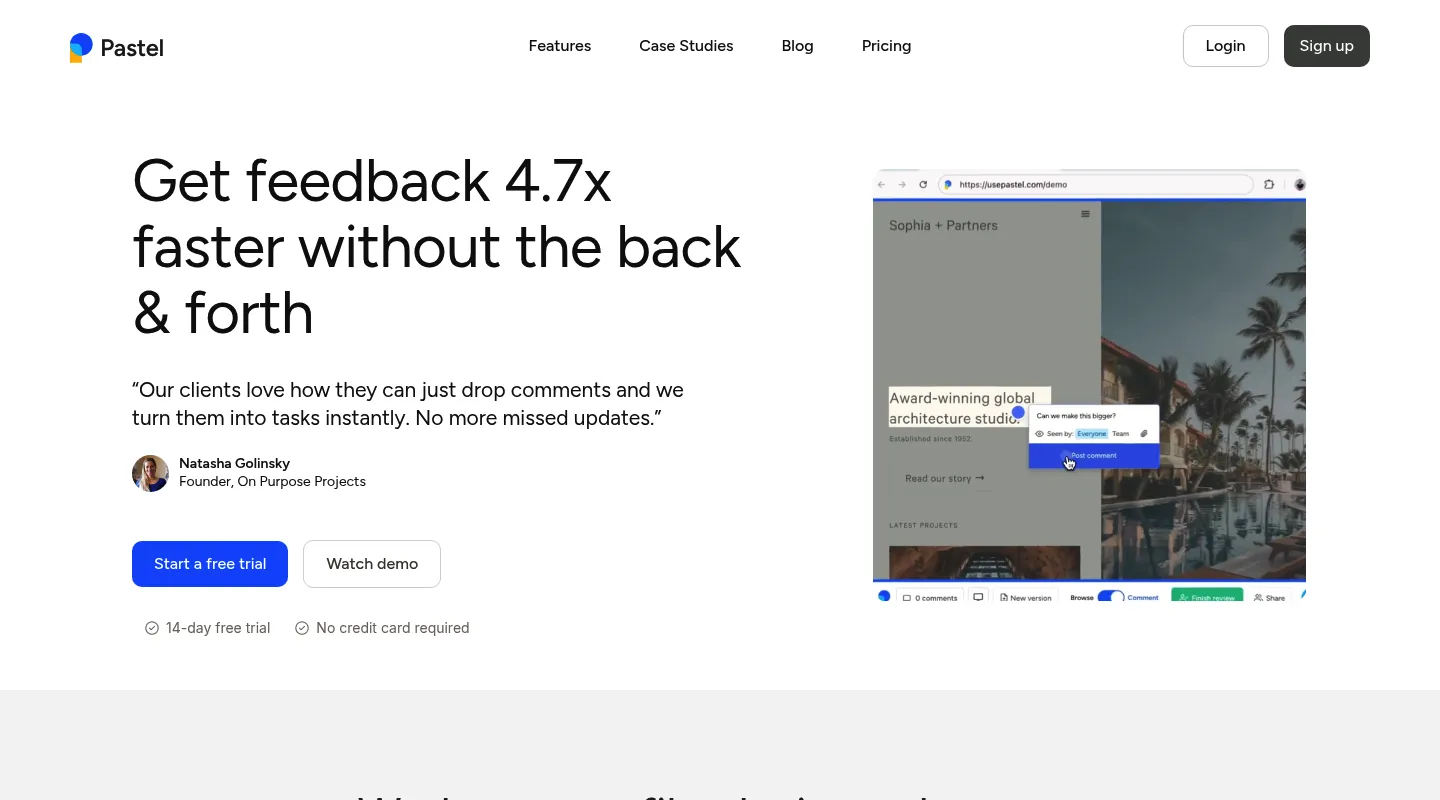
Pastel answers two Feedbucket frustrations at once: there's nothing to install, and there's a genuine free plan rather than a trial.
Key differences from Feedbucket:
- No JavaScript required: Works from a URL, so there's nothing to add to a client's site.
- Free to start and stay: A free plan with no time limit — though it covers one user and one active canvas at a time.
- Simpler scope: Core commenting, without Feedbucket's integrations, technical capture, or a task board.
- Per-user pricing: Costs scale by seat rather than a flat team rate.
Pricing: Free plan (1 user, 1 active canvas). Pro is $35/month for 2 users and 3 active canvases; Team is $119/month for 5 users, then $24 per additional user.
Pros:
- No install, quick to start
- Free plan for light use
- Simple enough for any client
Cons:
- One active canvas at a time on the free plan
- Per-user pricing climbs fast
- A responsive tester, but no CSS inspection, side-by-side breakpoints, or task board
Best for: Freelancers and small teams who want free, no-install capture and don't need Feedbucket's integrations.
5. Ruttl — Best for live CSS editing
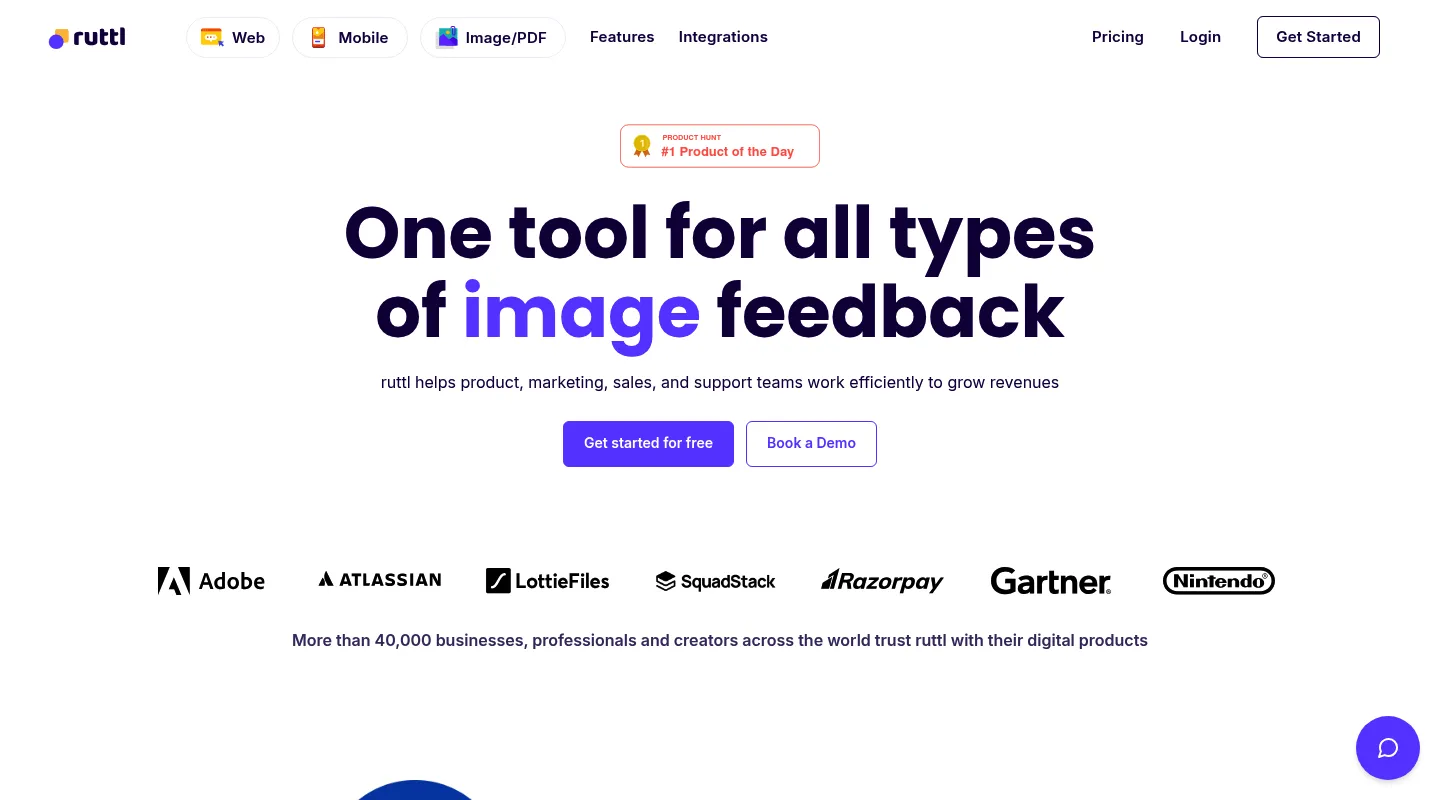
Feedbucket has no CSS tooling at all; Ruttl's calling card is the opposite — live CSS editing during a review.
Key differences from Feedbucket:
- Live CSS editing: Make style changes on the page during a review and export the code — not just comment on them.
- Video comments: Record walkthrough explanations alongside written feedback.
- No script for websites: Unlike Feedbucket, Ruttl works from a pasted URL or its Chrome extension; its NPM package is only for web-app and mobile bug tracking.
- Per-user pricing: $18 per user per month on Pro scales linearly with team size.
Pricing: Free Basic plan (up to 5 users, 1 project, 5 pages, 10 comments). Pro is $18 per user per month, so three people pay $54/month.
Pros:
- Live CSS editing you can export
- Video comments included
- Free plan, plus native Trello, Slack, Asana, and Jira integrations
Cons:
- Free plan caps you at 5 pages and 10 comments
- Per-user pricing model
- Light on debugging features
Best for: Teams set on live CSS editing who are fine with per-seat pricing.
When to stick with Feedbucket
Feedbucket is still the right call if:
- Your workflow is built around syncing feedback with Jira, Trello, or another PM tool
- You already have code access to your client sites and the snippet is in place
- You mainly need screenshot and screen-recording capture, not responsive or CSS testing
- Integration depth matters more to you than built-in design tooling
- The 14-day trial is enough to prove it out for your team
When to switch — and to what
- You can't install a script on client sites → Huddlekit, Pastel, or Ruttl
- You want responsive preview and CSS inspection → Huddlekit
- You want a self-contained board instead of syncing with Jira or Trello → Huddlekit or BugHerd
- You want a permanent free plan, not a 14-day trial → Huddlekit or Pastel
- You need deep developer debugging (session replay, console, network) → Marker.io
- You want live CSS editing → Ruttl
Making the switch
Moving off Feedbucket is quick for most teams:
- Finish any active reviews in Feedbucket if you need the record
- Remove the Feedbucket snippet from your sites
- Set up your new workspace and invite your team
- Rebuild your review workflow and share fresh links with clients
With a Huddlekit website project there's no snippet step — paste a URL and clients can comment right away. Compare the plans to see the difference, or get in touch if you'd like a hand mapping your Feedbucket setup across.
Ready to swap the script install for a shared link?
Get startedFrequently asked questions
Is Feedbucket free?
No — Feedbucket has a 14-day free trial but no permanent free plan, so you move to a paid subscription once the trial ends. Huddlekit keeps a permanent free plan (1 project, 3 team members) so you can evaluate it with no deadline, and Pro is $16/month billed yearly ($19 monthly) with a 30-day money-back guarantee.
Does Feedbucket require installing a script?
Yes. Feedbucket needs its JavaScript snippet added to every site you want to review, which means code access you don't always have on client-managed sites. Huddlekit's website projects run from a URL with nothing to install — paste a link and start collecting feedback.
Can I test responsive breakpoints with Feedbucket?
No — Feedbucket has no responsive preview, so you'd resize your browser by hand or reach for a separate tool to check different screen sizes. Huddlekit builds responsive preview in, letting you switch between mobile, tablet, and desktop views inside the review on every plan, and see them side by side on Pro and Team.
Is Feedbucket self-contained, or does it rely on integrations?
Both, to a degree. Feedbucket has its own admin for viewing feedback and syncs two ways with tools like Jira and Trello, so it's at its best as part of a larger PM stack. If you'd rather keep everything in one place, Huddlekit's built-in Kanban board turns feedback into tracked tasks without depending on a third-party tracker, and its Team plan syncs status both ways with Linear, ClickUp, Notion, and Trello, and completion both ways with Asana, when you do want one. BugHerd offers a built-in board too.
How do I switch from Feedbucket to another tool?
Finish any active reviews, remove the Feedbucket snippet from your sites, then set up your new workspace and invite your team. If you move to Huddlekit, website projects need nothing installed — share a URL and clients can start commenting immediately.
Conclusion
Feedbucket is a capable, focused tool for agencies that want website feedback synced with an existing project-management stack. What pushes teams to look elsewhere is everything around that: a mandatory script on every site, no permanent free plan behind the 14-day trial, and no responsive preview or CSS inspection when the work is design-led.
Pick your replacement by the job you need done: BugHerd for feedback managed on a built-in board, Marker.io for deep developer debugging, Pastel for a free no-install start, Ruttl for live CSS editing — and Huddlekit if you want a complete, no-install feedback tool with responsive preview, CSS inspection, and a permanent free plan.
See Huddlekit's plans or reach out to talk through your migration.
Want the wider field? Our guide to the best website annotation tools puts Feedbucket up against the full lineup.