
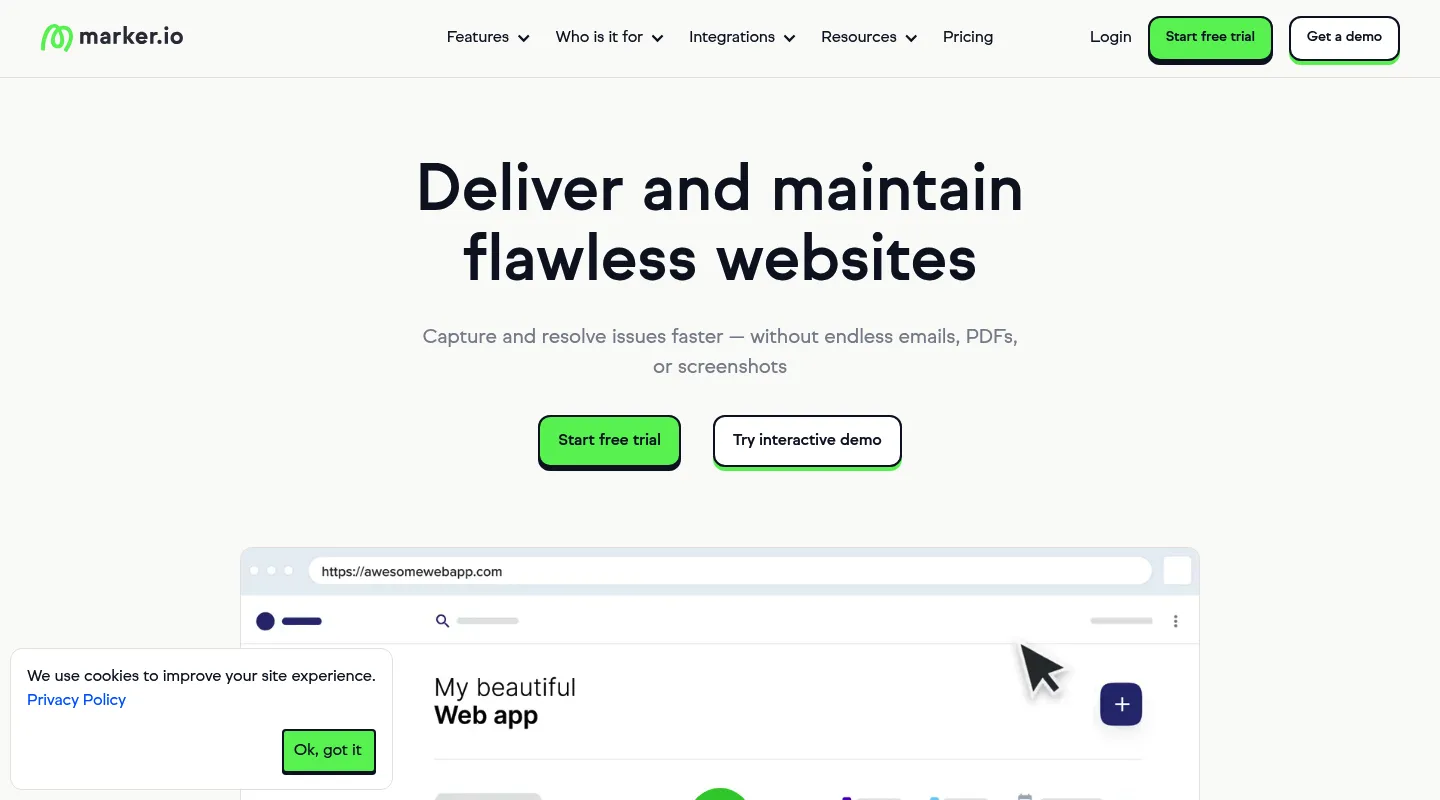
Huddlekit is the closest free Marker.io alternative when you need visual review, not bug-tracking machinery. Website projects start from a URL with nothing to install on the site or in reviewers' browsers, there is a free plan for 3 team members with unlimited client guests, and breakpoint switching and CSS inspection come on every plan, with side-by-side breakpoints on Pro and Team. Pro is $16/month billed yearly ($19 monthly) for 3 members, against $39/month billed yearly ($59 monthly) for Marker.io's 3-user Starter plan. Marker.io remains the right tool if you need session replay and console logs firing into Jira or GitHub, which start on its Team plan.
Marker.io built its reputation on one job: capture a bug, wrap it in session replay, console logs, and network data, and fire it into Jira or GitHub. For a developer who lives in an issue tracker, that's exactly right — but it means installing something (a JavaScript snippet, its WordPress plugin, or a browser extension for each reviewer), a starting price of $39/month billed yearly ($59 monthly) for three users, and $149/month billed yearly for the Team plan that carries session replay and console logs. For teams that mainly need visual website feedback and client sign-off, that's a lot of developer machinery to install and pay for.
Most people shopping for a Marker.io alternative fall into two camps: those who still want technical bug capture on a lighter or cheaper footing, and those who realise they were never really debugging — they just needed a client to point at a heading and say "make this bigger." This guide sorts the best 2026 options by camp.
Why teams look for Marker.io alternatives
Marker.io is capable, but a few things push teams to look elsewhere:
- Something has to be installed: Marker.io needs its JavaScript snippet or WordPress plugin on the site, or its browser extension on each reviewer's machine. On client-managed sites that usually means asking clients to install an extension.
- A steep entry price: Starter is $39/month billed yearly ($59 monthly) for three users, with no free plan, and the debugging features start on Team at $149/month billed yearly.
- Debugging depth you may not use: Session replay, console logs, and network capture are built for engineers, not design reviewers.
- No responsive or CSS tooling: You can't preview breakpoints or inspect typography and spacing inside Marker.io.
- Tied to an external tracker: The workflow assumes you route issues into Jira, GitHub, or GitLab — overhead if you don't run one.
Huddlekit is a website feedback tool for agencies and design teams: clients open a live site from a shared URL and leave pinned, visual comments. For website projects, no snippet, extension, or login is required.
What to look for in a Marker.io alternative
Match the replacement to the job Marker.io was doing for you:
- Install model: A snippet, plugin, or reviewer extension, versus URL access with nothing to install.
- Technical depth: Session replay and console logs, or just precise, pinned visual comments?
- Where issues live: A built-in board versus two-way sync into Jira or GitHub.
- Design tooling: Responsive breakpoint preview and CSS inspection for visual work.
- Pricing shape: Flat team pricing versus per-seat, and whether a free tier exists.
Best Marker.io alternatives compared
1. Huddlekit — Best for feedback without the snippet or the developer overhead
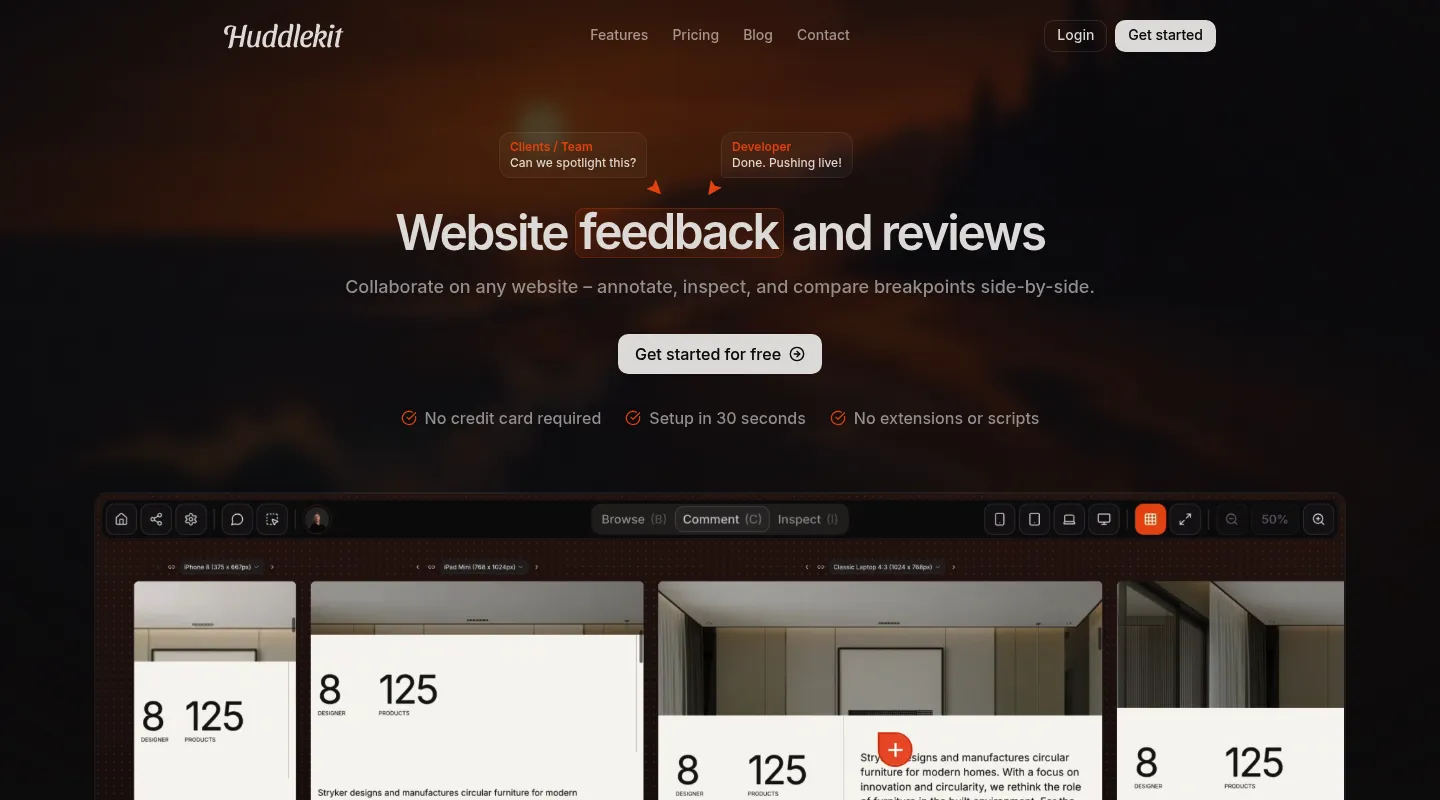
If you needed client feedback more than a bug tracker, Huddlekit is the cleanest way off Marker.io — visual comments on live sites through a shared URL, no snippet and no tracker to wire up.
Key differences from Marker.io:
- Nothing to install: Website projects open from a URL — review a client's site without touching its code or asking reviewers to install an extension.
- Context without the replay: Browser, viewport, device, and element details attach to every comment automatically — minus session replay and console logs.
- More than live sites: Feedback on documents, images, and videos too, not only websites.
- Its own task board: A built-in Kanban turns feedback into tracked work instead of pushing everything to Jira or GitHub.
- Tracker sync on Team: Comments can go to Linear, ClickUp, Notion, or Trello with status synced both ways, or to Asana with completion synced both ways. Zapier can send new comments into Jira or GitHub.
- MCP on Pro and Team: Claude, Claude Code, or Cursor can read each comment with its element selector and screenshot, fix the code, and resolve it.
- Design tooling Marker.io skips: Breakpoint switching across mobile, tablet, and desktop on every plan (side by side on Pro and Team), plus CSS inspection for type, spacing, and color.
- Clients just comment: Reviewers leave feedback with no account, login, or extension.
Pricing: Free plan (1 project, 3 members). Paid from $16/month billed yearly ($19 monthly); Pro covers 3 members, unlimited projects, and 5 GB storage, and Team adds 15 seats and 50 GB for $33/month billed yearly ($39 monthly). 30-day money-back guarantee.
Pros:
- No snippet or extension for website projects
- Pro is $19/month against Marker.io Starter's $59 (or $16 against $39, billed yearly)
- Responsive preview and CSS inspection built in
- Free plan plus a 30-day money-back guarantee
Cons:
- No session replay, console logs, or network capture
- No native two-way Jira or GitHub sync
Verdict: When your reports are "this button is the wrong color," not "this API returns a 500," Huddlekit delivers the visual half of Marker.io without the install or the price.
Best for: Agencies and freelancers reviewing client sites they can't add code to, and design teams that want visual feedback over deep debugging.
"After 20 years of designing websites, I can confidently say that Huddlekit is an exceptional product for the modern designer." — David, Web Designer @ Héroes del Diseño
Website feedback without a snippet on every site.
Try Huddlekit2. BugHerd — Best for turning bugs into a managed board

BugHerd keeps the point-and-click capture Marker.io users expect, but its center of gravity is its own Kanban board, not an external tracker — comments become cards you triage in-app.
Key differences from Marker.io:
- Native task board: Feedback lands on a built-in Kanban, so fixes are managed in BugHerd, not synced out to Jira or GitHub.
- Lighter on deep debugging: Captures browser, OS, and screen details, but not Marker.io's session replay or network logging.
- Snippet or extension: Like Marker.io, it runs on a JavaScript snippet or a browser extension for each reviewer, with a client view for non-technical reviewers.
- Integrations by tier: Trello, Slack, GitHub, and Zapier on Standard; Jira, Asana, Linear, ClickUp, and Monday on Premium ($150/month) and up.
Pricing: No free plan; free trial. From $50/month for 5 members ($42/month billed annually).
Pros:
- Built-in board, no external tracker required
- Five seats in the entry plan
- Established since 2011, with mature integrations
Cons:
- Needs a script on the site or an extension for each reviewer
- No responsive testing or CSS inspection
- Lighter technical capture than Marker.io — no session replay
Best for: Teams who want feedback and task tracking in one place, without Marker.io's session replay or deep dev-tool sync.
3. Userback — Best for adding surveys and product feedback
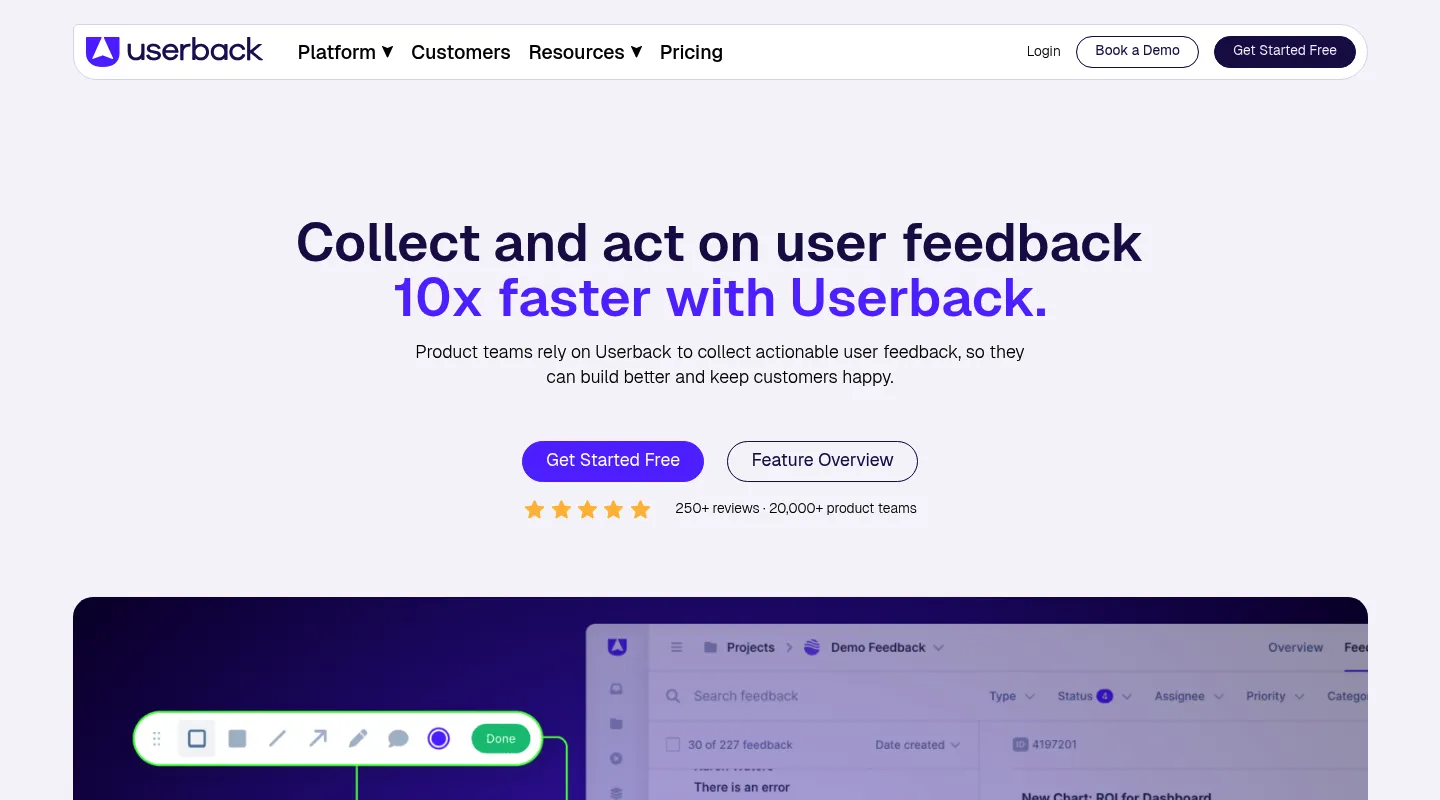
Where Marker.io stops at bug reports, Userback keeps going — surveys, NPS, feature voting, and roadmaps — the natural landing spot if you want ongoing product feedback, not one-off tickets.
Key differences from Marker.io:
- Product feedback, not just bugs: Surveys, NPS, and feature voting sit alongside visual capture — a layer Marker.io doesn't have.
- Session replay too: Like Marker.io, it replays what a user did before reporting (on Business and up), and can trigger different forms by user action.
- A free entry point: Userback has a free plan (2 seats, 2 projects, feedback kept 7 days), which Marker.io lacks.
- Similar install options: A JavaScript widget on your site, or a browser extension.
Pricing: Free plan (2 seats, 2 projects, feedback kept 7 days). Team is $29/month billed yearly ($39 monthly) for 5 seats; session replay, surveys, and console logs start on Business at $79/month billed yearly ($99 monthly).
Pros:
- Surveys, NPS, and roadmaps
- Session replay like Marker.io, on Business
- Free plan to start on
Cons:
- Needs its widget or browser extension
- More platform than a pure bug-reporting workflow needs
- Surveys and session replay need Business ($79/month billed yearly) or higher
Best for: SaaS and product teams who want continuous user feedback and surveys, not just bugs routed into a tracker.
4. Ybug — Best for lean, low-cost technical capture

If you like Marker.io's technical bent but not its price, Ybug is the pared-down version — annotated screenshots with the browser, OS, and console detail needed to reproduce a bug, at a fraction of the cost.
Key differences from Marker.io:
- Same instinct, lighter build: Console logs and environment data per report, but without session replay or two-way tracker sync.
- Much cheaper: Paid plans open at €10/month billed annually, against $39 billed yearly for Marker.io Starter.
- Install by snippet or extension: Collect feedback via a JavaScript snippet or a browser extension.
- Bug-first scope: Built for reporting and reproducing issues — no responsive preview or CSS inspection.
Pricing: Free plan (1 project, 1 user). Paid from €10/month billed annually (€13 monthly), up to €47/month for 15 members.
Pros:
- Very low cost, plus a free tier
- Solid technical metadata for developers
- Quick to set up
Cons:
- Snippet or extension still required
- No responsive preview or CSS inspection
- Bug-reporting focus, thin on design workflows
Best for: Small dev teams who want technical bug capture on a tight budget, without session replay or deep Jira/GitHub integration.
5. Usersnap — Best for enterprise product feedback with compliance
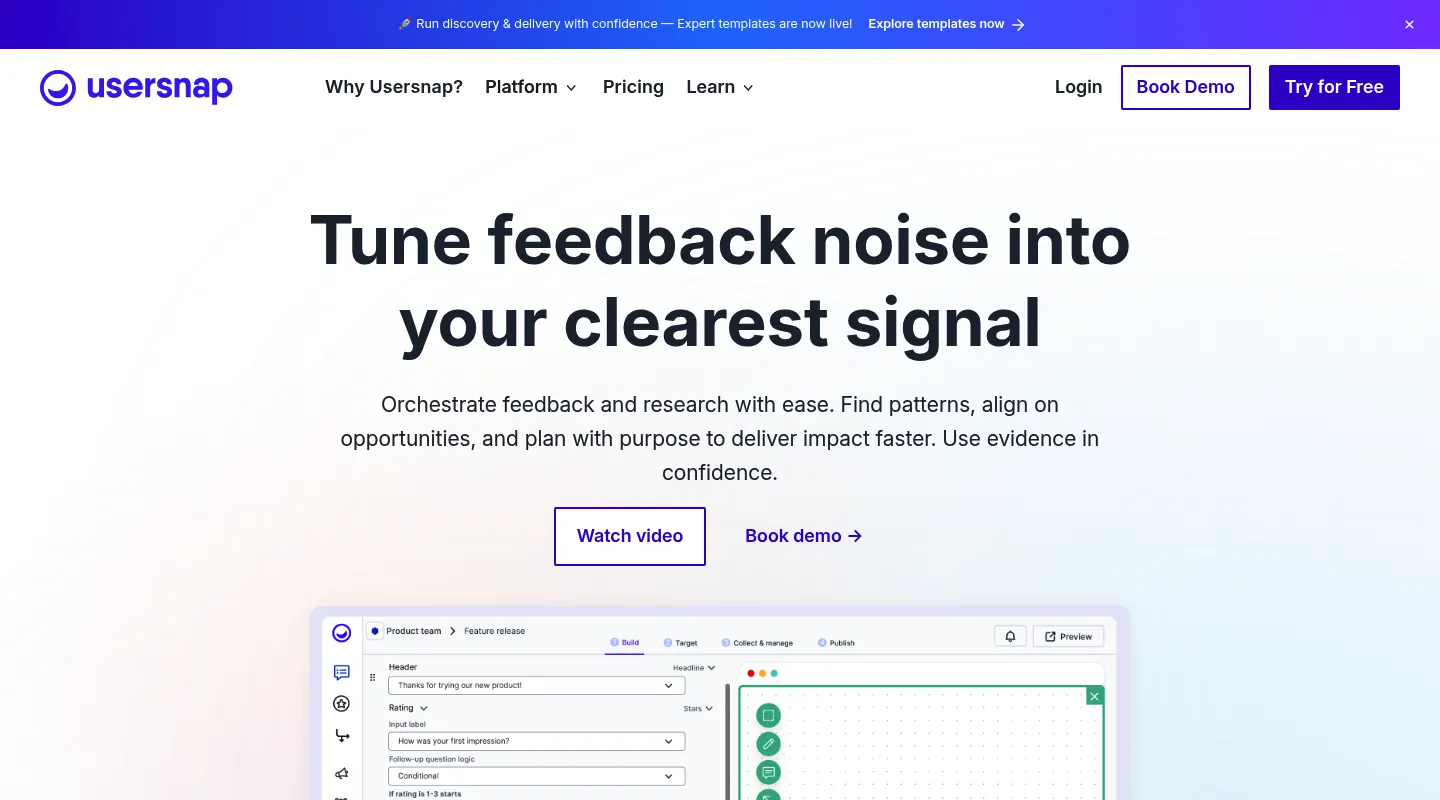
Usersnap matches Marker.io's detailed bug capture — console logs, network requests, environment data — then wraps a product-feedback platform around it: surveys, NPS, and feature-request boards, plus the compliance controls larger organisations require.
Key differences from Marker.io:
- Surveys on top of bug capture: Micro-surveys, NPS, and feature-request boards extend past Marker.io's bug-report scope.
- Compliance focus: GDPR and CCPA controls aimed at enterprise buyers.
- Widget or extension: Feedback comes in through a JavaScript widget or Usersnap's browser extension.
- No permanent free plan: New accounts get Premium access until they've collected their first 20 feedback items, rather than a free tier.
Pricing: No permanent free plan (Premium access for your first 20 feedback items). Starter is €39/month billed yearly (€49 monthly); Growth is €89/€109, Professional €159/€199, and Premium from €319/€389.
Pros:
- Surveys, NPS, and bug capture in one platform
- Enterprise compliance controls
- Detailed technical capture like Marker.io
Cons:
- No free plan, and a tight 20-item trial
- Pricing climbs steeply at higher tiers
- Widget or extension still needed
Best for: Enterprise product teams that need surveys, NPS, and compliance alongside bug capture — more platform than Marker.io, for organisations that will use it.
When to stick with Marker.io
Marker.io is still the right call if:
- You depend on session replay, console logs, and network capture to reproduce bugs
- Two-way sync with Jira, GitHub, or GitLab is central to how your team ships
- Adding its snippet or plugin, or having reviewers install its extension, is no obstacle
- You need enterprise-grade security and SOC 2 compliance
When to switch — and to what
- You want nothing installed on client sites or in reviewers' browsers, or you need breakpoint preview and CSS inspection → Huddlekit
- You wanted client review, not developer debugging → Huddlekit
- You want a built-in board instead of syncing to Jira → Huddlekit or BugHerd
- You want surveys, NPS, and product feedback → Userback (simpler) or Usersnap (enterprise plus compliance)
- You want similar technical capture for far less → Ybug
- The Starter price ($39/month billed yearly, $59 monthly) or missing free plan is the dealbreaker → Huddlekit or Ybug
Making the switch
Moving off Marker.io is quick for most teams:
- Export any bug history from Marker.io you need to keep
- Remove the Marker.io snippet or plugin from your sites
- Set up your new tool and configure the workspace
- Invite your team and rebuild your review flow
- Share new review links with clients and stakeholders
With a Huddlekit website project there's no snippet or extension step — paste a URL and clients can comment right away. See our pricing for the full comparison, or contact us if you'd like a hand moving over.
Ready for website feedback with nothing to install?
Get startedFrequently asked questions
Is Marker.io free?
No. Marker.io has no free plan; paid pricing opens at $39/month billed yearly ($59 monthly) for three users on Starter, and session replay and console logs start on Team at $149/month billed yearly ($199 monthly). Huddlekit has a free plan (1 project, 3 members), with Pro at $16/month billed yearly ($19 monthly) and a 30-day money-back guarantee.
Can I use Marker.io without installing a script?
Yes, but something still gets installed. Besides its JavaScript snippet, Marker.io offers a no-code WordPress plugin and a browser extension that each reviewer adds. Huddlekit's website projects work from a URL with nothing to install on the site or in the browser, which suits agencies whose clients won't install an extension.
Is Marker.io built for developers or designers?
Primarily developers. Its strongest features — session replay, console and network logging, and two-way Jira/GitHub sync — are debugging tools most designers never open. For design-led review, Huddlekit (responsive preview and CSS inspection) or a survey-capable platform like Userback fit better.
What replaces Marker.io's Jira and GitHub sync?
Not every alternative syncs to Jira or GitHub. Huddlekit's Team plan keeps status in sync both ways with Linear, ClickUp, Notion, and Trello, and syncs completion both ways with Asana. Zapier can send new comments into Jira or GitHub, but there is no native Jira or GitHub integration. If two-way Jira or GitHub sync is non-negotiable, BugHerd (Jira and Asana on its Premium plan, $150/month) or staying on Marker.io are the safer bets.
What's the cheapest way off Marker.io?
Ybug is the lowest-cost technical option: a free tier plus paid plans from €10/month billed annually. For visual review rather than bug capture, Huddlekit's free plan and Pro at $16/month billed yearly ($19 monthly) undercut Marker.io Starter at $39 billed yearly ($59 monthly), while adding breakpoint preview and CSS inspection.
Conclusion
Marker.io is excellent at one thing: turning a bug into a fully documented ticket inside Jira or GitHub. If that's your job, keep it. But the install step and a starting price of $39/month billed yearly ($59 monthly) are real friction for everyone else.
Match the replacement to what you actually do. Userback or Usersnap if you want surveys and product feedback on top of bug capture, BugHerd if you want a built-in board instead of an external tracker, Ybug if you want similar technical capture for far less — and Huddlekit if you came for client website review and never needed the developer machinery in the first place.
See Huddlekit's plans or talk to us about your workflow.
Want the wider field? Our guide to the best website annotation tools puts Marker.io side by side with the alternatives.