Design review and pre-launch QA in one workspace
Bring designers, PMs, and engineers into a shared workspace to comment in context, without extensions or shipping bad pixels.
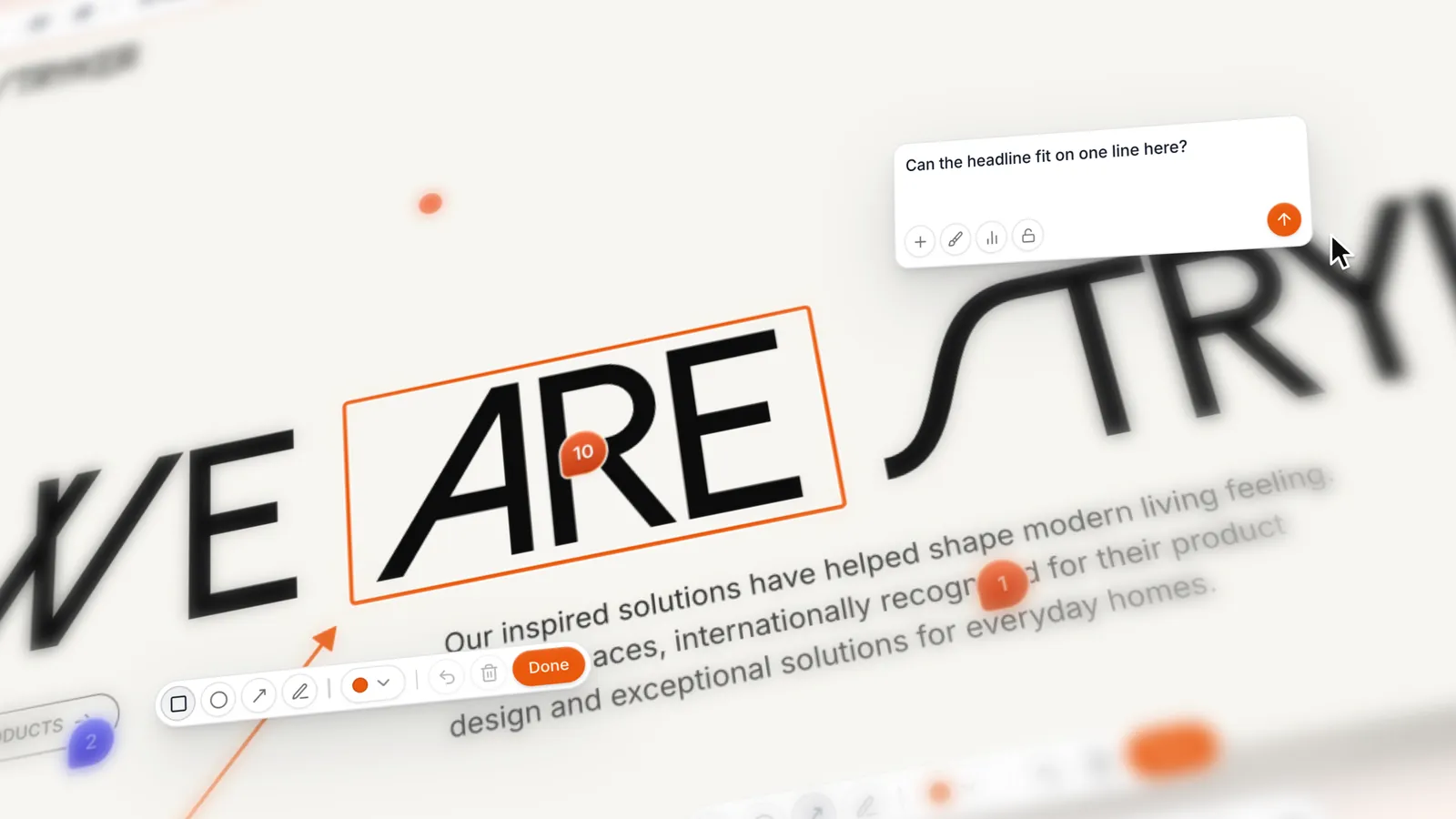
Trusted by product and design teams shipping faster






Every step of a pre‑launch review from design audit to stakeholder sign-off
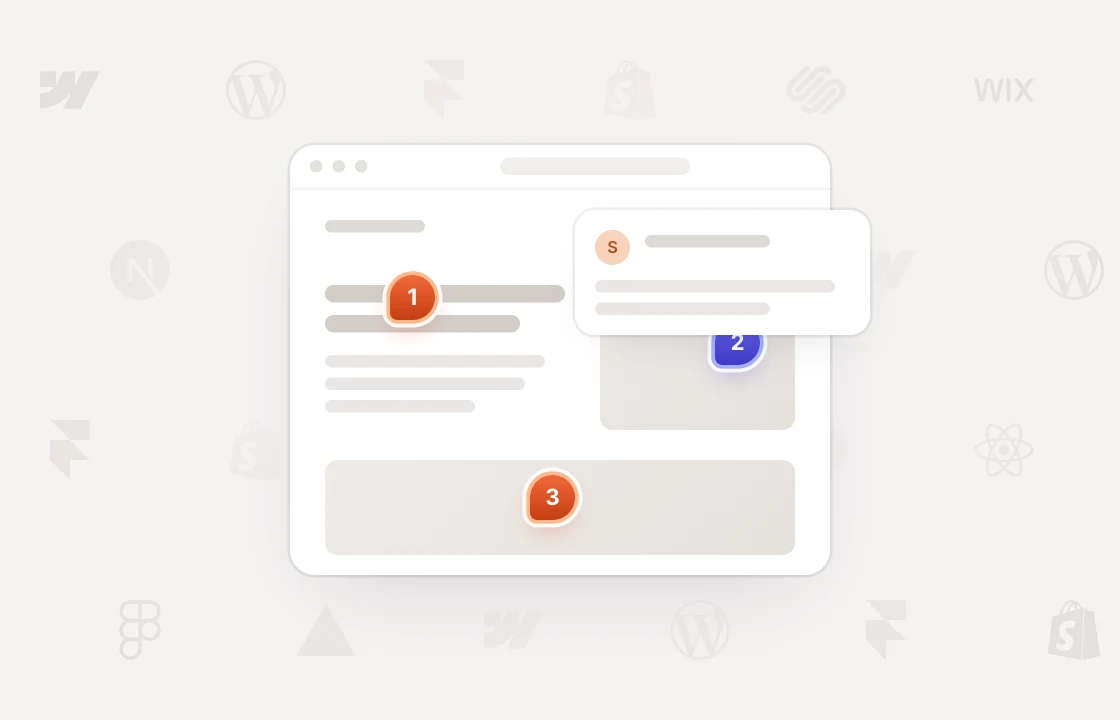
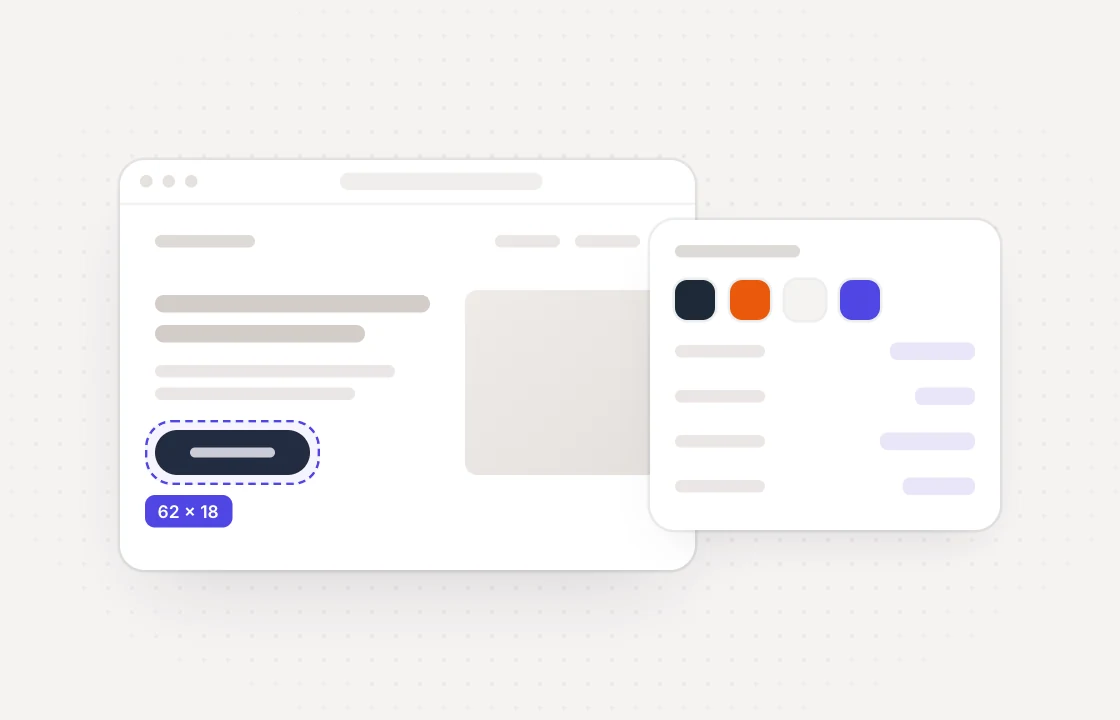 Design review
Audit the design system on the live build
Inspect spacing, type, and colors on any element and pin drift right where it shows up.
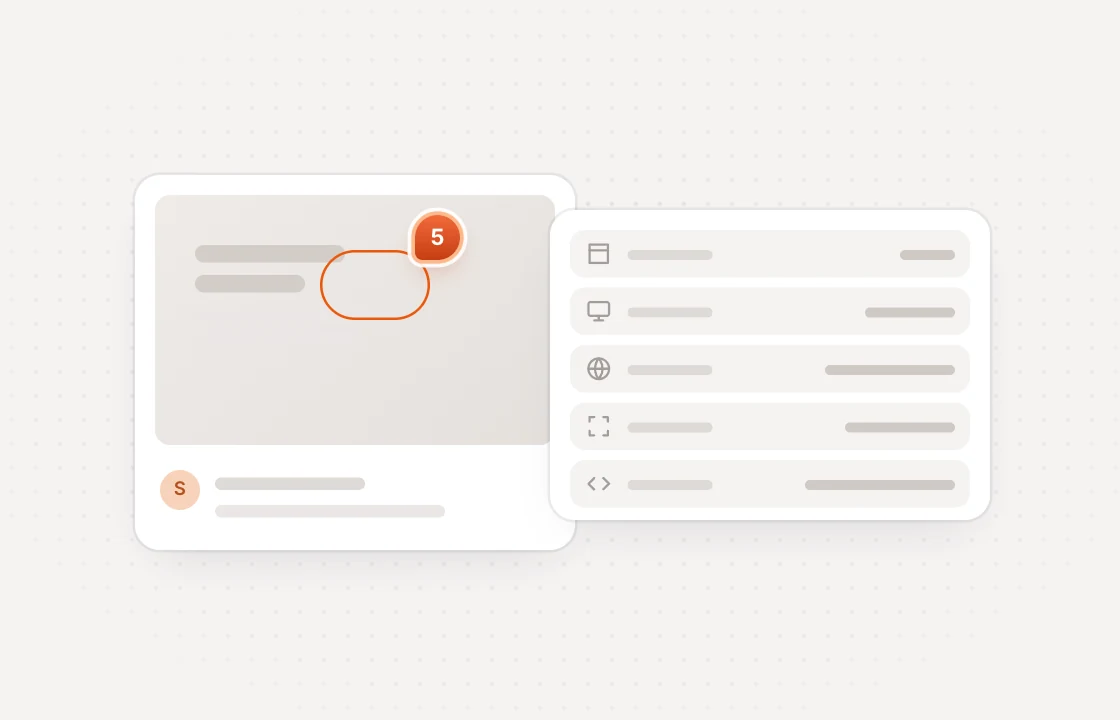 Bug reports
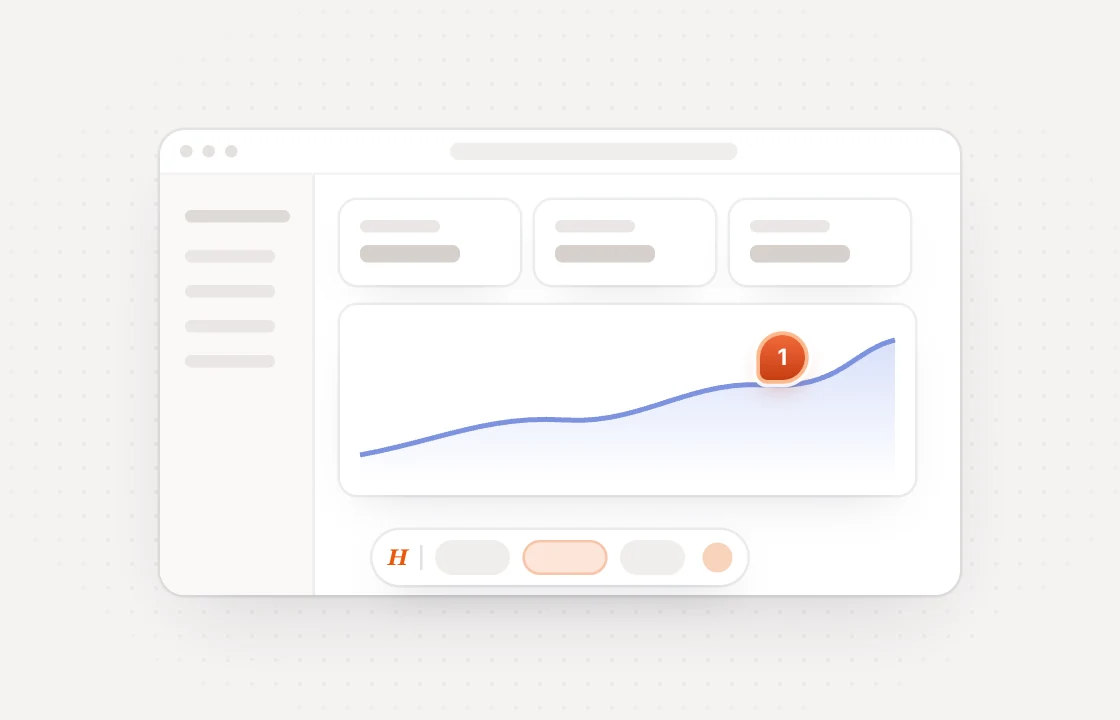
Context developers can act on immediately
Every comment captures the URL, viewport, device, and browser with nothing to fill in by hand.
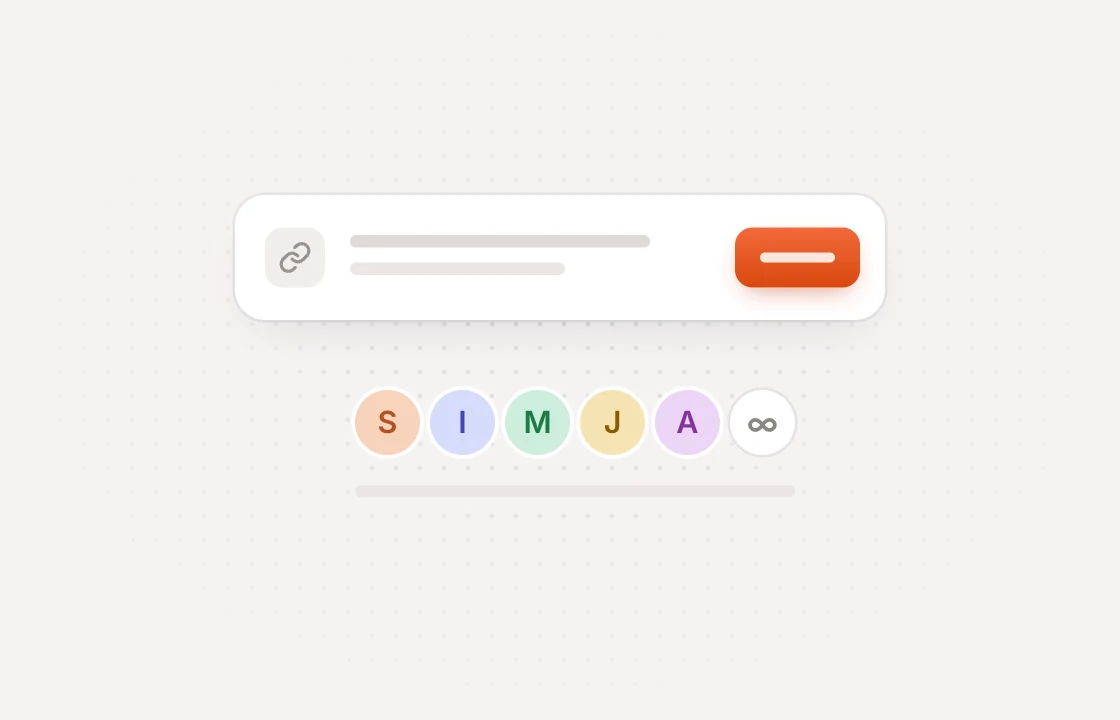 Stakeholder sign-off
Anyone can review without signing up first
Share one link to comment, reply, and resolve. Guests are free and unlimited on every plan.
Review every surface your team ships sites, dashboards and design files
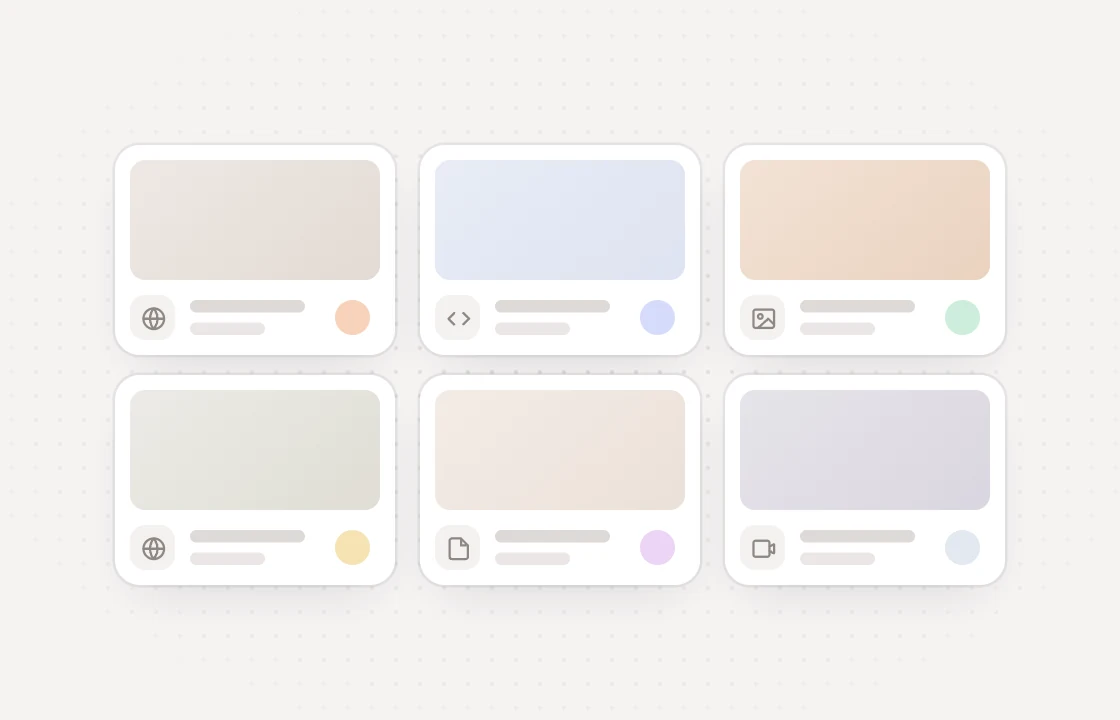
Built for internal collaboration with no hidden fees
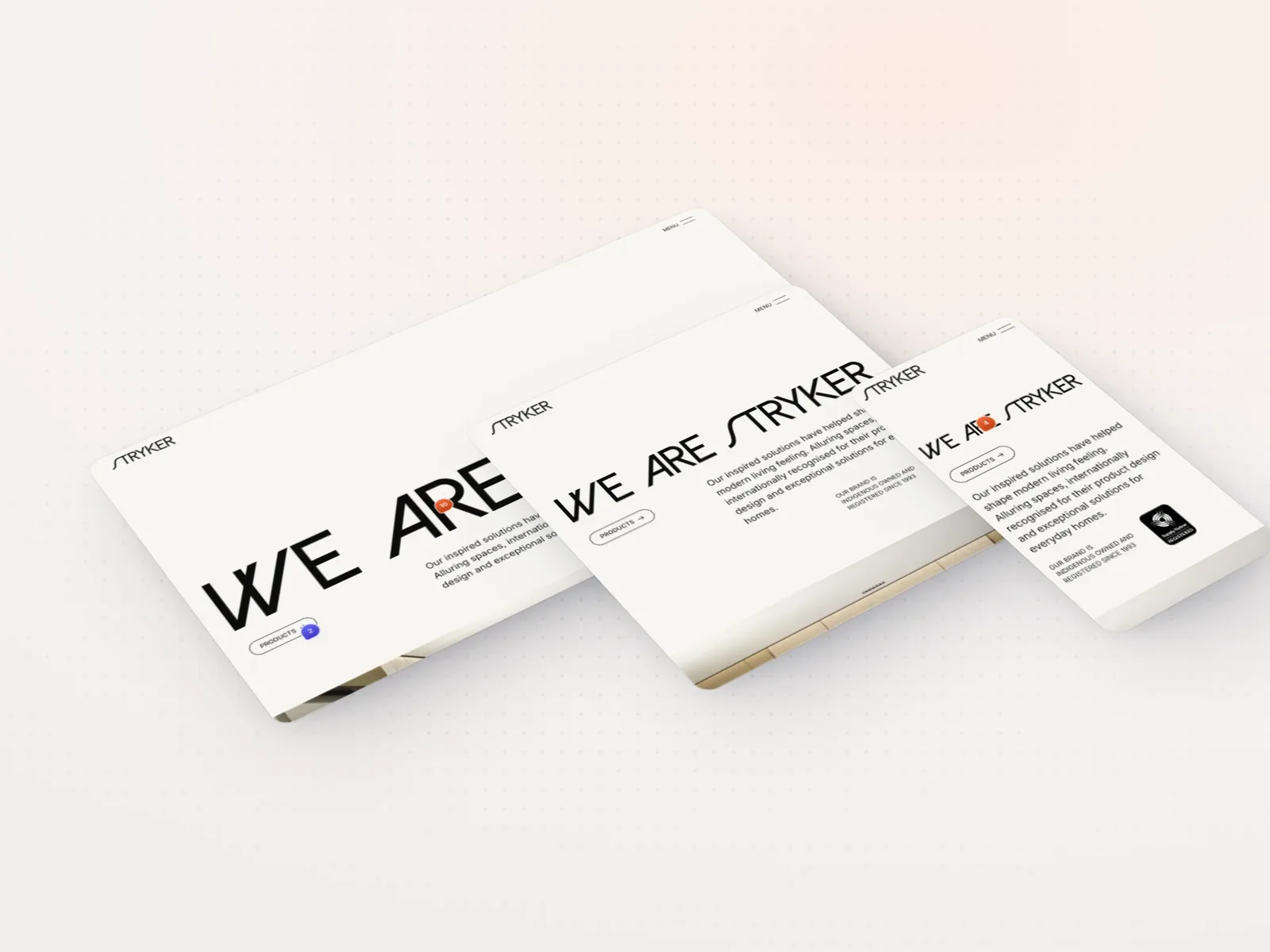
Sweep responsive regressions before merge
On Pro and Team, load mobile, tablet, laptop, and desktop side-by-side on the same URL. Pin issues to the breakpoint that breaks.
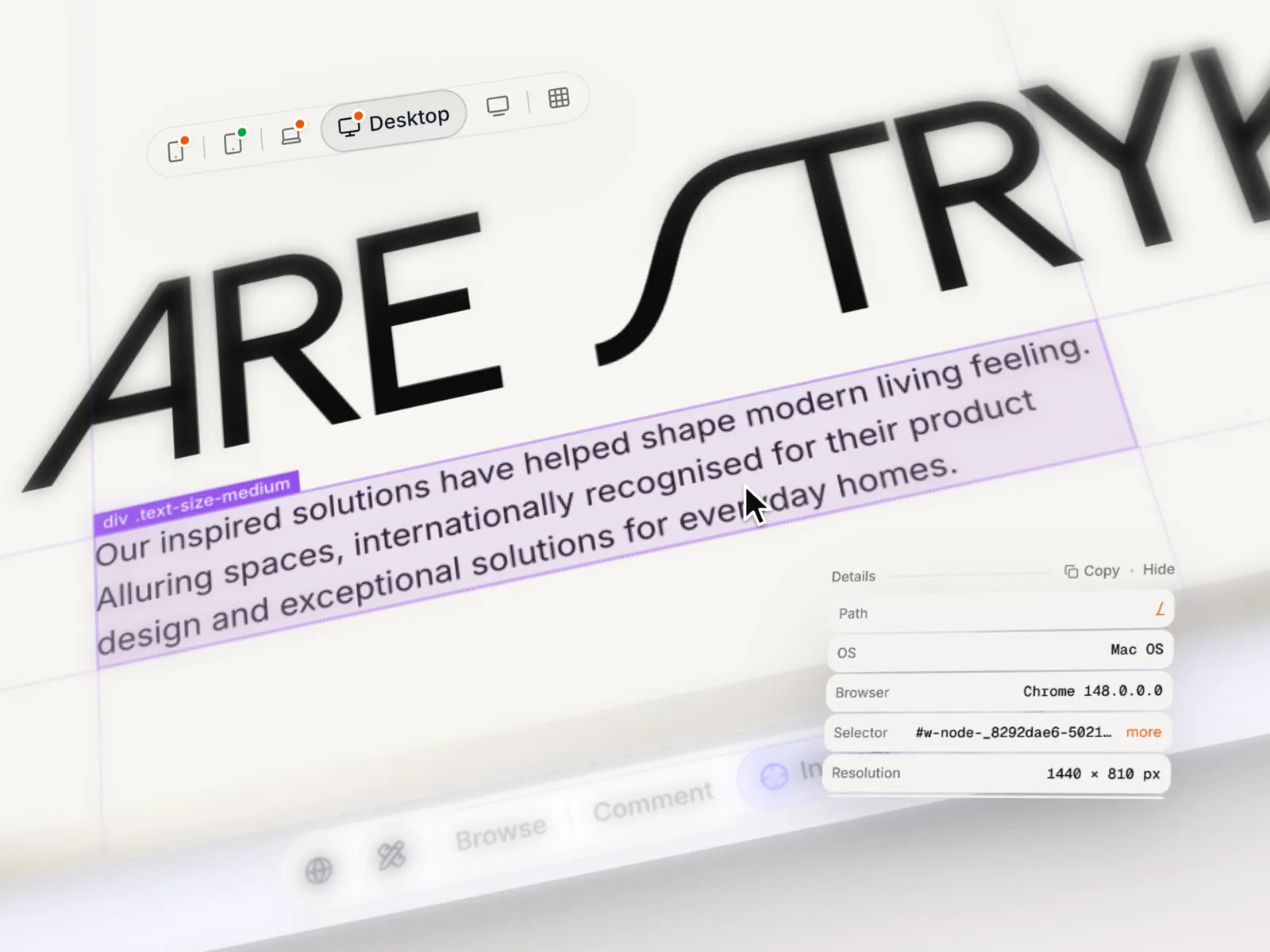
Audit the design on the live site
Check spacing, typography, and colors directly on the live build, and pin a comment on the element the moment something is off.
Engineers get DevTools-grade repro on every comment
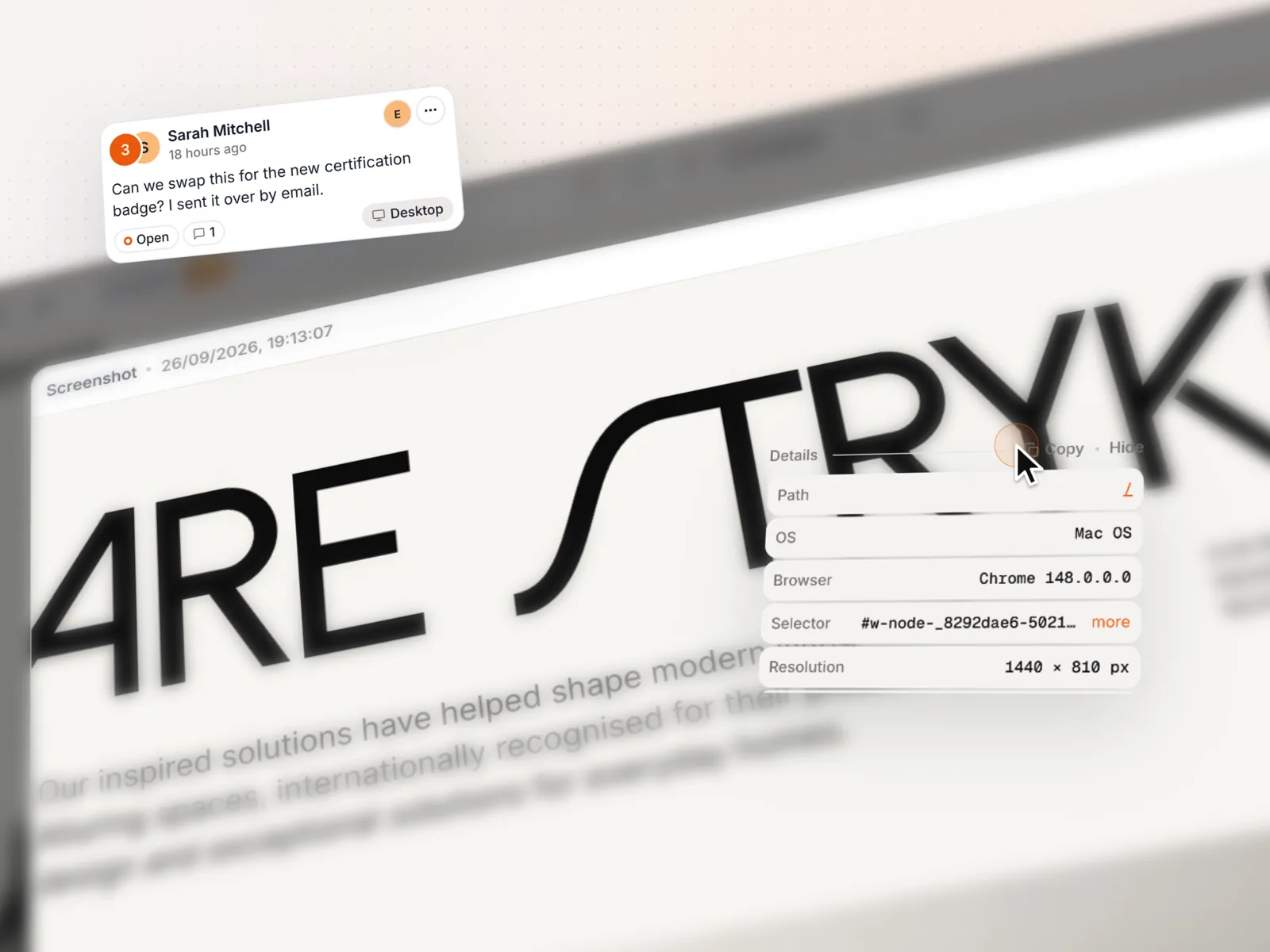
Every comment carries the URL, viewport, device, browser, and the selector and classes of the targeted element, so tickets stop bouncing back for missing repro details.
PMs, execs, and partners review without an account
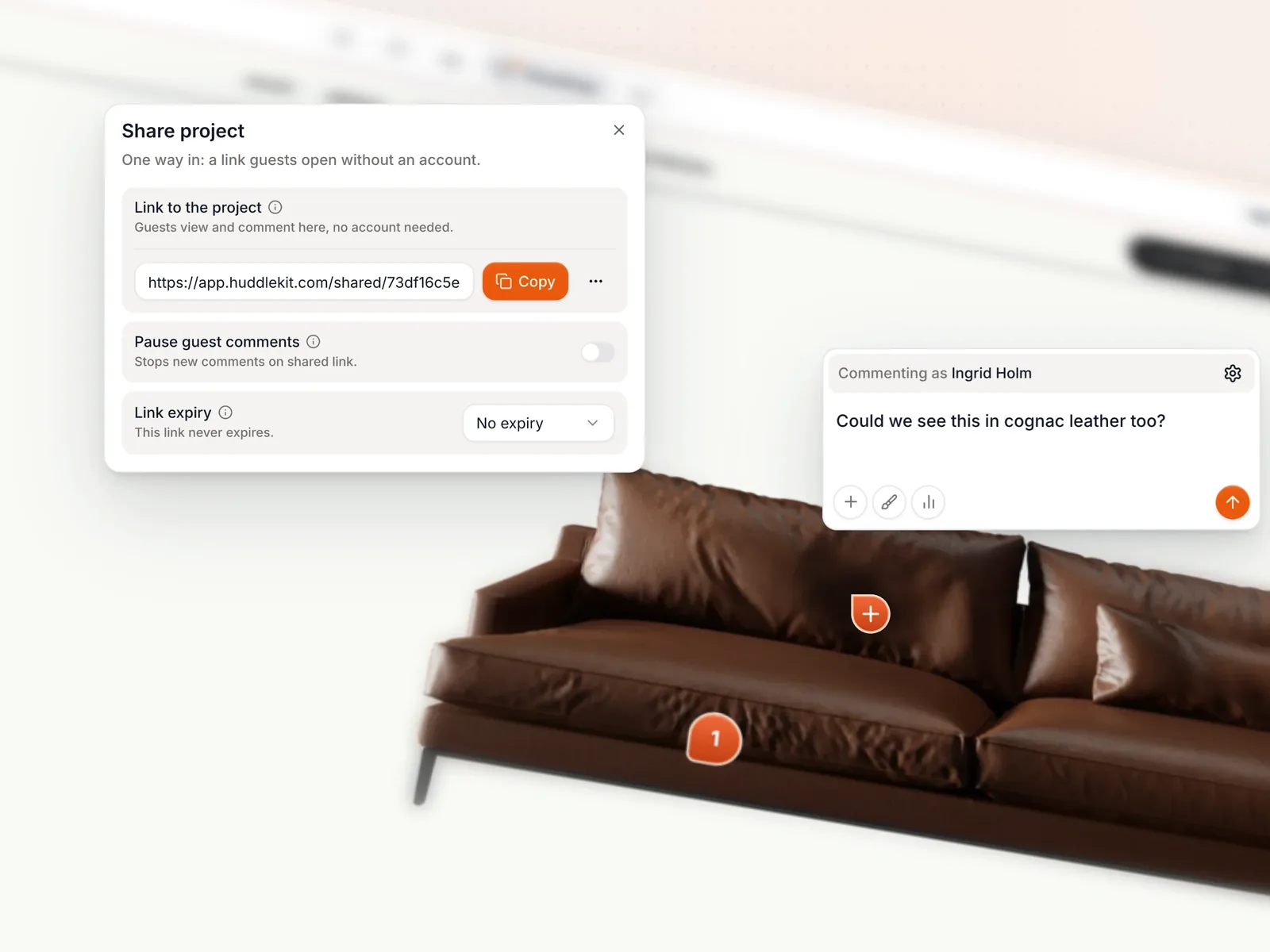
Share a review link. Anyone can pin comments, reply on threads, and mark issues resolved without a signup, an extension, or a seat license.
Plus drawing tools, private comments, file reviews and a widget for web apps. View all features
Replace the patchwork stack with one place for every review
 Huddlekit
Don't just take it from us hear it from the professionals
“Huddlekit has become a real part of my process. … The whole UI is friendly and refreshingly uncomplicated. A straightforward, much-needed tool, especially for Webflow freelancers who want to add a touch of professionalism to their process.”

Magnaem Ambata
Webflow Developer
“I was previously using Pastel, but it only offers two breakpoints. Huddlekit has been a really solid upgrade for my workflow.”

Gul Ahmed
Webflow Developer
“Clients love dropping comments that instantly become actionable. Nothing falls through the cracks.”

Douglas Tamm
Digital Designer
“I love this tool! The UI is super intuitive and clean, and the best part is being able to see all the breakpoints side by side.”

Mikael Brunnberg
Product Designer
“After 20 years of designing websites, I can confidently say that Huddlekit is an exceptional product for the modern designer.”

David Lozano
Web Designer & Youtuber
“We tried Markup, Ruttl, and a handful of other tools. Huddlekit was the first one that actually organized our feedback and felt easy enough for clients to use without a walkthrough.”

George Duckett
Growth Lead
“Before, we spent a lot of time just figuring out what the client actually meant. Now they point at it and tell us. Much easier.”

Christian Jigling
Web Developer
“I'm not one to fill out testimonials, but Huddlekit has been the best experience for a markup tool that I have used. The tool itself has the best features compared to other markup tools, but what got me to leave a review was their tech support. …”

Matthew Haire
Web Project Manager
“Excellent tool, worked with a lot of other markup software and this is best in class.”

Felix Hellström
Web Developer
Catching issues and bugs before they ship

“We tried Markup, Ruttl, and a handful of other tools. Huddlekit was the first one that actually organized our feedback…”
George Duckett
Growth Lead at Stormfors

“We stopped wasting time interpreting vague emails and just started fixing things.”
Christian Jigling
Web Developer at Leadfront
Loved by bespoke agencies. View case studies
Simple per-workspace pricing with stakeholders and guests always free
- 3 team members
- 1 project
- Unlimited guests
- 100 MB storage
- 3 team members
- Unlimited projects
- Unlimited guests
- 5 GB storage
- Connect Claude & Cursor (MCP)
- 15 team members
- Unlimited projects
- Unlimited guests
- 50 GB storage
- Connect Claude & Cursor (MCP)
- Integrations
- API access
Every limit and feature, plan by plan. Compare plans
Commonly asked questions and some more.
How is Huddlekit different from Marker.io or BugHerd for design review?
Marker.io and BugHerd focus on bug capture inside the page; Huddlekit gives the same context plus a multi-breakpoint canvas, inspect mode, and unlimited guest reviewers. Designers can audit the design system across mobile, tablet, and desktop while engineers and PMs comment on the same staging URL, with no browser extensions and no per-seat billing for guests.
Can engineers see DevTools-level context on every comment?
Yes. Every comment automatically captures the page URL, viewport, device, browser, and the selector and classes of the targeted element. Inspect mode lets engineers verify spacing, typography, and box-model details on the live site, so reproduction notes are never missing the basics.
Does Huddlekit work behind a login on staging deployments?
Yes. Use the Web App project type to drop a lightweight SDK snippet into the staging build. The widget loads on authenticated pages so designers and PMs can pin comments while signed in, including against private dashboards or feature-flagged routes.
Can stakeholders and execs leave comments without an account?
Yes. Share a review link and any number of stakeholders, PMs, or execs can comment directly. Guests are free and unlimited on every plan, so review participation is never gated by your seat count or a pricing-tier upgrade.
How do reviews flow into Linear, Jira, GitHub, or Notion?
On the Team plan, connect Linear or Notion and each comment becomes an issue or a page, with the screenshot and page link attached and status kept in sync. Jira and GitHub have no native integration yet, but Zapier can send new comments to either. On Pro and Team you can also connect Claude, Claude Code, or Cursor over MCP, so an agent reads a comment in full context and replies, retags, or resolves it while it works the fix.
Can we run multi-breakpoint regression checks before merge?
Yes. On Pro and Team, the canvas view places mobile, tablet, laptop, and desktop side-by-side on the same staging URL. QA can sweep responsive regressions in one pass instead of resizing a single window seven times, and pin issues to the exact breakpoint where they appear.
Can comments be turned into tasks for the next sprint?
Each comment can be assigned to a teammate, tagged, and moved through statuses (open, in progress, in review, resolved). Filter by sprint or release, archive resolved items, and keep only the live work in front of the team. No separate task tracker required for review-driven work.
Have more questions? Visit our support center.