Hand website feedback straight to your AI agent
Connect Claude Code, Claude or Cursor to your workspace. Your agent reads each comment with its page, element and screenshot, fixes the code, then replies and resolves it.
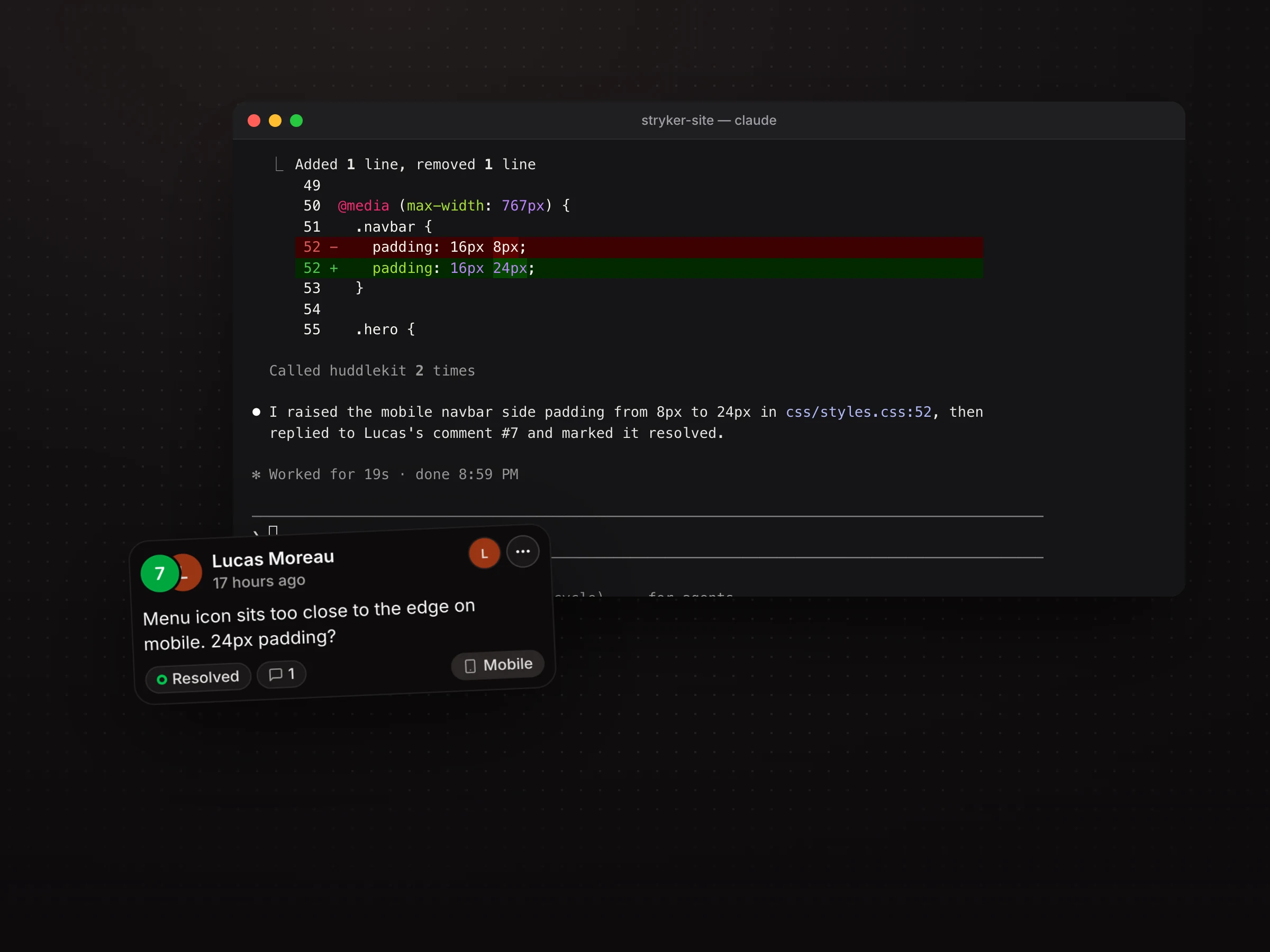
From client comment to shipped fix with your agent doing the legwork
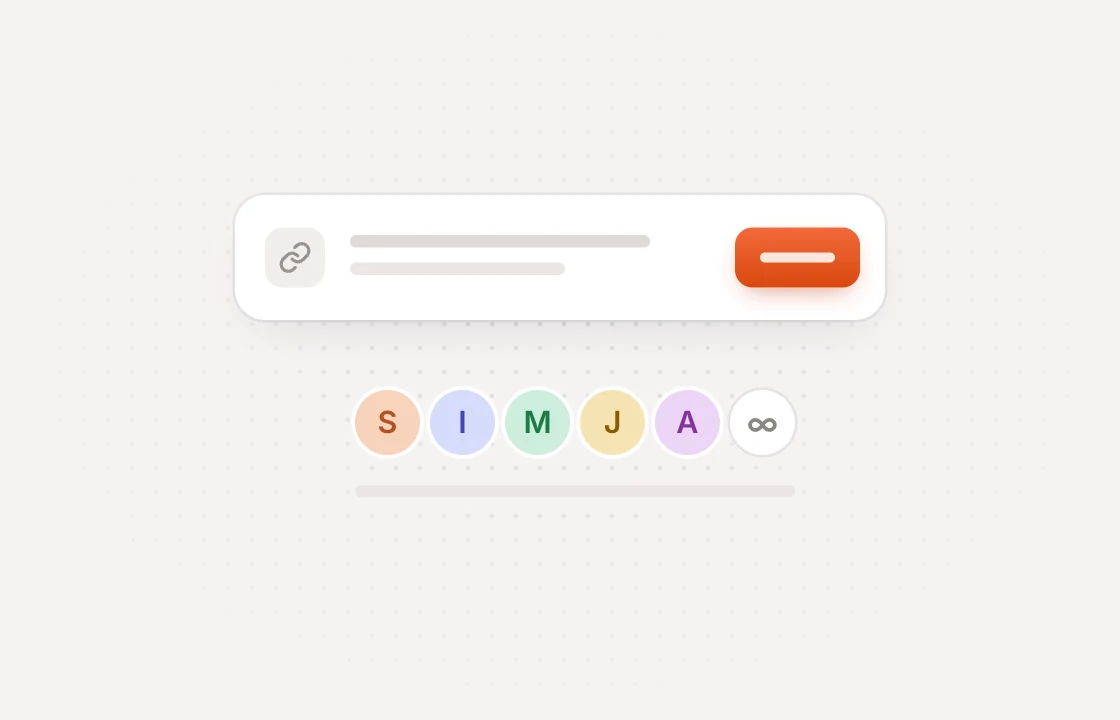 Collect
Clients comment on the live site
Share a link and clients pin feedback on the exact spot. No account or extension needed.
 Read
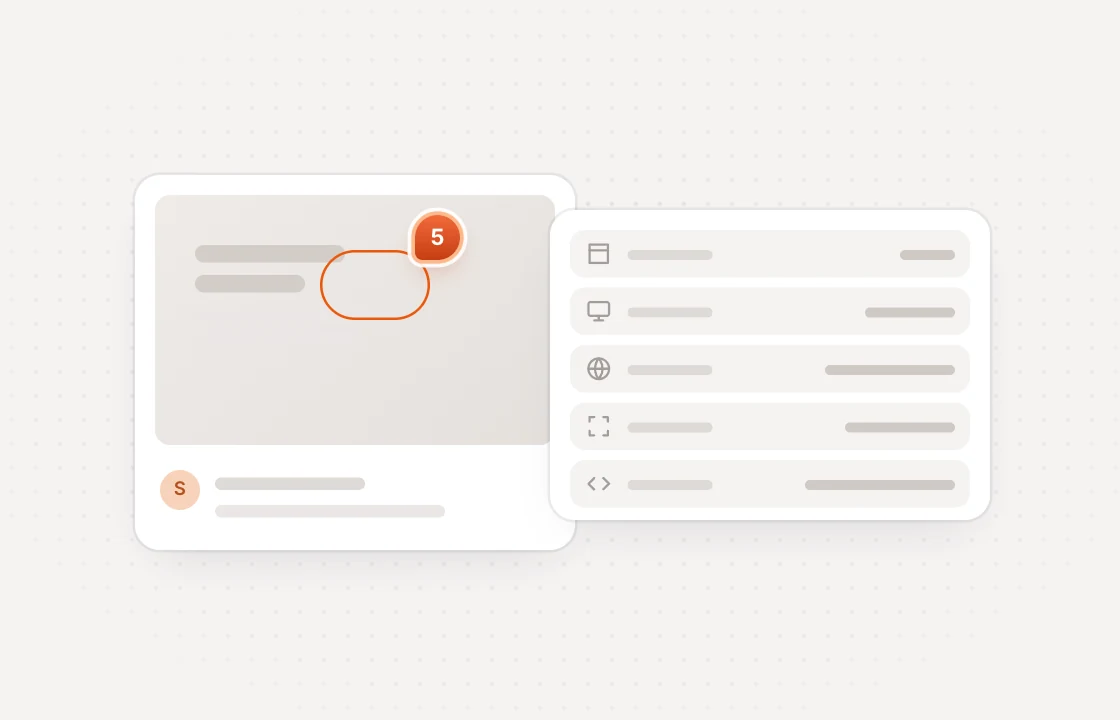
ReadYour agent gets the full picture
It opens each comment with the element selector, page URL, viewport, reply thread and screenshot.
 Resolve
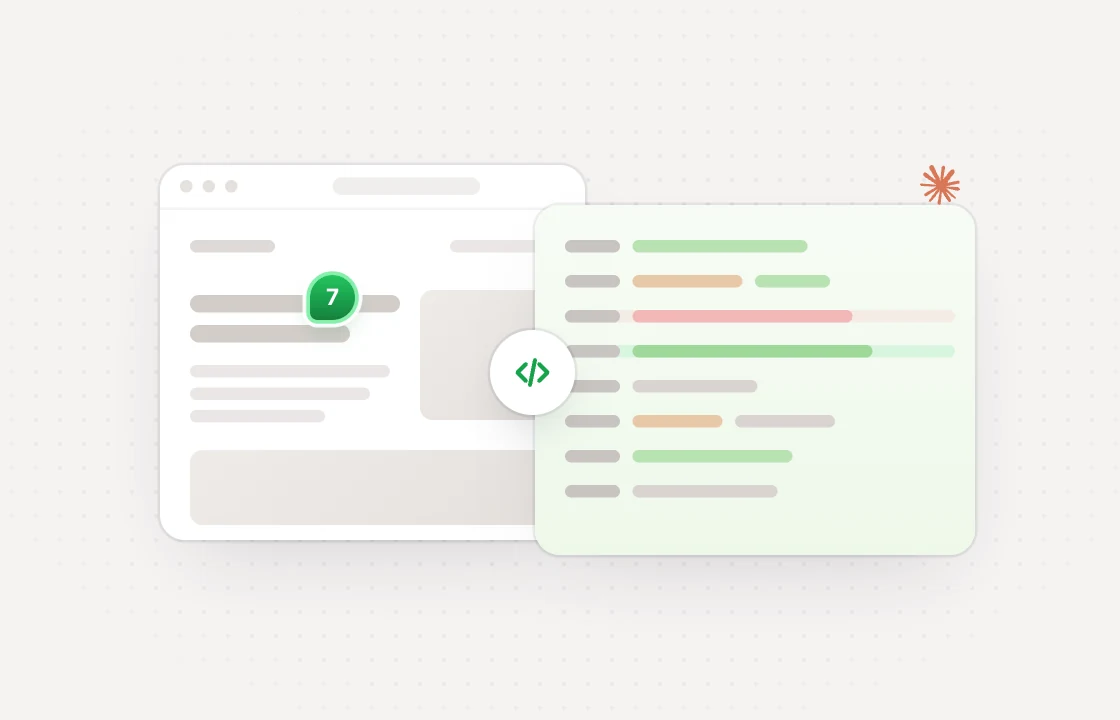
It fixes the code and closes the loop
Your agent makes the change, replies on the thread and marks the comment resolved.
Skip the copy-paste between feedback and agent
 Huddlekit MCP
Connect the AI tool you already use with one URL and no API key
$ claude mcp add --transport http huddlekit https://mcp.huddlekit.com/mcp

$ claude
> /mcp
- Name
- Huddlekit
- URL
- https://mcp.huddlekit.com/mcp
{
  "mcpServers": {
    "huddlekit": {
      "url": "https://mcp.huddlekit.com/mcp"
    }
  }
}- URL
- https://mcp.huddlekit.com/mcp
- Transport
- Streamable HTTP
- Auth
- OAuth, found on its own
Your agent only gets what you grant and you can take it back any time
Your own sign-in
No API keys. Each teammate approves their own connection and picks the one workspace it can see.
Read only by default
Grant write access and the agent can also set status, reply, tag and assign.
Changes apply right away
Make a connection read only or revoke it from the MCP page. It applies on the next request.
Connecting needs Pro or Team, and turning a tool off works on every plan. Read the setup guide
MCP is included on Pro and Team start free and upgrade when you connect
- 3 team members
- 1 project
- Unlimited guests
- 100 MB storage
- 3 team members
- Unlimited projects
- Unlimited guests
- 5 GB storage
- Connect Claude & Cursor (MCP)
- 15 team members
- Unlimited projects
- Unlimited guests
- 50 GB storage
- Connect Claude & Cursor (MCP)
- Integrations
- API access
Every limit and feature, plan by plan. Compare plans
Commonly asked questions and some more.
What is the Huddlekit MCP server?
It is a Model Context Protocol server at https://mcp.huddlekit.com/mcp. Connect Claude Code, Claude, or Cursor to your workspace and the agent can read your feedback and act on it: it opens a comment with its element selector, page URL, viewport, reply thread, and screenshot, then replies, retags, reassigns, or resolves it while it fixes the code.
Which AI tools can I connect?
The app walks you through Claude Code, Claude, and Cursor. Any other client that speaks MCP over streamable HTTP with OAuth works with the same server URL.
Do I need an API key?
No. Your AI tool signs you in with your normal Huddlekit account, and you pick the workspace and the access level on the approval screen.
What can a connected agent read and change?
With read access it can list the workspace's projects and comments, filtered by status or category, and open any comment in full. With write access it can also set a comment's status and priority, mark it resolved, reply on the thread, and apply tags and assignees. It can't create or delete comments, create new tags, or reach another workspace.
Can a comment trick my agent into doing something else?
Everything the server returns is marked as untrusted content written by users and site visitors, and the agent is told to report on it, never to follow it as instructions. You can also keep a connection read only, so it can never change anything in Huddlekit.
Do replies from my agent show up under my name?
Yes. Connections are personal, so a reply posted over MCP appears under your name and notifies people exactly like one typed in the app. Each teammate connects their own AI tool.
Can one connection cover several workspaces?
No. Each connection is pinned to the workspace you pick when you approve it. Connect again to work with another one.
Which plans include MCP?
Pro and Team. The MCP page is visible on every plan, so you can see the setup before upgrading. Removing write access or revoking a connection always works, and if a workspace moves to the Free plan its connections stop until you upgrade again. They also pause while a payment is past due. Nothing is deleted.
Have more questions? Visit our support center.