Send website feedback to the tools you already use
Every comment arrives with its screenshot, page and browser details. Turn it into an issue or task, automate it, or hand it to your AI agent.
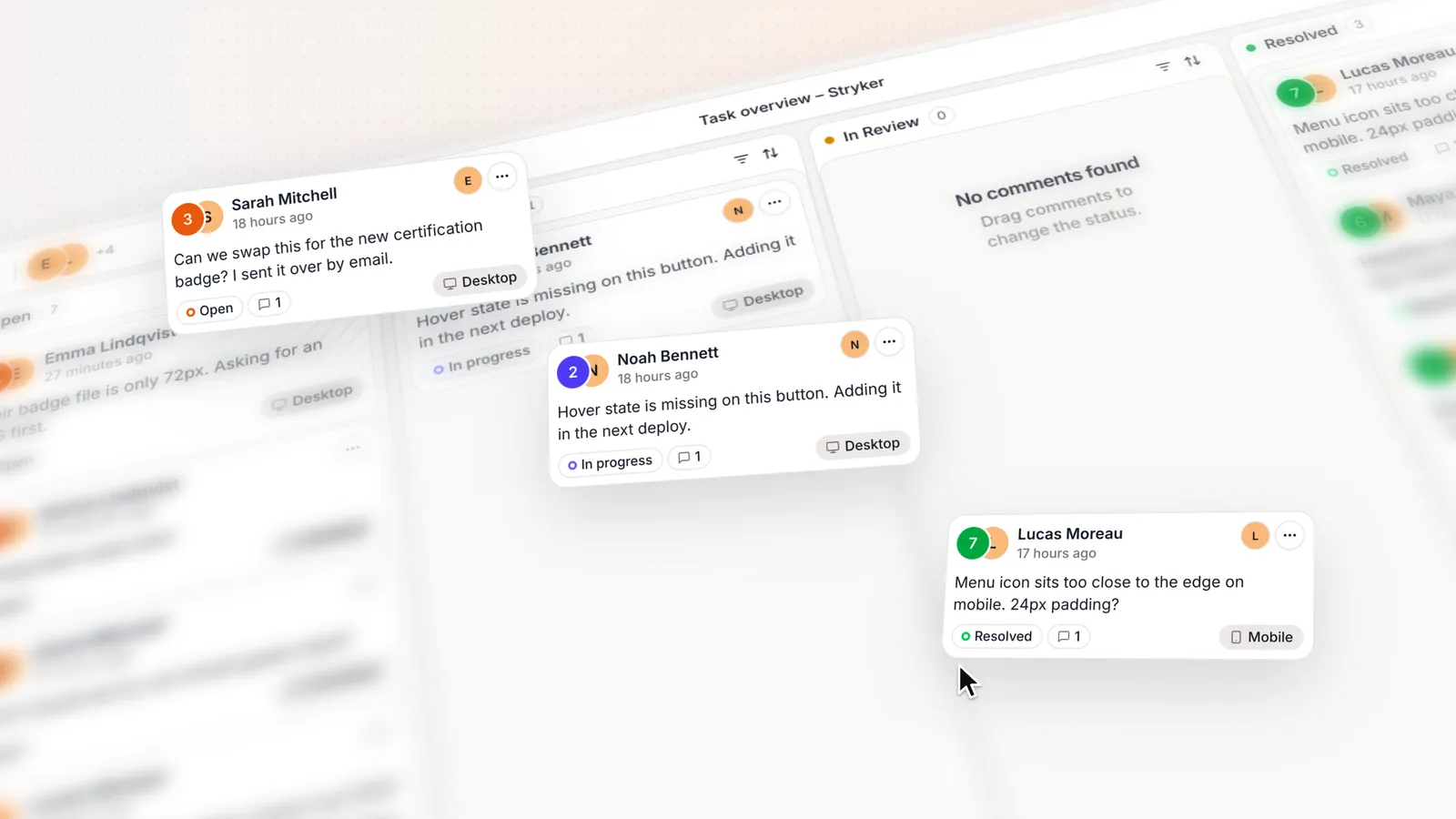
Trackers, chat and automation with status kept in step
Linear
Turn comments into Linear issues and keep status in sync.
ClickUp
Turn comments into ClickUp tasks and keep status in sync.
Notion
Turn comments into Notion pages and keep status in sync.
Slack
Post comments to a channel and resolve them without leaving Slack.
Zapier
Send comments to thousands of other apps without writing code.
Webhooks & API
Push comments to your own endpoint, and read or update them.
Integrations, webhooks and API access need Team. Compare plans
Hand feedback to your AI agent over MCP, with no API key
Claude Code
Add the server with one terminal command, then pick it in /mcp.
Claude
Add it as a custom connector in Settings and approve access.
Cursor
Add the server to your mcp.json, then reload and approve access.
MCP needs Pro or Team. See how MCP works
Every integration starts the same way with a comment that carries its context
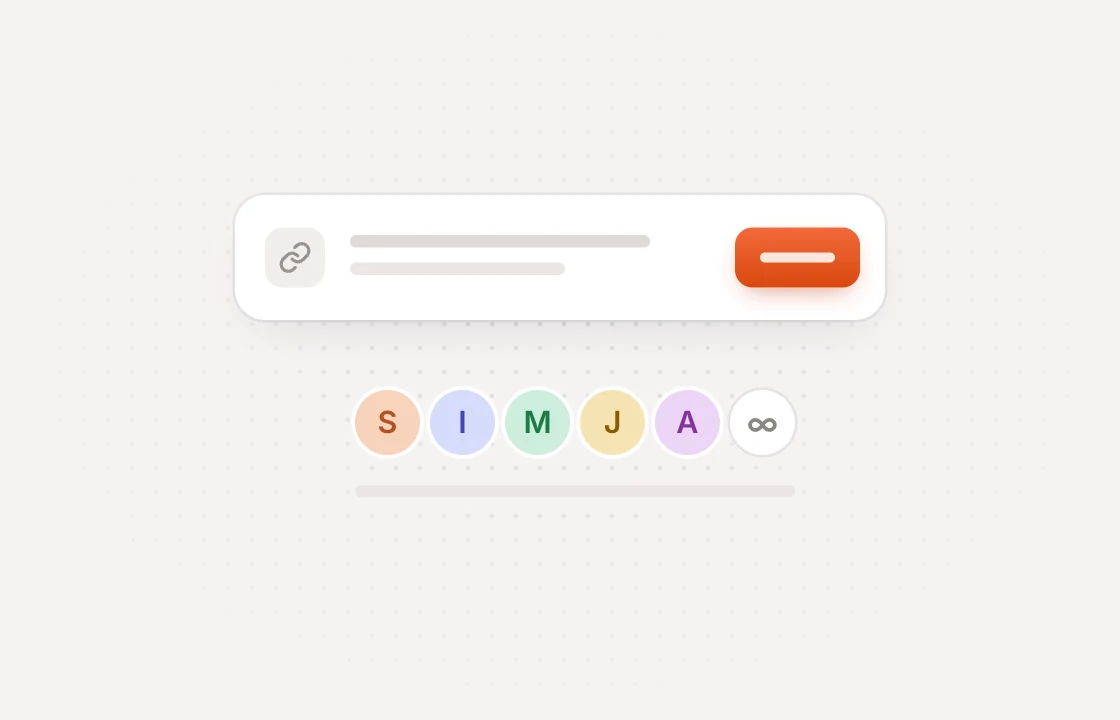 Collect
Clients comment on the page
Share a link and clients pin feedback on the exact spot. No account or extension needed.
 Capture
The context comes along
Every comment saves a screenshot, the page, and the OS, browser and viewport it was left in.
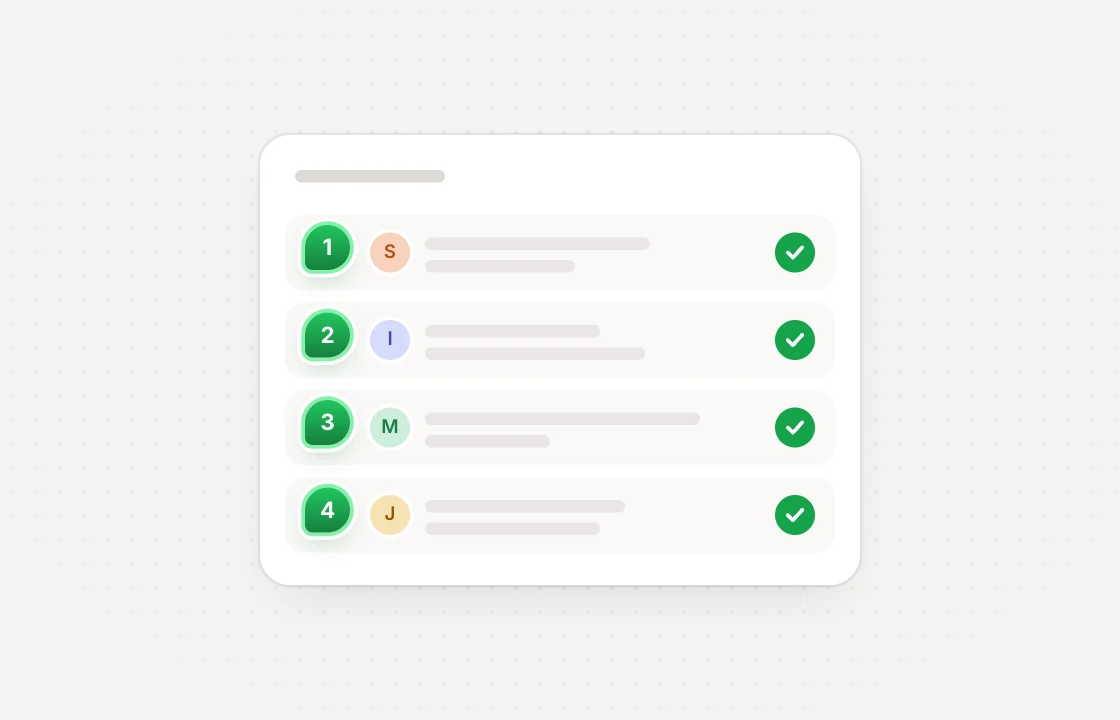 Sync
SyncStatus stays in step
Resolve it in Linear, ClickUp, Notion or Slack and the comment resolves in Huddlekit too.
Commonly asked questions and some more.
Which tools does Huddlekit integrate with?
Linear, ClickUp and Notion, with status kept in sync both ways, and Slack, where comments post to a channel and can be resolved from the message. Zapier, webhooks and the REST API cover everything else, and Claude, Claude Code and Cursor connect over MCP.
Which plans include integrations?
Linear, ClickUp, Notion, Slack, Zapier, webhooks and the API are on the Team plan. MCP is on Pro and Team.
Who can set up an integration?
Workspace owners and admins. Everyone in the workspace can see which integrations are connected.
Can different projects go to different places?
Yes. Each website, web app or document project can go to its own Linear team, ClickUp List, Notion database or Slack channel, follow the workspace default, or stay out of the integration entirely.
What is sent with each comment?
The comment text, who left it, the project and page, the screenshot, and the OS, browser, resolution, viewport, pixel ratio, color depth and network it was left in, plus a link back to the comment in Huddlekit.
Do you integrate with Jira, Asana or Trello?
Not directly. Zapier can pass new comments to Jira, Asana, Trello and most other tools, and webhooks can reach anything with an API.
Have more questions? Visit our support center.