Send website feedback anywhere with Zapier
Start a Zap when a client comments or a status changes, or create comments from the tools you already use. No code needed.
From a client's click to Zapier and back again
 Collect
Clients comment on the page
Share a link and clients pin feedback on the exact spot. No account or extension needed.
 Trigger
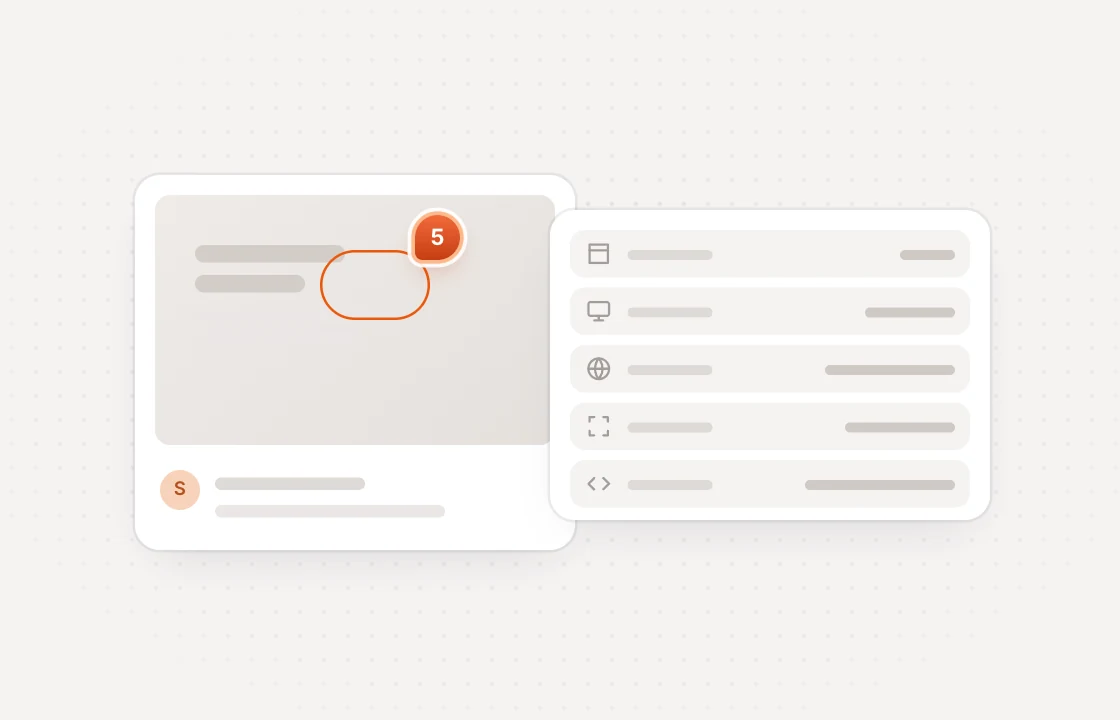
New comments start a Zap
The Zap gets the comment with its page, screenshot and browser details, ready to pass on.
 Update
Zaps can update the status
Resolve a comment from a Zap once the work is done somewhere else, with no one updating it by hand.
Automate the busywork around every round of feedback
 Huddlekit + Zapier
Everything a Zap needs triggers, actions and a search
Two triggers
New Comment and Comment Status Changed are pushed within seconds, not polled.
Two actions
Create Comment adds feedback to any project. Update Comment Status moves it along.
Find Project
Look up the right project from inside a Zap, so new comments land where they belong.
Safe two-way Zaps
A Zap never receives its own writes back, so reading and creating comments in one Zap can't loop.
One API key
Create a key under Integrations in Huddlekit, paste it into Zapier and you're connected.
Clearly labeled
Comments created by a Zap come from a guest named API, so nobody mistakes them for a client.
Zapier connects with an API key, and API access is on the Team plan. Compare plans
Integrations come with Team start free and upgrade when you connect
- 3 team members
- 1 project
- Unlimited guests
- 100 MB storage
- 3 team members
- Unlimited projects
- Unlimited guests
- 5 GB storage
- Connect Claude & Cursor (MCP)
- 15 team members
- Unlimited projects
- Unlimited guests
- 50 GB storage
- Connect Claude & Cursor (MCP)
- Integrations
- API access
Every limit and feature, plan by plan. Compare plans
Commonly asked questions and some more.
How do I connect Zapier?
Zapier connects from its own side. A workspace owner or admin creates an API key under the workspace's Integrations, adds Huddlekit as an app in Zapier and pastes the key when asked. The key is only shown once, so copy it before closing the dialog.
Which triggers and actions are there?
Two triggers, New Comment and Comment Status Changed. Two actions, Create Comment and Update Comment Status. And one search, Find Project.
What can Create Comment set?
The project, the text (up to 10,000 characters), where the comment belongs, as a page path or URL, a page number or a time in a video, and its status.
Can a Zap edit or delete comments?
A Zap can change a comment's status. Editing a comment's text and deleting comments aren't possible from Zapier or the API.
Which plan do I need?
Team. Zapier connects with a workspace API key, and API keys are on the Team plan along with every integration.
Have more questions? Visit our support center.
Works with the rest of your stack more ways to move feedback
Linear
Turn comments into Linear issues and keep status in sync.
ClickUp
Turn comments into ClickUp tasks and keep status in sync.
Notion
Turn comments into Notion pages and keep status in sync.
Slack
Post comments to a channel and resolve them without leaving Slack.
Webhooks & API
Push comments to your own endpoint, and read or update them.
MCP for AI tools
Let Claude, Claude Code or Cursor work through your comments.
Looking for something else? See all integrations