Turn website feedback into Asana tasks
Clients comment on the live site with no account or extension. Each one becomes an Asana task, with completion synced both ways.
From a client's click to Asana and back again
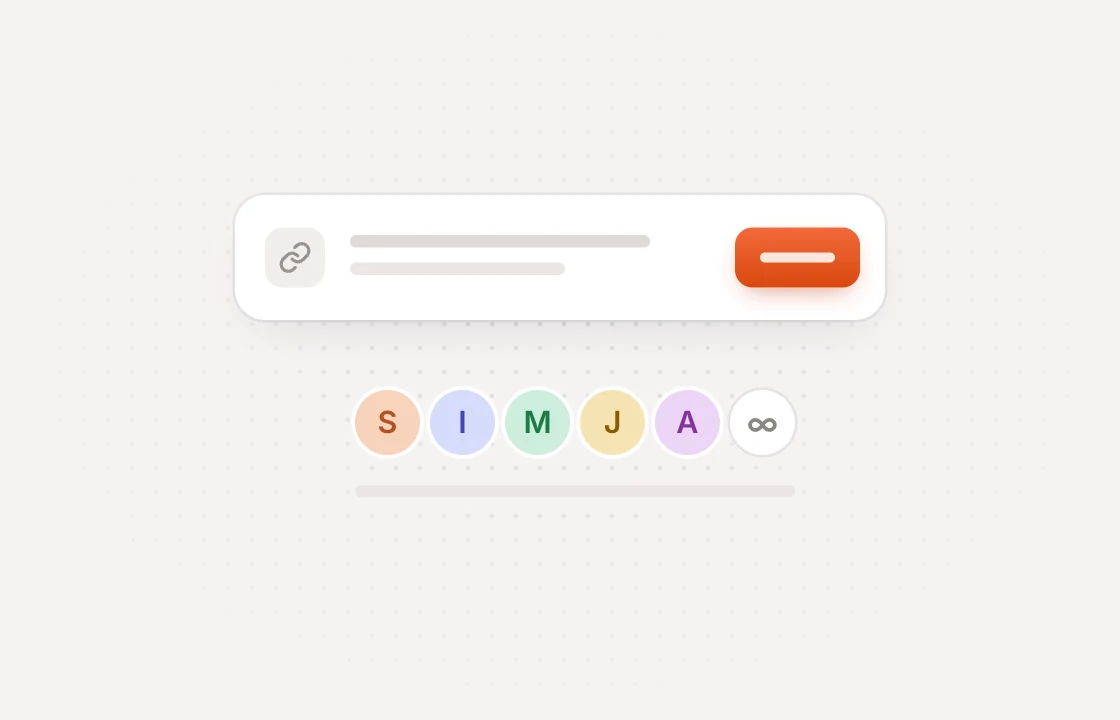 Collect
Clients comment on the page
Share a link and clients pin feedback on the exact spot. No account or extension needed.
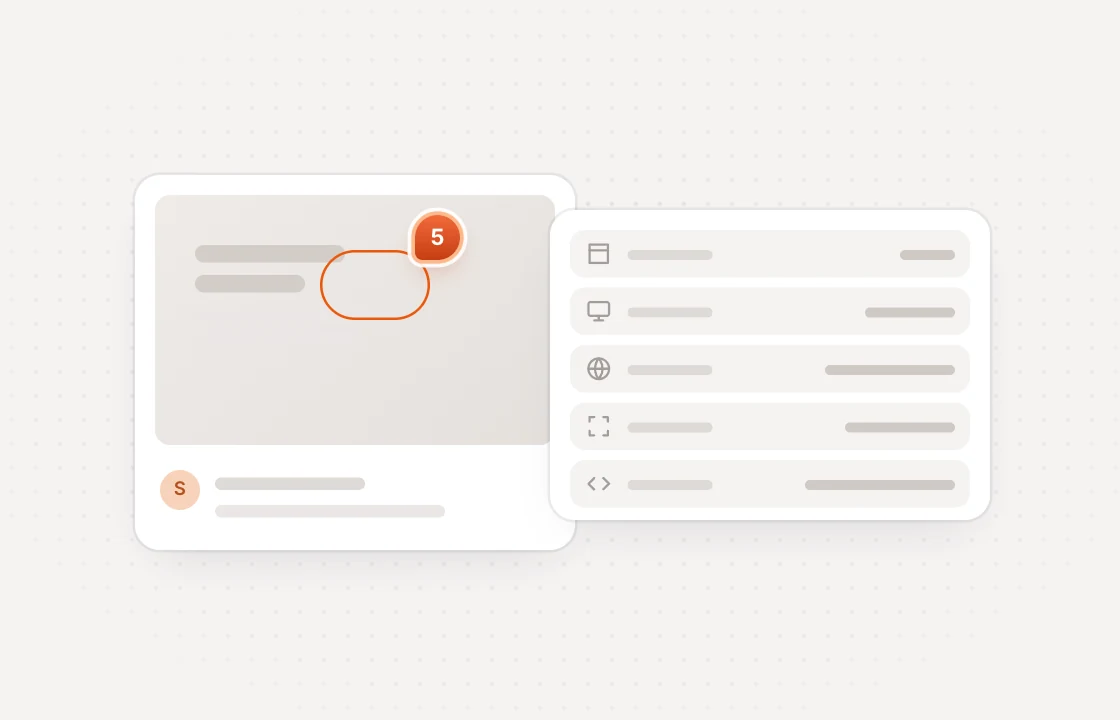 Send
SendTasks land in the right project
Every new comment becomes an Asana task with its page link, environment and a link to its screenshot.
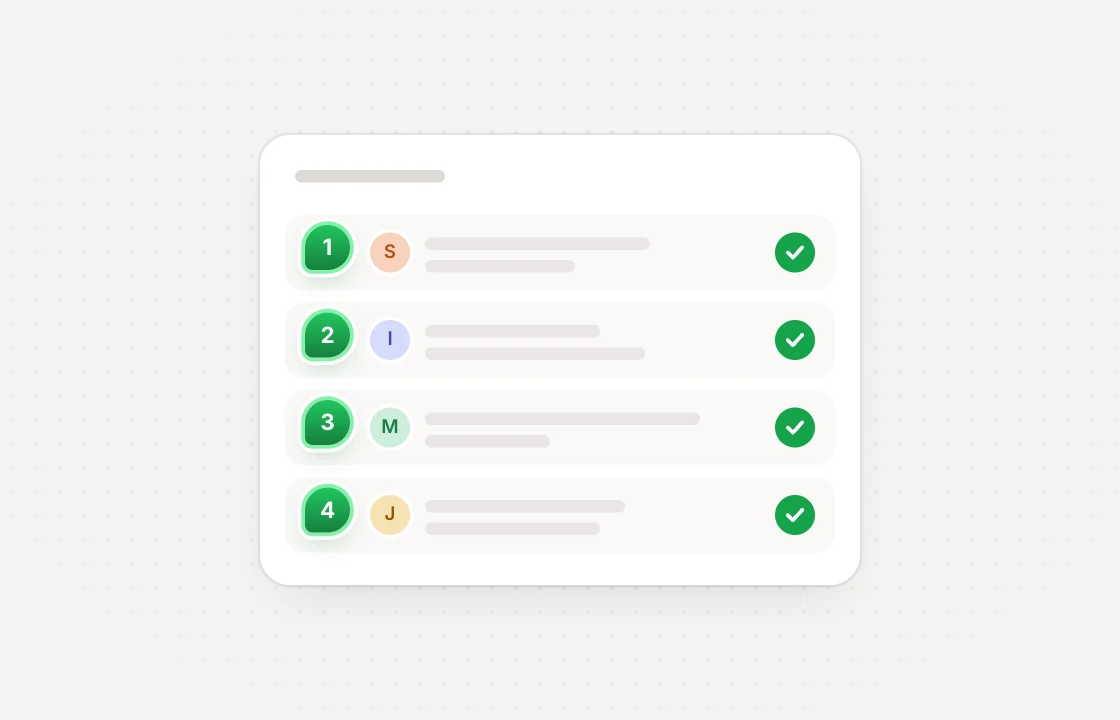 Sync
SyncCompletion syncs both ways
Complete the task in Asana and the comment is resolved. Resolve the comment and the task is completed.
Every task arrives ready to work on without copying details across
 Huddlekit + Asana
Set it up the way your team works project by project
Route by project
Choose an Asana project for each project, use a default, or keep a project out.
Reopen from either side
Mark a task incomplete and its comment opens again. Reopen the comment and the task follows.
Sections stay yours
Open, In progress and In review stay in Huddlekit, so moving a task between sections changes nothing.
One-way if you prefer
Switch to one-way sync and changes made in Asana stay in Asana.
Nightly check
A nightly job repairs completion that drifted. If both sides changed, Huddlekit wins and notes it on the task.
Admins in control
Only workspace owners and admins can connect Asana or change where comments go.
The Asana integration is on the Team plan. Setup guide · Compare plans
Integrations come with Team start free and upgrade when you connect
- 3 team members
- 1 project
- Unlimited guests
- 100 MB storage
- 3 team members
- Unlimited projects
- Unlimited guests
- 5 GB storage
- Connect Claude & Cursor (MCP)
- 15 team members
- Unlimited projects
- Unlimited guests
- 50 GB storage
- Connect Claude & Cursor (MCP)
- Integrations
- API access
Every limit and feature, plan by plan. Compare plans
Commonly asked questions and some more.
How do I connect Asana to Huddlekit?
A workspace owner or admin opens the workspace's Integrations page, clicks Connect on Asana and approves Huddlekit on Asana's consent screen. Nothing syncs until you pick an Asana project, so choose a default project, or send each project to one of its own.
Which comments become Asana tasks?
Every new comment on a project that syncs, whether it was left on a website, a web app or an uploaded file. Private comments are included.
What does each Asana task include?
The title is the comment number and its first line. The description holds the full comment, the project, who reported it and where, a link to the screenshot, the OS, browser, viewport and pixel ratio it was left in (plus resolution, color depth and network on websites), and a link back to the comment in Huddlekit. Comments on media files carry the page number or video time instead of a screenshot and browser details.
Why does only completion sync?
Asana tasks have no status field, only a checkbox for done, and every project names its sections its own way. So completing a task resolves its comment, and resolving a comment completes its task. Open, In progress and In review stay in Huddlekit.
What stays in Huddlekit?
Replies, edits, priority, tags, assignees, attachments and due dates. Completion is the only thing that syncs both ways, and the task description is written once, when the comment arrives. Comments your team adds in Asana stay in Asana.
What happens if I disconnect Asana?
Huddlekit's access to Asana ends, and the tasks it created stay in Asana. If you connect the same Asana workspace again, your project settings and task links come back, so no task is created twice.
Which plan do I need?
Team. Asana, like every other integration and the API, is on the Team plan. If the workspace moves off Team, or a payment is past due, syncing pauses, and comments left in the meantime aren't sent when it resumes, unless their status changes later.
Have more questions? Visit our support center.
Works with the rest of your stack more ways to move feedback
Linear
Turn comments into Linear issues and keep status in sync.
ClickUp
Turn comments into ClickUp tasks and keep status in sync.
Notion
Turn comments into Notion pages and keep status in sync.
Slack
Post comments to a channel and resolve them without leaving Slack.
Zapier
Send comments to thousands of other apps without writing code.
Webhooks & API
Push comments to your own endpoint, and read or update them.
Let your AI agent fix comments over MCP
Looking for something else? See all integrations