The feedback tool studios actually keep using
Run client reviews, internal QA, and developer handoff in one workspace, without paying per seat for clients.
Trusted by studios and agencies worldwide






Every step of a client review from internal QA to developer handoff
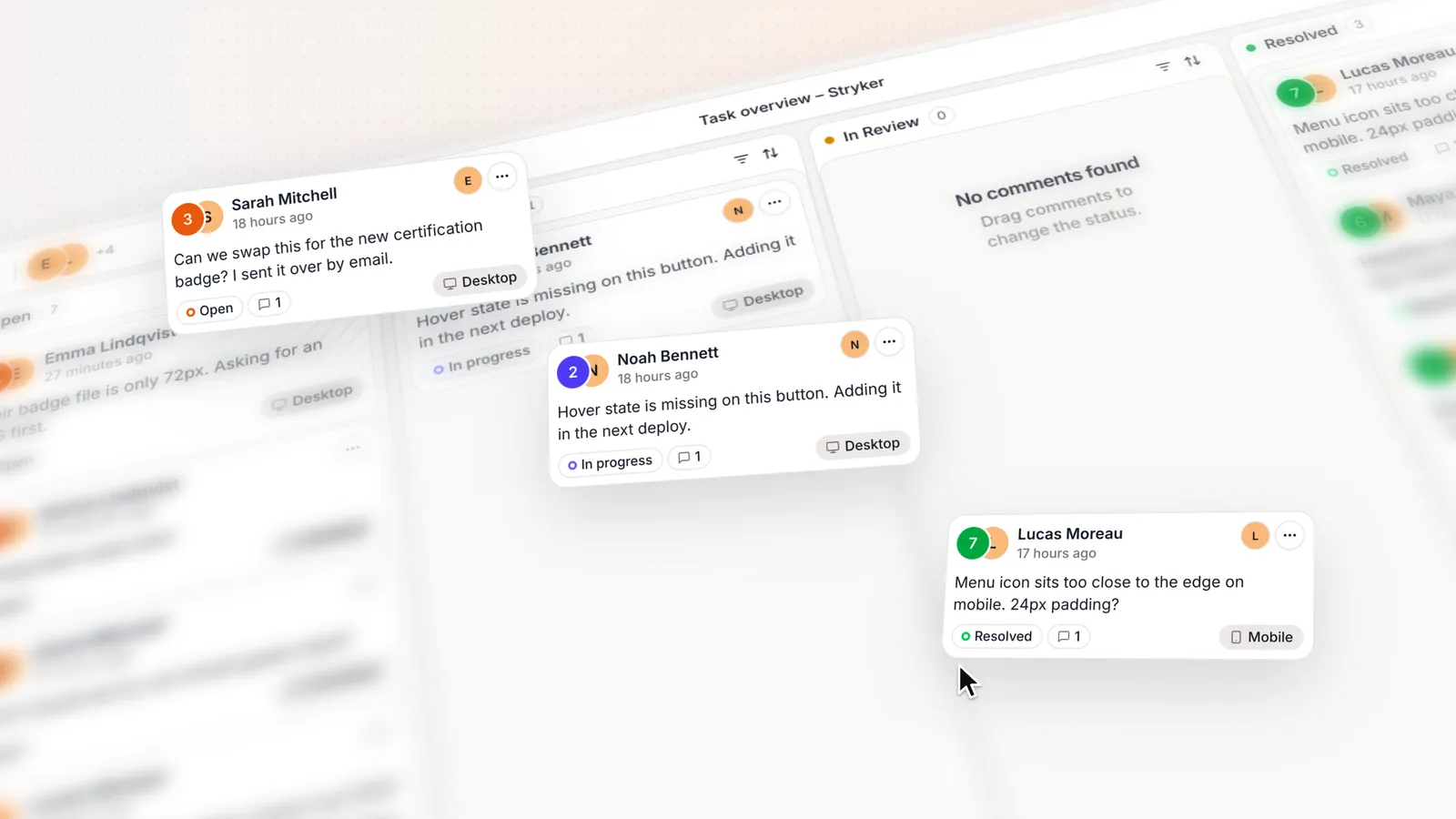
 Internal QA
Catch issues before the client sees them
Check the build at every breakpoint side by side and assign fixes before the link goes out.
 Client reviews
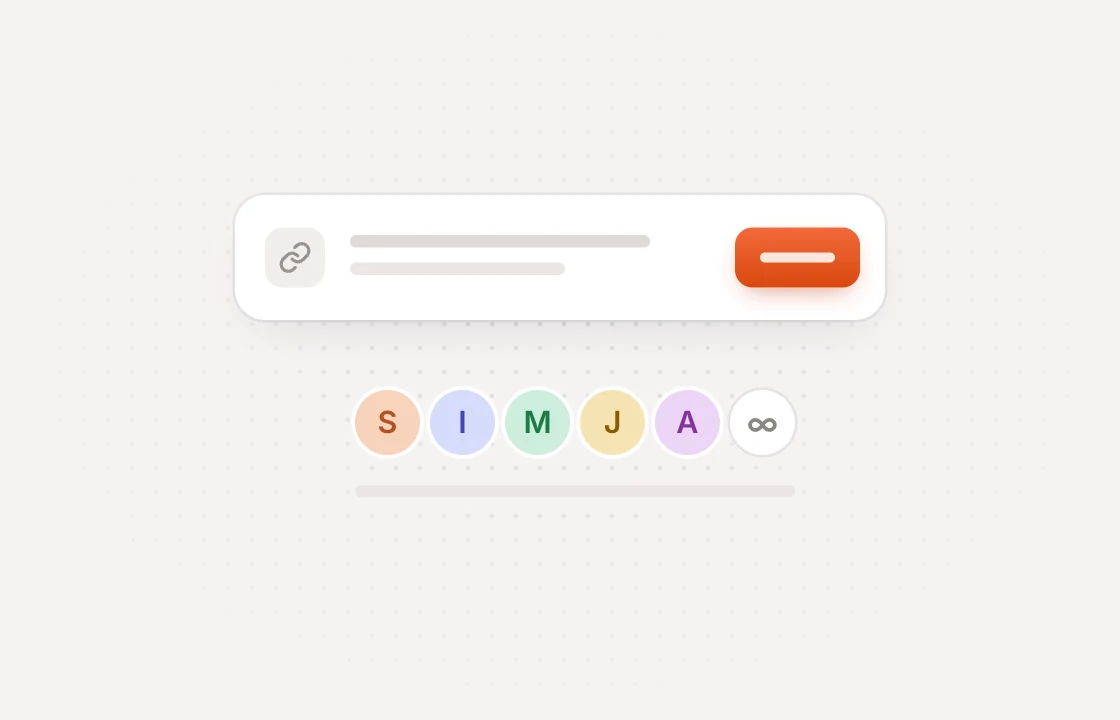
Run client reviews that finish on schedule
Replace email threads with one link. Clients comment on the live site without an account.
 Developer handoff
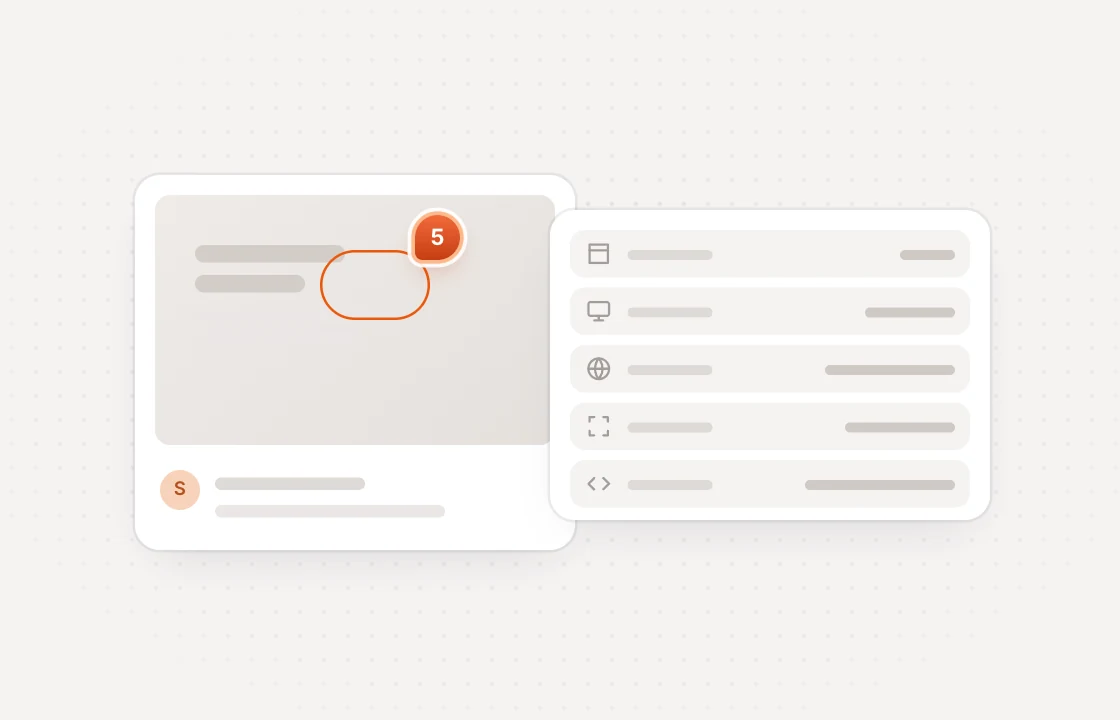
Turn approved feedback into dev tickets
Every comment carries the screenshot, browser, screen size and selector developers need.
Review anything you ship for clients websites, creative and web apps
Premium features for a fair price with no hidden fees
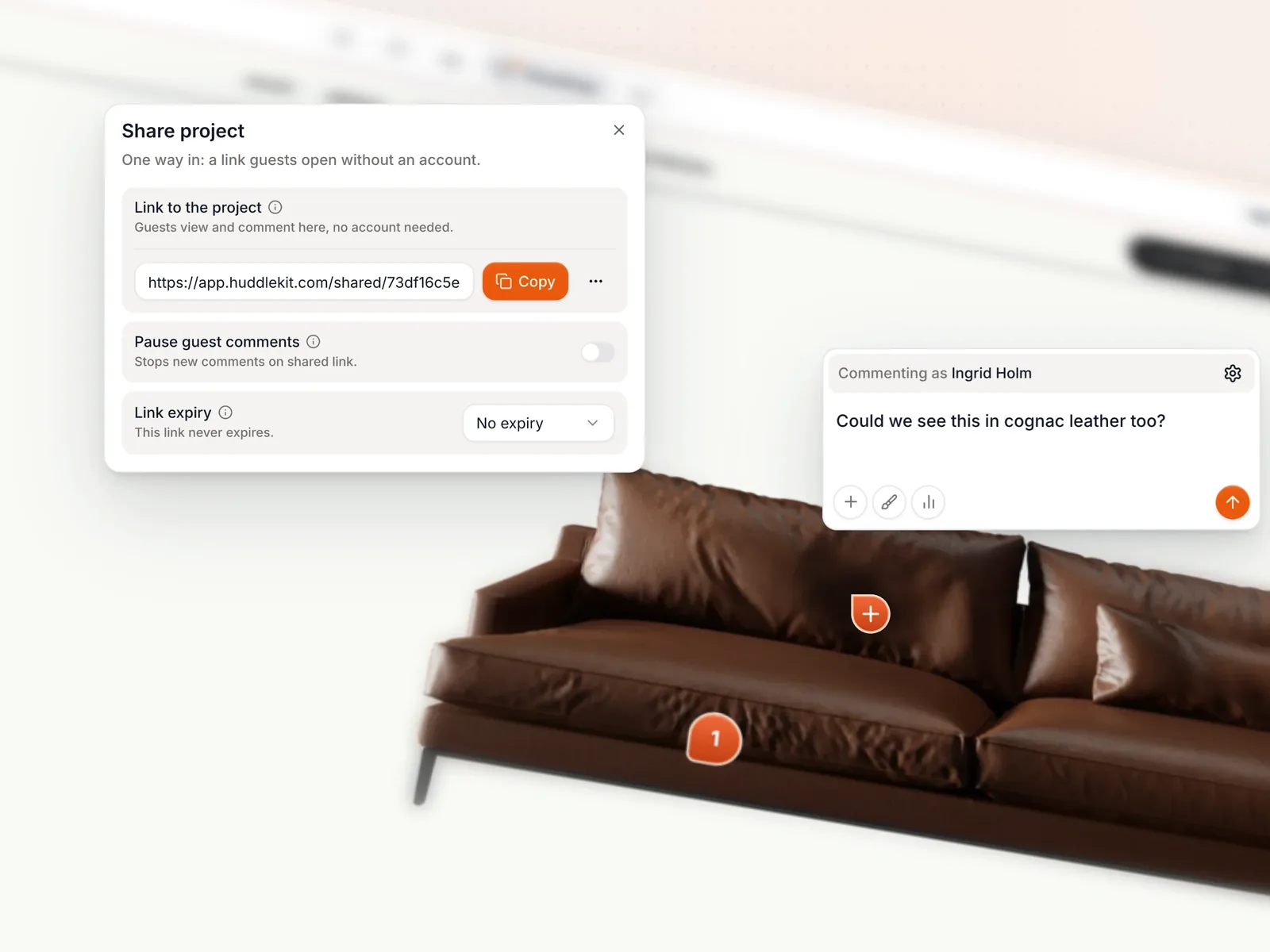
Invite every client stakeholder without paying per seat
Share a review link with as many clients and stakeholders as you need. Guests never count against your seat limit.
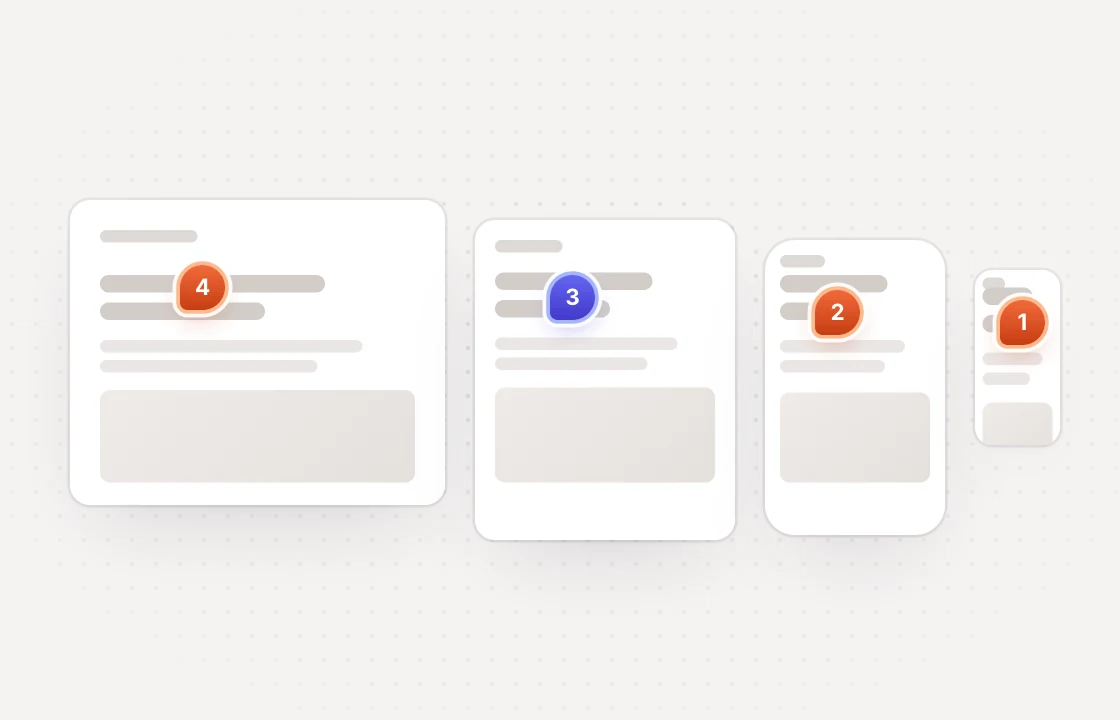
Catch responsive issues across every device in one view
On Pro and Team, place mobile, tablet, laptop, and desktop side-by-side so your team catches the breakpoint that breaks before the client does.
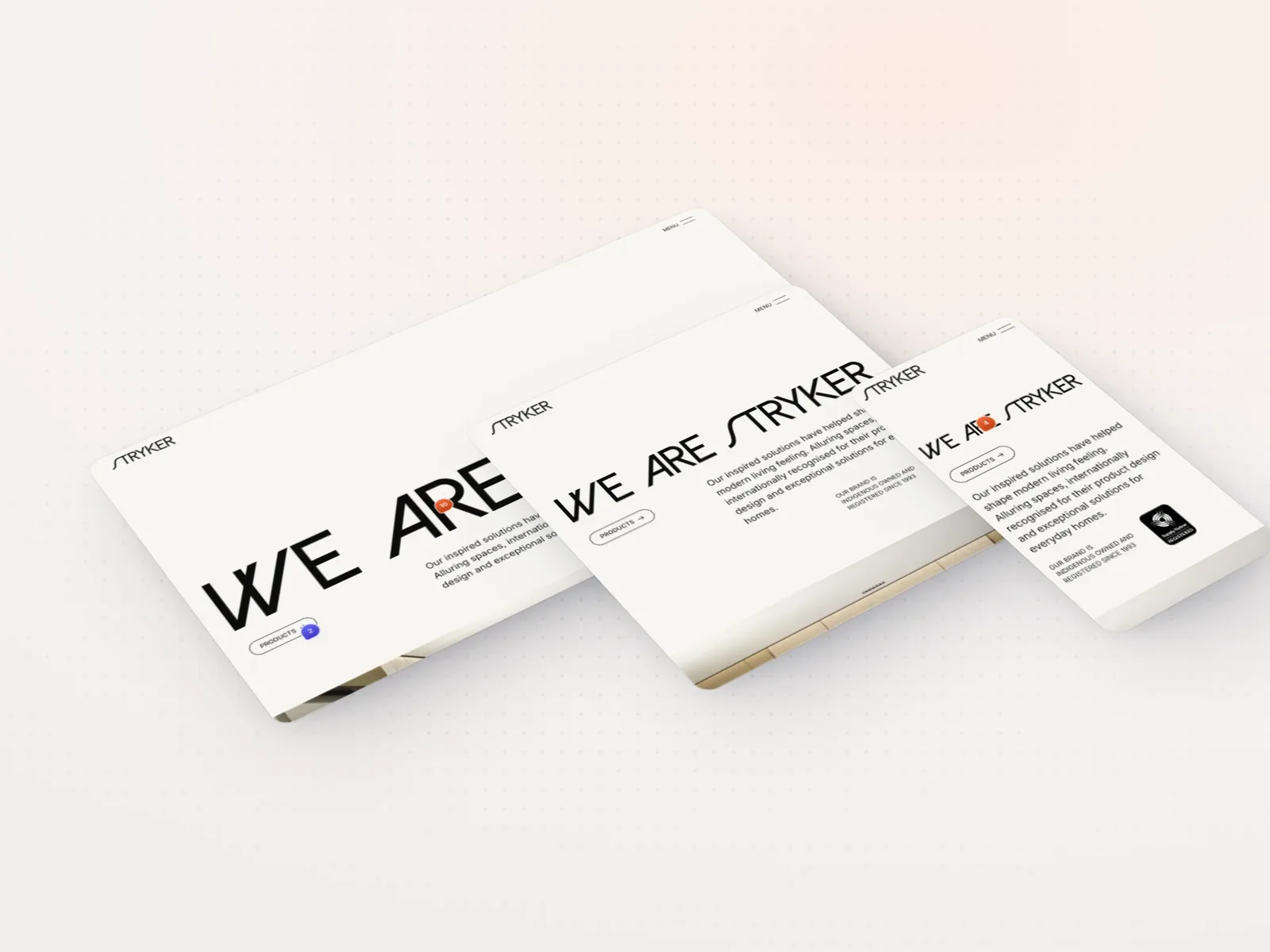
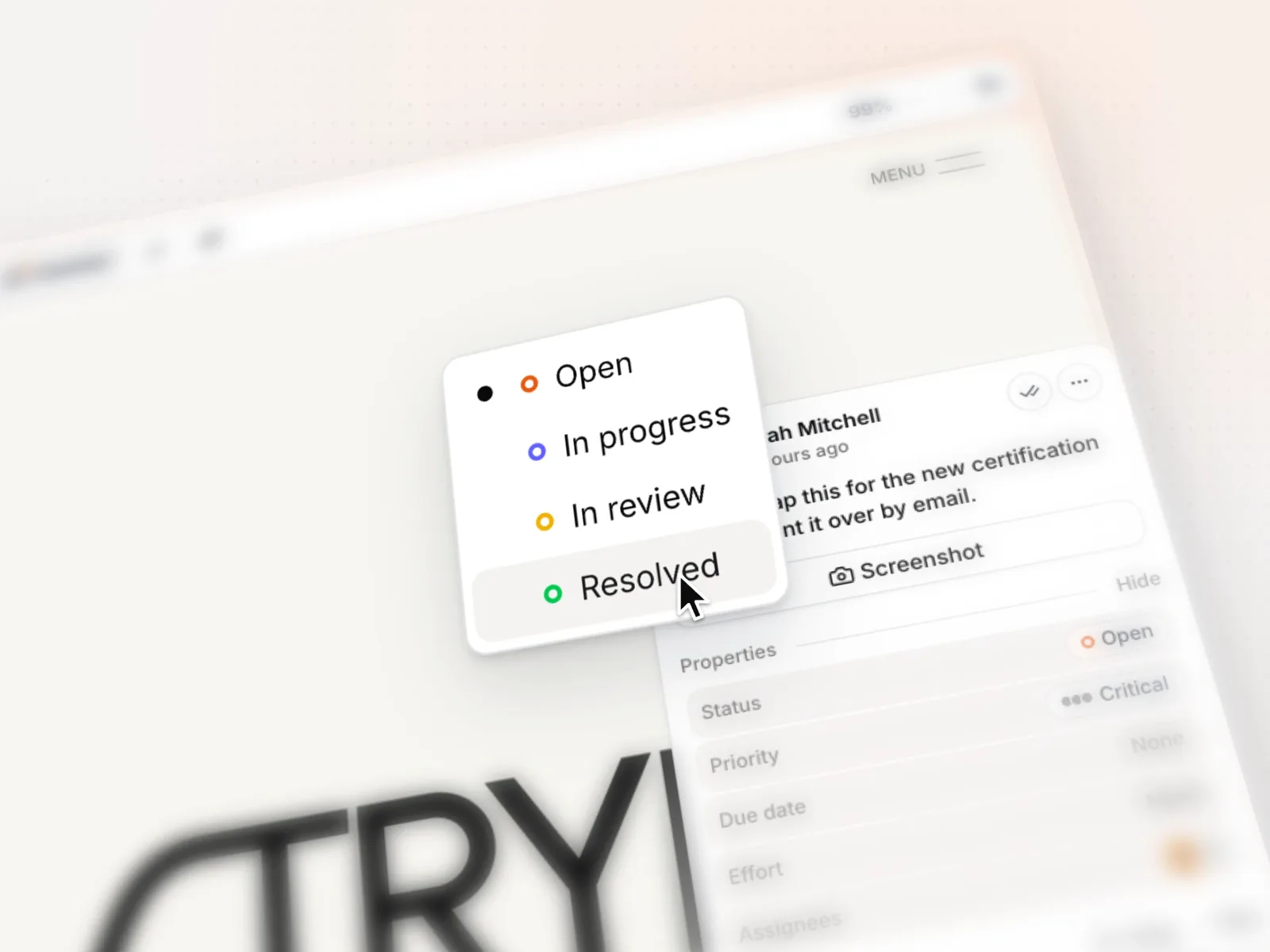
See what's open, in review, and resolved on every project
Give every comment a status, priority, and assignee, so your team always knows what's left before launch.
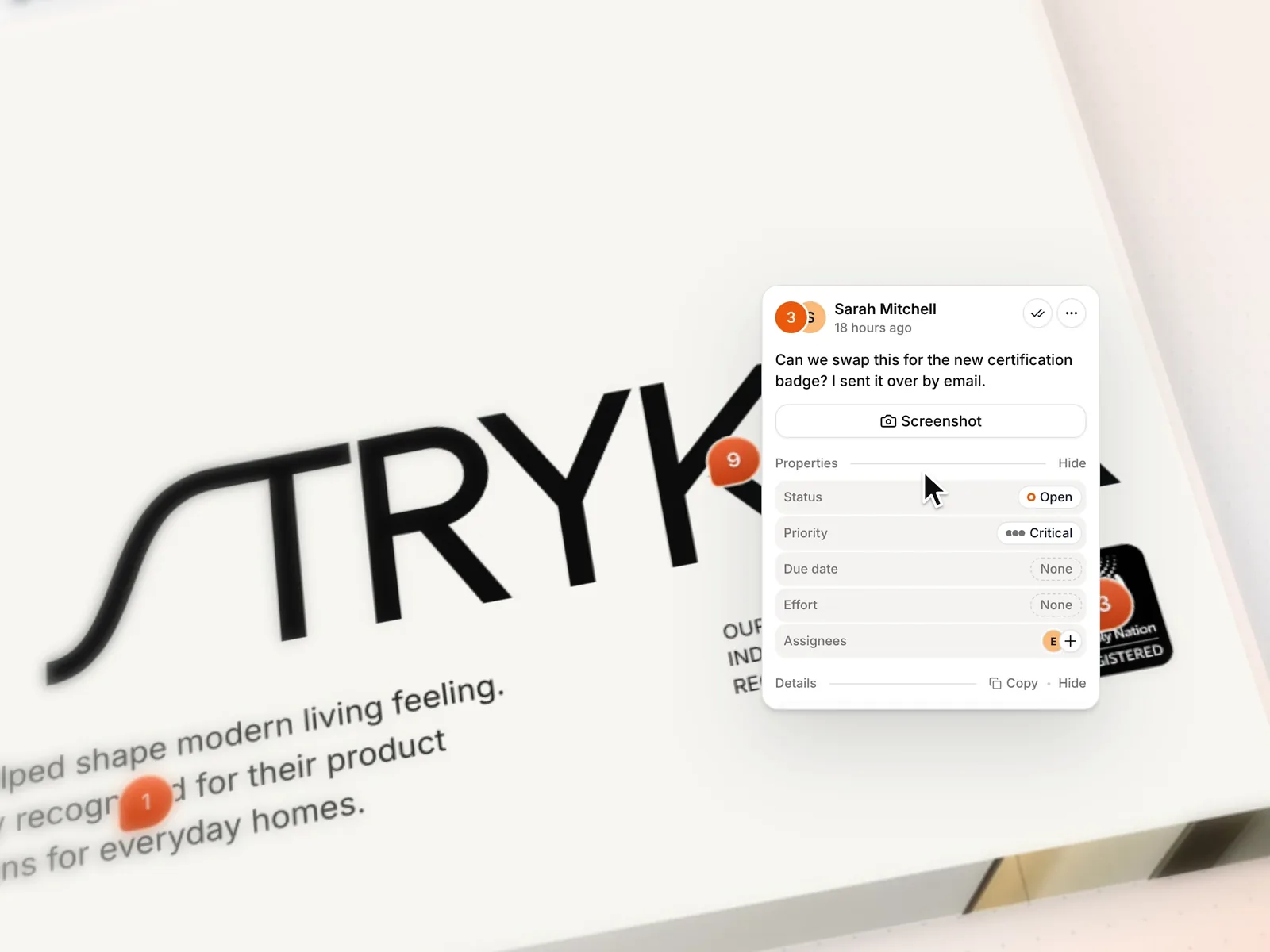
Send one link and clients can start commenting right away
Review links open the real client website with a minimal overlay. No browser extension or embed script required.
Plus drawing tools, private comments, file reviews and a widget for web apps. View all features
Here's why teams choose us over the traditional review stack
 Huddlekit
Don't just take it from us hear it from the professionals
“Huddlekit has become a real part of my process. … The whole UI is friendly and refreshingly uncomplicated. A straightforward, much-needed tool, especially for Webflow freelancers who want to add a touch of professionalism to their process.”

Magnaem Ambata
Webflow Developer
“I was previously using Pastel, but it only offers two breakpoints. Huddlekit has been a really solid upgrade for my workflow.”

Gul Ahmed
Webflow Developer
“Clients love dropping comments that instantly become actionable. Nothing falls through the cracks.”

Douglas Tamm
Digital Designer
“I love this tool! The UI is super intuitive and clean, and the best part is being able to see all the breakpoints side by side.”

Mikael Brunnberg
Product Designer
“After 20 years of designing websites, I can confidently say that Huddlekit is an exceptional product for the modern designer.”

David Lozano
Web Designer & Youtuber
“We tried Markup, Ruttl, and a handful of other tools. Huddlekit was the first one that actually organized our feedback and felt easy enough for clients to use without a walkthrough.”

George Duckett
Growth Lead
“Before, we spent a lot of time just figuring out what the client actually meant. Now they point at it and tell us. Much easier.”

Christian Jigling
Web Developer
“I'm not one to fill out testimonials, but Huddlekit has been the best experience for a markup tool that I have used. The tool itself has the best features compared to other markup tools, but what got me to leave a review was their tech support. …”

Matthew Haire
Web Project Manager
“Excellent tool, worked with a lot of other markup software and this is best in class.”

Felix Hellström
Web Developer
Cutting review cycles and speeding up deliveries

“We tried Markup, Ruttl, and a handful of other tools. Huddlekit was the first one that actually organized our feedback…”
George Duckett
Growth Lead at Stormfors

“We stopped wasting time interpreting vague emails and just started fixing things.”
Christian Jigling
Web Developer at Leadfront
Loved by bespoke agencies. View case studies
Simple per-workspace pricing with clients and guests always free
- 3 team members
- 1 project
- Unlimited guests
- 100 MB storage
- 3 team members
- Unlimited projects
- Unlimited guests
- 5 GB storage
- Connect Claude & Cursor (MCP)
- 15 team members
- Unlimited projects
- Unlimited guests
- 50 GB storage
- Connect Claude & Cursor (MCP)
- Integrations
- API access
Every limit and feature, plan by plan. Compare plans
Commonly asked questions and some more.
Do clients need an account, extension, or login to leave feedback?
No to all three. Share a review link and clients can comment, attach screenshots, and reply directly on the live site without an account, an extension, or any signup friction. Guest reviewers are unlimited on every Huddlekit plan, so you can invite as many client stakeholders as you need.
How does pricing work for agencies running many client projects?
Plans are billed per workspace, not per seat, project, or client. On Pro and Team you can run unlimited client websites inside one agency workspace, and client guests never count as members. The Team plan covers up to 15 team members and stays flat as your client roster grows.
How does developer handoff work after client sign-off?
Every comment automatically captures the page URL, viewport, device, browser, and the selector of the clicked element, and developers can filter the project view to open issues only. Inspect mode lets engineers verify spacing and styles on the live site without DevTools, so handoff happens inside the same workspace without ticket migration.
Does Huddlekit work with Webflow, WordPress, Framer, and Shopify sites?
Yes. Huddlekit works with any public website including Webflow, WordPress, Framer, Shopify, and Squarespace, with no script tag required. For staging URLs behind a login, the Web App project type uses a small SDK so reviewers can annotate while authenticated.
Can I keep separate client projects organized inside one agency workspace?
Yes. Each project has its own URL, comment thread, and task board. You can filter feedback by client, assign issues to specific team members, and archive projects after launch. The workspace stays clean even as you onboard new clients.
How do agencies typically cut review cycles with Huddlekit?
A designer drops the staging URL into Huddlekit and shares a review link. Clients pin comments directly on elements, and every comment automatically captures the URL, viewport, device, and browser. Developers stop chasing context, so fewer rounds are spent asking what a comment meant.
Is there a white-label or branded review experience for clients?
There is no white-label option. Review links open the live client site with a minimal Huddlekit overlay, so your client sees their own work, not a competing brand.
Have more questions? Visit our support center.