Send website feedback to your own code
Signed webhooks tell your server when a client comments. A REST API lets you read comments, create them and change their status.
From a client's click to your code and back again
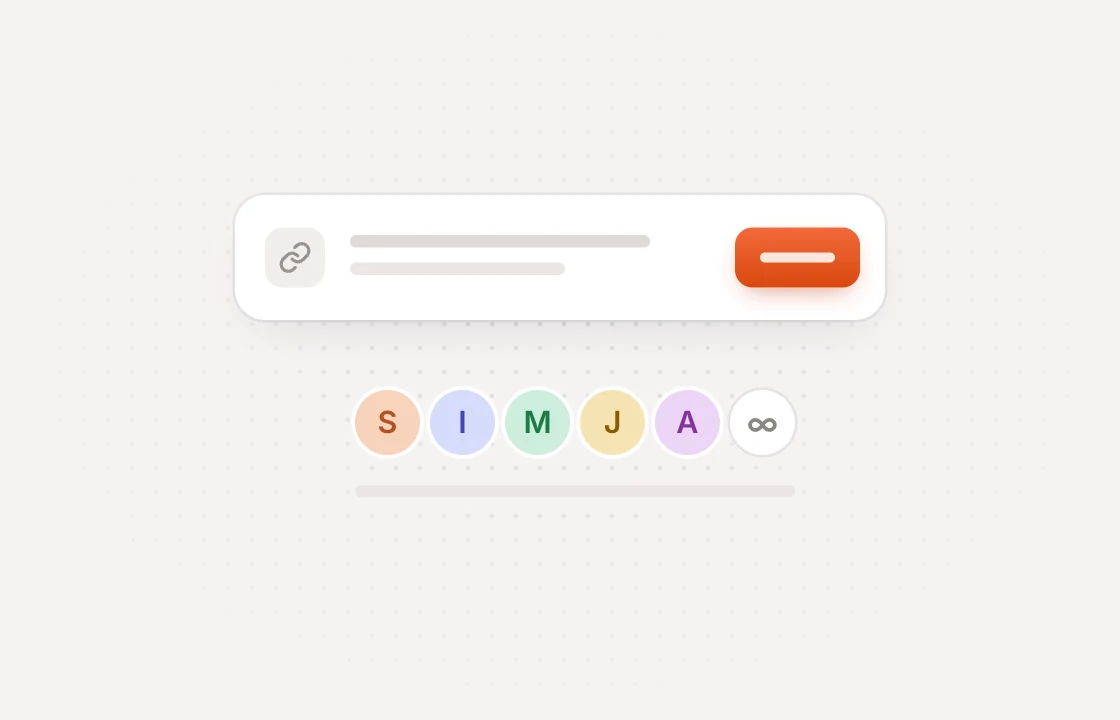 Collect
Clients comment on the page
Share a link and clients pin feedback on the exact spot. No account or extension needed.
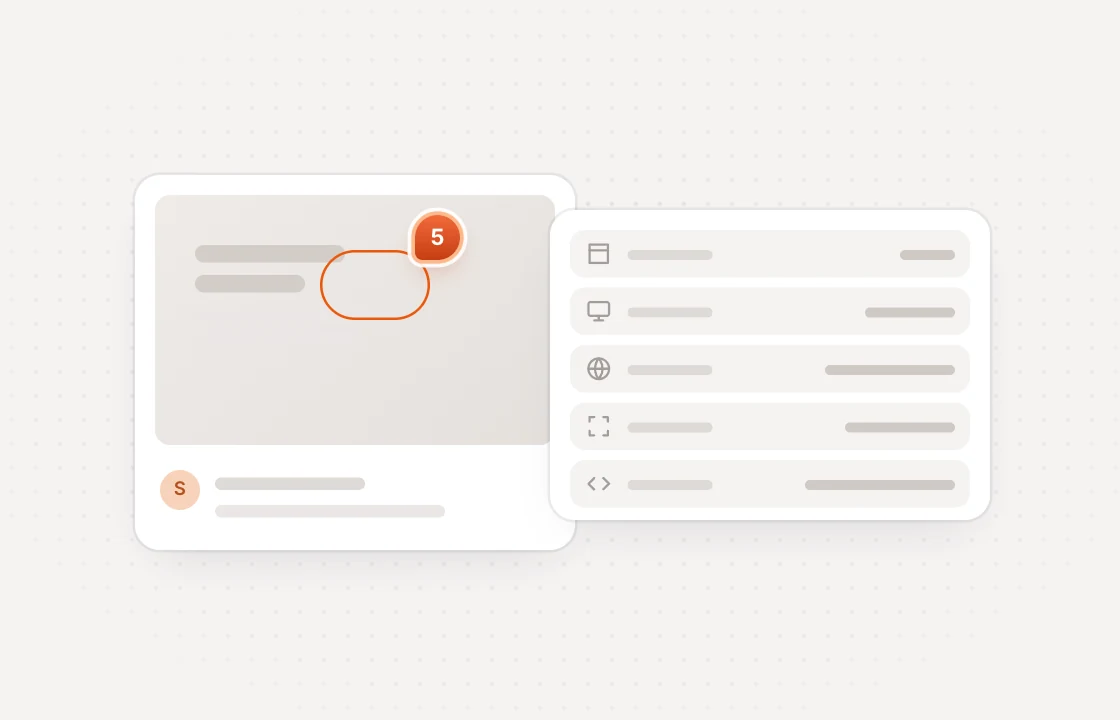 Deliver
A signed webhook arrives
It carries the comment, its page, screenshot, browser details and a link back to it.
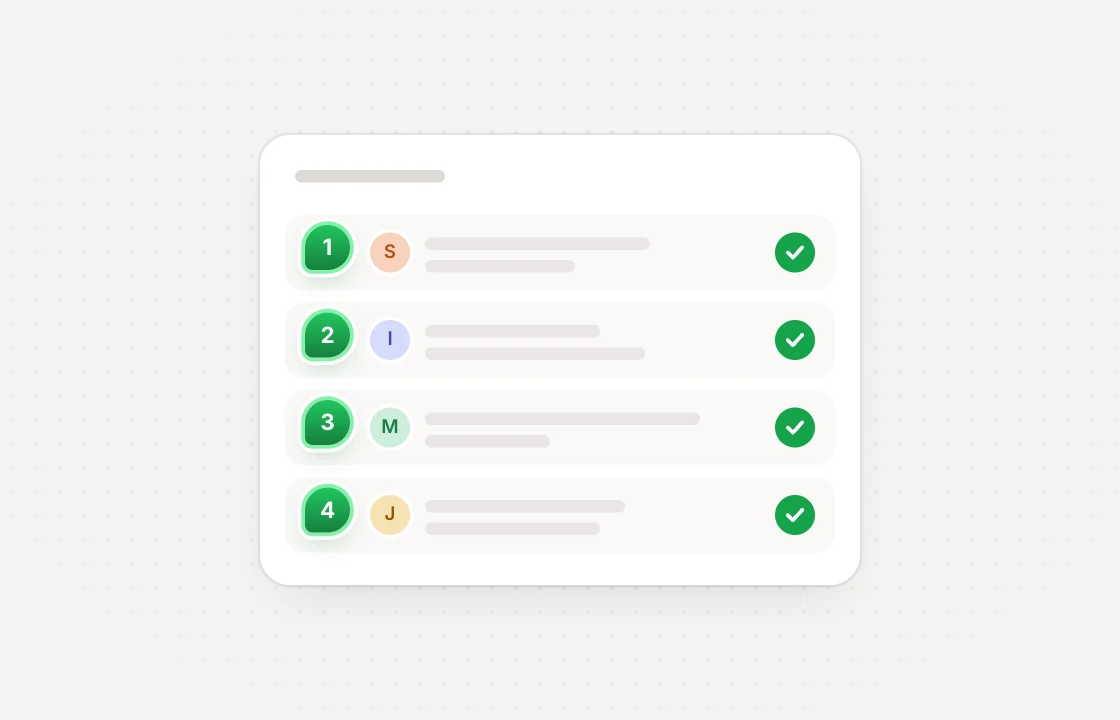 Update
Your code sets the status
Call the API to resolve a comment once your own system has dealt with it.
Webhooks you can rely on signed, retried and logged
 Huddlekit webhooks
A small API that covers the basics with keys you control
Four events
New comments, status changes, text edits and screenshots. Filter them when subscribing via the API.
REST endpoints
List projects and comments, create comments, set statuses and manage webhook subscriptions.
Scoped keys
Give each API key read access, or read and write, so every connection gets only what it needs.
Clear rate limits
Each API key can make 200 reads and 30 writes a minute, counted separately for every key.
Know where it came from
Every event says whether a change was made in the app, by an AI agent or with an API key.
Safe by default
No redirects or private addresses, and an endpoint that fails 20 times in a row is switched off.
Webhooks and API access are on the Team plan. Compare plans
Integrations come with Team start free and upgrade when you connect
- 3 team members
- 1 project
- Unlimited guests
- 100 MB storage
- 3 team members
- Unlimited projects
- Unlimited guests
- 5 GB storage
- Connect Claude & Cursor (MCP)
- 15 team members
- Unlimited projects
- Unlimited guests
- 50 GB storage
- Connect Claude & Cursor (MCP)
- Integrations
- API access
Every limit and feature, plan by plan. Compare plans
Commonly asked questions and some more.
Which webhook events are there?
comment.created, comment.status_changed, comment.text_changed and comment.screenshot_ready. New comments are sent about ten seconds after they are left, so the screenshot is usually ready by then.
How do I verify a webhook?
Each request has an X-Huddlekit-Signature header holding a timestamp and an HMAC-SHA256 signature of the timestamp and the body. Reject anything older than five minutes. When you rotate the secret, the old one keeps working for 24 hours.
What happens if my endpoint is down?
Each delivery is tried up to six times over about eight hours before it is set aside. Requests time out after ten seconds, and an endpoint that fails 20 times in a row is switched off. The delivery log keeps 30 days of attempts, so you can see what went wrong.
What can the API do?
Read the workspace's projects and comments, create comments, change a comment's status and manage webhook subscriptions, using a workspace API key sent as a Bearer token. It can't edit a comment's text or delete comments. Every endpoint is described in the OpenAPI spec at huddlekit.com/openapi.json.
Which plan do I need?
Team. Webhooks and API keys are on the Team plan, along with every integration.
Have more questions? Visit our support center.
Works with the rest of your stack more ways to move feedback
Linear
Turn comments into Linear issues and keep status in sync.
ClickUp
Turn comments into ClickUp tasks and keep status in sync.
Notion
Turn comments into Notion pages and keep status in sync.
Slack
Post comments to a channel and resolve them without leaving Slack.
Zapier
Send comments to thousands of other apps without writing code.
MCP for AI tools
Let Claude, Claude Code or Cursor work through your comments.
Looking for something else? See all integrations